Match the Facebook URL to the intended destination
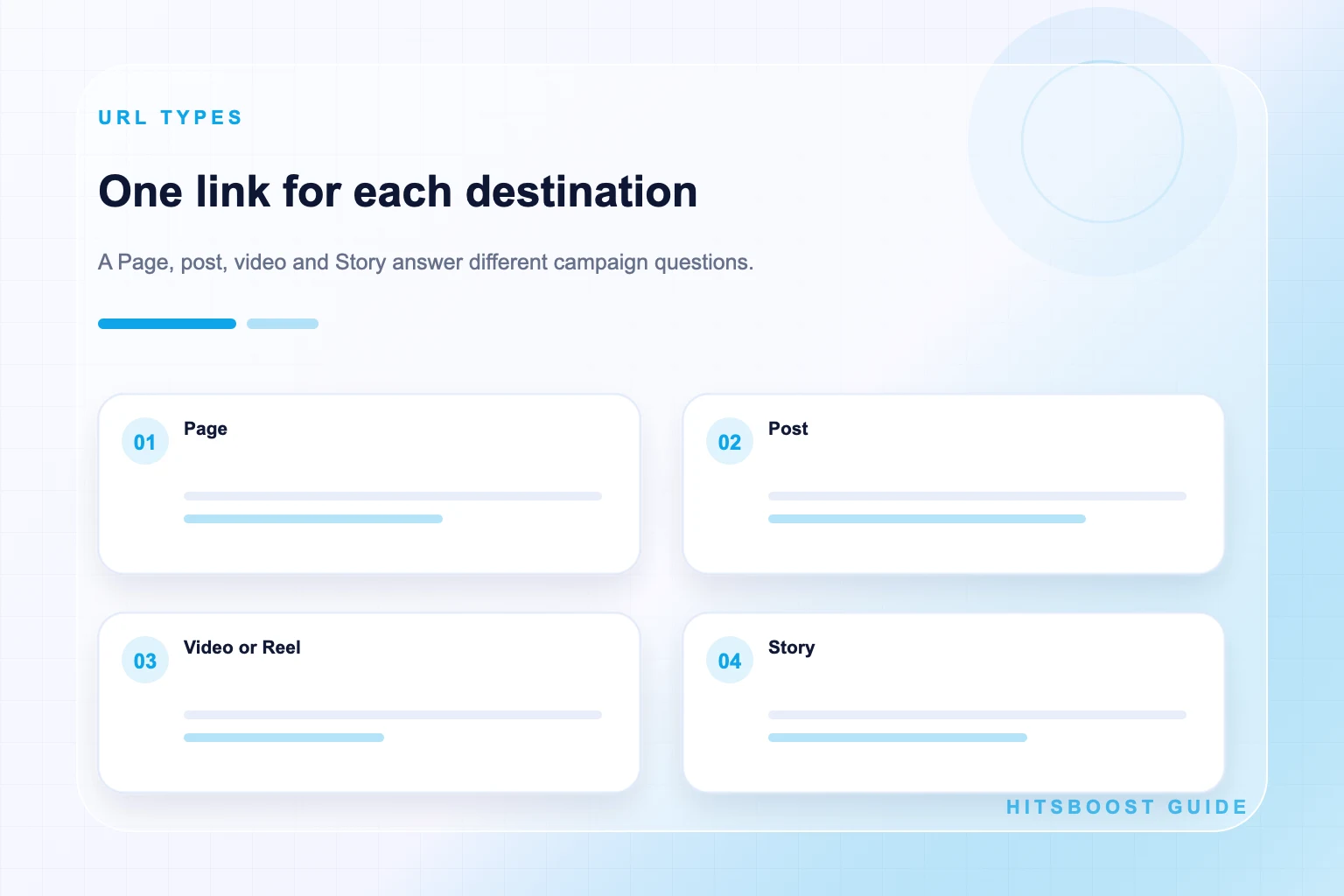
| Destination | What should open | Common use |
|---|---|---|
| Page | The Page home with its public identity | Followers or Page likes |
| Profile | An eligible individual's public profile | Profile followers |
| Post | One exact update, photo, or post | Post reactions |
| Video or Reel | One exact playable content item | Video views or content analysis |
| Story | The intended active Story item | Time-sensitive Story views |
First identify the destination you need
Name the goal before copying anything. Page followers and Page likes use the Page home. Profile followers use an eligible public profile. Post likes use the exact post. Video views use the intended video or Reel, and Story views use the active Story supported by the service. All of these links may begin on Facebook, but they do not point to the same type of destination.
Look at where the metric appears. If the number belongs beside the Page identity, start from the Page home. If it belongs on one piece of content, open that item. This quick check prevents a common mistake: sending a general Page link for a content-level service or sending a post link for an audience-level campaign.
If several Pages or profiles have similar names, compare the profile image, cover, description, location, website, and recent content before saving the address. Write the visible name beside the link in the campaign record. The person who selects the package and the person who reviews it later should be able to identify the same destination.
Find a Facebook Page link on desktop
Open Facebook in a desktop browser and go to the public Page. If you manage the Page, make sure you have navigated to the Page home rather than a settings, insights, advertising, inbox, or management screen. The public Page should show its name, main image, description or details, and content feed rather than private tools.
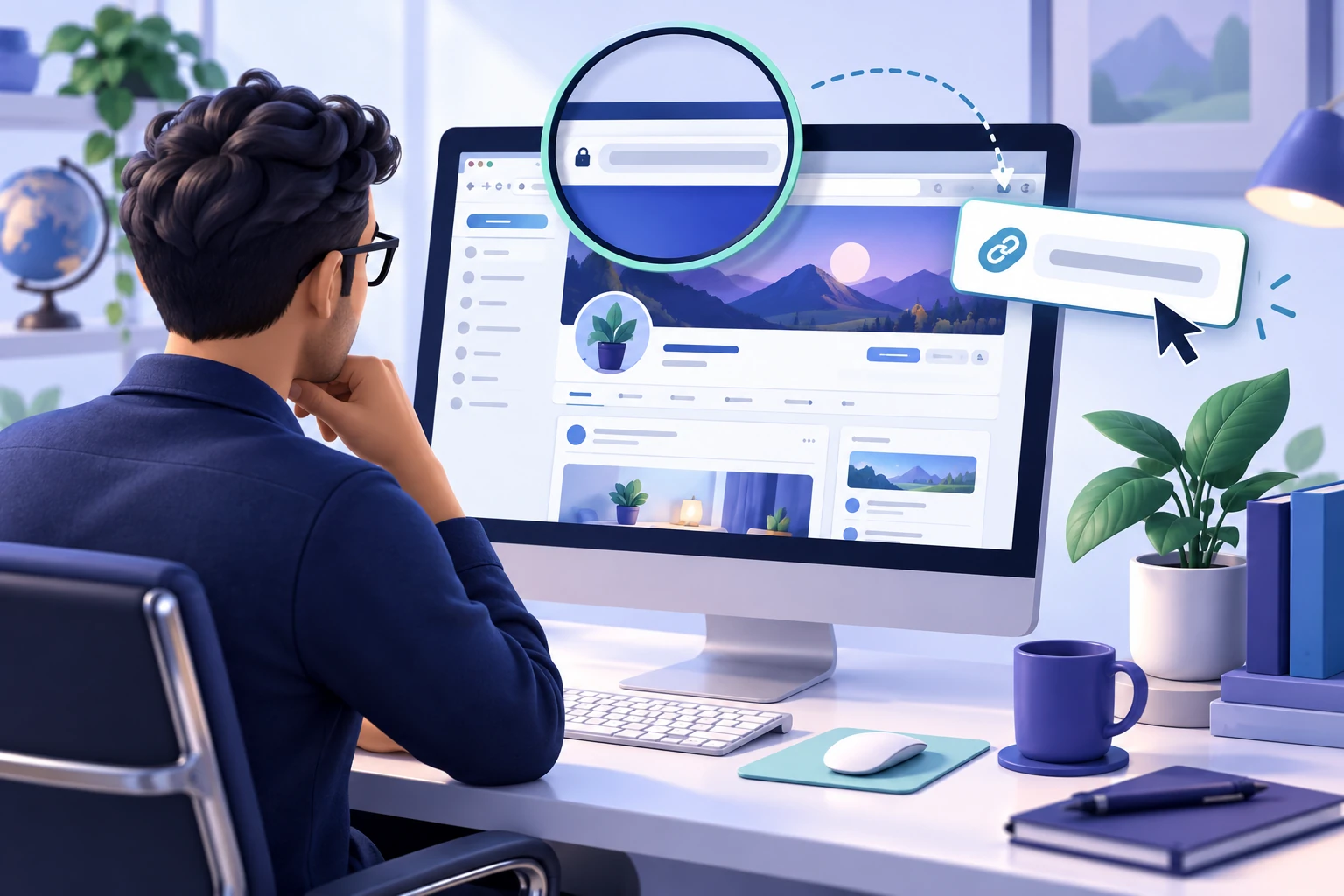
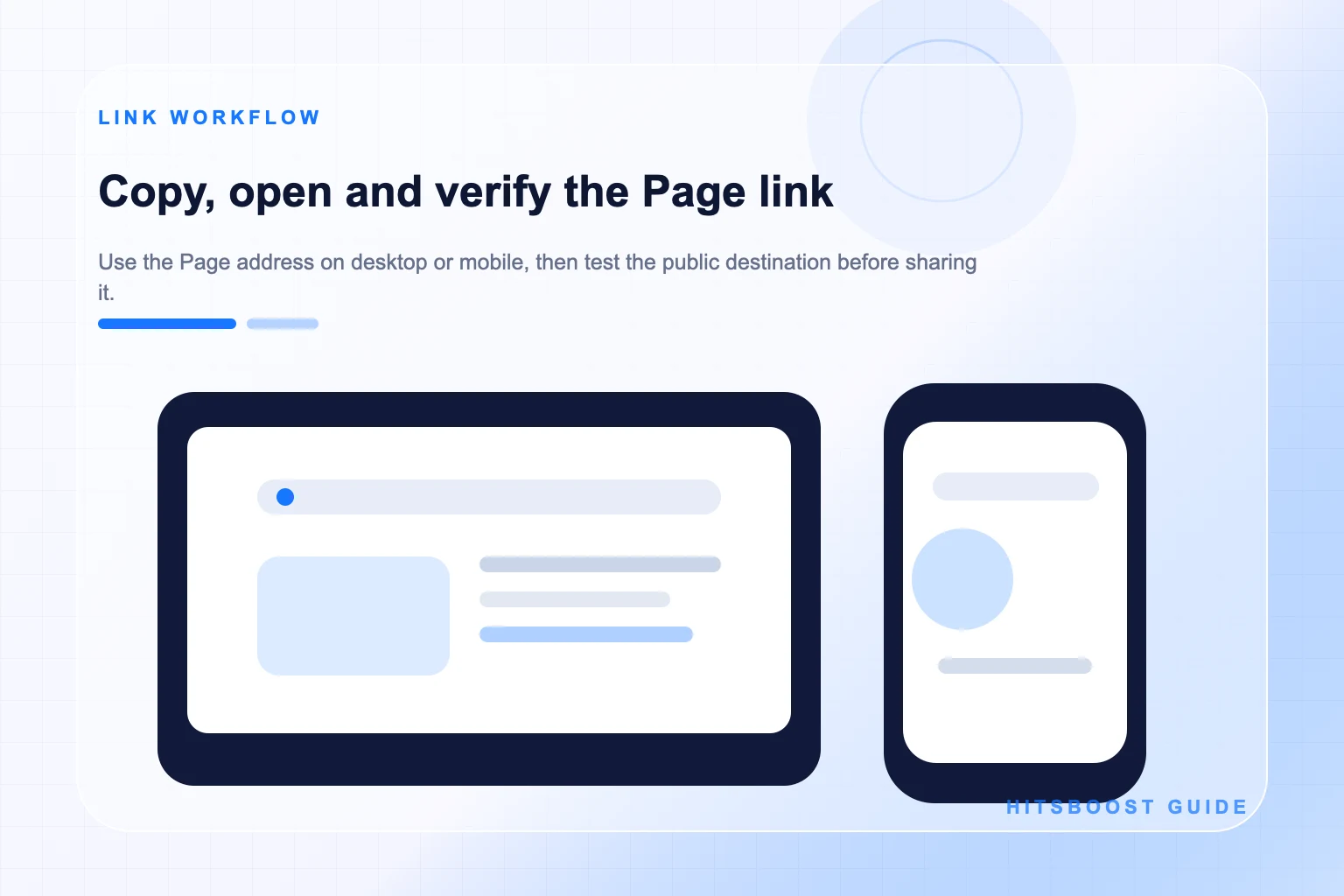
Select the address in the browser bar and copy it. A Page may use a readable username address or another Facebook URL format. Do not edit unfamiliar parts merely to make the link look shorter. Paste the copied address into a fresh tab first. If Facebook provides an official share or copy-link control for the Page, that result can also be tested.
Check that the new tab opens the same Page and not the specific post you were viewing. Then try an ordinary or signed-out browser view when practical. Restrictions, login state, and regional settings can change what a visitor sees, so the final test should resemble the conditions expected by the campaign.
Find a Facebook Page link on mobile
In the Facebook mobile app, open the Page itself and look for its sharing or additional-options control. The labels and positions may change as Facebook updates the app, so focus on the action that shares or copies the Page, not a post inside it. If the app produces a share sheet, choose Copy link when that option is available.
Paste the result into a browser, note, or message to yourself and open it. Confirm the visible Page name and image. A link copied while one post is expanded may lead back to that post, so return to the Page home and repeat the action if the wrong content opens. Do not send the link to a provider until you know what it resolves to.
If the Page has a simple username, you may also see a readable address in a mobile browser. The tested copied link is safer than typing the username from memory. A small spelling difference can lead to another Page, an unavailable address, or a search result rather than the intended destination.
Find the public link for a profile
Open the person's profile and confirm that it is the identity intended for the campaign. A profile represents an individual, even when professional mode is enabled. Review the public name, main image, bio, and content, then use the browser address or the available share-profile action to copy the public URL.
Check the profile's current followers and public-content settings from the account itself. An ordinary visitor should be able to reach the destination and see the public identity required by the service. Do not make private posts public solely to force a campaign fit, and do not assume that every personal profile supports the same follower controls.
Keep the profile URL separate from a Page link that uses the same creator name. Open both if necessary and record which identity the campaign promotes. If the project belongs to a company or team rather than the individual, a Page may be the more stable destination even when the person has a larger profile audience.
Check every place where the profile link will appear before publishing the campaign. A website, email, QR code, partner page, or social bio may still point to an older username or to the creator's Page. Align those references with the chosen destination, then ask another person to open the final link on a phone. This simple review catches identity and redirect mistakes that are easy for the account owner to overlook.
Copy the direct link to a Facebook post
Open the exact post rather than viewing it only in a scrolling feed. Facebook commonly makes the timestamp, date, sharing control, or additional-options menu a route to the individual post. Use the available copy-link action or copy the browser address after the post opens on its own page. Interface labels can vary, so verify the result rather than relying on one fixed button position.
Paste the URL into a new tab and confirm that the intended text, photo, Page or profile name, and publication context appear. If a different item opens, return to the original post and copy again. A Page home URL cannot identify which of several updates should receive post-level attention.
Check the post's audience. A link can be structurally correct while the content remains unavailable to people outside a restricted audience. Use a public post that the authorized owner intends to promote and do not attempt to bypass privacy settings. Save the direct link with a short description such as product-launch photo or event announcement.
If a post contains a website or shopping link, test that next destination too. The Facebook URL may open correctly while the customer path beyond it is broken, outdated, or inconsistent with the caption. Record the post and external destination separately so a later support question does not confuse the content link with the business link embedded inside it.
Copy a Facebook video or Reel link
Open the exact video or Reel and use its available sharing or copy-link control. On desktop, the address bar may update when the item is opened directly. On mobile, the share menu is often the clearest route. Make sure you are not copying the Page home, a playlist, a feed view, or a temporary management preview.
Test that playback or the content page opens for an ordinary visitor. Compare the thumbnail, title or caption, publisher, and publication date with the campaign brief. If a Page has several versions of a clip, choose the one whose visible view metric you intend to review and keep its URL in the record.
Video views and accumulated watch duration are different metrics even when they relate to the same video. The direct video URL can identify the destination, but the package or measurement plan must still name the intended metric. Keep a baseline for each figure you plan to discuss rather than assuming one automatically represents the other.
Handle Facebook Story links while the Story is active
Stories are time-sensitive content. Open the intended Story and use the sharing or copy-link action currently available to the Page or profile owner. Confirm that the link reaches the correct Story item and public identity. A Page home link does not identify which active Story should be used for a Story-level service.
Prepare the campaign before publication so there is time to verify the Story, destination, package, and order while the content remains active. Facebook can change Story controls and availability, and expired content may not behave like an active Story. Follow the current service instructions and avoid promises based on an older interface.
Save the publication time, copied link, and a short description of the Story frame. If several Stories are active, this note helps the team identify the intended item. Review the public experience without exposing private account access or trying to make restricted content available through a provider.
Explore Facebook Story ViewsTest and clean a copied Facebook URL carefully
Open the copied address in a fresh tab or browser profile. Check the identity, content type, and public availability. If the URL includes tracking parameters, you may test a cleaner form, but do not remove parts unless the result still opens the same destination. A long working URL is better than a short broken one.
Watch for links that depend on an administrator session, a private preview, an internal notification, or a temporary app path. If the destination works only while you are logged into the managing account, it may not be suitable for public sharing. Navigate back to the public Page, profile, or content item and copy from there.
Use the link checker as an additional classification step, then perform the human check. Automated validation can identify patterns and basic reachability, but it cannot decide whether two similarly named Pages represent the correct business. The visible identity and campaign brief remain the final reference.
Save the date of the verification and the name of the person who checked it when several people manage campaigns. Links can change after a username update, content removal, privacy adjustment, or Page migration. A dated record does not prevent change, but it tells the team which address was tested and when another check is needed.
Troubleshoot redirects, old usernames, and access problems
A Page username change can alter its readable web address. An older link may redirect, fail, or point somewhere unexpected, so recopy the destination from the live Page rather than depending on printed material or an old spreadsheet. Update the website, email templates, profiles, QR codes, and team documents after confirming the new public URL.
If a link opens a login prompt, test it from another browser and check the destination's audience and Page restrictions. Some Facebook experiences require a logged-in visitor, and availability can vary. Record the actual public condition rather than claiming universal access. A service's eligibility requirements should be compared with what the tested destination allows.
If a similarly named Page opens, stop before ordering. Search from the business's official website or the authorized account, compare Page details, and ask the owner to verify the destination. Do not rely on the first search result. For a removed post, expired Story, or unavailable video, select a valid current item instead of repeatedly submitting the broken link.
Match the verified link to the right service
Use a Page or eligible public profile URL for followers when the audience count is the target. Use a Page URL for Page likes. Use a direct post link for post likes, a direct video or Reel link for video views, and the supported active Story link for Story views. Watch-hours planning also begins with the intended video, while its duration metric remains separate from view count.
Before checkout, place the service, destination type, URL, visible name, starting metric, package, and date in one row. Ask another team member to open the saved link when the campaign is important or the business manages several similar destinations. This brief check can catch a wrong Page, wrong post, or old username before payment.
Keep the verified link after the order. Use it for later observations and support questions so everyone returns to the same destination. If the owner changes the username or removes the content during processing, update the campaign record and contact official support rather than assuming the old link will continue to identify the correct target.
For recurring campaigns, recheck the saved address before each launch instead of treating the first verification as permanent. Compare the current destination name, image, content type, visibility, and metric with the campaign brief. This short routine protects later orders and reports from changes that happened between publishing cycles.
- Page or profile home URL for an audience follower goal.
- Page home URL for a Page-like goal.
- Direct post URL for post reactions.
- Direct video or Reel URL for video metrics.
- Supported active Story link for a Story-view goal.
Frequently asked questions
Where do I find my Facebook Page URL?+
Open the public Page home and copy the address from the browser or use the Page's available share or copy-link action. Avoid copying from settings, Insights, an expanded post, or a management screen. Paste the result into a fresh tab and verify the visible Page identity.
How do I copy a Facebook Page link on mobile?+
Open the Page in the Facebook app, use the current sharing or additional-options control, and choose Copy link when available. Because button locations can change, test the copied result in a browser and confirm it opens the Page home rather than one post.
Is a Facebook username link valid?+
A readable facebook.com/username address can be valid, and other Facebook URL formats can also work. The important test is whether the link consistently resolves to the correct public destination. Recheck links after a username change.
Why does my Facebook link open a login page?+
The destination, visitor state, age or country restrictions, content audience, or current Facebook experience may affect access. Test another browser and review the Page or profile settings. Record the actual condition and compare it with the service requirements.
Can I use my Page link for Facebook post likes?+
No general Page link identifies which post should receive reactions. Open the exact public post, copy its direct URL, and verify the content. Keep the Page home URL for Page-level follower or Page-like goals.
What link should I use for Facebook video views?+
Use the direct public link to the exact video or Reel supported by the service. Test the thumbnail, publisher, caption, and playback. Keep video view count and watch duration as separate metrics even when they use the same content destination.
How do I check whether a Facebook link is public?+
Open it from an ordinary or signed-out browser view when practical and confirm the intended identity or content appears. A link checker can assist with classification, but the owner should still inspect the public result and any restrictions.
Compare Facebook Followers packages.
Prepare the public destination, then review the quantity and terms that fit your goal.
Compare Facebook follower packages