

A practical Facebook follower package decision record
| Decision | What to record | Why it helps |
|---|---|---|
| Destination | Public Page or eligible profile URL | Prevents an order from pointing to the wrong place |
| Metric | Visible follower label and starting count | Keeps followers separate from Page likes and post reactions |
| Package | Tier, quantity, price, and currency | Captures the exact option reviewed at checkout |
| Terms | Delivery, refill, refund, and support wording | Makes later questions easier to explain |
| Campaign | Content plan, review dates, and business goal | Connects the purchase to a useful measurement plan |
Begin with the result you actually want to measure
Write the campaign goal in one sentence before opening a package table. A useful goal names the destination, the visible metric, and the period you will review. For example, a local studio may want to strengthen the follower count on its public Facebook Page before a month of class announcements. That is clearer than saying it wants more Facebook activity, because activity can also mean Page likes, post reactions, video views, comments, or watch time.
Confirm that followers are the intended metric. A follower connects to updates from a Page or an eligible public profile, subject to Facebook's current systems and the person's settings. A Page like is a separate Page-level action, while a reaction belongs to one post. If the number you care about appears on a post, video, or Story, a follower package is not the closest match for that destination.
Decide how the follower count fits the wider campaign. It may support a new Page launch, a creator series, a seasonal promotion, or a clearer public presence. It cannot promise reach, comments, enquiries, or sales. Record those outcomes separately so that the follower package is assessed against its stated scope and the content plan is assessed against the actions it was designed to encourage.
Verify the Page or profile before comparing packages
Open the destination in a browser and check the visible name, profile image, description, recent posts, and follower label. Businesses with old Pages, location Pages, and similarly named profiles can easily copy the wrong address. A correct public link is more important than the package size because every later check depends on returning to the same destination.
Test the link from a signed-out or ordinary visitor view when possible. The destination should be publicly reachable under the conditions described by the service. If it opens a post, photo, video, admin screen, or login-only area instead of the intended Page or eligible profile, find the audience-level address before proceeding. The Facebook link checker can help classify the URL, but you should still inspect the identity yourself.
Make sure the destination supports the action named by the package. Pages and profiles can expose different controls depending on their settings and Facebook's current experience. Do not infer eligibility from the name alone. Check the visible follow control and read the service description. If you need Page likes rather than followers, move to the Page likes catalog instead of trying to make one package serve both metrics.
Choose a quantity that fits the campaign stage
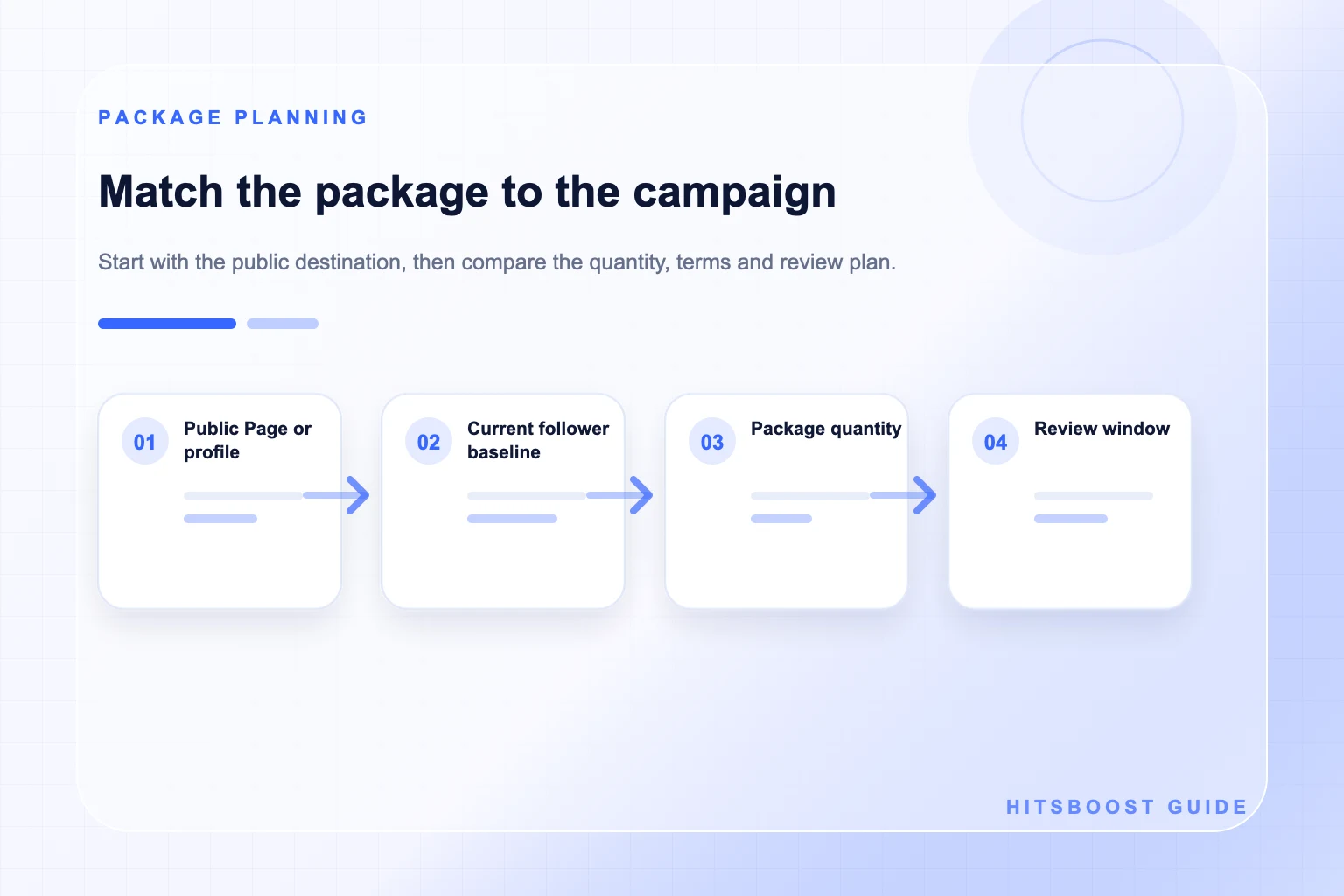
Package quantity is a planning choice, not a quality score. A smaller option can suit a newly prepared Page, a first order, or a short test with a limited budget. A larger option may fit an established Page with a broader campaign and enough current content for visitors to explore. The useful question is whether the amount makes sense beside the starting count, Page maturity, and promotion plan.
Compare the quantity with the Page's visible baseline. Write down the starting count and consider the relative change rather than looking only at the package number. The same addition can appear very different on a Page with a small audience and one with a much larger audience. This comparison does not predict reach or business performance; it simply helps you avoid choosing a scale without context.
If several people approve marketing spend, agree on a ceiling before checkout. Record which quantity was considered, why it was chosen, and when the team will review the destination. This keeps a campaign from growing through repeated unplanned purchases and gives the owner a clear point at which to evaluate the Page, its content, and the service record together.
Compare tiers by written features, not labels alone
A provider may organize packages into tiers with names such as Standard, Active, or VIP. Treat those names as navigation labels. The meaningful differences are the written features beside them: the destination supported, quantity, delivery wording, refill or retention terms, support level, price, and any stated limitations. An impressive adjective is not a substitute for a clear description.
Read the exact card selected at checkout because options within one service can differ. Check whether the tier claims a particular profile type, processing priority, refill condition, or support path. If a term is unclear, ask support before paying and save the answer with the order record. Avoid filling gaps with assumptions based on a previous order or another provider's terminology.
Choose the simplest tier that clearly fits the campaign requirement. A business testing its destination and workflow may value straightforward terms and a modest quantity. A team with a time-sensitive launch may place more weight on the written processing and support details. Neither choice guarantees a marketing result, so keep content quality and business measurement outside the tier comparison.
Read price together with quantity and scope
The lowest total price is not always the most useful comparison. Put the package price beside its quantity, tier, currency, and terms. A simple price-per-1,000 calculation can help compare sizes within a similar tier, but it does not measure account quality, audience relevance, support responsiveness, or the value of your Page content. Use it as one column in the decision, not the verdict.
Confirm the final currency and amount on the checkout page. Prices shown in an article, advertisement, screenshot, or earlier visit may no longer match the current catalog. Taxes, payment processing, discounts, and exchange rates can also affect what the buyer sees. The amount attached to the selected package at the point of purchase is the figure to place in the record.
Set the budget around a complete campaign. Leave room for the work that gives the Page meaning: accurate information, original posts, useful video, design, moderation, customer support, and measurement. Spending the whole budget on a count while leaving the destination unfinished can produce a weaker visitor experience than a smaller package paired with a clear Page and consistent content.
Review the price again if the campaign plan changes. A different destination, service tier, quantity, or currency can change the comparison, and an old screenshot may no longer describe the live offer. Keep the approved budget beside the current checkout details so the final decision reflects what the team can verify now.
Check delivery, refill, refund, and support wording
Review the delivery wording for the exact package. Look for how the provider describes order start, processing, completion, and possible delays. Avoid converting a range or general statement into a promise of an exact minute. Destination access, order volume, package size, and platform conditions can affect processing, and only the written terms for the selected option should guide expectations.
If refill or retention support is mentioned, read the qualifying conditions and time period. Ask what evidence is needed, which changes are covered, and how to contact the team. A refill policy should not be treated as a guarantee that a visible count can never change. People may unfollow, accounts can become unavailable, and platform displays or enforcement can change independently of the order.
Find the support and refund pages before checkout. Save the contact route, policy version, receipt, and order identifier. Strong support documentation lets both sides discuss the same package and destination if a review is needed. A vague promise in an unrelated banner should not replace the terms attached to the purchase you actually make.
Protect account access and business records
A follower service that works from a public destination should not need your Facebook password, authentication code, recovery key, or a new Page administrator role. Do not share those credentials in checkout forms, chat, email, or support tickets. If someone asks for account access that is not necessary to identify the public destination, stop and verify the request through the provider's official support channel.
Keep the public URL separate from private management information. A Page address is meant to identify the destination; it does not authorize anyone to manage the Page. Meta provides Page access roles for trusted people who create content, manage messages, run ads, or inspect performance. Buying a follower package is not a reason to grant those permissions to an outside provider.
Store the order details with the person or team responsible for the campaign. Include the receipt, package, destination, date, and support conversation without storing social account credentials. For client work, confirm that the client approved the Page, budget, and service. A clean record protects the business and makes later reporting more reliable.
Prepare the Page for the people who may visit
Review the Page as a first-time visitor. The name, profile image, cover image, description, contact information, website, and action button should agree about what the organization offers. Remove expired promotions and repair broken links. A follower count can contribute to a first impression, but the Page still needs to explain why a person should read, return, contact the business, or follow voluntarily.
Publish enough current material to show what the audience can expect. A useful starting set might include an introduction, a practical answer to a common question, proof of recent work, and a timely update. There is no universal number of posts that guarantees readiness. The test is whether a visitor can understand the Page and find content connected to the promise used in your campaign.
Plan the next few weeks before placing the order. Choose a manageable publishing rhythm, assign an owner, and prepare topics drawn from customer questions or creator goals. New attention is more useful when it leads to a Page that is active, specific, and easy to navigate. The campaign should support that system rather than replace it.
Match the package to a realistic scenario
A new local business Page may begin with a smaller package after completing its description, contact action, and first useful posts. Its primary task is to confirm the destination and establish a repeatable content routine. The team can record the follower baseline, run the campaign, and review Page interactions and customer enquiries separately over the following weeks.
An established creator launching a recurring series may consider a larger quantity if the public profile or Page already has clear identity, regular content, and a wider promotion plan. The creator should still avoid assuming that added followers will watch every episode. Video views, watch duration, comments, shares, and return viewers belong in the content report rather than being promised by the follower package.
An agency managing several clients should use a separate record for every destination. Do not reuse a copied URL, baseline, or order identifier across accounts. Confirm the client approval, Page name, package, budget, and success measures in writing. A disciplined small order on the correct Page is safer than a large order sent to the wrong destination.
Explore Facebook FollowersComplete a final review before checkout
Pause before the Buy button and compare the selected card with your campaign note. Check the public destination, follower label, tier, quantity, price, currency, delivery wording, and policies. Open the URL one more time. Small mistakes are easiest to fix before payment, especially when several Pages or profiles have similar names.
Take a dated baseline from the same visible location you will use later. If Facebook rounds the public count, record it as rounded rather than inventing an exact number. Note other active promotions, advertisements, email campaigns, collaborations, or major posts so that a later report can describe the surrounding activity without assigning every change to one source.
After payment, keep the confirmation and review the order through the official tracking or support route. Check at sensible intervals and use the written delivery window as the reference. When the campaign ends, compare the stated package scope with the order record, then evaluate content and business outcomes with their own metrics. That separation produces a clearer decision for the next campaign.
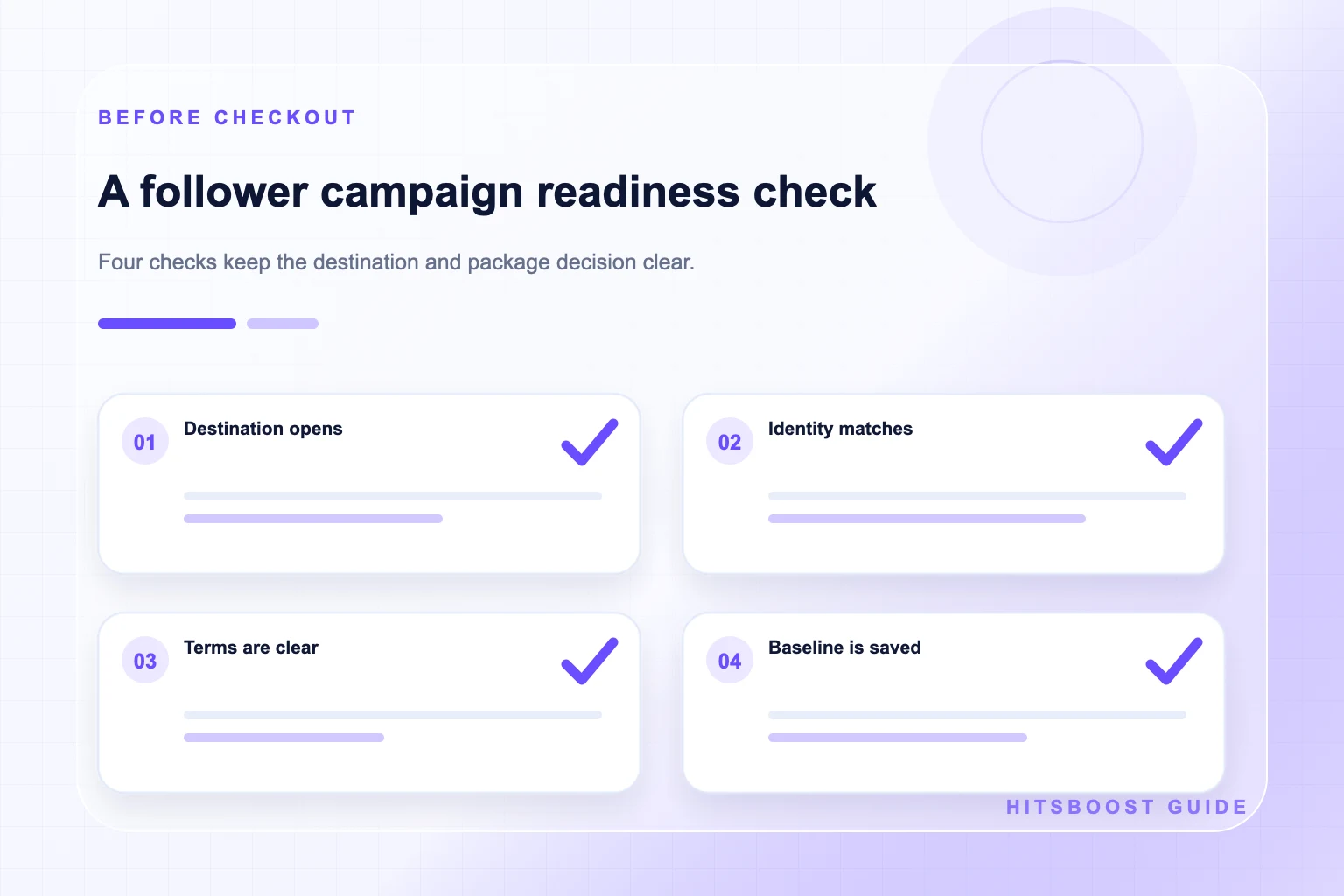
- The public destination opens correctly and displays the follower metric.
- The selected tier, quantity, price, currency, and terms match the campaign note.
- The Page has current information and useful content for visitors.
- The baseline, receipt, order ID, and official support route will be saved.
Frequently asked questions
Which Facebook followers package size should I choose?+
Choose a quantity that fits the verified starting count, Page maturity, budget, and campaign scope. A smaller option can suit a first test or newly prepared Page, while an established campaign may justify a larger option. Quantity does not guarantee reach, engagement, or sales, so keep those goals in a separate measurement plan.
Do I need a Facebook Page link or a profile link?+
Use the public URL of the destination supported by the selected package. That may be a Facebook Page or an eligible public profile, depending on the service terms. Open the link as a visitor and confirm the visible identity and follow control before checkout.
Are Facebook followers and Page likes the same?+
No. Following and liking a Page are separate audience actions, and the visible counts may differ. Choose the service that matches the label you intend to change. Likes on an individual post are another separate metric that requires the direct post URL.
Does a larger follower package create more engagement?+
A follower package concerns the follower count described in its offer. It does not promise that people will see or react to every post. Track reactions, comments, shares, video views, clicks, enquiries, and sales separately and continue publishing useful content.
Should a provider ask for my Facebook password?+
A service based on a public Page or profile URL should not require your password, authentication code, or recovery key. Do not grant Page management access merely to identify a public follower destination. Use the provider's official support route if a request seems inconsistent with the service.
What package details should I save?+
Save the destination URL, starting follower count, tier, quantity, price, currency, delivery wording, refill and refund terms, receipt, order ID, date, and official support route. Keep login credentials out of this record.
How should I review the result afterward?+
Return to the same public destination and metric at sensible intervals, using the written delivery information as context. Compare the package with its stated scope. Review content performance and business actions separately so that the report does not give one purchase credit for unrelated changes.
Compare Facebook Followers packages.
Prepare the public destination, then review the quantity and terms that fit your goal.
Compare Facebook follower packages