Page or profile: a destination comparison
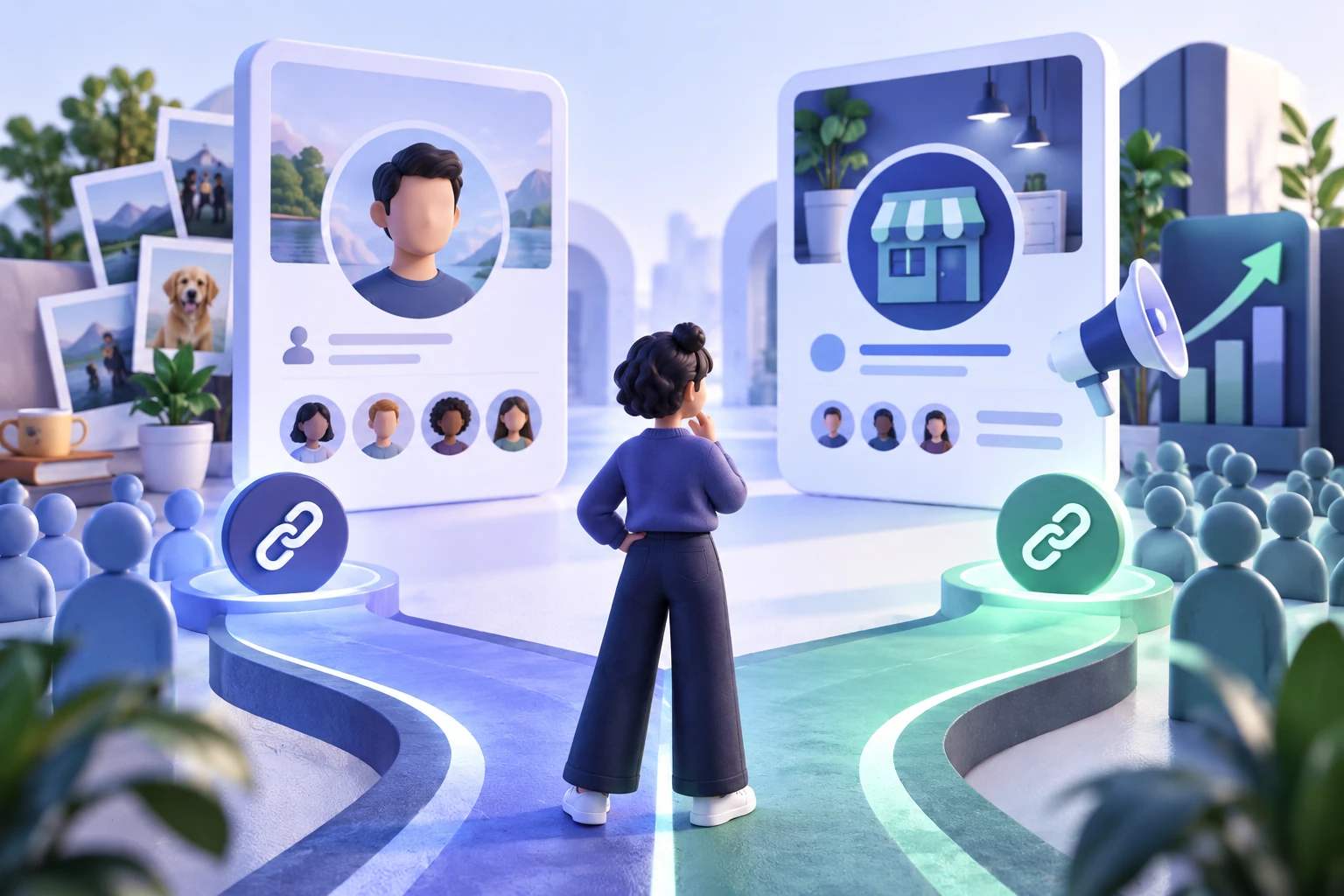
| Question | Facebook Page | Facebook profile |
|---|---|---|
| Primary identity | Business, organization, brand, project, or public presence | One person's identity and activity |
| Management | Can use assigned Page access for trusted team members | Controlled through the individual's account settings |
| Audience check | Review the Page's visible follower and Page-like labels | Review public following and professional-mode settings |
| Link for a campaign | The public Page home URL | The eligible public profile URL |
| Best fit | Campaigns built around the Page identity | Creator work built around the individual |
The quick answer: use the identity your campaign represents
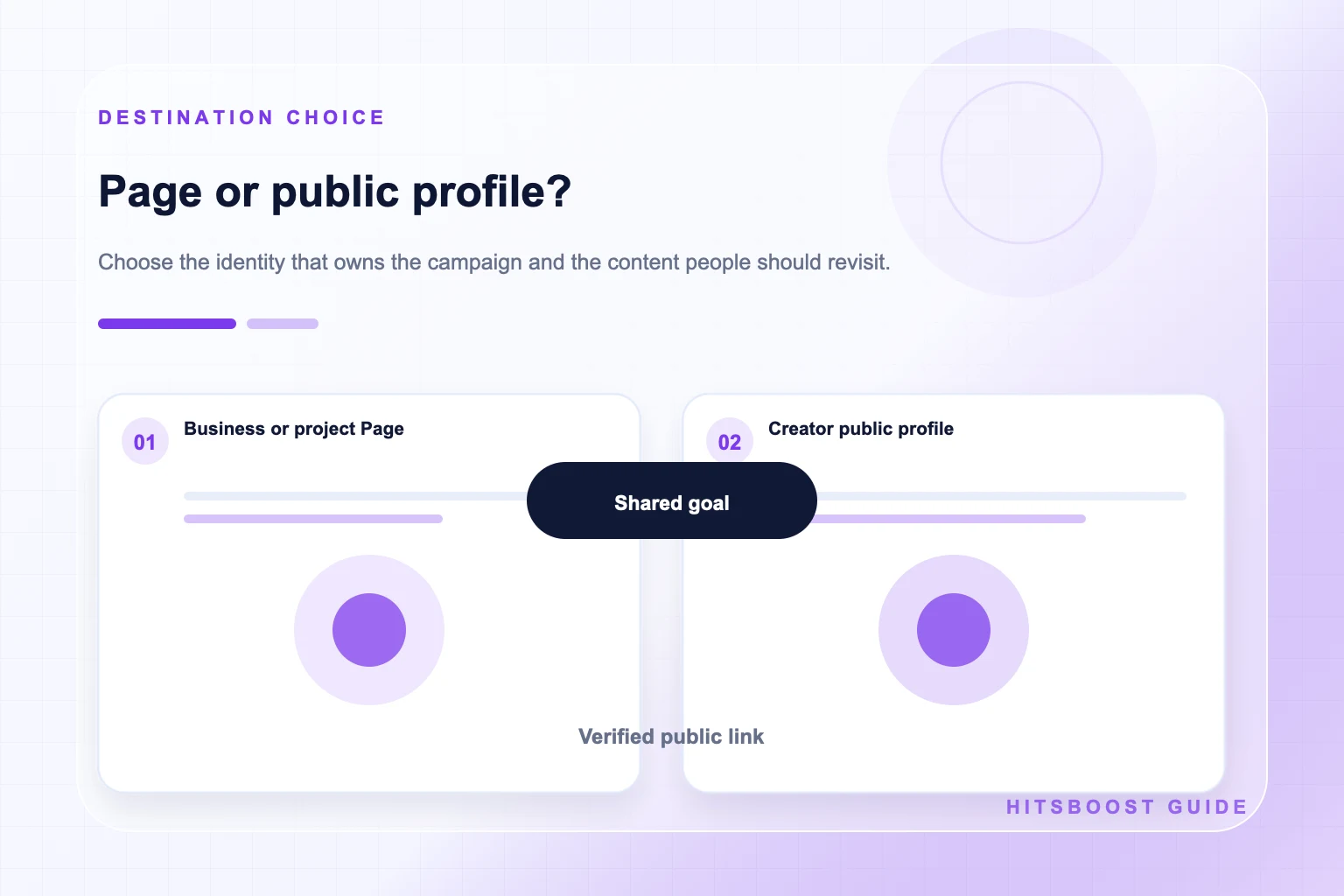
Choose a Facebook Page when the campaign represents a business, organization, brand, location, product, public project, or creator property that should stand apart from one person's private identity. Choose an eligible public profile when the campaign genuinely centers on the individual and the profile's current settings support public following. The public destination should make sense before anyone looks at its count.
Do not select a Page or profile only because one currently has the larger audience. Ask where the promised content already lives, which name appears in the campaign, who needs to manage it, and what a visitor should recognize after opening the link. Moving attention toward an inconsistent destination can confuse people even when the URL works correctly.
After choosing, record the exact public link and visible follower label. Test the destination from a visitor view rather than relying only on an administrator screen. A follower package should point to the audience-level Page or eligible profile named in its terms, not to a post, photo, video, Story, settings screen, or private preview.
Use the same destination in every connected channel. Check the Page or profile linked from the website, email signature, social bio, and campaign creative. If those links disagree, correct them before directing more attention toward the campaign. Consistency makes the choice easier for visitors and prevents the reporting team from measuring a different audience than the one promoted.
Explore Facebook FollowersWhat a Facebook Page is designed to represent
A Facebook Page gives a business, organization, brand, public figure, creator project, or community a distinct public identity. It can display its own name, images, description, contact details, website, action button, posts, video, Stories, recommendations, and audience information. People with appropriate access can help manage those functions without turning the Page into their personal profile.
A Page is often the clearer destination for a company with several staff members, a local location, a product line, a non-profit, or a recurring media property. Visitors can understand the public identity without needing to know which individual publishes each update. The Page can also remain consistent if the internal marketing team changes.
Check whether the Page currently shows followers, Page likes, or both. These labels refer to different actions and should not be merged into one number. A follower campaign uses the Page home URL when the follower count is the goal. If the Page-like count is the intended metric, use the Page likes service and the same verified Page destination.
What a personal profile and professional mode represent
A personal profile represents an individual. Its name, history, connections, and settings belong to that person. Public following may be available according to the profile's current audience settings and eligibility. A creator, consultant, artist, journalist, or public professional may choose a profile when people are following the individual rather than a separate organization or project.
Professional mode can provide eligible profiles with additional public creator features and insights while the destination remains the person's profile. It does not turn the profile into a business Page or make every part of the account public. The account owner still controls audience, privacy, and public-content settings, so the visible experience should be checked directly before a campaign.
Do not assume that any ordinary profile is ready for a follower service. Review whether public following is enabled, whether the content intended for the audience is public, and whether the provider explicitly supports that destination type. A private or restricted destination cannot be made suitable by choosing a larger package.
Compare identity, management, and continuity
Identity is the first dividing line. A restaurant Page should normally use the restaurant's public name and information, while a chef whose content and reputation center on their own identity may prefer an eligible public profile. A musician might use a Page for a band and a profile for individual creator work. The correct choice follows the promise made to the visitor.
Management needs can make the choice clearer. Meta provides different Page access levels so trusted people can work with content, messages, ads, and insights according to their permissions. A personal profile should remain under the individual's control. Teams should not solve a management problem by sharing one person's password, authentication code, or recovery information.
Consider continuity as well. A Page can maintain a stable brand destination across staffing changes, while an individual profile remains tied to that person. If a campaign, customer base, or publishing schedule belongs to the organization, the Page often offers a cleaner long-term home. If the audience relationship is inseparable from the creator, the public profile may be the more honest fit.
Write down who is responsible for approving the public identity, maintaining its information, publishing content, and reviewing results. These responsibilities often reveal the natural destination. A team-owned program benefits from a Page workflow, while a personal creator practice may fit a professional profile. The answer should follow real ownership rather than a temporary difference in displayed follower counts.
Also review where the destination is already linked. A company website, customer email, event listing, creator bio, or partner page can reveal which identity the public already recognizes. If those channels point to different places, resolve the inconsistency before the campaign. Sending people to one destination while the business measures another makes both the visitor journey and the report harder to understand.
Check public visibility and the follow control
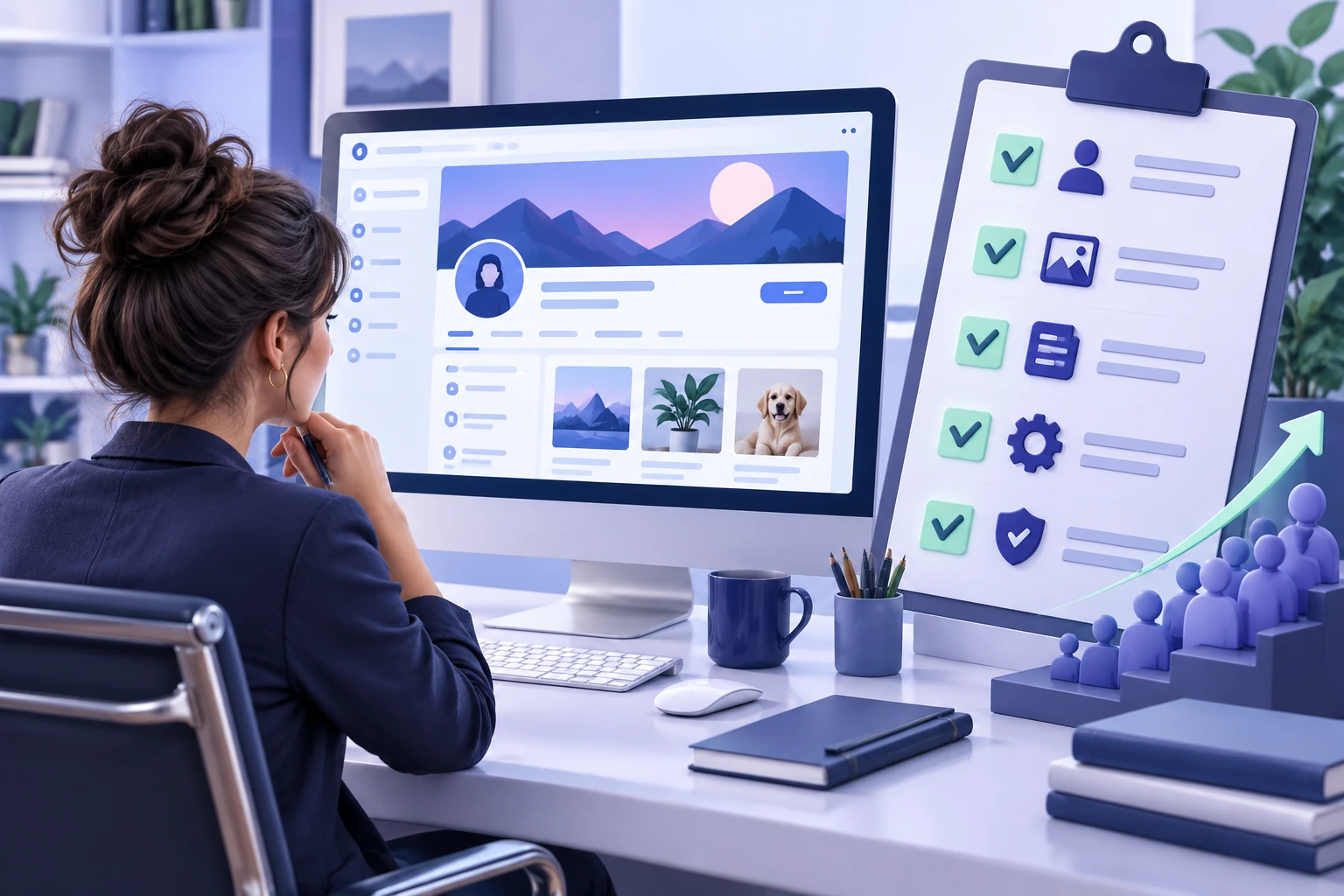
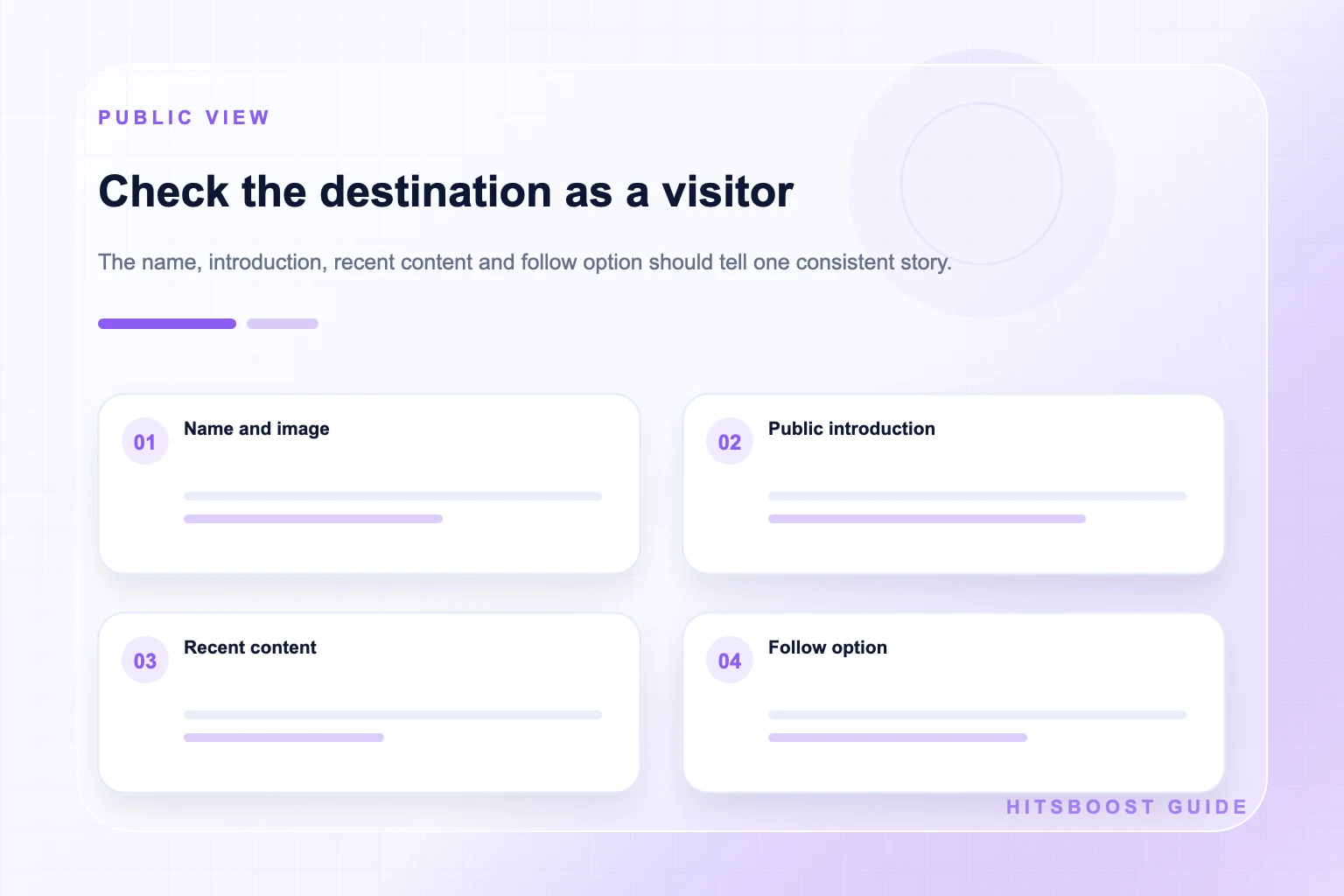
Open the selected Page or profile in a browser view that does not depend on your management access. Confirm that the name, main image, description, recent public content, and follow control are visible as expected. Features can vary with settings, account type, region, age restrictions, and Facebook's current interface, so a checklist written months ago should not replace a live inspection.
For a Page, review any country or age restrictions that affect the intended audience. Confirm that the Page is published and that its public information is current. For a profile, review followers and public-content settings and make sure the posts promoted by the campaign use the intended audience. Do not expose private material merely to prepare a service order.
If the follow action is absent or the destination cannot be reached publicly, resolve that issue before comparing quantities. The service provider sees the public destination, not the administrator view. A correct-looking URL that leads to unavailable content can still create confusion and delay.
Copy and verify the correct public link
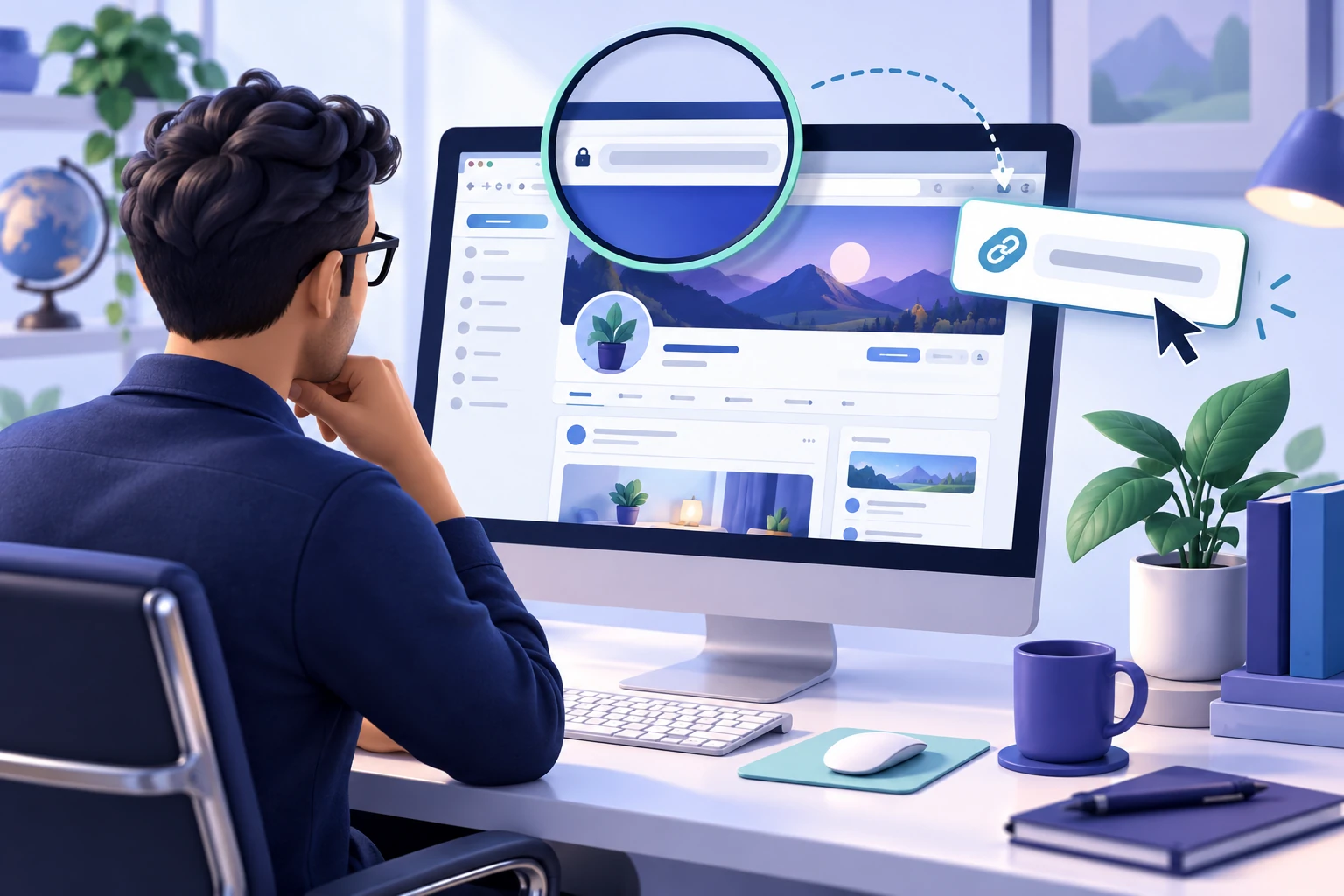
For a Page, open the Page home and copy the browser address or use Facebook's available sharing action. For a profile, open the individual's profile and copy its public address. A custom username can create a readable URL, while some destinations may use a different address format. The format matters less than whether the link consistently opens the intended public identity.
Remove obvious tracking additions only when doing so leaves a working canonical destination. Paste the link into a new browser tab, compare the visible name and image, and check that it does not land on a specific post or management interface. If several destinations have similar names, store the verified URL with a screenshot or written description for the team.
Keep content-level links separate. A post, Reel, video, photo, or Story link may be valid for a content service, but it should not replace the Page or profile home URL in a follower campaign. The link checker can help identify the type, and your own visitor review confirms that it is the identity you mean to support.
Match the destination to the content promise
Read the campaign message and then inspect the destination. If an advertisement promises weekly store offers, the Page should contain current store information and offers. If a creator asks people to follow for personal tutorials, the public profile should show that creator and those tutorials. A mismatch weakens the experience even when the follower metric is technically available.
Prepare a short introduction and several representative posts before inviting new attention. A Page may need an updated description, contact action, service information, and recent examples. A profile may need a clear public bio and consistent creator content. Avoid using follower growth to compensate for an empty or confusing destination.
Check the destination on a phone as well as a larger screen. The main image, introduction, action, and first pieces of content should still communicate the same promise when space is limited. If a visitor must search through unrelated personal updates or outdated business information, clarify the public presentation before making the link central to a campaign.
Plan what happens after the campaign. Decide who will publish, reply, review insights, and update old information. A sustainable destination gives a visitor a reason to return. The follower count is one Page or profile metric; it does not replace the ongoing work of being useful to the intended audience.
Give the right people the right access
A business Page can have people with Facebook access or task access according to Meta's current controls. Assign only the permissions needed for the person's work and review them when roles change. Full control can include sensitive abilities such as managing other people's access or deleting the Page, so it should be reserved for trusted owners.
A personal profile is not a shared team account. Do not pass its password around so several people can publish or inspect results. If a creator needs help, use supported business or collaboration tools where appropriate and keep authentication under the account owner's control. A public follower order does not require management permission on either destination.
For agencies, document who owns the destination and who approved the campaign. Store the Page or profile link, visible identity, package, baseline, and reporting contacts without storing passwords. This protects both the client and the team and makes it easier to resolve a destination question later.
Measure each destination and metric separately
Record the follower count from the selected Page or profile with a date, time, and source. If the public display rounds the number, keep that limitation in the record. Return to the same destination and view when comparing later. Do not combine Page followers and profile followers simply because they represent the same brand or person.
Keep Page likes, post reactions, comments, shares, reach, video views, and watch duration in separate fields. These metrics answer different questions. A creator can gain profile followers while one post receives little response, and a Page can publish a widely viewed video without an equal change in followers. Neither pattern is automatically contradictory.
Add business outcomes that fit the campaign, such as qualified messages, booking requests, website visits, newsletter sign-ups, or sales that your organization can verify. A follower package concerns its stated count. The wider report helps the owner decide whether the destination, content, and promotion plan are supporting the real objective.
Use a repeatable Page-or-profile decision workflow
First, name the identity the audience should recognize. Second, locate the public destination where that identity already publishes the promised content. Third, confirm the follow control and visitor visibility. Fourth, decide who needs to manage or report on it. Fifth, save the destination and baseline before comparing package terms.
If both a Page and public profile seem plausible, open them side by side. Compare their names, descriptions, recent content, follow controls, management needs, and links from your website or other channels. Choose one primary destination for the campaign rather than splitting the same budget and message without a measurement plan.
Review the choice when the business or creator strategy changes, but avoid moving the audience destination casually. A stable, accurate link helps customers, partners, team members, and reporting. The best destination is the one that truthfully represents the campaign and can be maintained after the initial promotion ends.
- Name the public identity and campaign promise.
- Confirm the Page or profile supports public following.
- Test the home URL from a visitor view.
- Record the follower baseline and management owner.
- Keep content metrics and business outcomes separate.
Frequently asked questions
Should a business use a Facebook Page or a personal profile?+
A business, organization, location, or brand will usually have a clearer public home on a Page. A profile represents an individual. Choose the destination that accurately represents the campaign, contains the promised content, supports the required public controls, and can be managed appropriately.
Can a Facebook profile have followers?+
Public following can be available for profiles according to the account's current settings and eligibility. Professional mode may provide additional creator features. Check the live profile, public-content settings, and service terms instead of assuming every profile works the same way.
Is professional mode the same as a Facebook Page?+
No. Professional mode adds eligible public creator features to an individual's profile; the destination remains that person's profile. A Page is a separate public identity designed for a business, organization, brand, project, or public presence.
Can I use a post link for a follower package?+
A follower package should use the audience-level Page or eligible profile URL described by the service. A post link identifies one content item and belongs with a post-level goal such as reactions. Open the saved URL and confirm it lands on the destination home.
Can one campaign grow both a Page and a profile?+
A wider marketing campaign can mention both, but each destination has its own URL, audience count, settings, and content. Use separate records and goals. When possible, choose one primary destination so the message and measurement remain clear.
Do Page followers and Page likes mean the same thing?+
No. Following and liking a Page are separate actions, and the visible counts can differ. Read the label shown on the Page and select the service that matches the intended metric. Reactions on individual posts are separate again.
Does a follower service need Page administrator access?+
A public-link follower service should not require your Facebook password, authentication code, recovery key, or Page administrator role simply to identify the destination. Do not grant unnecessary permissions. Use official support if a request appears inconsistent with the stated service.
Compare Facebook Followers packages.
Prepare the public destination, then review the quantity and terms that fit your goal.
Compare Facebook follower packages