

Facebook followers, Page likes and post likes at a glance
| Metric | Where it belongs | What to inspect | What it does not prove |
|---|---|---|---|
| Followers | Page or eligible public profile | Follow control and follower label | That everyone will see the next update |
| Page likes | Facebook Page where this action is available | Page-level Like control and like label | That someone reacted to a particular post |
| Post likes | One specific post, photo or eligible content item | Like reaction on that item | That someone follows or likes the Page |
| Reach or views | Content and its reporting surface | The definition and selected reporting period | The size of a loyal ongoing audience |
The short answer: decide where the number belongs
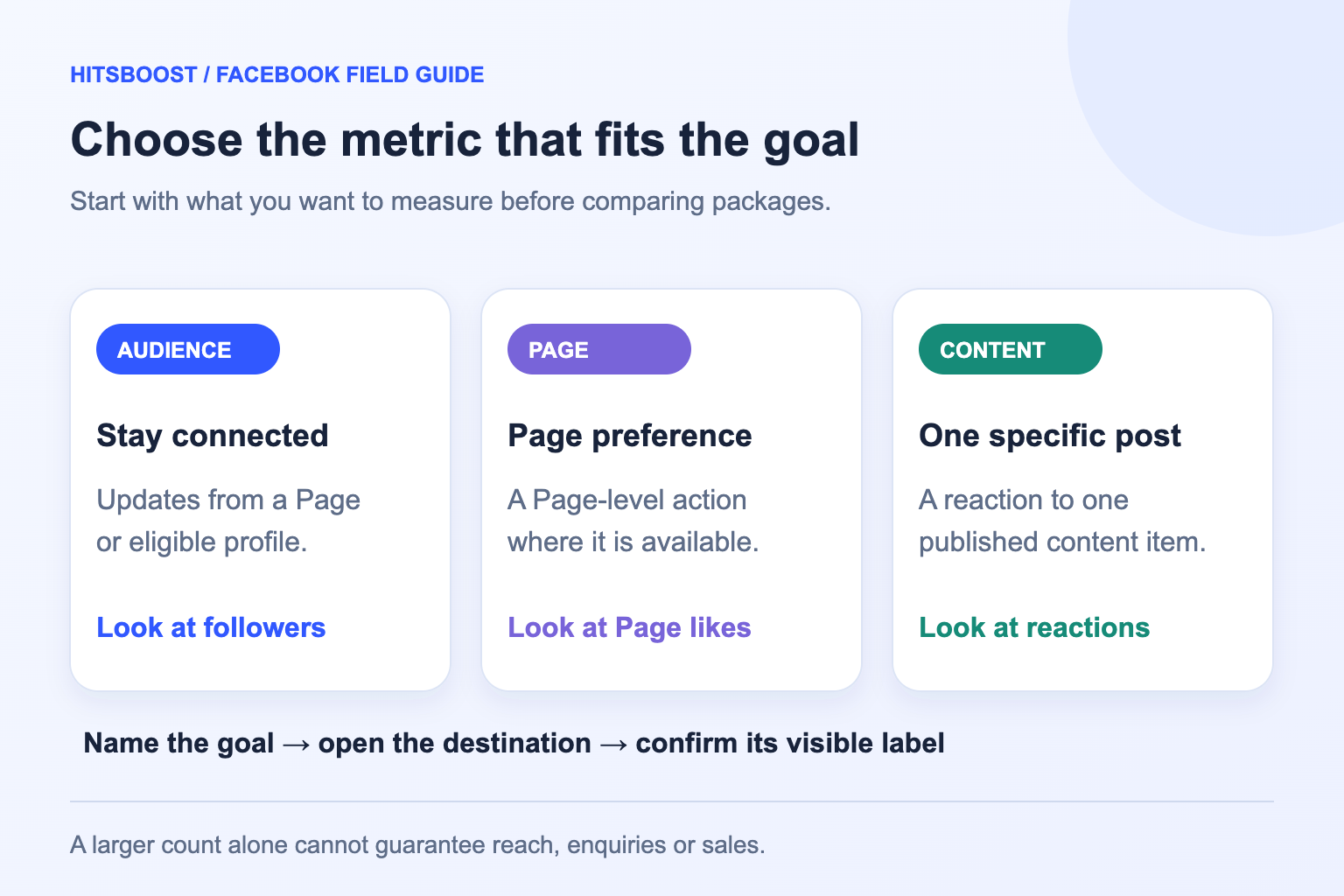
Start by opening the Facebook destination you care about. If the number is attached to the Page or profile identity, you are looking at an audience-level measure. If it sits under a particular announcement, photo, video or Reel, it is a content-level measure. That distinction resolves many confusing searches for Facebook likes because the word can refer to more than one action.
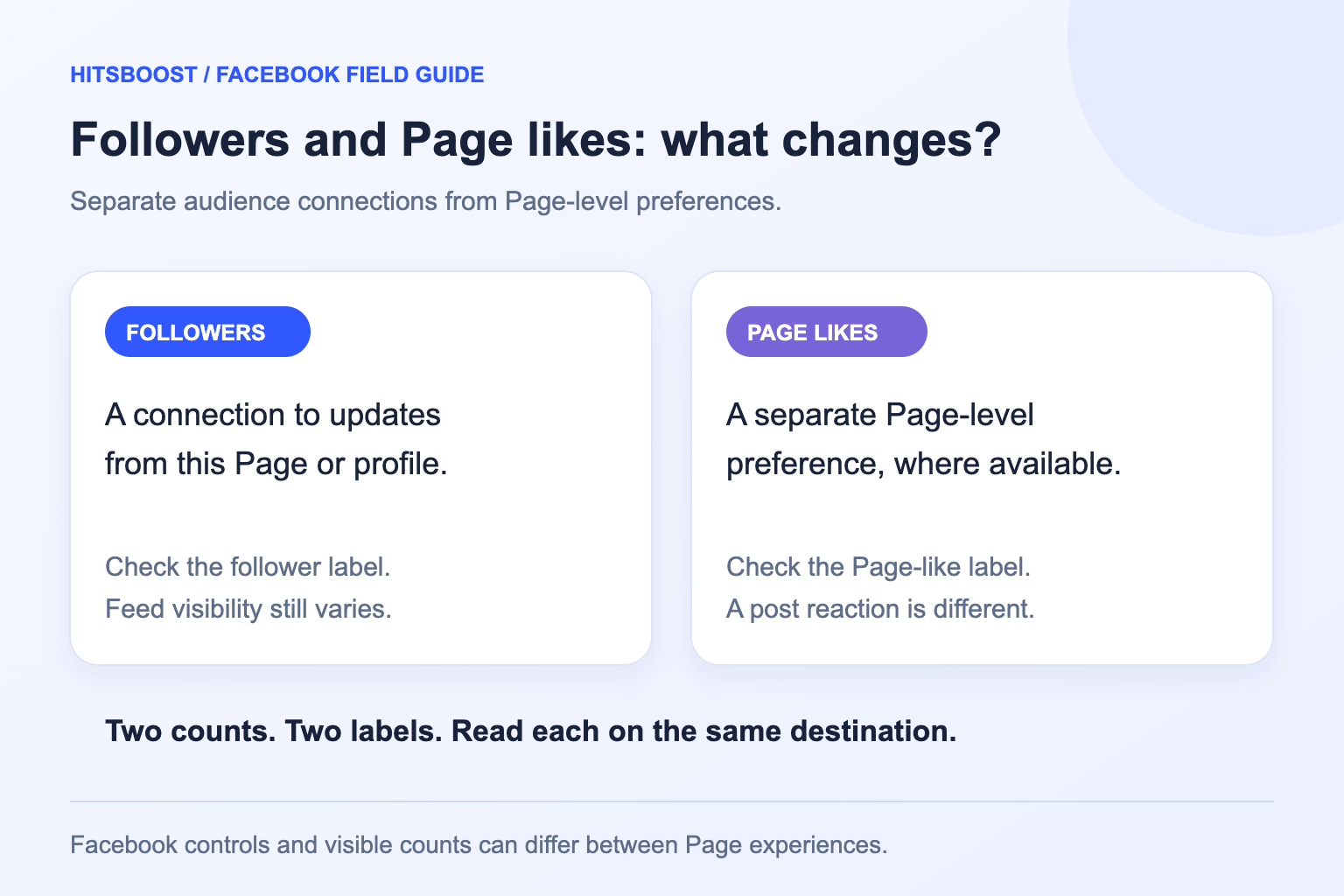
Following is a way to connect with public updates from a Page or eligible profile. A Page like indicates a separate relationship with a Page where Facebook offers that action. A post like is a reaction to an individual item. The same person may take several of these actions, so their counts cannot be treated as three separate groups of people.
Write the exact label beside your goal: Page followers, Page likes or post likes. Then copy the destination address and record the count you can actually see. This gives a teammate a much clearer instruction than asking for more Facebook likes. It also helps you choose the matching HitsBoost service rather than paying for a metric that belongs somewhere else.
What following a Facebook Page means
Facebook's Follow help explains following as a way to see public updates from people or Pages you are interested in. For a business, this connection supports an ongoing publishing relationship. Someone may follow because they want opening-hour updates, product information, local news, tutorials or future announcements. The Page still needs useful content that matches the reason the person chose to follow.
A follower count describes the connection, not the attention given to each update. People have different interests, viewing habits and feed choices. Some return regularly, some read occasionally, and others stop interacting. It would therefore be inaccurate to translate a Page with 5,000 followers into 5,000 guaranteed viewers for every post. The public audience number and a post's reported results answer different questions.
Profiles can also support followers depending on their settings and available features. Check whether your destination is a business Page or a person's profile before making a plan. A Page likes objective needs a Page; it should not be applied to a profile simply because the profile displays a follower count. Our Page-versus-profile guide explains that identity choice in more detail.
What a Facebook Page like means
A Page like belongs to the Page itself, where Facebook makes that action available. It is different from liking the Page's latest photo. For example, someone could like a café Page and never react to the photograph of its weekend menu. Another person could enjoy that photograph and tap Like without making any ongoing connection to the café's Page. The destination matters as much as the action name.
Meta's 2021 announcement of the new Pages experience said it would remove Likes and focus on Followers. That historical change explains why an older guide can show a Page Like button or total that your current experience does not present. Check the live Page and available insights rather than treating a missing label as a fault or reconstructing a hidden count from followers.
If Page likes are your intended metric, confirm the Page supports that action and read the service description before choosing a package. Do not assume that a follower package includes Page likes or that a Page likes package includes followers. Related actions can overlap for some users or interfaces, but a buyer should judge the written package scope and the specific count named in the offer.
Why followers and Page likes may not match
Different totals do not automatically mean something is broken. The actions have different meanings, people can change their preferences, and Facebook may present them differently across Page experiences. A historic audience can also contain connections made before an interface change. Without a record of the individual actions and the relevant definitions, the gap alone cannot explain why the counts differ.
Consider an illustrative Page with 1,200 followers and 900 Page likes. You cannot infer that exactly 300 followers dislike the business, that the Page lost 300 fans, or that it has 2,100 distinct audience members. Those statements require information the two totals do not provide. Some people may appear in both groups; others may have only one connection. Keep the two numbers in separate columns.
If you are investigating a recent change, compare the same destination, label and source over time. A rounded public display and a more detailed owner report can look different without representing different audiences. Save dated observations and note any Page, reporting or visibility changes. A persistent unexplained discrepancy deserves a check of Facebook's current help or available support, rather than a guessed diagnosis.
Keep post reactions out of a Page likes comparison
Likes under a post are responses to that piece of content. They can help you understand what people chose to acknowledge, but they do not show how many people subscribe to the Page's future updates. Facebook also offers other reactions, so a displayed reaction total can include more than the Like reaction. Read the label before calling every response a like.
This becomes important when reviewing a launch. A shop might have 900 Page likes while a product announcement receives 80 reactions. The 80 belongs to the announcement; it should not be added to the Page likes total or used as evidence that 80 new followers arrived. A single person may react to several posts without changing their Page-level relationship at all.
Use a separate post record if the immediate goal is the reaction count on an announcement. Save that item's direct public link, starting count and review date. If the longer-term objective is the Page audience, keep a Page record as well. Combining the two records in one campaign is reasonable; merging their meanings is what creates misleading reporting and poor service choices.
Choose with three realistic Page scenarios
A local restaurant preparing regular menu updates has an ongoing audience objective. Its first step is a clear Page, current contact details and a useful posting plan. Followers are the audience connection it should inspect when the goal is public updates. If the owner specifically wants to assess the Page like count, that remains a separate objective with its own visible label and service choice.
A creator releasing one important tutorial may care about responses to that tutorial more than a Page-level number. The appropriate content record includes the post or video, its reactions, viewing metrics and any questions viewers ask. Increasing the Page audience would be a different campaign. This creator should choose the metric that matches the immediate question instead of treating Page likes as a substitute for reactions.
An agency reporting for a client should agree on the named metric before spending or collecting screenshots. A brief that says Facebook likes is incomplete. Ask whether it means the Page's likes, a post's Like reactions or a broader engagement objective. Confirm the client destination and approval, then use one record per metric. This simple clarification can prevent an otherwise professional campaign from being evaluated against the wrong result.
Find and verify the right public destination
Open the Page directly and check its name, photo, description and recent posts. Businesses sometimes have an old Page, a location Page and a similarly named profile. A copied address is useful only when it opens the intended identity. If the browser lands on an individual photo or announcement, return to the Page itself for a Page-level audience objective.
Check the link from an ordinary visitor view where possible. Owner access can hide the fact that other people cannot see the same destination or action. Country, age, audience and account settings may affect access. Do not change privacy settings blindly to satisfy an order. First confirm that the destination and public action fit the service description and the Page owner's intentions.
Our Facebook link checker can help identify common URL types, and the Page-link guide shows how to find the address. Neither replaces checking the Page's identity yourself. A public URL is enough to identify a destination for a public-link service; it does not require handing over a Facebook password, security code or management permission. Keep private account access separate from the public campaign record.
Measure each audience count with a simple worksheet
Use a small worksheet with the Page name, URL, measurement source, date, followers and Page likes where available. Add a note if the display is rounded or a metric is absent. A blank cell is more honest than assuming an unavailable number is zero. Repeat the observation from the same location so the second check can be compared with the first.
For an illustrative example, a Page shows 1,200 followers on the first review and 1,260 on the next. The net change is 60 followers, calculated by subtracting the starting total from the ending total. If Page likes remain at 900, the worksheet should report that separately. It should not describe 60 new Page likes or 60 qualified customers because neither statement follows from the observation.
Record other activity during the period, such as advertisements, an email announcement, an event or a popular post. A before-and-after difference describes a change; it does not identify the source of every connection. Owner reports may offer more detail, but a combined public count cannot separate all campaign effects. Use our broader Page-growth guide when you need a full report beyond this two-metric comparison.
Build a genuine reason for people to follow
Give visitors a clear promise about what the Page publishes. A useful description might explain that a studio shares class schedules, beginner exercises and local events. Current photographs, opening hours and contact information help people decide whether the Page is relevant. This work serves visitors directly, regardless of whether followers or Page likes are the number currently emphasized by the interface.
Invite interested people through Facebook's available controls rather than contacting strangers repeatedly. Meta's invitation guidance covers inviting friends to like or follow a Page or follow a profile, with requirements varying by destination. Use the action your Page currently offers and let people decide. A request made to an interested customer or supporter has a clearer purpose than an indiscriminate campaign focused only on the count.
Keep the publishing promise after the invitation. Answer common questions, share relevant updates and respond to meaningful comments. Review what people read and ask rather than assuming the audience total tells you what they want. If you use a paid audience service, treat its stated count as one part of the plan while maintaining separate expectations for voluntary interest, content response and business results.
Make the final service choice without guessing
Choose Facebook followers when the stated objective and eligible destination concern a follower count. Choose Page likes when the objective is the Page-level like count and that action is supported. Choose post likes when the goal is the Like reaction on one eligible post. Read the quantity, destination requirements, delivery wording and support terms for the option you select, because a shared platform name does not make the services interchangeable.
If the desired Page label is missing or the service scope is unclear, pause and ask support before paying. Send the public Page address and explain the metric you want in ordinary language. There is no need to provide account credentials or technical account settings. Clarifying a small detail in advance is easier than trying to reinterpret a completed order as a different audience action.
Keep the receipt, destination and initial count for your own records. Review the service against the metric it actually describes, then review content and customer outcomes separately. The best choice is the one that fits your stated objective and current Page, not the largest or cheapest number on a table. That approach also makes the next campaign easier to plan and explain.
- Identify the exact Page or eligible profile.
- Write the metric's visible label.
- Check the public URL and starting count.
- Read the selected package's requirements and terms.
- Keep engagement and business outcomes in separate report columns.
Frequently asked questions
Are Facebook followers the same as Page likes?+
No. Following concerns public updates from a Page or eligible profile. A Page like is a separate Page-level action where available. They can overlap for an individual person, but the totals are not interchangeable. Check the labels on your current Page before choosing which metric to record or target.
Why does my Page show followers more clearly than likes?+
Facebook changes Page experiences and visible controls, so not every Page presents the same buttons or audience totals. Inspect the current Page and available owner reports. Do not treat an absent like label as zero, assume a fault from the display alone, or estimate a hidden like count from followers.
Does liking a post mean someone follows the Page?+
A post like is a reaction to that particular content item. It does not, by itself, prove a Page like or follow happened. Keep the post's reactions separate from the Page's audience totals, even if all of the content belongs to the same business campaign.
Should I add followers and Page likes together?+
No. Some people can appear in both groups, and the visible totals do not tell you how many distinct people the groups share. Adding them produces an unsupported audience total. Report followers and Page likes in separate columns with the source and date of each observation.
Will more followers make every post reach more people?+
A follower count does not guarantee distribution, attention or engagement for a specific post. Read that post's own available reporting and compare similar content over equivalent periods. Build a useful publishing plan and measure views, reactions, questions and business actions separately from the audience connection count.
Which HitsBoost service should I choose?+
Match the service to the count and destination you intend to measure: followers for an eligible Page or profile follower objective, Page likes for a supported Page-level like objective, and post likes for one eligible post's Like reactions. Check the service requirements and ask support if the label or public destination is unclear.
Compare Facebook Followers packages.
Prepare the public destination, then review the quantity and terms that fit your goal.
Compare Facebook follower packages