

Facebook followers and post likes at a glance
| Decision | Facebook followers | Facebook post likes |
|---|---|---|
| Destination | Public Page or eligible profile | One eligible public post |
| Link to prepare | Page or profile home URL | Direct permalink for the selected post |
| Action described | Connection to an audience destination | Reaction on a content item |
| Useful baseline | Visible follower count on that destination | Visible like or reaction count on that post |
| Best-fit question | Is the ongoing public audience the focus? | Is one announcement or creative item the focus? |
| Does not prove | Reach, engagement, leads, loyalty, or sales | Audience growth, broad reach, intent, or sales |
Begin with the action, not the package name
Ask what a person should do when the campaign succeeds. Following a Page or eligible profile creates an audience-level connection to that public destination. Liking a post records a reaction on one content item. The words can appear close together in Facebook interfaces and marketing reports, but they do not describe the same action, destination, or future relationship.
Turn the goal into a plain sentence. ‘We want people to recognize and follow the Page that publishes our weekly series’ points toward followers. ‘We want the launch announcement to carry visible response during this campaign’ points toward post likes. ‘We want sales’ does not choose either service by itself; the team still needs a landing path, tracking method, offer, and evidence for the business outcome.
Do not choose by assuming one number automatically produces another. More followers do not guarantee reactions on a particular post, and more post likes do not guarantee a larger follower count. Meta describes engagement and audience actions separately. Keep that separation in the brief, the selected public link, and the final report.
Identify the two destinations before comparing them
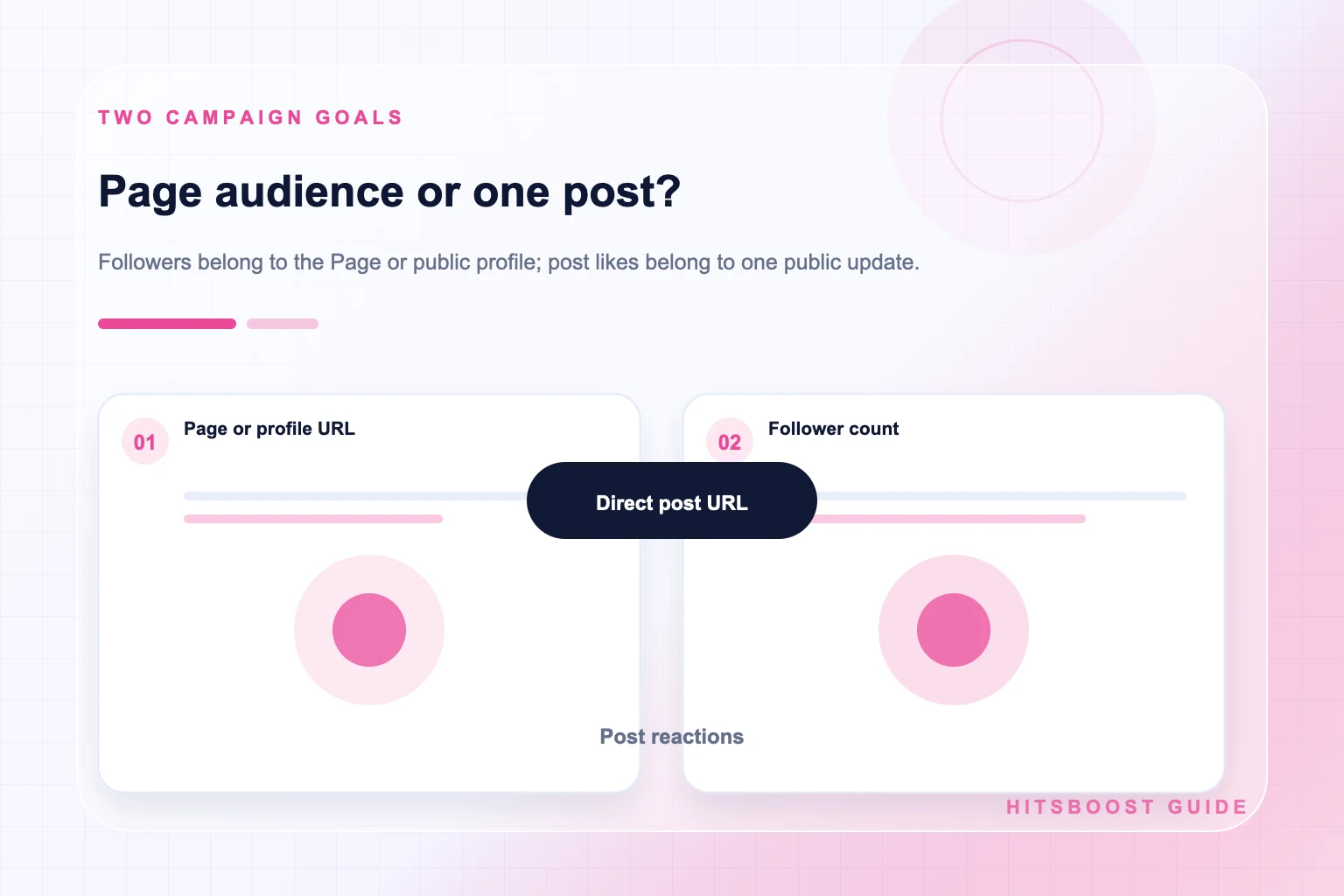
The follower destination is the home of a public Page or an eligible public profile where following is available. It represents the continuing identity: the business, creator, publication, project, or community. The post-like destination is a permalink for one eligible public update. It may be a photo, announcement, text update, or other supported post, but it is not interchangeable with the Page home.
Open both links in a private browser session. The audience link should show the expected name, image, public introduction, recent content, and follower context. The post link should open the exact campaign creative and its account attribution. If either link redirects, requires access, points to a draft, or opens a different item, resolve the destination before looking at quantities or prices.
Store the two links with clear labels such as ‘brand Page’ and ‘spring launch post.’ Avoid pasting them into one unlabeled message. A direct URL check may seem minor, yet it prevents one of the most consequential campaign errors: buying or measuring the right metric on the wrong destination.
Use followers for an ongoing audience objective
A follower campaign fits when the continuing Page or profile is the subject. Examples include introducing a creator's public identity, supporting a new brand Page after its content and contact details are ready, or building recognition around a recurring educational series. The destination should already explain who publishes, what followers can expect, and where they can continue if they want more information.
Record the visible follower label and count from the same public destination before the campaign. If the interface also displays Page likes, keep them in a separate row. Meta's audience guidance treats likes, followers, and people reached as distinct concepts. A report that silently swaps among them will produce an apparent change even when the underlying measurement changed.
Judge the stated follower scope against the selected offer and timeline. Then review content response and business outcomes separately. A follower increase can be documented without claiming it caused reach, trust, comments, leads, or revenue. That distinction makes the report more credible and helps the team improve the Page instead of treating the audience total as a complete marketing result.
Explore Facebook FollowersUse post likes for one content objective
A post-like campaign fits when one public update is the centerpiece: a product announcement, event reveal, campaign statement, milestone, image, or customer-facing explanation. Finish the creative and caption before selecting the direct permalink. Check names, dates, disclosures, destination links, image crop, accessibility, and the action a genuine visitor should take. A visible reaction count cannot repair a confusing or inaccurate post.
Record the post's visible likes or reactions, the time, and the exact link. Also note the account, format, topic, and any existing distribution. If the campaign includes advertising, newsletters, partner shares, or media coverage, add those events to the timeline. Later response may reflect several activities, so the post-like order should not be credited with all movement around the content.
Read the result as a content-level observation. Likes are one form of response. Comments, shares, clicks, video viewing, and business actions answer other questions. Meta's engagement guidance includes reactions, comments, shares, tags, mentions, and messages among the ways people interact. A larger like count does not establish the quality, relevance, or commercial intent of every interaction.
Explore Facebook Post LikesChoose with four campaign scenarios
For a new weekly creator series, followers may be the primary audience measure, while reactions on the first episode are supporting content evidence. For a limited product announcement, the post may be the primary destination, while Page follower movement is background context. For a local business refreshing its Page, readiness and follower connection may matter more than one post. For a public statement, the individual update and the quality of comments may be central.
In each scenario, name only one primary decision. If the series gains followers but few viewers return, the next action concerns content continuity. If the launch post gains reactions but few qualified clicks, the next action concerns the message or landing path. If neither destination is clear to visitors, the team should fix identity and content before adding a package.
A campaign may legitimately use both follower and post-like support. Give each its own line item, public URL, starting count, selected package, timing, and review. The combined plan should explain why an ongoing audience connection and a reaction on one update both matter. Without that explanation, buying two metrics adds cost and reporting complexity without improving the underlying decision.
- Choose followers when the public Page or profile and its continuing audience are the focus.
- Choose post likes when one public announcement, photo, or text update is the focus.
- Use both only when each has a distinct role, link, baseline, budget, and review line.
- Pause when the public destination is unclear or the plan depends on a guaranteed secondary result.
Compare offers without confusing their scope
On a follower offer, confirm the supported Page or profile type, tier, quantity, price, currency, delivery wording, and support or refill terms. On a post-like offer, confirm the supported post type and direct URL requirement along with the same commercial details. Do not infer the deliverable from words such as premium, active, fast, or high quality; read the written description attached to the exact selection.
Reject promises outside the metric. A follower package cannot guarantee organic reach, viral distribution, comments, leads, or sales. A post-like package cannot guarantee that the Page gains followers, that the post ranks broadly, or that people complete a purchase. Meta's Feed ranking explanations describe multiple signals and predictions, so no single purchased count should be represented as a ranking switch.
Protect credentials and payment records. A public-link order should not require a Facebook password, authentication code, recovery key, or Page administrator access. Keep the checkout receipt, order reference, terms, public link, and support contact. If the provider cannot identify what the package changes or where it goes, pause before payment.
Build separate baselines and formulas
For the Page or profile, record the follower count, visible Page-like count where relevant, URL, date, time, timezone, and source. For the post, record the reaction or like count, direct URL, date, time, and content description. If a number is rounded, label it as rounded. Screenshots can support the record, but written values and links make later checks easier to reproduce.
If you calculate engagement rate, name the numerator and denominator. Reactions, comments, and shares divided by followers answer a different question from those interactions divided by reach. Neither formula is universally correct for every decision. Keep the raw counts, chosen formula, and date range beside the result so another person can understand and repeat the calculation.
Choose checkpoints that match the campaign rather than checking constantly. A product launch may need a launch-day and end-of-week review; an audience campaign may use weekly points. Use the same source where practical. Do not treat every small fluctuation as delivery evidence: people may follow or unfollow independently, reaction totals may change, and public displays may be rounded.
Use a two-column worksheet for a combined campaign
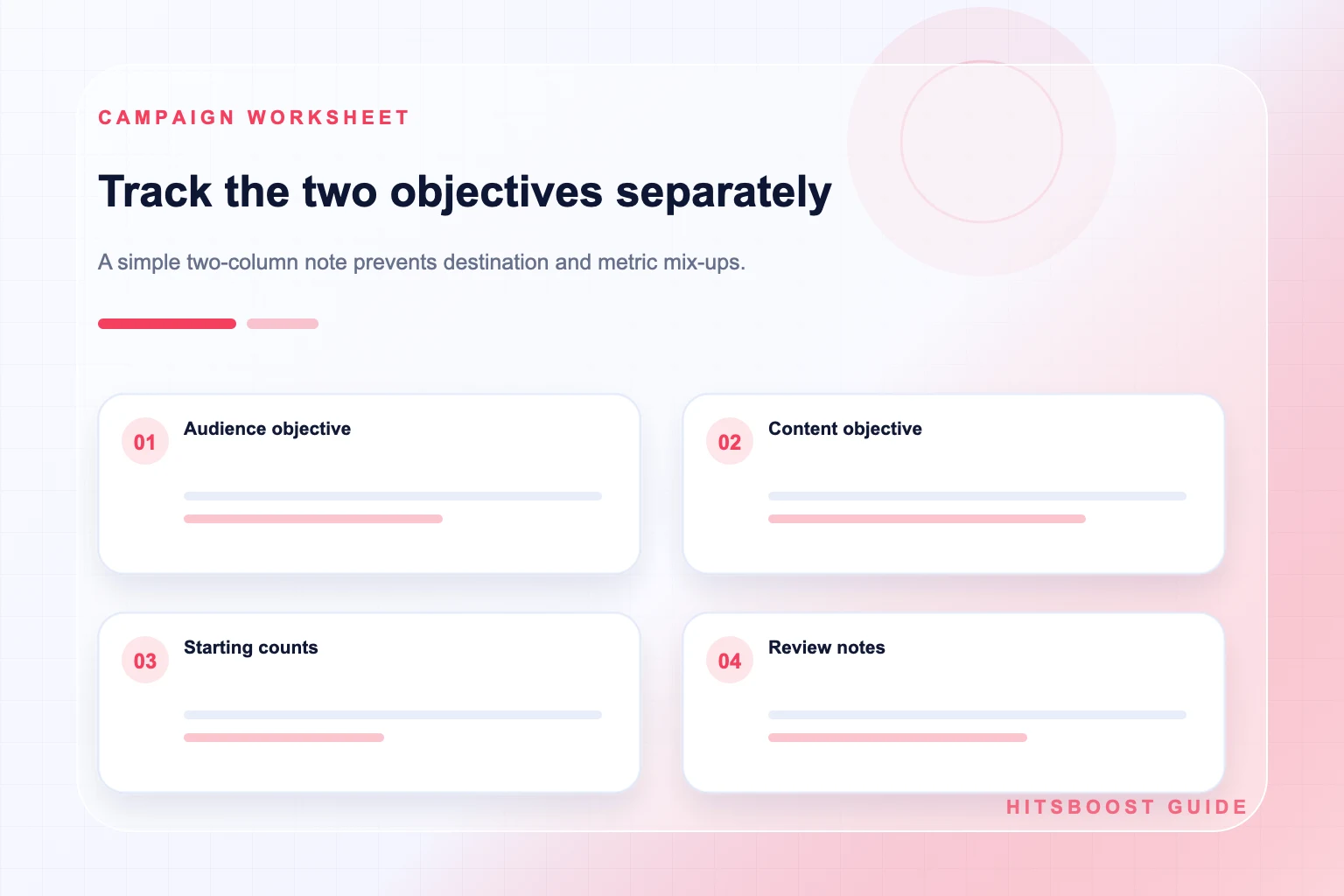
Place audience evidence on the left and post evidence on the right. The audience column contains the Page or profile URL, follower baseline, campaign source, selected package where applicable, and dated observations. The post column contains the direct post URL, starting reactions, content and distribution notes, any post-like package, and dated observations. A third context column can hold advertising, email, collaborations, press, or technical changes.
At review time, describe each column before interpreting relationships. For example: the Page displayed one follower total at the start and another at the end; the launch post displayed one reaction count at publication and another after seven days; the newsletter and partner share occurred on named dates. These are observations. Claiming that one activity caused every change would require stronger evidence.
Finish the worksheet with two decisions. The audience decision may be to clarify the Page promise or continue a recurring series. The post decision may be to strengthen the opening, revise the offer, or answer a common comment. Separate decisions prevent the team from prescribing ‘more followers’ when the real issue is weak content, or ‘more likes’ when the public Page is incomplete.
- Audience column: destination URL, follower baseline, package or promotion, check dates, and observed total.
- Post column: post URL, reaction baseline, content format, promotion, check dates, and observed response.
- Context column: publishing, advertising, email, collaboration, press, outages, and major edits.
- Decision column: one conclusion supported by the record and one next test.
Prepare the Page and the post before sending traffic
An audience campaign needs a Page or profile worth exploring. Check the public name, images, introduction, website, contact action, and recent content. A post campaign needs a finished, accurate update with a clear context and destination. Complete both readiness reviews before a combined launch. A package changes the stated count; it does not write the message or create the visitor journey.
Connect the two surfaces naturally. The post should be published by or clearly associated with the intended public identity. The Page should contain enough related material for an interested visitor to understand the project after opening the post. If a landing page is part of the campaign, test it on mobile and verify the path from the Facebook content.
Plan community work as well. Decide who will answer relevant comments and messages, how quickly the team can respond, and which questions need escalation. Do not use canned replies where the person asked a specific question. Meta's engagement guidance emphasizes useful interaction and responses; the quality of the conversation remains a human responsibility regardless of the visible counts.
Report the campaign without making causal promises
Use four sections in the final note: audience, content, distribution, and outcome. Audience includes followers and Page likes under their exact labels. Content includes reactions, comments, shares, and viewing measures for named posts. Distribution includes reach, advertising, email, partner shares, and other exposure sources. Outcome includes verified actions such as enquiries, sign-ups, bookings, or sales.
State what was purchased and what was observed. ‘The selected package concerned 500 followers on this Page’ is a scope statement. ‘The Page displayed 2,300 followers on Monday and 2,760 on Friday’ is an observation. ‘The package created 460 loyal customers’ is unsupported unless independent evidence establishes those identities, their loyalty, and causation. Use measured language even when the numbers appear favorable.
Close with the next campaign choice. If the Page is clear but the launch post did not explain the offer, improve the post. If the post drew useful questions but the Page has no related series, build continuity. If the landing path failed, fix it before buying more attention. The best metric choice is the one that makes the next decision clearer, not the one that produces the most impressive isolated total.
Explore Facebook Post LikesFrequently asked questions
What is the main difference between Facebook followers and post likes?+
Followers connect to a public Page or eligible profile, while post likes are reactions on one public content item. They require different links and baselines. Neither number should be used as a substitute for the other.
Should a product launch focus on followers or post likes?+
Choose from the intended action. Use a follower objective when the ongoing Page audience is primary. Use post likes when the launch post itself is primary. A combined campaign can use both, but each needs a separate purpose, link, record, and review.
Do Facebook post likes turn into followers?+
Some people who encounter a post may independently choose to explore or follow the Page, but a post-like count does not guarantee follower growth. Measure the post response and audience count separately and avoid attributing every change to one activity.
Can a follower package increase likes on every post?+
A follower package concerns the follower quantity and destination described in its offer. It should not be presented as a guarantee of reactions, reach, comments, views, clicks, or sales on any post.
Which URL should I use for Facebook followers?+
Use the public home URL of the intended Page or eligible profile and verify its name, image, and visible follower context. Do not use a direct post, photo, or video permalink for an audience-level follower package.
Which URL should I use for Facebook post likes?+
Use the direct public permalink for the exact eligible post. Open it in a private browser session and confirm the account, media or text, caption, and public accessibility before submitting it.
How should I calculate engagement for the campaign?+
Choose a formula that answers a named question and save the raw counts. Interactions divided by followers differs from interactions divided by reach. State the numerator, denominator, date range, and source whenever you report a rate.
Compare Facebook Post Likes packages.
Prepare the public destination, then review the quantity and terms that fit your goal.
Compare Facebook post likes packages