Standard
Instagram Live Views100
$3.20USD price
- Target: Public Instagram profile at checkout
- One selected public destination
- Secure direct checkout
Choose Instagram Live view packages for an eligible public broadcast. HitsBoost offers clear quantities, current USD prices, secure checkout, password-free ordering, and friendly support for your scheduled session.
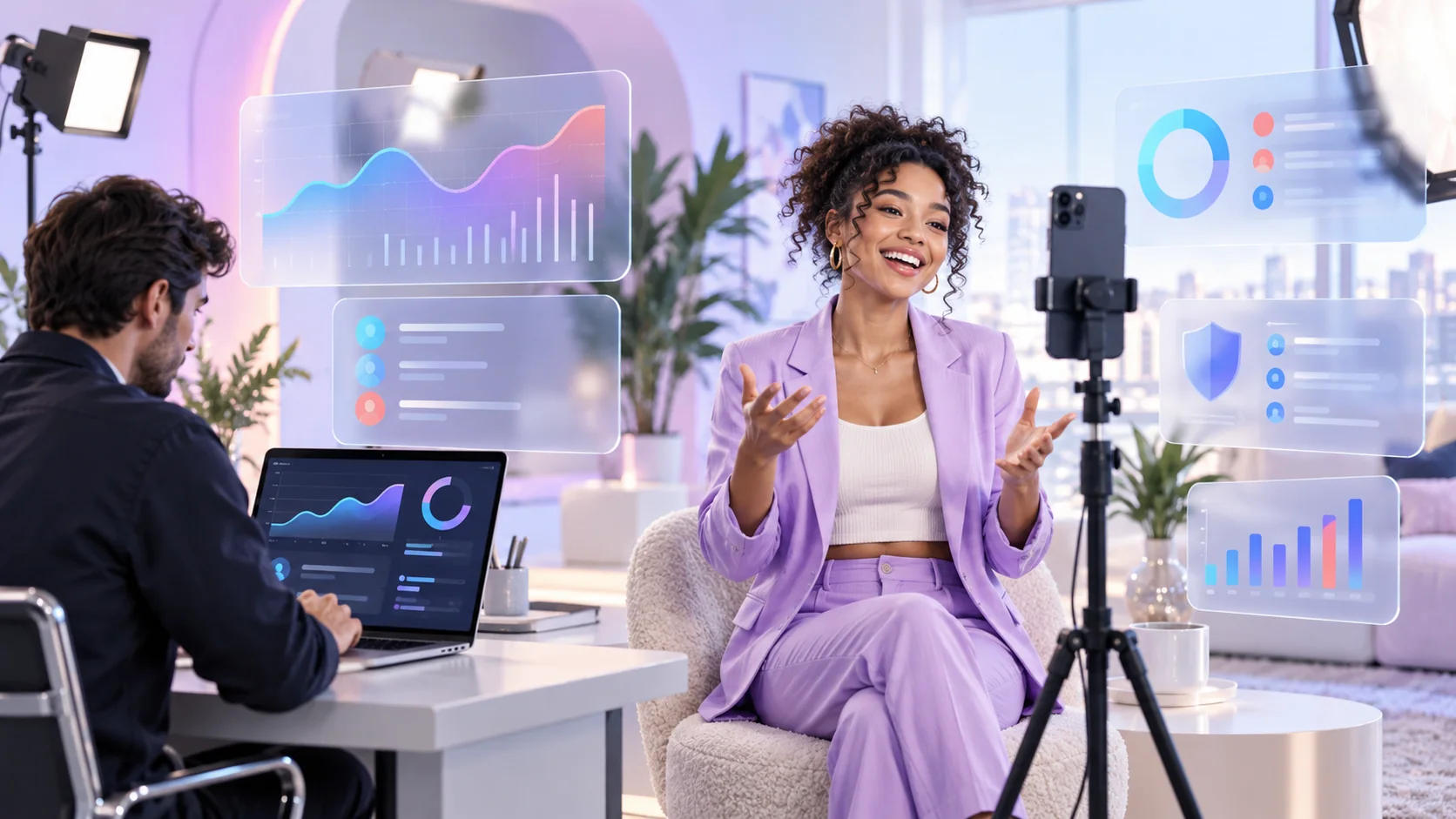
Select Standard, Active, or VIP, compare the available quantities and current USD prices, then continue securely with the package that fits your broadcast.
Select a service tier, then choose the quantity that fits your destination.
Add the host’s public Instagram @username or profile link at checkout, then confirm the scheduled Live session and timing before payment.
Choose the right package, connect the correct public profile, and make sure your broadcast schedule is ready.
| Check | What HitsBoost shows | What you should prepare |
|---|---|---|
| Package choice | 34 Standard, Active, and VIP options. | The quantity and price that fit your event. |
| Instagram profile | A simple field for the public @username or profile link. | The correct public profile that will host the broadcast. |
| Account privacy | No Instagram password is required. | Keep your login and private account information to yourself. |
| Broadcast timing | Support is available if you have a timing question. | Your time zone, planned start, and expected session length. |
| Live content | Packages for eligible public Instagram Live broadcasts. | A clear topic, prepared host, and active public session. |
| Campaign goals | The package supports Live viewing activity. | Track comments, follows, enquiries, and sales separately. |
Start with the account’s normal Live attendance, event format, broadcast length, promotion plan, and the exact definition confirmed for the package.
Review several broadcasts with similar topics, hosts, lengths, posting windows, and promotion. Note peak concurrent viewers, accounts reached, interactions, and average watch time where Instagram Insights makes them available.
A smaller first package makes it easier to see what suits your audience and event before choosing a larger option for a future broadcast.
Live view activity is one input. Track comments, shares, follows, profile visits, link activity, leads, and sales separately rather than attributing every result to the visible audience number.
HitsBoost keeps ordering simple with clear packages, visible prices, secure checkout, password-free delivery, and friendly help for your scheduled broadcast. Learn more on the HitsBoost About page.
Every card shows the Live view quantity and current USD price, so you can compare the options and choose confidently.
Simply add the host’s public @username or profile link. Your password and private account access are never required. See the Privacy Policy.
Choose your package, confirm the broadcast schedule, and complete secure checkout. If the timing changes or you need assistance, contact HitsBoost support.
Prepare your broadcast, choose a package, and complete checkout without sharing your Instagram password.
Set the topic, start time, time zone, expected length, and host profile before choosing a package.
Compare Standard, Active, and VIP options, then select the quantity and price that fit your event.
Add the host’s public @username or profile link and confirm the scheduled Live session. No Instagram password is required.
Pay securely, follow the confirmed timing, and keep the broadcast active as planned. Contact support if the schedule changes.
The right service depends on the destination, format, timing, and metric the campaign actually needs.
| Service | Primary destination | Metric addressed | Planning difference |
|---|---|---|---|
| Live views | An eligible active public broadcast associated with the host profile. | Live session viewing activity as defined for the selected package. | Requires timing coordination and clarification of quantity and duration. |
| Story views | An eligible active Story associated with a public profile. | Visible Story viewing activity. | Time-sensitive content, but it is a published Story rather than a real-time broadcast. |
| Reel or video views | One eligible public Reel or video. | View count on stable published content. | Use the direct content destination and assess retention beside views. |
| Likes or comments | One eligible public post or Reel. | A visible engagement action. | These actions do not represent concurrent attendance, reach, or watch duration. |
| Followers | One public Instagram profile. | The profile’s follower count. | Followers belong to the account rather than one Live, Story, Reel, or post. |
Find simple answers about eligible broadcasts, package choices, account privacy, timing, interrupted sessions, and realistic expectations. You can also review the Refund Policy and Terms of Service.
Contact HitsBoost support ↗Choose a package, enter the host's public Instagram @username or profile link, and have the Live session ready at the planned time. No Instagram password is required.
Yes. Instagram Live is a time-sensitive format, so prepare the intended session and follow the checkout instructions for its timing. Do not assume that an ended replay, scheduled event, Story, Reel, or regular video is the same destination.
Enter the host's public @username or profile link. Check the spelling and profile photo before paying. If the account has more than one planned Live session, contact support before ordering.
No. HitsBoost does not need your Instagram password, authentication code, backup code, recovery key, private messages, or connected email access for a Live views package.
Each option has its own available quantities and prices. Compare the package cards and choose the one that fits your broadcast and budget. Contact support before ordering if you need help choosing.
Consider the account's usual live audience, the session topic, expected duration, promotion plan, and budget. A smaller package can be a comfortable starting point for a first campaign.
A package is intended for one eligible Live session. Choose a separate package for another session, or contact support before ordering if your plan involves more than one broadcast.
No. Live views concern an eligible active live session. Reel and video views apply to eligible recorded content, while Story views apply to active Stories. Choose the service page that matches the content format you want to address.
No. Live views, likes, comments, shares, followers, reach, and watch time are separate actions and measurements. A Live views package addresses only the eligible view quantity described in the selected offer.
No. A package does not guarantee recommendations, unique reach, comments, followers, leads, sales, partnerships, or later organic performance. Those outcomes depend on the stream, audience, promotion, offer, timing, account, and other factors outside the package.
Timing depends on the package, quantity, and when your Live session starts. Because the broadcast is time-sensitive, make sure the host profile and schedule are ready before checkout.
Contact HitsBoost support as soon as possible. Check the public host profile and planned session before checkout, then keep the broadcast active for the agreed delivery window.
Compare Instagram Story view packages, Instagram Reel and video views, Instagram like packages, Instagram comment packages, and Instagram follower packages; read the growth blog; or contact support. Review the Terms of Service and Privacy Policy. For platform guidance, use the official Instagram Help Center and Instagram Community Guidelines.
The package addresses one Live viewing metric. Session structure, technical quality, moderation, audience fit, and follow-up shape the experience around that number.
A Q&A needs organized questions and moderation. A product demonstration needs a visible setup and clear steps. An interview needs guest preparation. A launch needs an offer, proof, and a precise next action.
Choose one primary outcome and a small set of supporting metrics instead of expecting a Live view count to represent every campaign result.
Test connectivity, audio, lighting, framing, device power, guest access, screen orientation, and notifications. Prepare a backup device or alternate connection when the event matters.
Assign a moderator to handle questions and remove abusive or irrelevant content. Keep private customer data and account controls away from the visible frame.
Summarize the main point, answer the promised questions, repeat the next step, and tell viewers where to find more information. Save the session data before comparing it with the baseline.
Review the opening, peak moments, drop-offs, questions, shares, follows, link activity, and downstream outcomes. Use those findings to improve the next broadcast.
Platform availability, measurement, moderation, connection quality, and account controls can affect a broadcast. A Live views package cannot control recommendations or guarantee another action.
Do not present a visible audience total as proof of customer demand, endorsements, survey results, product performance, political support, financial outcomes, or another claim it cannot establish.
Use your own public account or one you are authorized to promote. Agencies should confirm the client, handle, schedule, package, budget, and reporting method before ordering.
A weak connection, delayed host, platform issue, or early ending can change the session window. Contact support if the broadcast is delayed or the destination changes.
Map the welcome, core segments, transitions, questions, demonstration, offer, recap, and close. Add time markers so the host and producer can adjust without losing the central promise.
Write a shorter version of each segment, a backup question, an alternative demonstration, and a clear response to a delayed guest or technical interruption. The plan should help the team make decisions while the event is moving.


Peak concurrent viewers describe the highest audience present at one moment. Accounts reached, views or joins, average watch time, total watch time, comments, shares, and follows describe other parts of the session.
Use the same metric definition and a similar event type when reviewing performance. Record the date, duration, host, topic, promotion sources, package, and any interruption so the comparison retains its context.
A producer can monitor connection quality, cue segments, confirm guest readiness, and keep the run of show on time. A moderator can surface useful questions and remove spam or abuse without derailing the host.
Ask focused questions, pause long enough for responses, state how questions will be selected, and acknowledge viewers without exposing private information. Participation should support the topic rather than interrupt it.
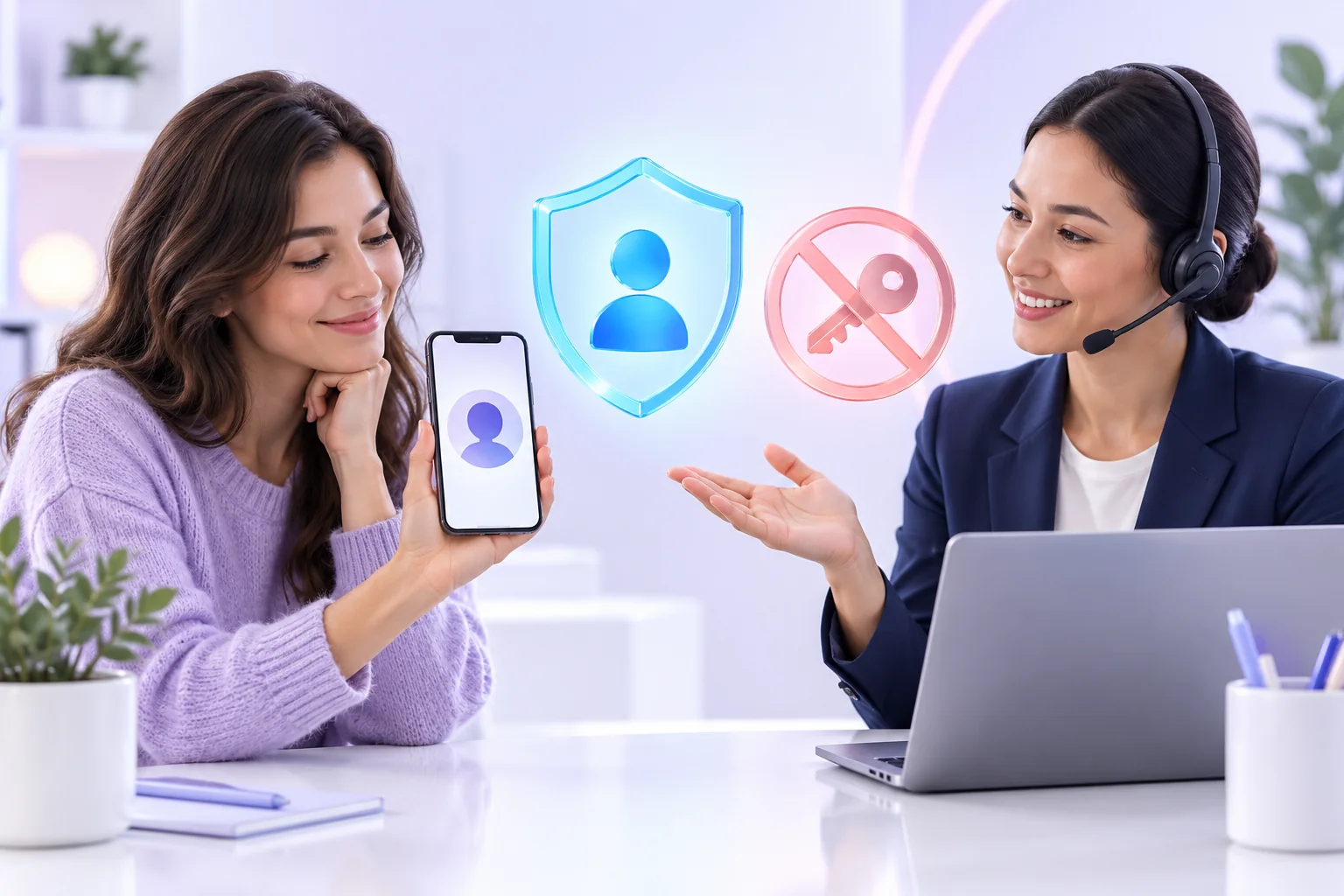
Add the host’s public @username or profile link during checkout. The Instagram password, private messages, connected email, and account settings stay under the account owner’s control.
Check the public profile, start time, and time zone before paying. Keep the host profile public and contact support if the schedule changes.
Choose a package, add the host’s public @username, confirm the start time, and complete secure checkout. No Instagram password required.