What following means
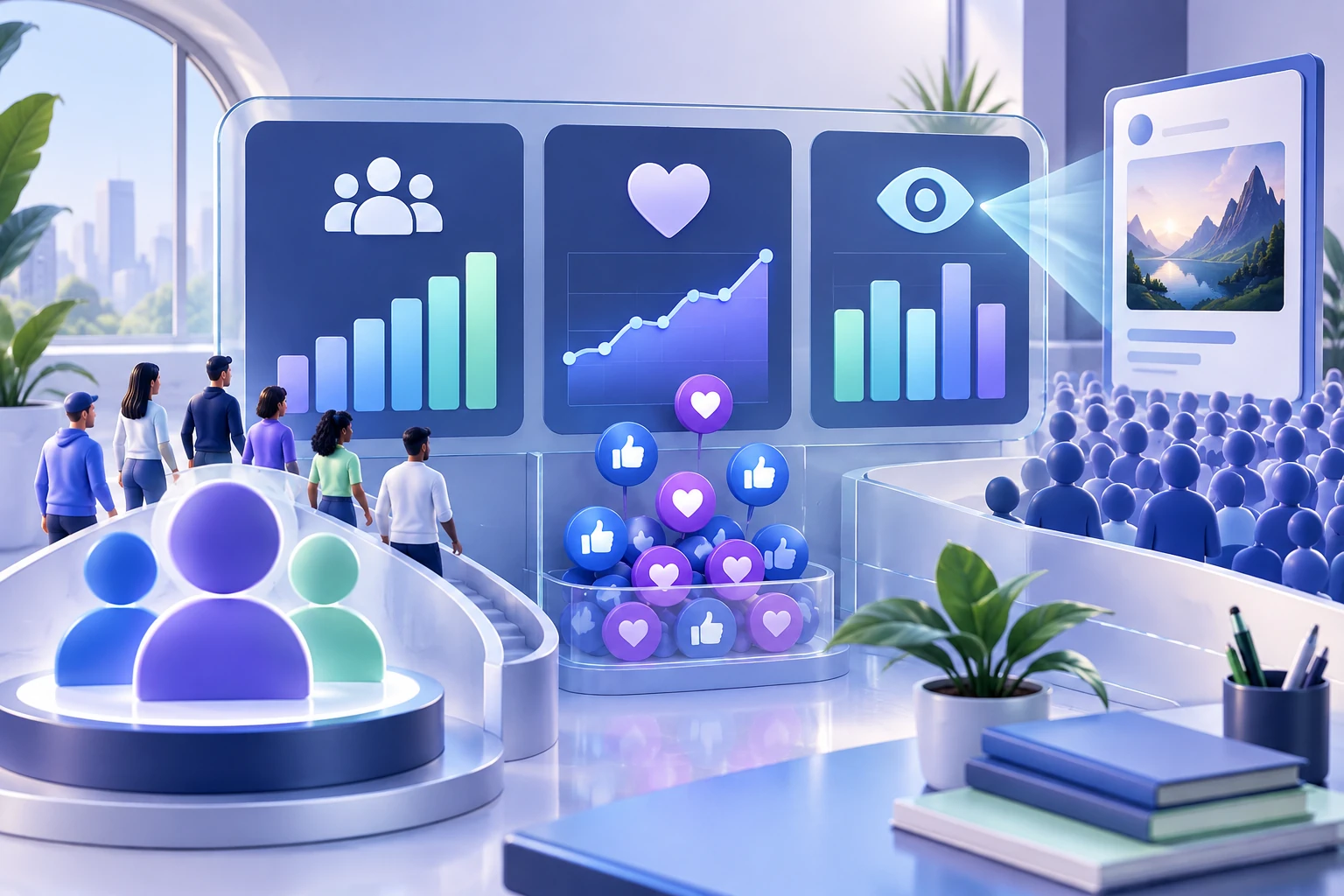
Following is an audience connection to a Facebook destination. A person who follows a Page or eligible public profile may receive updates from that destination, subject to Facebook's current feed systems and the person's settings. The visible follower count describes the size of that connection, not guaranteed delivery of every post.
A follower is therefore different from a reaction, comment, share, video view, or watch-hour total. Those measures describe activity around content. Keeping the audience destination and content activity separate prevents misleading comparisons.
How followers work on a Facebook Page
A Page represents a business, organization, brand, public figure, creator project, or community. People may follow the Page to connect with its updates. Page managers publish as the Page and review Page-level and content-level insights through the available management tools.
The Page URL is the relevant destination for a Page follower campaign. Open the public Page itself rather than a post published inside it. Confirm the Page name, profile image, description, and visible follower label before copying the address.
How followers differ from post activity
A Page can gain followers while one post receives few reactions, and a post can receive strong reactions without producing a similar change in the Page follower count. The numbers answer different questions. One concerns connection to the destination; the other concerns response to a specific item.
When preparing a report, keep the Page URL and follower baseline in one section. List each post or video with its own URL and metrics in another. This structure makes it easier to identify which content attracted attention without implying that every follower saw or responded to it.
Page likes and followers are separate
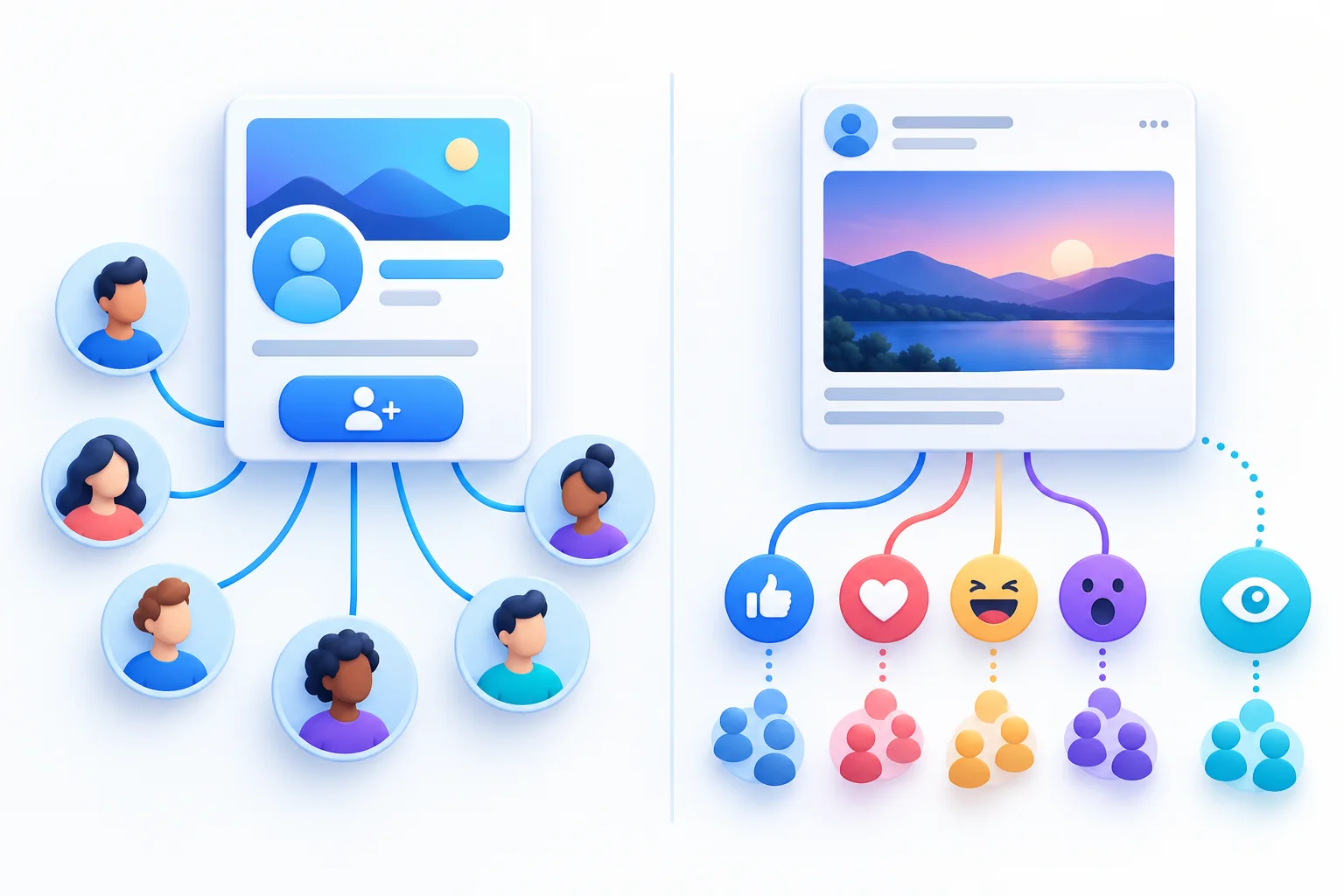
A Page like indicates affinity with a Page, while following relates to receiving updates from it. Facebook's Page experience and the prominence of these labels have changed over time, and the two counts may not match. Use the exact label shown on the Page instead of assuming one number represents both actions.
A followers package, Page likes package, and post likes package therefore require different decisions. Name the metric and destination before opening a service catalog. If the desired number is attached to the Page, verify whether it says followers or likes; if it belongs to one post, use that post's link.
Profiles and professional mode
A personal profile represents an individual. Public following and professional features may be available depending on the account's current settings and eligibility. Professional mode can provide tools and insights for a public creator presence while the destination remains the person's profile.
Do not assume every profile exposes the same controls or information. Review the audience and privacy settings from the account itself, then open the profile as a visitor. If a service supports profiles, its terms should say so explicitly; otherwise use a supported Facebook Page.
Public visibility and the correct link
A campaign that relies on a public destination needs a link that visitors and the provider can open. Test the Page or profile URL outside the administrator view. Confirm that it leads to the intended identity and does not redirect to a post, login-only screen, old Page, or similarly named account.
Use the stable public address when possible and save it with the campaign record. A correct link is more important than the format of the username. If several team members manage multiple Pages, add the visible Page name and profile image to the brief so the destination can be checked twice.

What determines whether people see a post
Following creates a possible connection; it does not guarantee that every follower receives every update. Feed distribution may depend on the person's settings, previous interactions, content relevance, timing, format, and Facebook's current systems. Page managers should avoid presenting follower count as equivalent to reach.
Measure reach and engagement on the content itself. Compare several posts rather than drawing a conclusion from one update. If the Page publishes video, review views and duration separately. These observations help improve the content plan without changing the definition of a follower.
Why follower counts move
Counts can change when people follow or unfollow, accounts become unavailable, Facebook removes inauthentic activity, settings change, or interfaces update. Reporting delays and rounding can also affect what a visitor sees. A short-term movement is not enough to identify a cause.
Record the Page or profile URL, date, displayed count, recent content activity, and any campaign or setting changes. Recheck the same destination later. A documented timeline is more useful than attributing every decrease to one provider or every increase to one post.
A practical destination checklist
Decide whether the public identity is a Page or profile. Confirm that following is available and visible where required. Copy the destination URL rather than an individual post. Record the starting count and take note of the exact metric label. Review the public identity and recent content before directing new attention toward it.
For an optional package, confirm that the provider supports that destination and does not require login credentials. Select the metric that matches the visible count, retain the order record, and measure the follower count independently from reach, reactions, and business outcomes.
Explore Facebook FollowersCompare Facebook Followers packages.
Prepare the public destination, then review the quantity and terms that fit your goal.
Buy Facebook Followers