

Facebook metric map
| Metric | What it helps describe | Keep it separate from |
|---|---|---|
| Followers | Audience connection to a Page or eligible profile | Page likes, post reactions, reach, and customers |
| Page likes | A Page-level like action where displayed | Followers and likes on individual posts |
| Reach | Accounts or people exposed under the current platform definition | Impressions, views, followers, and engagement |
| Post reactions | Responses such as Like on one content item | Page likes and follower count |
| Comments and shares | Conversation and redistribution actions | Sentiment, quality, and business outcome |
| Video views | Qualifying video plays under the displayed definition | Unique viewers and watch duration |
| Watch duration | Accumulated or average time spent viewing | Play count and completion rate |
| Business actions | Verified clicks, enquiries, sign-ups, bookings, or sales | Platform attention metrics |
Start with five measurement layers
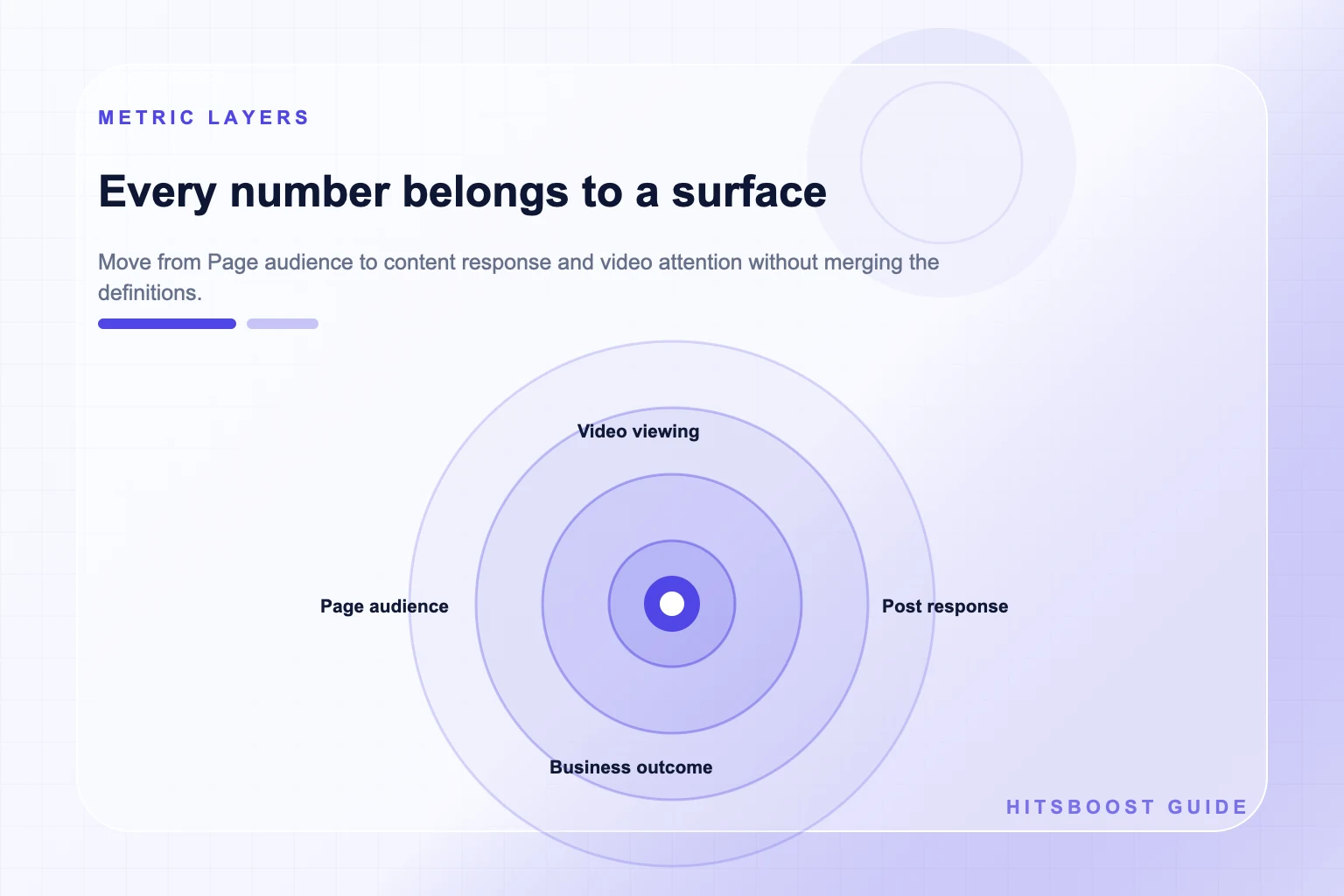
Facebook numbers become easier to understand when they are placed in layers. Audience metrics describe a connection to a Page or eligible profile. Distribution metrics describe where content was shown under the platform's reporting definition. Response metrics describe actions on content. Viewing metrics describe video behavior. Business metrics describe what happened on an owned destination or in a customer system. A single campaign may produce figures in every layer, but that does not make them interchangeable.
For every number, ask five questions: what action does it represent, where did it happen, who or what may be counted, which period does it cover, and where was it obtained? ‘12,000 engagement’ fails this test because the label hides the underlying actions and formula. ‘430 reactions, 62 comments, and 18 shares on the launch post from 1 to 7 October in Page insights’ can be checked and compared.
Use the layer closest to the decision. If you are evaluating recognition around a Page, review the audience layer. If you are revising a video opening, use viewing evidence. If leadership wants commercial value, report qualified enquiries or sales from a reliable business source. Platform attention can support the story, but it should not be silently renamed as revenue or loyalty.
Map each number to its destination
A Page or professional profile is an audience destination. A post, video, Reel, or Story is a content destination. The same creator can have several of each, and their metrics can appear in one dashboard. Save the public URL or internal content identifier beside the measurement. This prevents a Page follower count from being compared with reactions on one post or views on a different video.
Destination also affects the available controls and reporting. People with appropriate Page or task access may work with content, messages, ads, linked accounts, and insights depending on the permissions Meta provides. A public visitor may see rounded counts or fewer details than an authorized manager. Record whether a value came from the public surface or a management interface rather than combining the two without explanation.
Interface labels and measurement rules can change. Read the tooltip or definition displayed with the metric when it matters to a decision, and save the date of the report. An old screenshot or third-party glossary can help with context but should not override the definition in the current official interface. This is especially important for views, reach, and video duration, whose qualifying rules may differ by surface.
- Audience layer: followers and Page likes under their exact visible labels.
- Distribution layer: reach and impressions as defined in the current interface.
- Response layer: reactions, comments, shares, clicks, and messages on named content.
- Viewing layer: plays, watch duration, completion, and retention where available.
- Outcome layer: verified actions recorded in the business system or owned destination.
Understand Facebook followers
Followers are associated with a Page or an eligible public profile. In plain language, following creates a connection through which a person may receive public updates, subject to their choices and Facebook's distribution systems. A follower is not evidence that the person saw every post, reacted, visited a website, bought something, or remained active throughout a reporting period.
Use the Page or profile home as the destination. Record the visible label, count, date, and source from the same place on each checkpoint. If the public number is rounded, keep it rounded. Do not manufacture precision by turning ‘12K’ into an exact value. Authorized insights may provide a more detailed view, but the report should identify that source.
When comparing a follower package, read the offer as a count-specific service. Confirm the public destination, tier, quantity, price, delivery wording, and terms. The package does not establish organic reach, engagement quality, customer intent, or sales. Keep the purchased scope and the wider performance report separate so both can be evaluated honestly.
Explore Facebook FollowersDistinguish Page likes from followers
A Page like is a Page-level action. It is not a Like reaction on an individual post, and it is not automatically the same as following. Meta's audience learning materials distinguish people who like a Page, people who follow it, and people reached. Facebook experiences may emphasize these labels differently, so inspect the exact Page and current interface instead of assuming every account displays both counts in the same way.
If Page likes are relevant, record them in their own row. Use the Page URL, not a post permalink. Do not add Page likes and followers together as a ‘total audience’ unless a defined methodology explains overlap and why the combined figure answers a useful question. A person may be represented differently across the two actions, and simple addition can double-count or misdescribe the audience.
Choose between a follower and Page-like goal from the visible metric and campaign purpose. The Page may support both, but the package and baseline must refer to the same label. A team that records Page likes before the campaign and followers afterward has changed the measurement, so the difference cannot be presented as growth in one consistent count.
Explore Facebook Page LikesRead reactions, comments, and shares as content responses
Reactions belong to individual content. Like is one reaction; it should not be confused with a Page like. Comments and shares describe other actions. A post can receive many reactions and few comments, or a modest reaction total and a valuable discussion. Keep the raw actions visible before combining them, because different actions can support different editorial decisions.
Quality and sentiment require reading, not only counting. Ten detailed questions can matter more to a specialist publisher than one hundred generic reactions. A share may distribute content, but it does not reveal whether the sharer agrees. A comment may be positive, critical, irrelevant, or a support request. Classify themes carefully and avoid presenting all interaction as approval.
Meta's engagement guidance includes reactions, shares, comments, tags, mentions, and messages as ways people can interact. Use the direct post URL and reporting period when documenting them. If you compare a post-like package, limit the claim to the stated reaction count and destination. It does not guarantee conversation, follower growth, reach, clicks, or sales.
Separate reach from impressions and audience size
Reach generally describes the people or accounts exposed to content under the definition provided by the reporting surface. Impressions generally describe displays and can include repeated exposure, but definitions and availability can vary. A follower count describes an audience connection, not how many connected people received a particular post. Report the platform's current label rather than replacing it with a familiar but different term.
Organic, paid, and combined distribution may appear as separate views depending on the tool and period. If advertising is active, record the paid campaign and date beside the Page report. Do not credit all reach to publishing, a follower order, or one creative change when paid distribution and owned promotion also occurred. A timeline gives the context needed for a restrained interpretation.
When comparing content, use similar periods and formats where practical. A post that has been public for thirty days has had more opportunity to accumulate distribution than one published yesterday. A Reel, link post, photo, and live event may be surfaced differently. Normalizing for time and adding format context does not make the comparison perfect, but it prevents obvious mismatches.
Keep video views and watch duration distinct
Video views count qualifying plays under the rule displayed for the content and reporting surface. Watch duration adds time spent viewing; average watch time divides a duration total by an applicable view or play count; completion or retention measures describe how far viewers progressed under their definitions. These numbers are related but answer different questions. A large play count can coexist with short viewing sessions.
Record the video's direct URL or identifier, length, format, publication date, and distribution context. Compare similar items: a ten-second clip and a twenty-minute interview should not be judged from the same raw watch-time expectation. Examine the opening, pacing, subject, captions, and moments where retention changes. The creative lesson is often more useful than declaring one duration universally good or bad.
Meta's March 2026 creator update says Facebook Content Monetization is introducing qualified-view, earnings-rate, and non-qualified-view measures while placing more emphasis on deeper engagement, longer watch time, and qualified views. Those measures belong to that invite-only monetization context. For a general Page report, use the definitions actually available in the current interface. A video-view package and a watch-hours package also describe different units; select and report the unit stated in the offer.
Calculate engagement rates with a named formula
An engagement rate is a calculation, not a single native truth. A basic content interaction total might include reactions, comments, and shares. Dividing it by followers estimates interactions relative to audience size. Dividing by reach estimates interactions relative to the accounts exposed under the reported reach definition. Dividing by impressions asks another question. The resulting percentages should never be compared without naming their denominators.
Save the raw numerator, raw denominator, formula, date range, and included posts. Decide how to handle unavailable values and whether a result is per post or for a period. Avoid mixing a public rounded follower count with precise private interaction data without labeling the limitation. A calculator makes arithmetic easier, but the analyst still owns the definition and interpretation.
Rates are most useful for comparable units. Compare posts of a similar format, objective, age, and distribution condition, or make the differences explicit. A paid launch video and an unpromoted community question may serve different jobs. The rate can organize evidence, but it cannot remove the campaign context or determine whether the interactions were relevant to the creator or business.
Build a report another person can reproduce
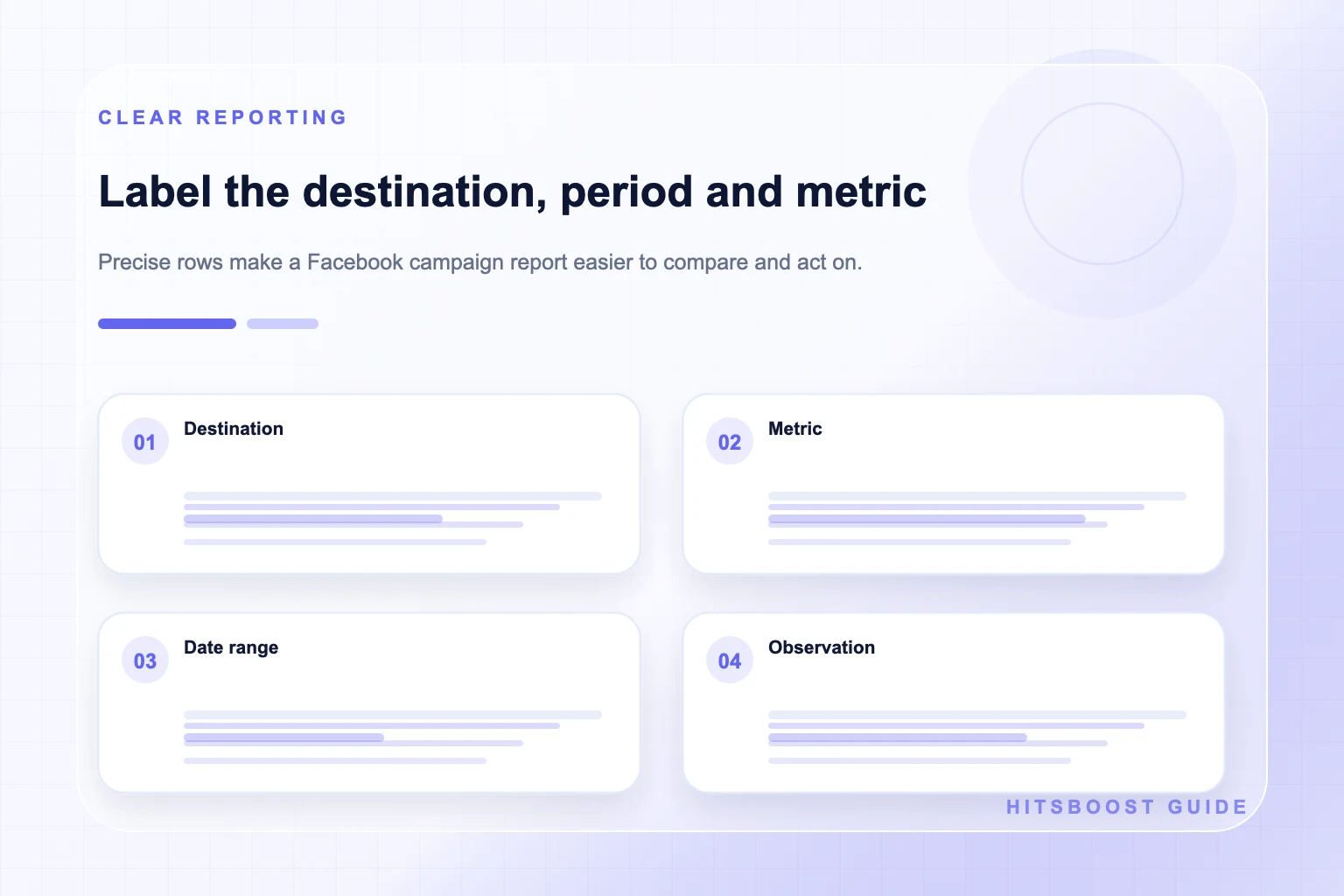
Create one row per metric and destination. Include the metric's exact name, a short definition, Page or content URL, reporting source, start and end dates, timezone, starting value, ending value, formula if calculated, and notes about rounding or missing data. Store screenshots as supporting evidence, but do not make them the only record. A structured row can be searched, filtered, and checked later.
Separate four kinds of writing. Context states what occurred, such as a paid campaign or collaboration. Observation states what the source displayed. Interpretation offers a possible explanation. Decision states what the team will do next. Keeping these categories apart prevents a plausible story from being presented as measured fact. It also makes disagreement productive because reviewers can see which step they are questioning.
Include content and business evidence without blending them. A report can show reach and video retention next to link clicks, enquiries, and sales, but the sources should remain visible. If a website conversion cannot be connected reliably to a Facebook session, say so. An honest unknown is more useful than an invented attribution model.
- Metric name and plain-language definition.
- Page, profile, post, video, or Story destination.
- Date range, timezone, and reporting source.
- Raw value, formula if calculated, and comparison period.
- Context, observation, interpretation, and next action in separate fields.
Choose a review cadence that matches the decision
Use a weekly check for publishing and content response, a monthly review for audience and recurring format decisions, and campaign-specific checkpoints for launches. These are practical starting points, not platform requirements. A fast event may need a same-day operational check, while an evergreen series needs enough time and examples to reveal a pattern.
Compare complete periods. Monday through Sunday should be compared with another Monday through Sunday where seasonality and activity are reasonably similar, not with an arbitrary three-day window. Annotate holidays, outages, advertising, viral attention, long publication gaps, and major Page changes. These details can explain why a period is unusual even when they do not establish exact causation.
End every review with one decision tied to one layer. Improve the Page introduction for an audience issue, the creative opening for a retention issue, the question for a conversation issue, or the landing path for a conversion issue. Buying more of an unrelated metric does not solve a diagnosis. A clear glossary gives the team the language needed to choose the right intervention.
Avoid the most common metric interpretation errors
Do not call all visible numbers engagement. Do not call impressions people. Do not call a view a unique viewer without that definition. Do not call followers customers. Do not add followers and Page likes without addressing overlap. Do not interpret a larger count as proof of positive sentiment, and do not use a percentage without revealing its numerator and denominator.
Avoid causal claims from before-and-after screenshots. Content, advertising, email, collaborations, news, seasonality, independent audience actions, and reporting updates may overlap. A timeline can show correlation and sequence; it cannot isolate a cause on its own. Attribute provider statuses to the provider, public counts to Facebook's public display, and business outcomes to the system that recorded them.
Finally, review current official definitions when a decision carries budget or reputational risk. Meta changes products, labels, and eligibility over time. This guide supplies a durable framework—audience, distribution, response, viewing, and outcome—but the current interface remains the source for the exact metric available to your Page and content.
Frequently asked questions
What is the difference between Facebook followers and Page likes?+
Both are Page-level audience actions, but they are distinct labels and should be recorded separately. A Page like is also different from a Like reaction on a post. Check which counts the current Page displays before choosing a baseline or package.
Is Facebook reach the same as followers?+
No. Followers describe an audience connection to a Page or eligible profile. Reach describes exposure under the reporting definition shown for a period or content item. Not every follower sees every post, and content may reach people who do not follow.
Are Facebook views the same as unique viewers?+
Do not assume so. A view counts a qualifying play under the displayed rule, while unique viewers would require a distinct definition. Read the current metric description and keep the content, period, and source with the value.
Which actions count as Facebook engagement?+
The answer depends on the formula. Reactions, comments, and shares are common interaction components, while clicks or other actions may be included for some analyses. State exactly what you included and keep the raw counts before calculating a rate.
Should engagement rate use followers or reach?+
Use the denominator that answers the named question. Followers relates interaction to audience size; reach relates interaction to reported exposure. The two rates are not interchangeable, so label the formula and avoid comparing results calculated differently.
How should I measure Facebook video performance?+
Keep views, watch duration, completion or retention, interactions, and business actions separate. Compare similar formats and lengths, record the current definitions, and use the direct video destination and date range.
Can one Facebook metric prove campaign success?+
Usually no. Use the measure tied to the primary objective, then add supporting evidence from other layers. Audience, distribution, response, viewing, and business outcomes answer different questions, and none should be silently substituted for another.
Compare Facebook Followers packages.
Prepare the public destination, then review the quantity and terms that fit your goal.
Compare Facebook follower packages