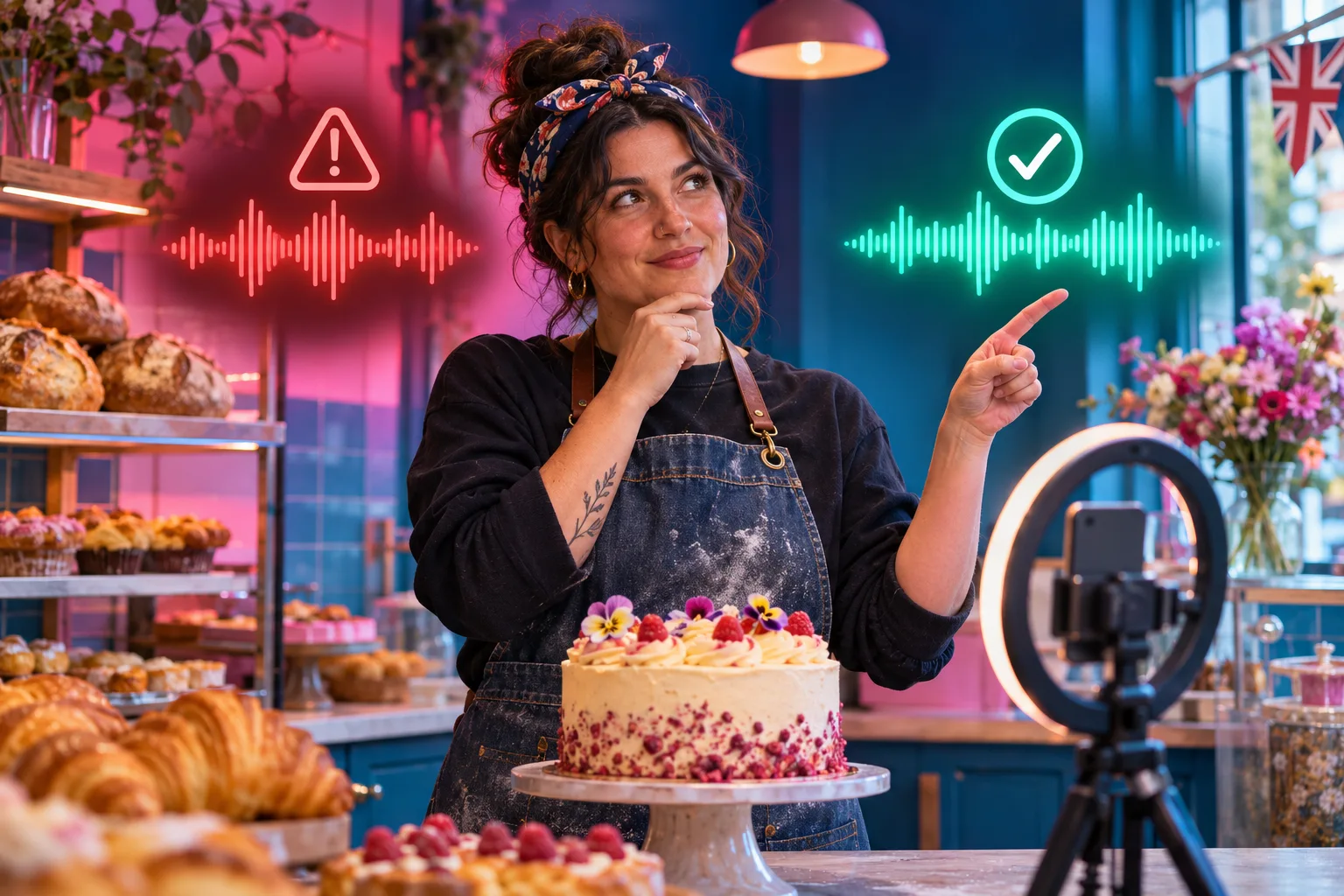
Audio decision sheet for a fictional independent UK bakery
| Candidate audio | Evidence to collect | Question before publishing | Decision |
|---|---|---|---|
| Owner's spoken product explanation | Raw recording and who made it | Is any third-party song audible behind the speech? | Use if the bakery controls the whole recording |
| Song found inside an app | Exact song, source and current platform terms | Does this specific commercial Reel fit the permission? | Hold until the use is verified |
| Track from a paid music library | Licence receipt and full terms | Does it cover social, ads, territory and duration? | Use only within its documented scope |
| Freelancer's soundtrack | Written agreement and source licence | Could the freelancer grant the bakery this use? | Request proof or replace the audio |
| Music audible in the shop | Original clip and identifiable background track | Is the recording itself fully controlled? | Rerecord or remove uncertain sound |
Start with the commercial purpose, not the popular song
A bakery filming a cake may want a recognisable chorus because it sounds lively in the edit. That choice has two separate questions: will the clip make sense to customers, and may the business use that recording in this commercial post? A song being familiar or selectable in a menu addresses neither question fully. Before searching for audio, write what the Reel will do: show today's product, invite an order, announce an offer or document a community event. The purpose determines what permission must be checked.
The example bakery in this article is fictional and has no reported audience result. Imagine its baker narrating how a cake is decorated, with a quiet song playing over the footage. The speech may be the bakery's own work while the song belongs to someone else. Those sounds need different treatment. If a freelancer supplies a finished video, the bakery should still ask where the song came from and what its agreement allows. Paying for an edit does not itself prove the buyer owns all music rights.
The UK government's business guidance says music and recordings can be protected creative work and tells businesses to check permission and licence restrictions before using work made by others. This guide translates that rule into a light production routine. It does not provide a universal list of cleared tracks or a shortcut around a rights holder. If a commercial plan cannot be matched to an actual permission, change the plan before the Reel goes live.
Identify every piece of audio in the recording
Export a draft and listen to the whole clip through headphones. Write down the main track, the bakery's own voice, customer speech if any, background radio, television, instrumentals captured in the room and sound effects from editing software. A video can contain several audio layers with different owners. The song selected in the app is only one of them. A track playing faintly behind the baker may still be audible in the published recording, even when the business meant the voice to be the only soundtrack.
For each layer, record who made it, where it came from and the planned use. If an employee records a voice-over for work, keep the source file and make sure the business understands its employment or contract position. If a contractor records a jingle, ask for a written agreement covering the intended posting. GOV.UK explains that buying an object or hiring someone to create work does not necessarily transfer copyright. A music-library download likewise gives whatever the licence says, not ownership of the song.
Do this inventory before a deadline makes a weak decision seem inevitable. It is easier to rerecord ten seconds in a quiet room than to discover a radio song after a product Reel is scheduled. Keep the notes focused on rights and workflow; do not collect unnecessary customer identifiers. The broader UK Reel-answer guide helps with the script and useful visual proof. Here the question is whether every audible element has a defensible route into the final file.
- Name the exact track or recording, including any background music.
- Record the person or company that supplied it and the full source link.
- Record every intended platform, placement and paid use.
- Identify who will confirm permission before the final export.
Separate an available sound from permission for this use
Instagram offers audio and editing controls for Reels, and Meta's help pages discuss access to its licensed music library. Access can differ by account, post and location, and current labels may not match an older screenshot. Open the account's current help and controls while editing the actual Reel. A sound appearing in a search result should not be treated as a written licence for every commercial activity the business has planned. Equally, the absence of one sound is not proof that the account has been penalised.
The distinction matters when a clip moves beyond the original post. A bakery may first publish an organic Reel, then want to advertise it, cross-post to a Facebook Page, put it on its website or send the file to another creator. The original audio choice may not cover each new use. Make a placement list at the start, and recheck permission when the plan changes. Do not assume that a permitted Instagram post can be reused on every service or in a paid campaign without checking its terms.
Meta's public Reels update confirms that its editor combines audio with video, stickers and text. That is a description of an editing feature, not a rights grant. The UK business guidance supplies the second half: check who owns outside creative work and whether the specific licence permits the intended use. If the Instagram help page is behind login, the account owner should read the current terms from inside the account and save the relevant source; this guide does not invent a permanent account-wide rule.
Choose a sound route the business can explain
Four practical routes are the bakery's own clean narration or original recording, a track supplied with a verified commercial licence, an audio option whose current platform terms cover the exact placement, or a fresh recording with no music. None works by its label alone. Even original audio needs a check for music captured in the room or a sample borrowed from somewhere else. A claim that a track is royalty-free is incomplete until someone reads the actual terms, including any restrictions on advertising or redistribution.
A music-library subscription can be useful when its agreement expressly covers the bakery's social channels and planned use. Save the licence text that was current when the track was downloaded, a receipt or account record, the track identifier and the date. Do not rely on an agency's verbal assurance or a screenshot of a search result. If the licence has an end date or covers only one platform, put that limit beside the content schedule so an old post is not copied into a new campaign by mistake.
The simplest answer is sometimes no soundtrack. A baker explaining a technique over the natural sound of mixing and icing may make a more useful Reel than a borrowed chorus. Silence with clear captions can also suit a visual demonstration, provided the content still communicates its answer. Choose based on the task and evidence, not a claim that any particular audio type will improve Instagram distribution. No sound choice guarantees views, recommendations, enquiries or sales.
Read the licence against the exact production plan
The key licence question is not merely 'Do we have a licence?' It is 'Does this licence cover this business, this recording, this edit, this platform and this date?' GOV.UK explains that permissions can apply to particular purposes, times or places. A licence for one brand video on one platform might not cover a revised advertisement, a different company, a website banner or a creator repost. Check the words on the current agreement, and ask the licensor if its scope is unclear.
For the fictional bakery, write a one-line use statement: 'A short video of our cake, posted from our UK business Instagram account; possible later paid promotion and a copy on our Facebook Page.' Compare that statement with the track licence. If the agreement covers the first placement but is silent about the later paid use, approve only the first or choose different audio for the expanded campaign. A single permission checkbox cannot replace that comparison. Keep attribution, modification and expiry conditions in the same record.
Commissioned music deserves the same care. A freelance musician may own a composition and recording unless the agreement says otherwise. The bakery should record whether it has permission to cut the track, mix it under speech and use it for a sales post. If the business is working with a creator, the creator's access to a sound is not necessarily transferable to the brand. The separate UK collaboration brief covers approvals and disclosure; this audio check is one specific part of that brief.
- Does the permission cover business promotion, not just private listening?
- Does it include Instagram and any planned Facebook or website copy?
- Does it allow paid amplification or creator partnership use if planned?
- Are the relevant territories, dates, edits and attribution requirements covered?

Give staff a small, reusable rights record
An independent shop does not need a legal database to avoid repeating the same uncertainty. One shared row per audio asset is enough to start: file name or track ID, source link, who supplied it, licence or permission document, authorised account, permitted placements, territories, dates, attribution, approver and the final Reel URL. Keep the original document, not just someone's summary. If the team cannot fill in a crucial field, mark the audio unapproved rather than guessing to meet a posting deadline.
Assign one person to make the rights decision and a second person to publish only an approved export. That handoff prevents a staff member from grabbing a different trending sound after the first version was approved. The version name matters: a music licence can be sound while the file ultimately posted contains a separate background track. Compare the actual export to the record before posting. If a freelancer or agency handles editing, ask for the source and licence details in the deliverable, not after the video is live.
Review the record when the work changes. A Christmas cake Reel may be repurposed for a paid New Year offer, or the shop may open another brand account. A track that was cleared for the first purpose is not automatically cleared for the next. Put a date next to every review, including a decision to use narration alone. The goal is a decision staff can explain later, not paperwork for its own sake. Keep customer data out of the rights sheet.
Preview the finished Reel as a viewer
The approved audio file and the published Reel can differ. An editor may add a sound in the app after exporting, a clip may contain a faint shop radio, or a scheduled post may use an older file. Before sharing, listen to the exact assembled Reel from beginning to end. Check the first and last frames too, where background sound from a source clip may survive a trim. Ask the second reviewer to confirm the file and sound source, not just the cake photograph or caption.
Play it once with sound and once muted. Captions or visible text should carry the essential answer for someone who cannot hear the track. Correct automatic words where the current app gives an editing control, especially product names, ingredients and order steps. If a voice-over is replaced, recheck caption timing and meaning. The separate Reel-caption article covers controls in detail; this rights workflow adds the audio-source check that captions alone cannot solve.
Open the preview on a phone and check that a customer can identify the product and next step. Follow any published link from the actual account after posting. If a bakery cannot verify an audio licence in time, the content owner can switch to the approved original narration or delay the Reel. A rushed post is not made safer by a short duration, a lower volume or an attribution line in the caption. Those changes do not themselves grant permission to use another person's recording.
- Listen to the exported file from start to finish, including background ambience.
- Read any licence conditions against the actual final audio and placements.
- Watch on a phone with sound on and off; correct captions where available.
- Keep the approver's note and final version together.
Recheck before boosting, cross-posting or handing the file away
Publishing a Reel organically is one context. Paying to promote it or handing the video to an influencer, franchise or venue introduces another. Compare the approved placement list with the new plan before clicking a promotion button or sending the file. If a licence covers only the original platform or non-advertising use, get an appropriate extension or make a version with audio that covers the wider use. Do not assume a technical option to boost the Reel means every piece of its soundtrack is cleared for that purpose.
Cross-posting also deserves a separate review. The bakery may manage both Instagram and Facebook, but the track's permission may be platform-specific. A downloaded copy of a Reel is a new media file, not evidence of a reusable music licence. Where the terms are unclear, keep the existing post within its documented scope and ask the rights holder or licence provider about the next placement. Record their answer and the version it covers. The UK organic-versus-paid guide handles budget choice; here the decision is audio permission.
Commercial disclosure is a different issue again. A creator's gift or paid relationship may require clear advertising disclosure under UK rules even when the music is licensed correctly. Conversely, a visible ad label does not clear unlicensed audio. The team should check both before a collaboration goes live. The bakery's business objective can still be modest: a true, readable product demonstration with a tested customer route. More paid reach does not repair a rights gap in the underlying asset.
If a Reel loses sound or receives a rights notice
First save the exact Reel URL, screenshot the notice, note its time and identify what audio is currently present. Check whether the problem affects one post, several posts using the same track, or only one viewer. Do not immediately delete a warning and reupload the same file under a new name. A muted video can have several possible causes, and the account's current notice and help path matter more than a guess. Pause any linked paid promotion while the question is unresolved.
Compare the track with the rights record. If the shop has a licence that clearly covers the particular use, follow the platform's current review or appeal route and provide accurate evidence where requested. If permission is missing or the track is outside its permitted use, correct the content instead of claiming that an appeal will succeed. The current app may offer an audio replacement or other edit, but its controls change. If no suitable correction is available, remove the misleading post or publish a new version with verified audio, then update any customer links.
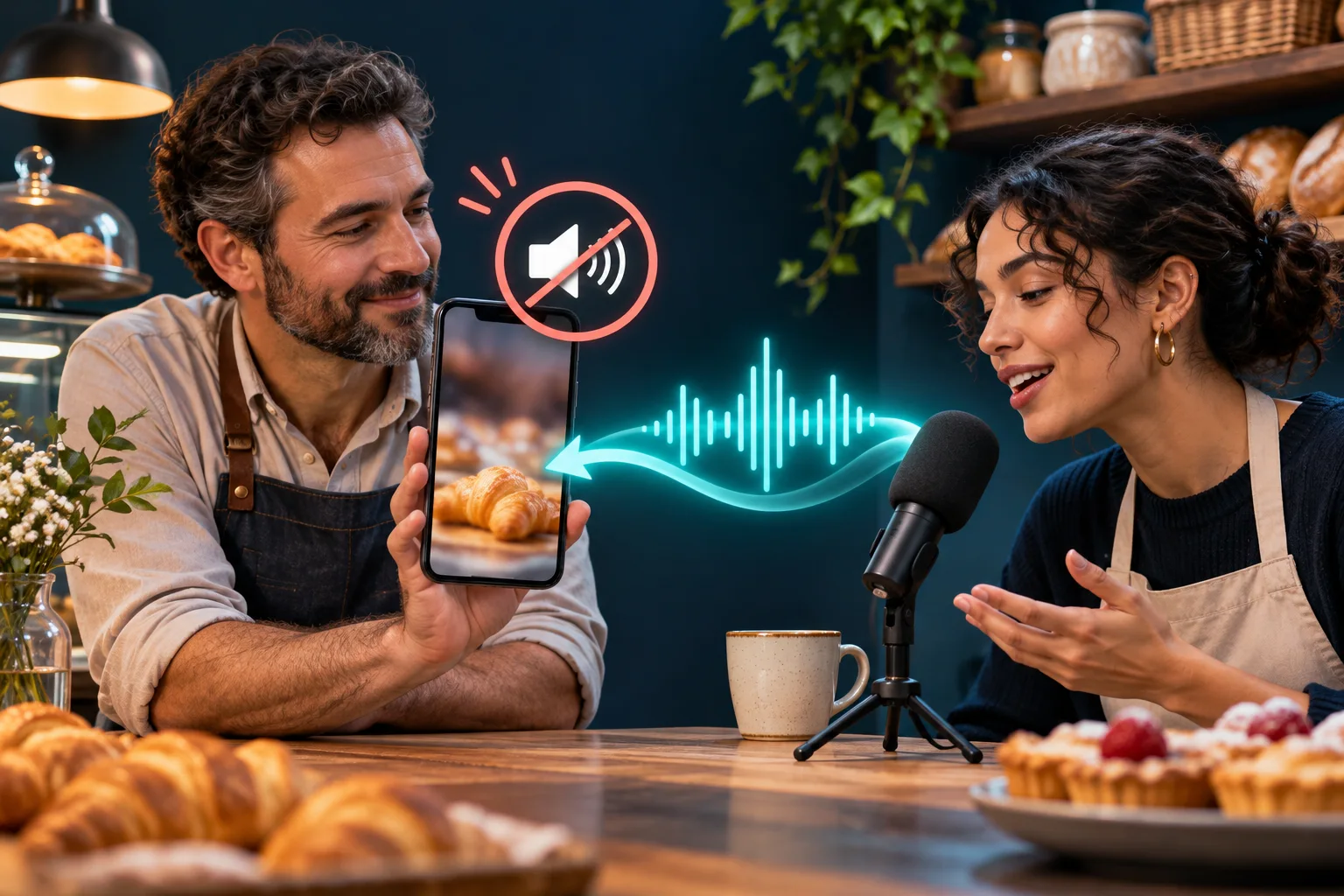
A fresh voice-over can be a good creative repair, as the accompanying image suggests, but it must be made from audio the business controls and must still be checked for background sound. Rewatch captions and product claims after replacing the soundtrack. Explain a material customer-facing change plainly when the original Reel advertised a current offer. Do not claim that changing sound restores previous views or saves its existing engagement. The useful outcome is an accurate public post backed by permission, not a numerical recovery promise.
- Save the platform notice and exact Reel URL before changing anything.
- Stop any active promotion while the audio claim is unresolved.
- Check the original source and permission record; do not assume the notice is wrong.
- Use current platform controls to replace, correct, appeal or remove only when evidence supports the route.
Review the Reel without confusing rights and performance
After a clean publication, note the rights decision and separately review whether the content answered a real customer question. Instagram Insights can help a business see plays and interactions, but those numbers do not establish that the music drove a purchase or that the track was legally cleared. Keep the shop's own enquiry and order records separate from the visible Reel count. A post with few views can still need an audio correction; a popular one can still use audio outside its permission.
Ask staff whether viewers understood the product without the soundtrack. If they did, original narration or natural shop sound may be enough for the next video. If customers ask the same question despite the Reel, improve the demonstration, caption or linked product page. The rights sheet and the content review answer different problems. A routine that checks both is more useful than choosing songs according to an unverified claim about Instagram's algorithm.
Before repeating a successful format, check whether the same licence permits reuse. Some agreements cover one video or a defined campaign, and others have wider terms. Record a new approval when repurposing the file. The UK Insights guide describes the separate measurement workflow; this article keeps its focus on soundtrack selection and post-publication response. A clear audio decision protects the team's ability to reuse good creative work without relying on memory about where a sound came from.
Run a modest, permission-first production routine
For the next bakery Reel, choose the real product question and film the evidence first. Make a draft with the baker's clean voice and natural process sounds. If music improves the explanation, add only a track whose permission the team can map to the final placement. Save the licence and final file together, ask a second person to listen, preview on a phone and publish from the approved account. This is a repeatable checklist, not a fixed posting quota. A single useful Reel is better than several uncertain sound choices.
When an agency supplies a video, request its audio-source list and rights documents before approving it. When staff later want to boost or cross-post the clip, reopen that record rather than assuming the first approval stretches to a new use. If a notice appears, preserve the evidence and decide between supported review, a verified replacement and removal. Make one named person responsible for the correction. The business can then concentrate on product accuracy and the customer route instead of guessing what a platform warning means.
HitsBoost's UK Instagram follower packages are a separate visible-count service with their own current terms. They do not grant music rights, protect a Reel from an audio claim, guarantee local reach or turn views into buyers. If the bakery considers a package, compare that option independently from its publishing workflow. The practical target for this guide is simpler: a Reel that communicates something true, uses audio within documented permission and leads interested viewers to current information the shop can stand behind.
Frequently asked questions
Can my UK business use any song that appears in Instagram's Reel editor?+
No general permission follows from a search result alone. Check the current platform terms, the account and the exact commercial placement before using a third-party recording.
Is a royalty-free track automatically safe for a business Reel?+
No. Royalty-free describes a licensing model, not unlimited use. Read the licence for social media, business promotion, territory, duration, editing and any paid-ad restrictions.
Can I avoid a licence by crediting the musician?+
Credit may be required by a licence, but it does not itself grant permission. Obtain a relevant licence, use work you control or confirm that a legal exception applies.
What if music is playing quietly in the background of my bakery video?+
Listen to the actual export. A third-party song captured in the shop can still be part of the published recording. Rerecord in a quiet space or remove the uncertain layer before posting.
Does an organic Reel's audio permission cover a paid advert?+
Only if the actual permission covers that additional use. Check before boosting or reusing the file. A platform's promotion control is not evidence of a music licence.
What should I do when Instagram mutes a Reel?+
Save the notice and post URL, pause promotion, identify the audio and compare it with your rights record. Follow the current supported correction or review path, or replace or remove the audio when the permission is missing.
Can a creator or freelancer give me a Reel with any music already attached?+
Ask for the source and the agreement covering your business's planned use. Paying for an edit or receiving a finished file does not by itself prove that its music can be used in your promotional posts.
Will licensed music or bought followers make my UK Reel reach more people?+
No particular track or follower package guarantees reach, engagement or sales. Use authorised audio and judge the Reel's usefulness and customer response separately from visible counts.
Compare Instagram Followers packages.
Prepare the public destination, then review the quantity and terms that fit your goal.
Review UK Instagram follower options separately