Standard
Instagram Live views100
£2.53Current package price
- Destination: one eligible active public Instagram Live broadcast
- No Instagram password required
- Review total before payment

A Live view package is time-sensitive. Start an eligible public broadcast, confirm it is accessible and compare the available tiers. Keep the host focused on the show while someone else can handle the order and support reference. A view count does not guarantee concurrent attendance, watch time, sales or recommendations.
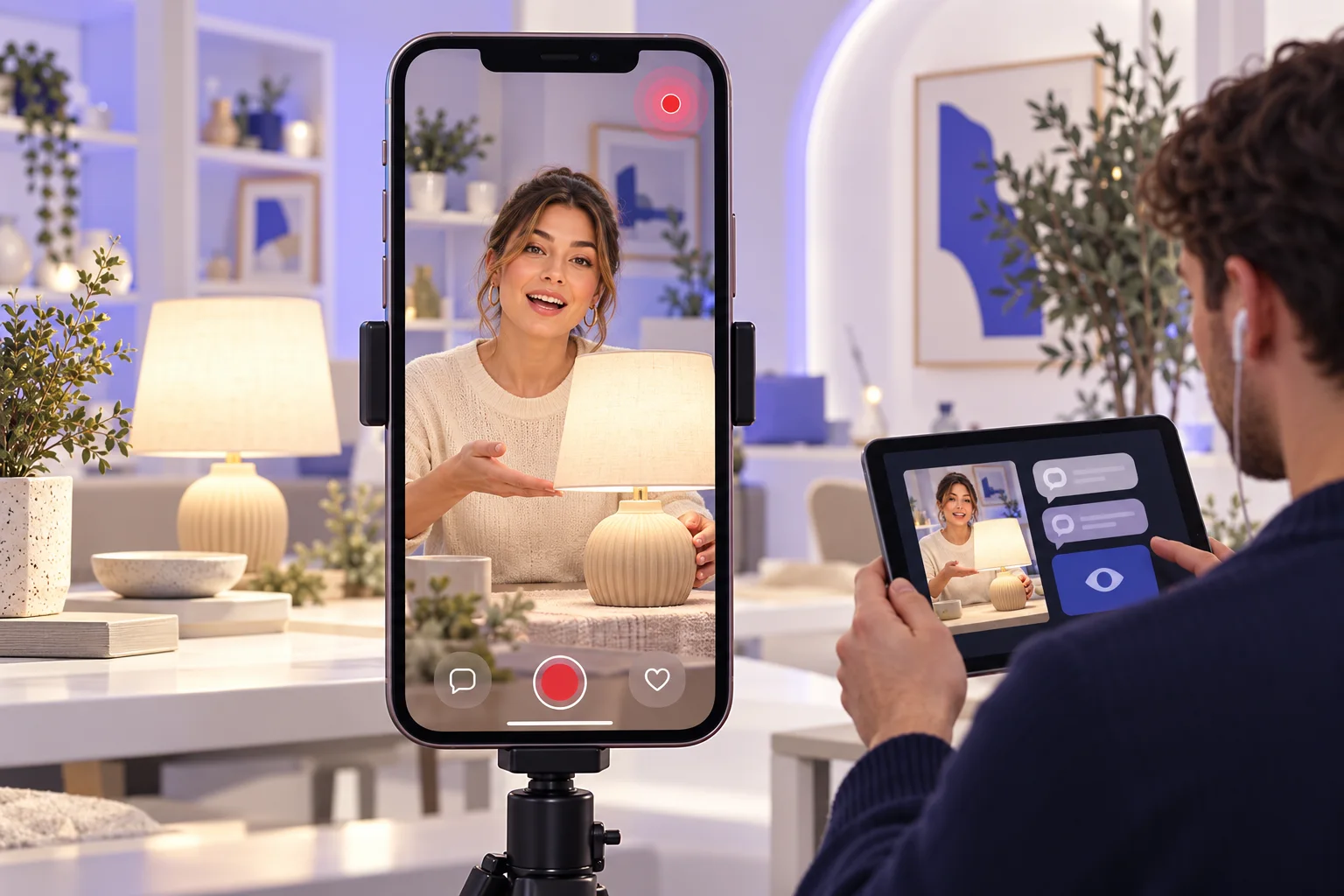
Available Standard, Active and VIP Live view tiers, quantities and prices come from the live catalogue. Check the selected conditions and the stream's expected remaining length. Do not infer a guaranteed start time, concurrent audience or UK-based viewers from a tier name.
Pick an available tier and then the quantity for the eligible destination.
Confirm the active stream or public account details requested by checkout, package tier, quantity and final total. If the broadcast has ended, do not treat its recording as the same destination.
Check the destination, package and final total before submitting an order.
Write a short run of show, test camera and audio, and arrange a moderator if possible.
Begin an eligible public Live and confirm that it can be opened outside the host account.
Check the available tier, quantity, price and stream details at checkout while it is still live.
Let the host continue presenting. A colleague can save the order ID and contact support if the destination is wrong.
These checks help you choose a package, protect the account and judge the result on its own terms.
A UK homeware maker might open with the product problem, demonstrate two pieces and take questions at the end. A tutor might teach a short exercise and then explain where to find a longer guide. Write a simple plan so viewers can understand what they are joining even if they arrive mid-stream.
Test the phone or camera, light, sound, connection and any demonstration materials before going live. A package cannot repair inaudible audio or a delayed product reveal. Keep the broadcast long enough for the planned segments, but do not lengthen it only to inflate a metric.
If the show includes a limited offer, check the price, availability and terms before announcing it. View counts do not prove that the offer was seen or understood. Give the host a clear spoken and visible next step that works for actual viewers.
Our guide to getting more Instagram Live viewers covers promotion and planning beyond a purchased count.
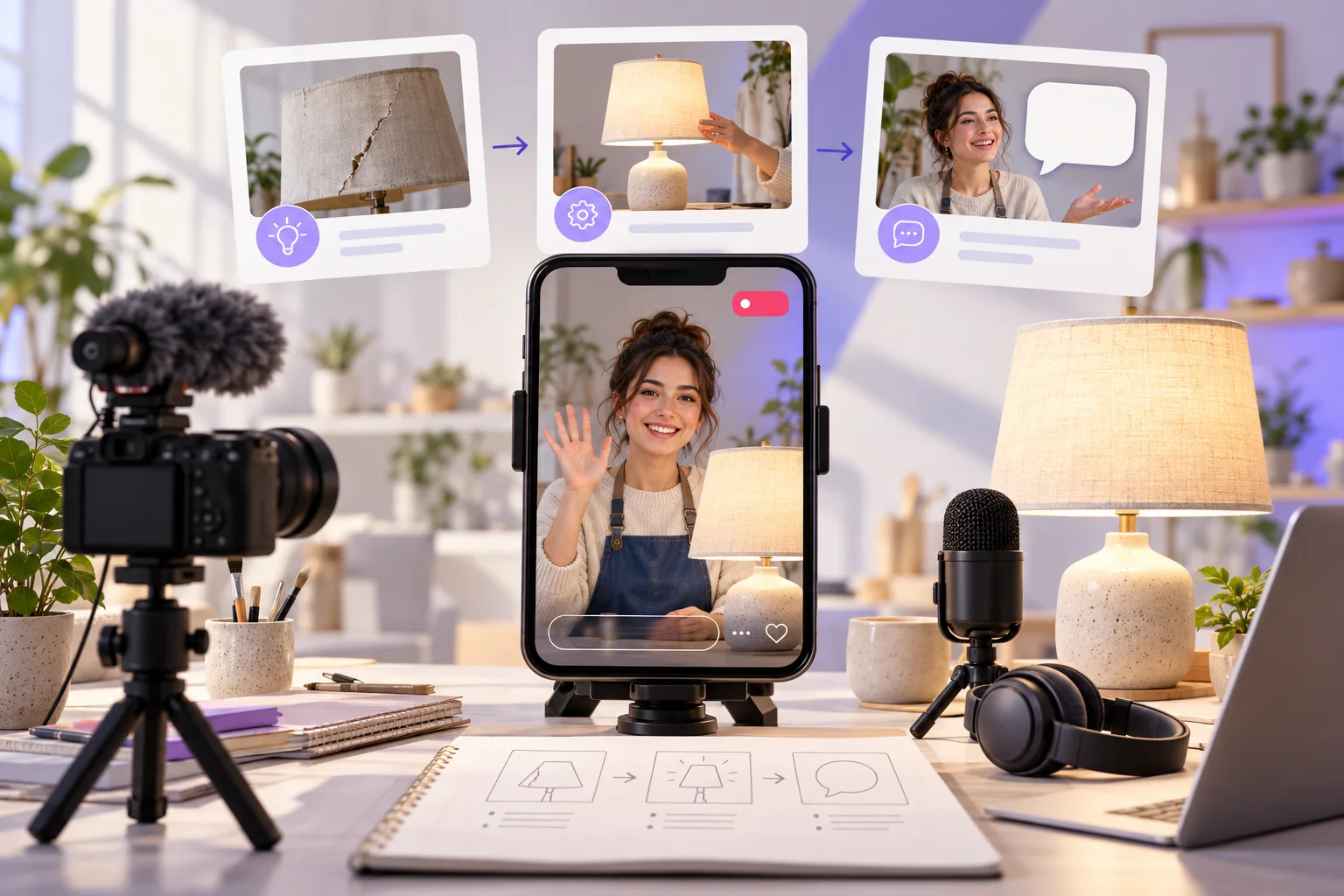
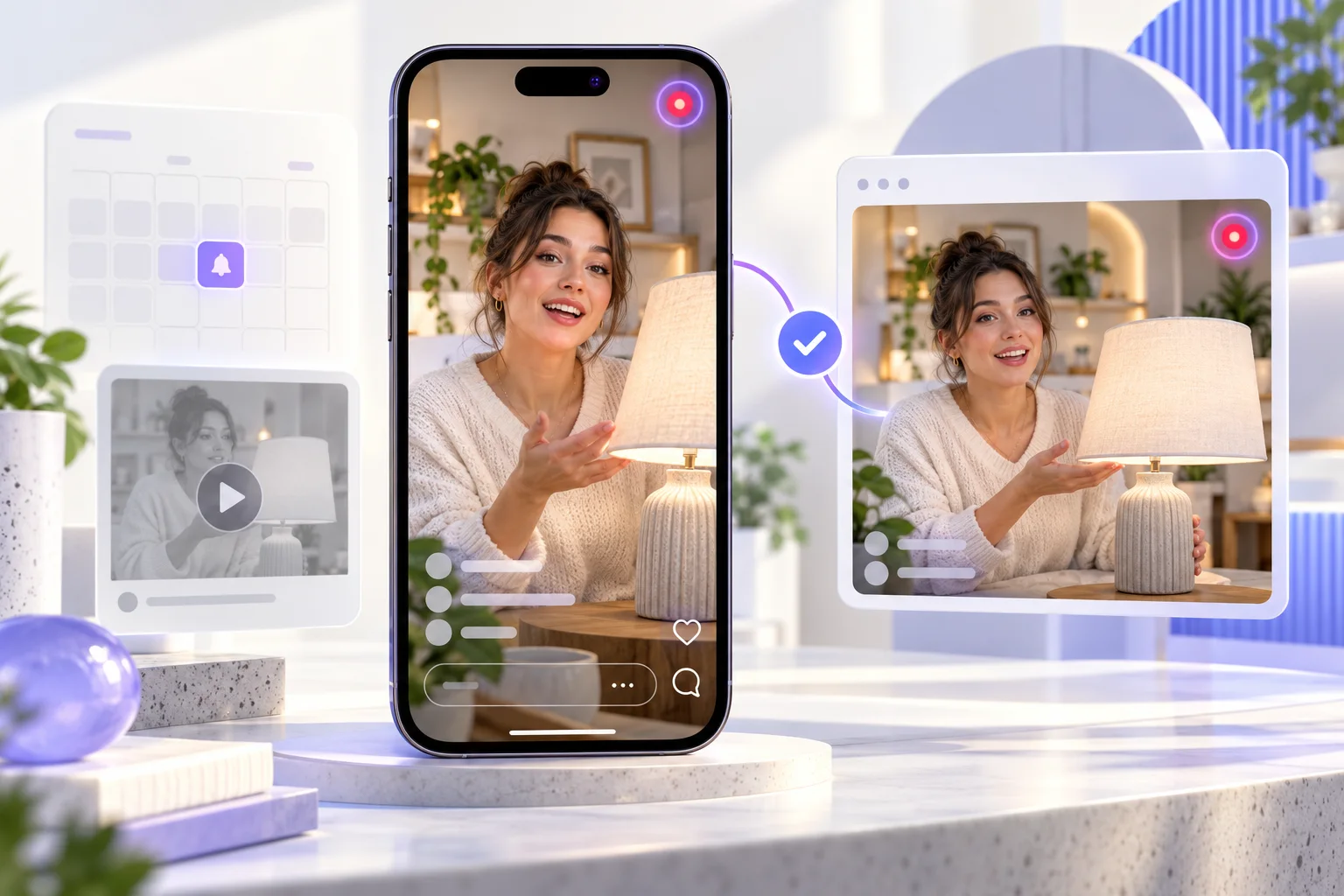
Live view delivery concerns an eligible active broadcast. A scheduled announcement, old recording or Reel cut from an earlier stream is not the same target. Start the Live, then confirm that a person outside the host account can open it before purchasing.
Check the public profile name and the exact live destination or account detail requested by checkout. If the account is private, the stream is restricted or it ends immediately after payment, the order may not have a usable window. Read the selected service conditions for timing.
An agency should have the client's approval and a simple handoff plan. The host concentrates on the presentation; a moderator or producer verifies the public stream, checks the package and keeps the order reference. This reduces link errors during a busy launch.
The live package cards show available quantities and prices. The best choice is tied to the current broadcast, budget and time left, not the largest visible number. If a short Q&A is nearly over, ask support about a time-sensitive order rather than assuming processing will fit the remaining minutes.
Standard, Active and VIP are catalogue tier labels. Their names do not guarantee a concurrent audience, viewing duration, engagement or a particular delivery start. Confirm the exact conditions, selected quantity and final amount at checkout.
A UK page does not establish where viewers live. If location is important to an event or offer, ask support what a specific live package actually includes before payment.
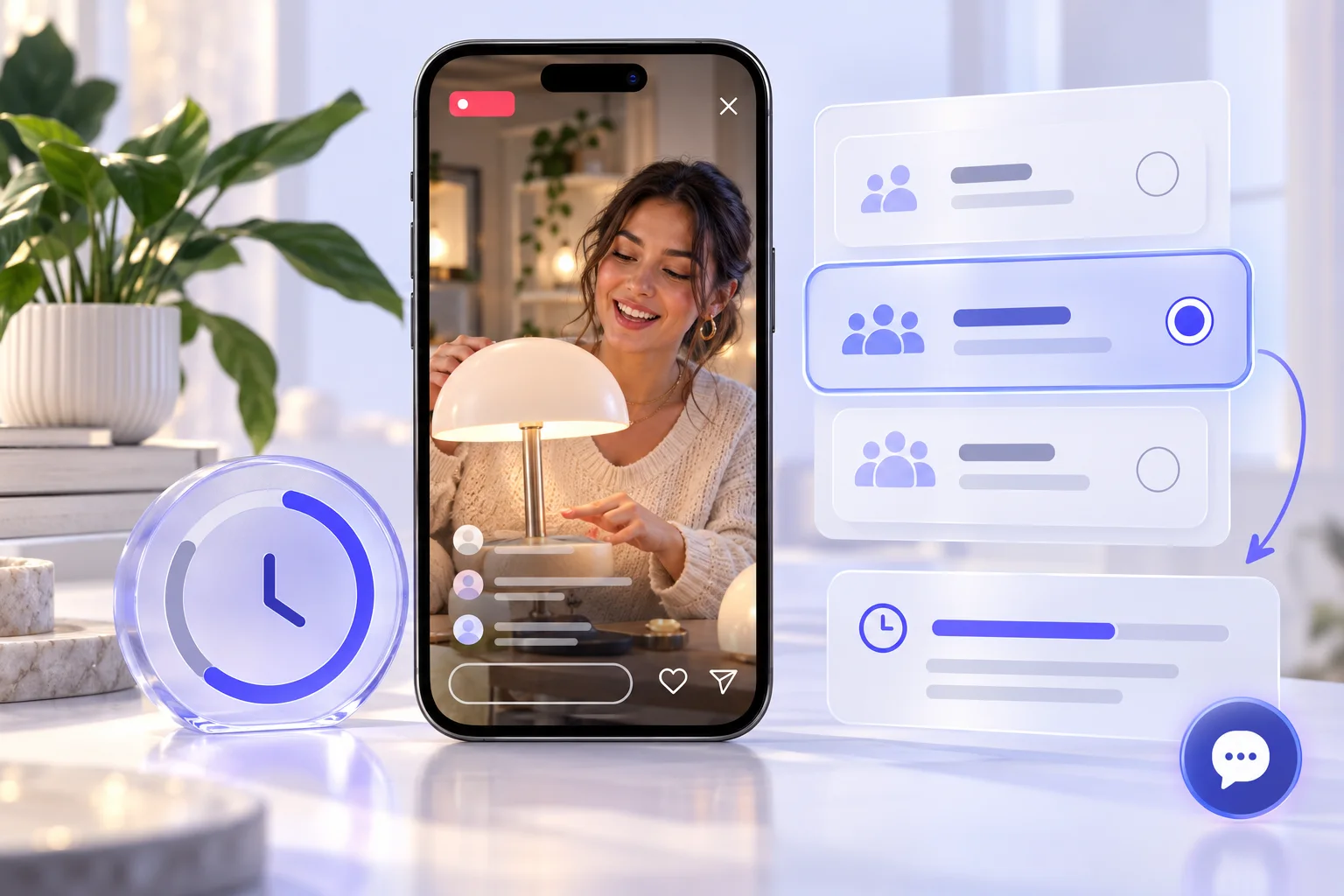
A Live view count, concurrent viewers, peak attendance and watch time describe different things. A package concerns its stated view metric, while platform insights may display other measures under Instagram's current definitions. Do not promise a peak crowd or a specific duration from a view quantity.
For a product demonstration, use separate records for questions asked, product page visits and actual orders. For an educational session, note whether the audience requested a follow-up guide. These are useful measures, but none is guaranteed by the purchased count.
Document simultaneous promotion such as email invitations, Story reminders or paid ads. Otherwise the team may wrongly attribute all attendance and subsequent sales to one package. Report the service purchase plainly to stakeholders when it matters for their interpretation.
Read what counts as an Instagram Live view before interpreting session numbers.
Save the order ID, selected tier, total, public destination and broadcast start time. If the wrong account was submitted or the stream ends unexpectedly, contact HitsBoost support quickly with the reference. Whether an order can be changed depends on its processing state and service terms.
Never provide the host's Instagram password, two-factor code, recovery key or email access. The service needs only the public destination details requested by checkout. The team can monitor the order on a separate device without handing over account credentials.
After the Live ends, consider editing highlights into a Reel or answering unanswered questions in a separate post. Those are content decisions, not effects of the live-view package. A recording or Reel has its own destination if a later view service is considered.
A live order has a narrow active window. Keep its target, count and other campaign outcomes distinct.
| Check | This Instagram Live views package | What to keep separate |
|---|---|---|
| Destination | One eligible public Live already on air | A future session or replay is a different target. |
| Package | Selected tier and quantity priced | Confirm current availability and final total. |
| Audience measure | Live view metric described by the package | Not guaranteed concurrent viewers or watch time. |
| Business result | No guaranteed outcome | Questions, leads and sales need separate evidence. |
| After the show | Keep the order reference | Repurposed Reels require their own content plan. |
Review the package, public destination and limits of the service. For individual orders, use your confirmation reference when contacting support.
Open 24/7 support chat ↗Choose one while an eligible public broadcast is active. Check the remaining time, selected package and final total at checkout.
Yes. Start an eligible public broadcast and verify it is accessible before placing a time-sensitive Live view order.
A future event announcement is not an active Live broadcast. Prepare the show, then order only when the stream is on air and eligible.
No. A replay or recorded Reel is a different content destination. Use an appropriate video view service if it qualifies.
Use the active public broadcast or account details requested at checkout. Check the exact destination before paying.
No. Total views, concurrent audience and watch time are different measures. Read the selected package's exact definition.
They are catalogue tiers with separate live quantities and prices. The labels do not guarantee a start time, retention or viewer location.
No. A UK service page does not establish viewer geography. Ask support before buying if location matters.
No. A Live view package does not guarantee algorithmic placement, questions, leads, sales or future audience growth.
No. Do not share passwords, authentication codes or recovery information. Checkout uses public destination details.
Yes, with client approval. Assign a colleague to verify the stream, place the order and retain the reference while the host presents.
Contact HitsBoost support promptly with the order ID. Available corrections depend on timing, processing state and the service terms.
These references help with account security and platform features. They do not endorse a purchase from HitsBoost.
Read our Terms of Service and Refund Policy before payment. Track an order with your confirmation reference or open 24/7 support chat for help.
Choose the correct public destination, tier and quantity. Confirm the final details before payment.
We use Google Analytics and Ahrefs to understand visits and improve HitsBoost. The site and checkout links work if you decline. You can change this choice later in the footer. Cookie details.