Standard
Facebook video views300
£2.53Current package price
- Destination: one eligible public Facebook video
- No Facebook password required
- Review total before payment

Choose one eligible public Facebook video, copy its direct link and compare live view quantities. Check the video author, format and final total before paying. A video view is distinct from accumulated watch hours or reach.
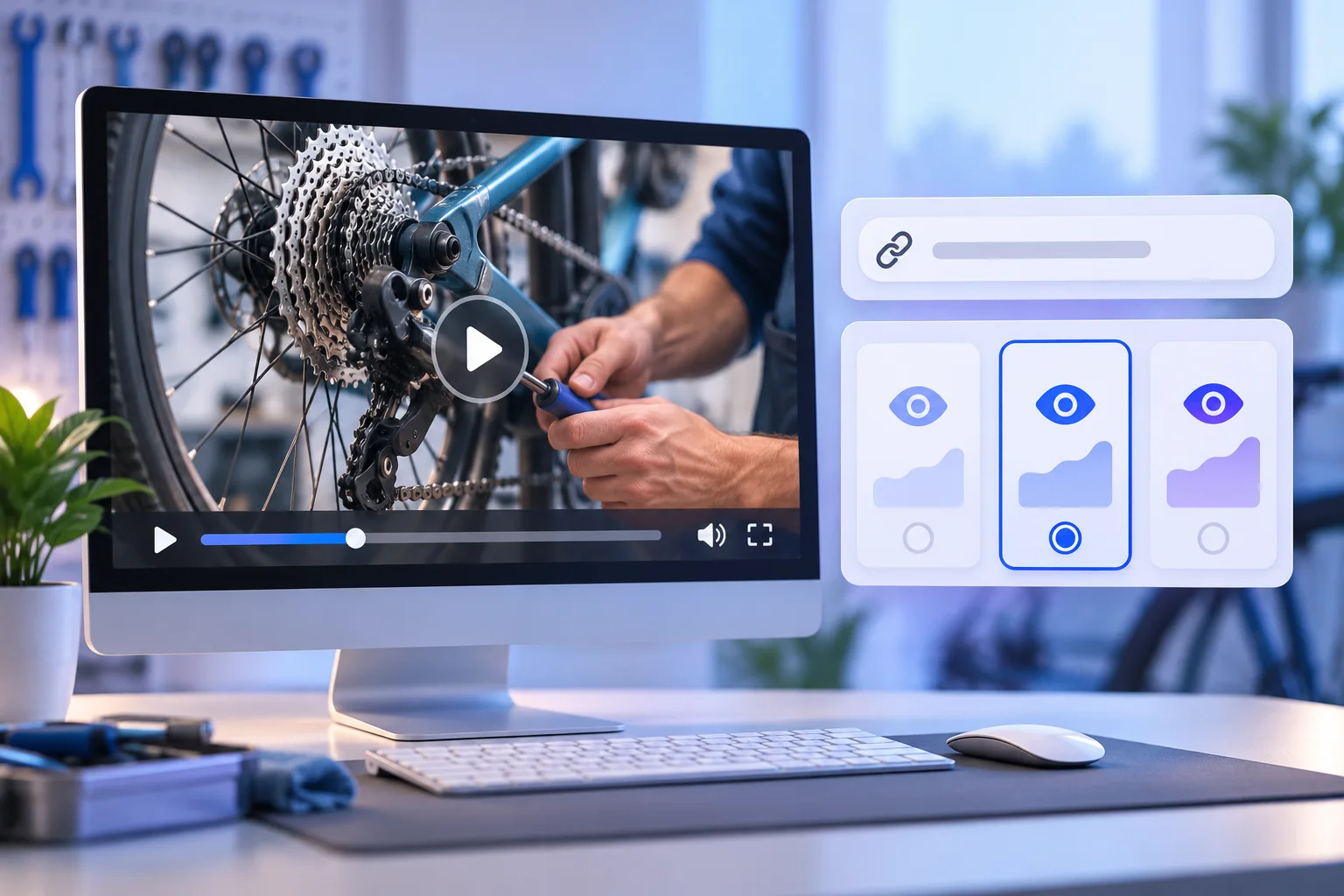
Choose an available view quantity and tier for the exact video you want to address. Meta has changed how videos and Reels are published, so check the selected video's current format and package eligibility. This service concerns the view count, not watch hours, unique reach or Page followers.
Pick an available tier and then the quantity for the eligible destination.
The available amount comes from the live package catalogue and can change. Check the video URL, quantity, tier and final total again in checkout.
Check the destination, package and final total before submitting an order.
Open the published public video and check that it is the version you want to address.
Use the individual video's URL rather than the Page home link or a different clip.
Choose an available view quantity and tier after reviewing the conditions and final total.
Save the confirmation and URL so you can track the order and discuss a specific issue with support.
These checks help you choose a package, protect the account and judge the result on its own terms.
One Page can publish a how-to clip, product demonstration and event recap. A video view package addresses one eligible public video rather than every clip on that Page. Open the version you intend to promote and check its author, image, caption and destination link.
A UK fitness instructor could use a recorded class preview; a bicycle repair shop might use a maintenance demonstration. The business purpose differs, but the ordering check is the same: the direct URL must open the selected public video for someone who is not relying on your account access.
Meta has been changing the Facebook video publishing experience, including the treatment of Reels. An older video may still be a candidate if its direct link remains public and the selected tier accepts it. Do not assume every format or older upload is eligible; read the current conditions and ask support about an unusual destination before payment.
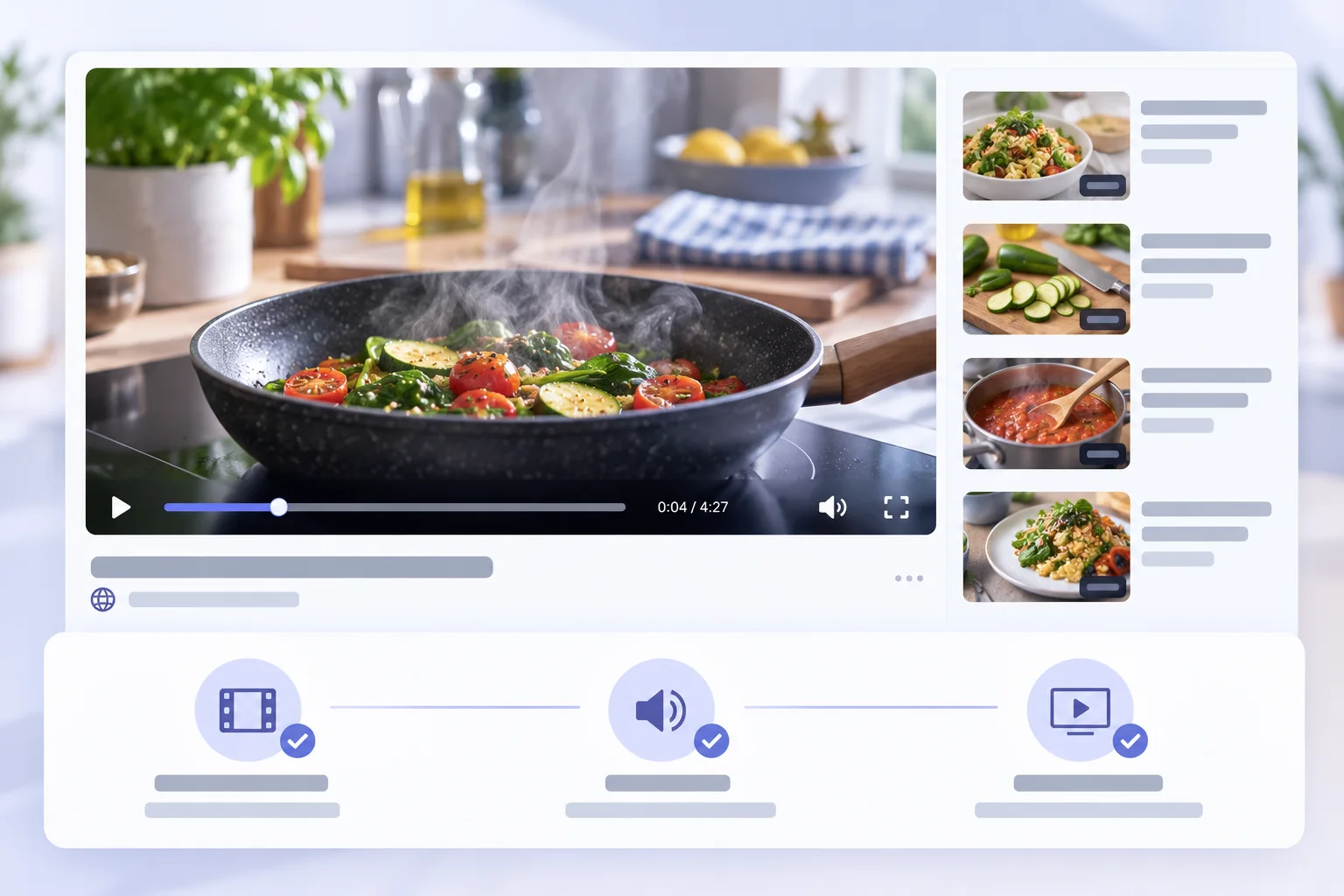
A Page home link identifies the account that published a video, not the individual video. Copy the direct link while the chosen clip is open. Paste it into a separate browser tab and check that the same content plays there.
A recycled promotional clip and a newer edit can look similar. Check the thumbnail, caption and creator before ordering. If an external link redirects, a privacy setting blocks the clip or the video was deleted, resolve that issue first.
If you manage a client's content calendar, keep the approved video URL with the campaign brief. Confirm that the owner has allowed the order and that no later replacement video is expected to take the original's place.
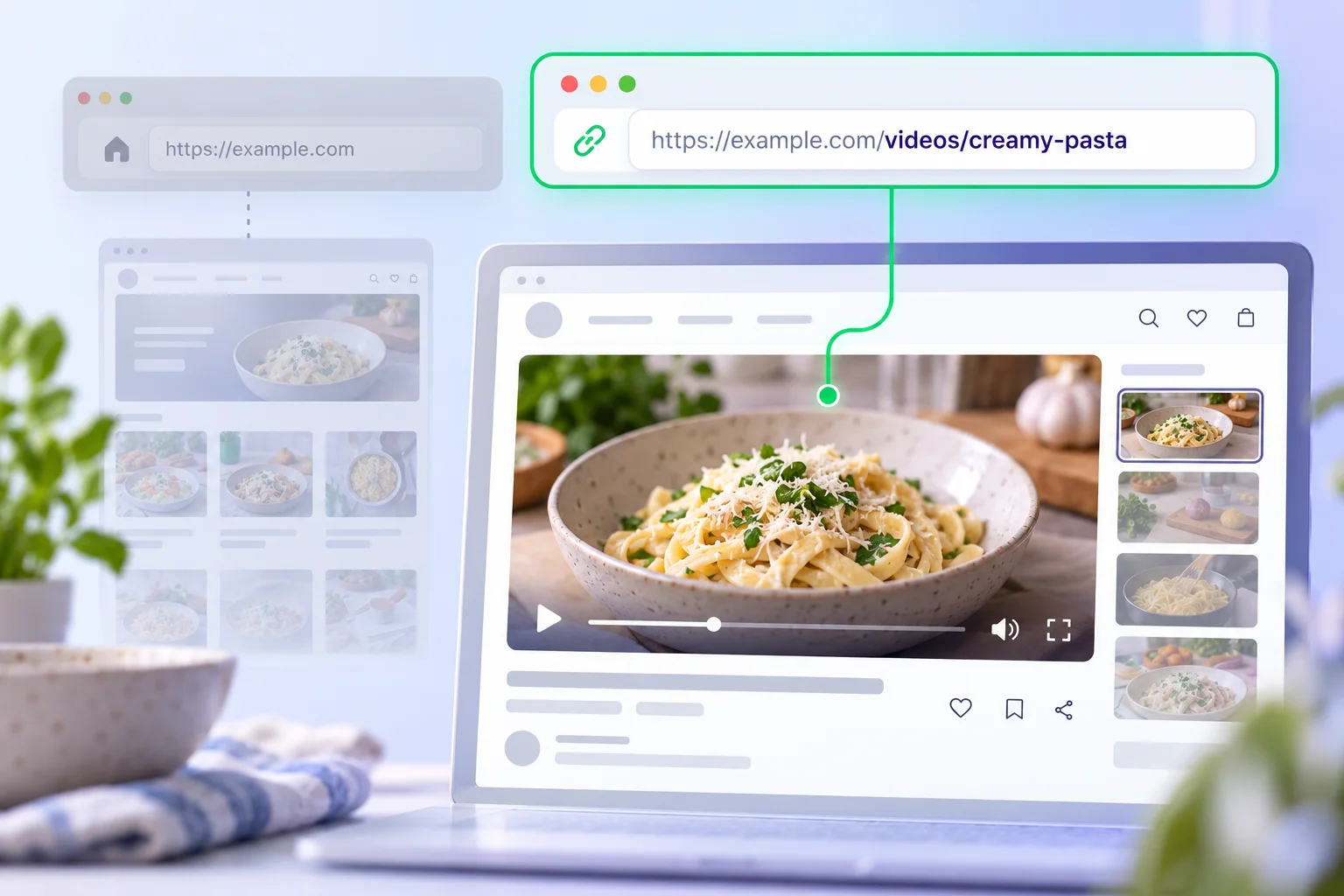
Available package cards show a current view quantity, tier and price. Record the video's starting public view count and set a spending limit before comparing. A low headline price says little without the matching number of views and the destination requirements.
A local cook planning a recipe series might choose one clip to test the flow before deciding what to do with later videos. A creator with a launch date should check availability and timing before ordering. No package quantity guarantees that Facebook will recommend the video or that viewers will watch it to the end.
A UK service page does not establish where viewers are located. If geography matters, ask what the particular tier offers rather than inferring it from the regional page.
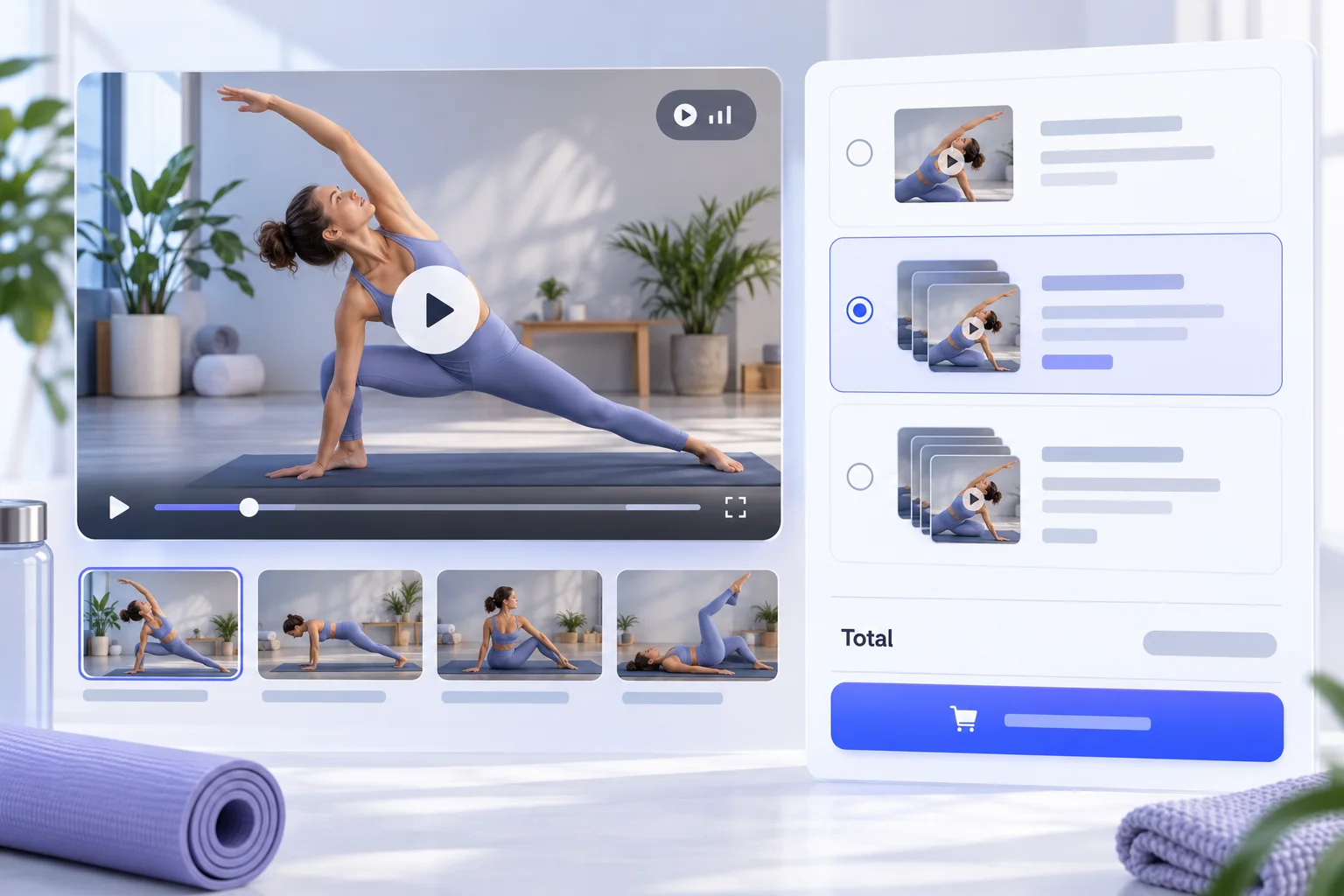
A view is a count defined by Facebook's current measurement rules. Watch hours add up viewing duration; reach concerns the accounts that saw content. These figures answer different questions and cannot be exchanged as if they were the same product.
Two videos can have a similar view count yet very different average viewing duration. Use Facebook's own insights where available to inspect retention and interactions. A video view package cannot promise a specific watch-time total, unique audience size or monetisation eligibility.
For reporting, write down which metric the package addresses and which metrics come from the platform dashboard. Paid advertising, cross-posting and normal audience activity can also affect a video's numbers during the same period.
Keep the order ID, video permalink, tier, quantity and receipt. If the wrong link was entered, contact support promptly. Whether a destination can be corrected depends on the order's processing state and service terms.
Review the public view count and the video's own insights, but avoid attributing all later comments, enquiries or sales to one package. The video itself, its distribution and other campaigns still matter.
Facebook may change how a count appears or how content is classified. Read the selected package conditions before assuming a permanent number, a specific delivery time or a refill. Use the order reference to discuss a concrete discrepancy.
A video permalink identifies the destination. HitsBoost does not need your Facebook password, authentication code, recovery keys or Page administrator invitation to select a video package. Do not give those credentials to a third party claiming they will improve delivery.
Meta controls video features, recommendations and account integrity. No package can override its rules or guarantee ranking, monetisation, lead volume or sales. Review the current official guidance when those outcomes matter to your planning.
Before paying, check that your video is public, the package is available and the final amount matches the selected option. Ask support about eligibility or timing rather than placing an order against an uncertain destination.
The selected package has a defined public destination. Other metrics and business outcomes need their own evidence.
| Check | This Facebook video views package | What to keep separate |
|---|---|---|
| Destination | One eligible public Facebook video | The Page home and other videos are separate destinations. |
| Count | Selected video views | Watch hours and unique reach are different measures. |
| Price | Current view quantity and tier | A watch-hour package has its own pricing and conditions. |
| What to review | Order status and public view count | Retention, clicks and sales require separate evidence. |
| Limit | One selected video | No guarantee of recommendations or monetisation. |
Review the package, public destination and limits of the service. For individual orders, use your confirmation reference when contacting support.
Open 24/7 support chat ↗It concerns the selected view quantity for one eligible public video. Confirm its direct link, tier and total at checkout.
Use the direct public URL of the exact eligible video, not only the Page that published it.
No. Each package is for one selected eligible video. Other clips need separate orders.
No. Views count platform-defined plays, while watch hours add up viewing duration.
Not necessarily. Do not treat a view count as unique reach; inspect Facebook's own measurement definitions and insights.
Meta has changed Facebook video formats. Check the selected package's current eligibility for your exact public video or Reel before ordering.
No. Facebook controls distribution. A package cannot promise reach, ranking, comments or sales.
No. A UK page and checkout do not establish viewer location. Ask about a specific tier if geography matters.
Use an eligible public video that opens through its direct link. Restricted or deleted videos may not qualify.
No. Keep passwords, codes and recovery details private. The public video URL identifies the destination.
Record the starting count, set a budget and compare available packages with the video's purpose and content plan.
Contact support promptly with the order ID and intended URL. Whether the destination can change depends on processing state.
These references help with account security and platform features. They do not endorse a purchase from HitsBoost.
Read our Terms of Service and Refund Policy before payment. Track an order with your confirmation reference or open 24/7 support chat for help.
Choose the correct public destination, tier and quantity. Confirm the final details before payment.
We use Google Analytics and Ahrefs to understand visits and improve HitsBoost. The site and checkout links work if you decline. You can change this choice later in the footer. Cookie details.