Standard
Instagram Story views250
£1.18Current package price
- Destination: one active public Instagram Story
- No Instagram password required
- Review total before payment

Stories are short-lived. Publish the intended frame, confirm that it is public and accessible, then compare live Story view packages. A view count does not promise sticker taps, full sequence completion, profile visits or sales.
The live catalogue lists available Standard, Active and VIP Story view tiers, quantities and totals. Compare what each selected tier actually includes. Story timing matters: a package placed for an expired, archived or inaccessible frame may not be suitable.
Pick an available tier and then the quantity for the eligible destination.
Check the exact live Story destination, tier, quantity and total at checkout. Keep the account and Story publicly accessible through processing. Do not assume a Highlight is equivalent to an active Story.
Check the destination, package and final total before submitting an order.
Make the intended Story live and check its content, visibility and remaining active time.
Open the Story from outside the account where possible and confirm the selected frame or public profile details required at checkout.
Choose an available live tier and quantity, then verify the total and package conditions.
Save the order ID and review the tracker while the Story remains live. Contact support quickly if the destination is wrong.
These checks help you choose a package, protect the account and judge the result on its own terms.
An Instagram Story usually has a short active window. If a UK shop is showing a same-day collection option or an event organiser is reminding attendees of an evening start, prepare the frame and its next step before publishing. The remaining time affects whether a time-sensitive order is sensible.
Check the intended Story from a public perspective. If only followers can see it, the account is private or the frame has already expired, do not assume an order can be fulfilled. A saved Highlight and a new active Story are different destinations, even when the same image appears in both.
Use one brief per Story campaign: identify the account, active frame, publication time and any planned follow-up. If several frames are live, make sure the selected package and checkout input point to the intended destination rather than a different part of the sequence.
Check what counts as an Instagram Story view before comparing a package with your insights.
A florist might show the bouquet, collection details and then a link sticker. A three-frame sequence can work as a small narrative, but individual viewers may enter or leave at different points. State the essential information clearly rather than relying on everyone watching from the beginning.
Before ordering, check the first screen, legibility, contrast and whether the sticker or caption covers a key part of the image. A higher view count will not repair a hidden price, ambiguous call to action or inaccessible destination link.
If the Story includes a limited offer, confirm the terms and stock with the business team. Do not frame a purchased view count as proof that people understood or accepted the offer.

The package cards show available tiers, quantities and prices. A low starting price can look attractive, but the useful comparison is the complete tier and total for the Story you actually published. If the active window is nearly over, ask support about timing before placing a time-sensitive order.
Standard, Active and VIP are catalogue tier names. Do not infer a guaranteed start time, viewer location, retention or sticker action from those labels. Read the selected package conditions and use only claims that checkout itself supports.
For an agency, record the client's approved spend and chosen frame. billing helps budget control, but it does not imply the viewers are in Britain or interested in the product. Treat any geographic requirement as a separate question for support.
A Story view concerns visibility on the selected content. It is not a completed sequence, unique person, sticker tap or website session. Where Instagram insights are available, review each measure by its own definition and keep the Story's short lifetime in mind.
If the Story promotes an event, use a separate registration count. If it points to a shop, use your own web analytics and sales records. A package cannot guarantee either result, and a simultaneous email campaign or advert can also change those figures.
A simple review can note the content, publication time, package tier, visible Story views and any independently measured next step. Avoid calculating a conversion rate from a view number unless you have a reliable and relevant denominator.
Use the Story completion guide to assess a sequence separately from its view count.
The order should use only the public Story or profile details requested at checkout. HitsBoost does not need your Instagram password, two-factor code, recovery key or inbox access. A request for those details is not a normal part of a Story view purchase.
Save the order reference, exact destination, tier and payment confirmation. If the wrong account or frame was submitted, contact support promptly while the Story is still available. The possibility of correcting it depends on processing state and the service terms.
Read the terms and refund policy before payment. A view package does not promise Story completion, extra organic reach, future engagement, link clicks or sales. Keep campaign expectations tied to what the specific service actually offers.
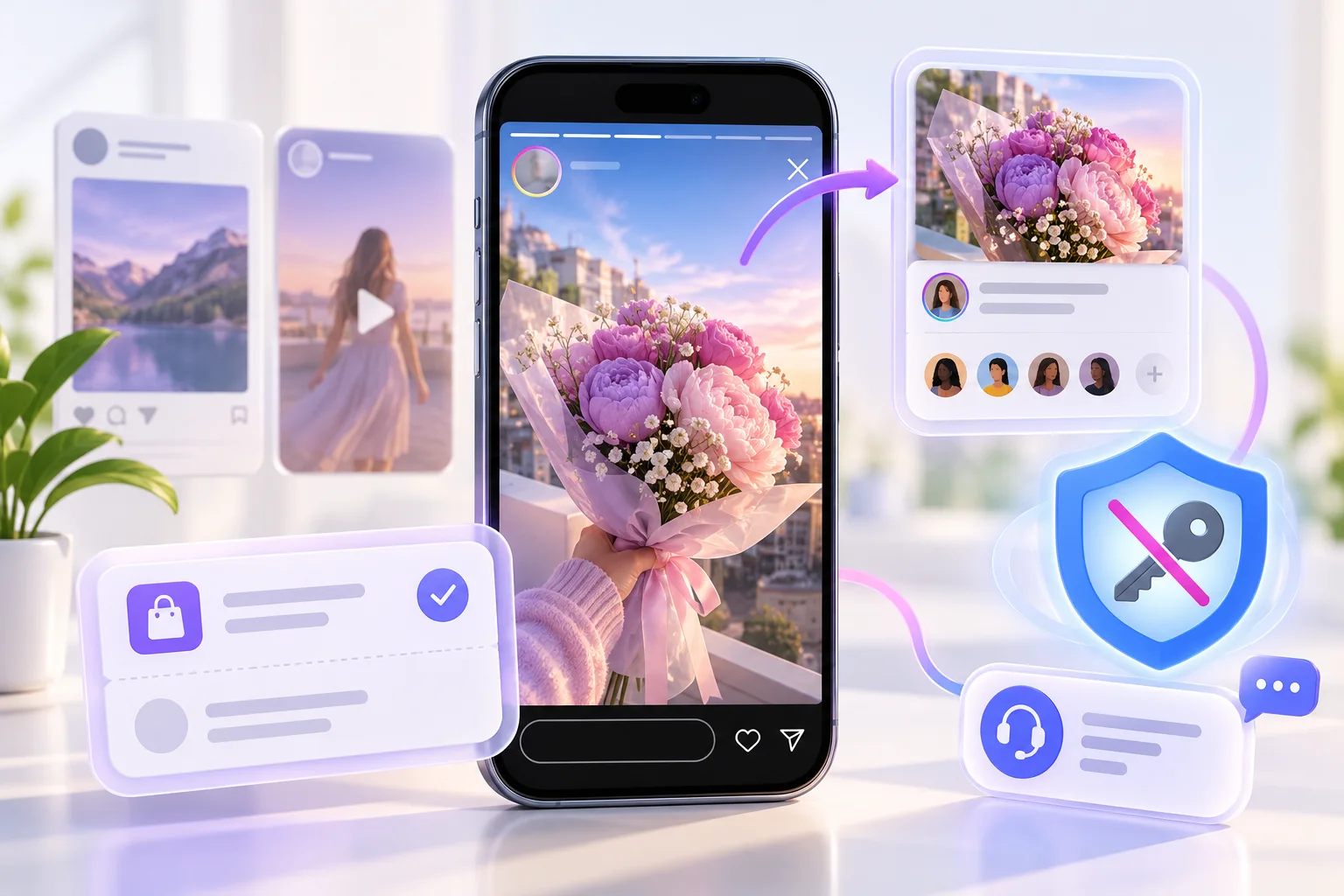
Plan the frame, view package and business outcome separately so the order has a clear purpose and a fair measure.
| Check | This Instagram Story views package | What to keep separate |
|---|---|---|
| Destination | One eligible active public Story | An expired Highlight or Reel uses a different context. |
| Timing | Check remaining active time before ordering | Availability is time-sensitive. |
| Price | Selected live tier and quantity | Confirm the final total at checkout. |
| What is counted | Story views | Not sequence completion, sticker taps or visitors. |
| Outcome | No guaranteed commercial result | Bookings and sales need independent records. |
Review the package, public destination and limits of the service. For individual orders, use your confirmation reference when contacting support.
Open 24/7 support chat ↗Yes, for an eligible Story that is still active and accessible. Check the package conditions and selected total at checkout.
Yes. Publish the intended public Story before ordering and check that it remains accessible during processing.
Do not assume an expired Story or saved Highlight qualifies for an active Story package. Check the selected service conditions first.
Use the exact public Story or profile details requested by checkout and verify the intended frame before paying.
Instagram Stories are generally short-lived, often about 24 hours unless the platform changes availability. Check the live frame rather than relying only on the clock.
No. A view count is not a sticker tap or website visit. Measure those actions separately where available.
No. Each frame and completion measure can differ. Review the platform's current insights for additional context.
They are separate catalogue tiers. Read each available package's live conditions rather than assuming a delivery speed or viewer location from its name.
Not necessarily. A price does not establish viewer location; ask support before buying if geography matters.
No. Never share your password, authentication codes or recovery details for an order.
Yes, with the client's approval and a check of the exact active frame, budget and package. Keep the order reference with the brief.
Contact support with the order reference. Read the service terms before purchasing if the active window is short.
These references help with account security and platform features. They do not endorse a purchase from HitsBoost.
Read our Terms of Service and Refund Policy before payment. Track an order with your confirmation reference or open 24/7 support chat for help.
Choose the correct public destination, tier and quantity. Confirm the final details before payment.
We use Google Analytics and Ahrefs to understand visits and improve HitsBoost. The site and checkout links work if you decline. You can change this choice later in the footer. Cookie details.