

A blank decision worksheet for a UK service business; enter only figures shown in your own account and confirmed business records
| Question | Instagram record | Business record | Limit to note | Next check |
|---|---|---|---|---|
| Was the repair explainer seen? | Content ID, format, date range, views or viewers as labelled | None required | A view is not a local rider | Compare with a similar explainer and the same elapsed period |
| Did people act on it? | Available comments, saves, shares, profile or link activity | Relevant questions received | An interaction is not a booking | Check what the questions actually asked |
| Did a relevant enquiry arrive? | Message or contact action where shown | Enquiry date, service needed and staff response | Source may be unknown or mixed | Ask how the customer found the shop only when appropriate |
| Was work confirmed? | Do not substitute an Insights metric | Accepted appointment or paid invoice in the shop system | Timing alone does not prove cause | Review cancellations and the route taken |
Ask one business question before opening the dashboard
The Leeds bicycle workshop wants to know whether its short explanation of a brake check is helping the right riders find the repair service. That is narrower than asking whether Instagram is 'working'. A useful question names the content, the customer action and a period: did this brake-check explainer prompt questions about booking a brake service this month? The owner can then decide which Instagram figures are relevant and which workshop records can confirm the next step.
Instagram Insights describes activity in Meta's product. It may show that content was displayed, that an account interacted, or that someone tapped a profile element. The workshop's booking calendar can show whether a real appointment was accepted. These records answer different questions. The owner should write both down without treating one as a substitute for the other. A busy comment thread may be about the colour of a bicycle, not a service enquiry.
This guide is for an existing account with published content and an ordinary small-business decision. It does not decide whether to buy a Meta ad, construct a creator media kit or choose a follower package. Those need their own evidence and workflow. For this review, the useful output is a brief note that another member of staff could follow next week: what was measured, what was confirmed, what remains uncertain and what to check next.
Find the account and content Insights available now
Start on the workshop's authorised Instagram account. Instagram's Help Centre has separate guidance for account and content Insights and for insights on a post. The exact route and label can differ by account type, app version and region. Meta describes a Professional dashboard for eligible Instagram accounts. If the team also uses Meta Business Suite, make sure it is looking at the same connected Instagram account, not a Facebook Page or another shop profile.
Choose the account-level view first to understand the chosen period, then open the brake-check post or Reel itself to see its available content-level data. This distinction matters: a change in the account overview may reflect several posts, Stories or promotions, while the content panel describes one item. Do not copy an account-wide figure into a row labelled 'brake-check Reel'. If a metric is not offered for that format or account, mark it unavailable.
Keep access simple and secure. Give the review to an authorised team member, use the platform's current account controls, and avoid third-party tools that ask for an Instagram password merely to show a report. If no Insights entry appears, consult Instagram's own current help and check the account and permissions before changing settings. A missing button is not proof that Instagram has suppressed the workshop's content.
- Confirm which Instagram account is signed in and which team member has approved access.
- Open its current dashboard or Insights area and choose an account-level view.
- Open the exact post, Reel or Story separately for content-level figures.
Make a snapshot that can be compared later
An Insights number without its label and window is easy to misuse. Record the Instagram handle, review date, start and end dates selected in the report, and whether the figure came from an account overview or a specific content item. Add the public content link or a stable internal ID, its format and publishing date. Screenshot the relevant panel if the business needs an audit trail, but keep it in its authorised working folder. Write down the exact label, since Meta can change reporting names and definitions.
For a weekly review, choose one regular day and a repeatable window such as the previous completed week, where the current interface supports it. Some content figures continue to update after publication, so compare posts at a similar age rather than comparing a fresh Reel with a much older one. Record whether any post was promoted with a Meta ad during the window. Paid and unpaid activity may appear together in some reports; an unmarked promotion makes an 'organic improvement' conclusion unreliable.
Give the snapshot a short note about the real shop context: opening hours, a temporary closure, a repaired booking link, a local event or a price change. These factors may affect enquiries while Instagram numbers move independently. The note is not an excuse to invent an explanation; it tells the next reviewer why a clean comparison may be impossible. If the app does not retain the exact period you need, preserve the authorised snapshot now rather than assuming the same historical panel will remain available indefinitely.
- Account and review date
- Exact date window and time zone if shown
- Content link or ID and format
- Metric wording and any paid-promotion context
Read account trends and one piece of content separately
An account overview can show broad activity across the workshop profile in the selected period. The brake-check explainer's own panel is more useful for asking how that one item performed. Open both and write them in different worksheet rows. Do not sum every post's displayed reach and call it the account's reach; the same account may have seen several posts, and the interface may use different counting and reporting rules. Read any information icon beside a metric before naming it in the shop's note.
A Reel may offer watch-time measures; a Story may show different actions and be available through a different route; a photo post may emphasise its own interactions and profile activity. The shop should use whichever measures are actually displayed for that item, not fill missing cells from an old tutorial. Meta's official Reel update described total and average watch time, but that announcement was made in 2023. Treat it as background, then check the account's current screen and definition before comparing one format with another.
The workshop can record the brake-check content's title or link, the exact audience or display label, comments that ask about repair availability and the next customer route. It can also note a separate account trend. It should not call a post a lead generator solely because the whole profile gained visits that week. Several unrelated posts, a share by another local business or a paid campaign could have contributed to the account-level change.
Keep views, audience and actions in different boxes
A view generally describes a content display or play event, while audience measures refer to accounts and interactions refer to actions such as likes, comments, saves and shares. These are not interchangeable units. The second image shows a wall card for seeing content beside another card for doing something with it. A repeated display can raise a view count without creating another customer. Likewise, one account can perform several actions. Check Instagram's definition on the live report before using a label such as viewers or accounts reached.
Even a meaningful comment needs reading. 'Can you service hydraulic brakes this Saturday?' is a potential workshop enquiry; a friend's joke or a generic emoji is not. A save may mean someone wants to revisit a helpful tip, but it does not establish that they own a bicycle, live in Leeds or intend to book. Do not compute a conversion rate by dividing an unrelated count of views by confirmed jobs. Each unit needs a defined numerator, denominator and path before a rate can be responsibly interpreted.
The worksheet pairs an Instagram record with a business record and a limit. The owner need not collect every metric available. For the brake-check explainer, an honest note may say that the content was displayed and drew relevant questions, while the booking source for later jobs is unknown. This is more useful than a single 'engagement score' with no clear business meaning. Mark estimated or unavailable data as such, rather than turning it into precise people counts.

Compare formats without inventing an algorithm rule
A workshop may show a short brake demonstration as a Reel, a before-and-after repair photograph as a post, and a same-day opening reminder as a Story. Each format serves a different customer need and may expose different measures. Compare like with like first: two repair explainers with similar purpose and elapsed time, or two Stories that make the same practical next action clear. If the workshop changes both topic and format, it cannot say which change explains the difference.
Look for recurring customer questions as well as the numbers. A Reel with more displays but fewer relevant questions may have reached people seeking entertainment or general advice. A modestly seen post with a precise collection-hours answer may save staff from repeating that answer. Neither observation is a platform ranking rule. The business can make a small next test by changing the clarity of one call to action or one subject, while leaving the booking route and service truth intact.
Meta's Instagram best-practices hub offers guidance on creation, engagement and reach, but no public checklist can promise a workshop more distribution. Do not claim that a particular watch-time pattern, posting hour or save count guarantees recommendation. If a content item was boosted, label it as promoted in the review. If staff changed the caption, link or offer during the window, record that too. A simple chart is most useful when the team can explain exactly what is being compared.
Use UK and local audience clues carefully
A local workshop cares about riders it can realistically serve. If the current account offers audience-location information, inspect the selected population and period before using it. A country or city label is contextual; it does not prove that every viewer lives there now, owns a bicycle or will travel to the shop. Some accounts, formats and periods may not show a useful breakdown. An empty panel should stay empty in the worksheet rather than being interpreted as zero local interest.
The shop can use stronger local evidence when it exists: a customer asking about the Leeds address, a call that names the repair needed, or an appointment accepted at the counter. Keep the customer's stated location separate from Instagram's audience estimate. If someone says they saw the brake-check video, record that as a self-reported source; if they did not say, record 'unknown'. A public comment that mentions a neighbourhood is not permission to export that person's details into a marketing list.
Audience clues can still inform content. If staff repeatedly answer questions about which bicycle repairs need an appointment, publish a clear explanation and a working route. If the account suggests broad attention but the workshop hears no service enquiries, check the post's promise, location information, opening hours and booking link before changing a content plan. Those are controllable customer-journey checks. Do not infer that Instagram's audience screen has measured footfall or completed jobs.
Reconcile enquiries with accepted bookings
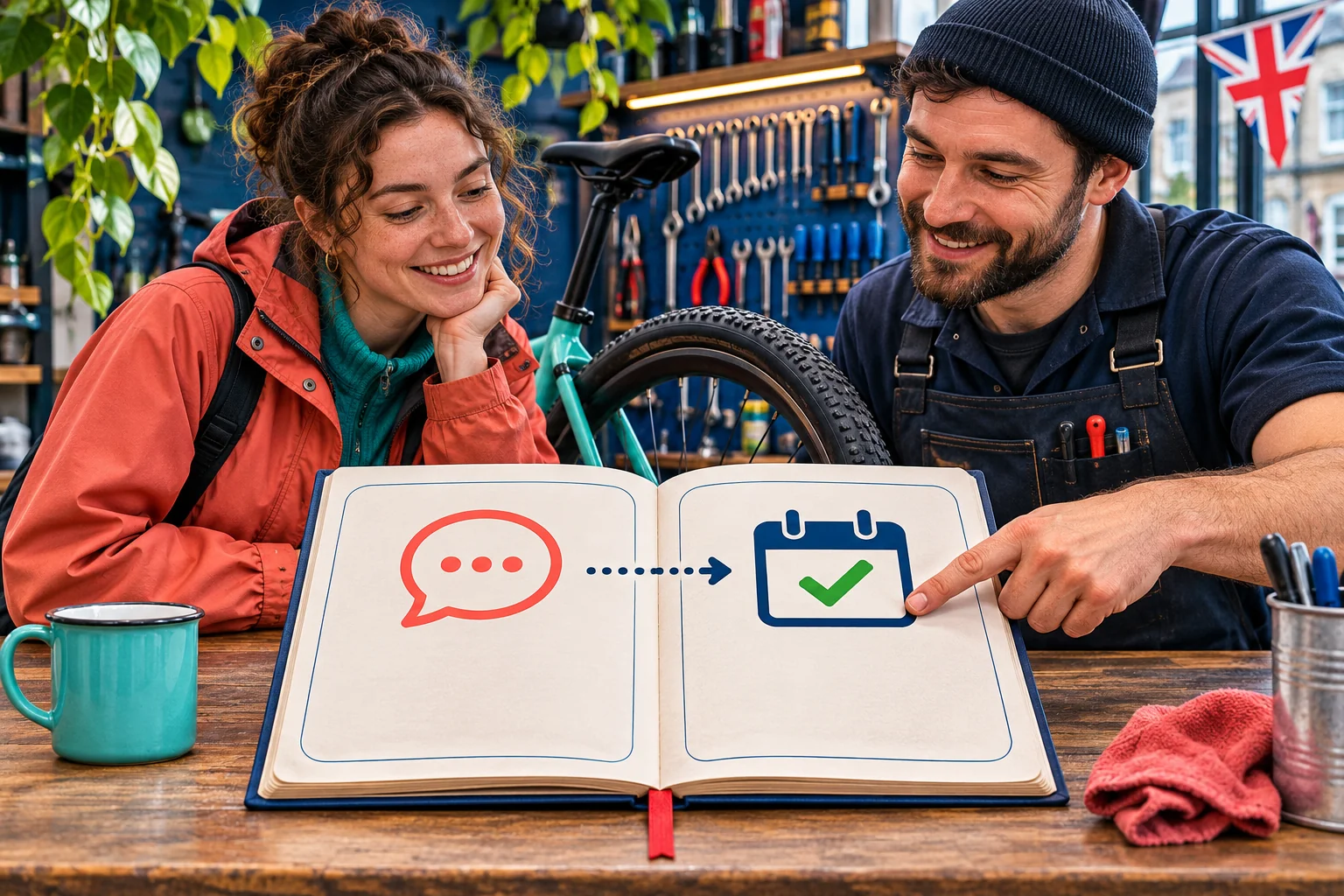
The third image separates a message symbol from a checked appointment in a ledger. Use the same discipline in the shop. An incoming message becomes a relevant enquiry only if it asks about a repair or service the team can assess. It becomes a qualified enquiry when staff have enough detail to decide whether to offer the work. A booking is confirmed only when the customer accepts an available slot and the workshop records it in its own system. A completed paid job is another event again.
At the weekly review, count these stages from the business's authorised records. Note the source only when it is known: a customer may say they saw the Instagram Reel, use a tagged link, arrive through search or hear from a friend. Even a customer who saw the Reel might have booked anyway. Treat the source as evidence of a reported route, not proof of causation. Keep cancellations and no-shows separate from accepted bookings so the team does not celebrate an appointment that never became work.
The record need not become a dossier on customers. An internal review can use aggregate counts and short question themes. Where a team must retain personal information to answer or fulfil a booking, the ICO's small-business guidance says to collect what is needed for the stated purpose and keep it secure. Do not paste private messages, phone numbers or bicycle serial numbers into a shared marketing sheet merely to make the analytics appear detailed. Agree who can see the working records.
- An enquiry: a relevant question about a real repair or availability.
- A qualified enquiry: enough detail to decide whether the shop can offer the work.
- A confirmed booking: accepted slot recorded in the workshop system.
- Completed work: a separate fulfilled job or paid invoice.
Work through the blank decision worksheet
The table is intentionally blank of campaign results. The workshop owner can copy its five columns into a paper sheet or a restricted business document. Begin with one question, add the Instagram label and period exactly as displayed, then name the independent shop record. The 'limit' column forces a cautious reading; the 'next check' column turns the review into a specific action. If the team lacks a booking-source field, mark it unknown and improve the handoff process rather than guessing.
Consider a hypothetical non-numeric review. The brake-check Reel has a visible content panel and several questions asking about Saturday service. Staff find that one question was answered, another needs a quotation and a third concerns a repair the shop does not offer. The owner checks the appointment calendar and finds that none of those conversations can yet be matched to an accepted slot. The proper conclusion is that the content exposed useful service questions, while the booking result from those conversations is unconfirmed.
The next step is concrete: make Saturday availability and the booking route clear, assign one staff member to respond, and check the same question path in the next period. Do not add an invented sales value or claim that each comment became revenue. If the shop later records accepted bookings and customers mention the Reel, it can report that evidence with the attribution limit stated. The worksheet is a decision aid, not a formula for proving that a post caused every job during its publication week.
Troubleshoot missing or changing numbers
When a figure seems to disappear, start with simple checks. Is the team in the workshop's correct account? Did the selected period change? Is the panel for the whole account or one post? Was the content type changed or archived? Does the current report define that measure for the format and period? Some views can be estimated, delayed or unavailable. Do not fill a blank with zero, or compare a current label with an older metric name simply because the numbers look similar.
If a dashboard route differs from a tutorial, use Instagram's current Help Centre and the information icon on the account's own screen. Meta has changed metric names and product controls before, and availability may depend on account, region or eligibility. Capture the date and wording of the screen the team actually used. If there is an account restriction or recommendation question, investigate it through Instagram Account Status as a separate diagnosis; an Insights mismatch alone does not establish a restriction.
Avoid a rushed workaround that creates a new problem. Do not give an unknown reporting app the Instagram password, scrape another account's private statistics or publish a screenshot containing customer messages. Ask the authorised account owner to check access. If the same measure cannot be reconstructed across two periods, restart the comparison with a new consistent baseline. A smaller honest series beats a long chart made from incompatible definitions.
- Check the selected account, format and date range again.
- Look for an information icon explaining the current label.
- Check whether a report is unavailable rather than filling a blank with zero.
- Record the change and compare only like-for-like data.
Make a weekly decision and keep services distinct
End the weekly review with four short lines: what the workshop tried, what Instagram reported, what the booking system confirmed, and what it will change next. If questions are useful but booking instructions are unclear, repair the profile route and answer the question before making more content. If the same explainer keeps helping staff answer a common question, consider making it easier to find. If the shop cannot tell what happened, leave the result open and improve the record for the next review.
Do not turn the worksheet into a daily posting quota or a promise that the platform will reward one format. The shop may choose to continue a practical series, revise a description, or pause while it fixes staff coverage. Use the separate UK organic-versus-paid guide if the actual decision is whether to purchase Meta ad distribution. This Insights workflow can inform that later decision, but it does not itself calculate an ad budget or establish a return on spend.
HitsBoost's UK Instagram follower packages are a separate profile-count service under their current terms. They do not supply a workshop with verified local riders, explain a Reel's Insights or guarantee enquiries, bookings, reach or sales. If the owner wants to consider profile-count options, check the live UK service page separately and keep any order out of the workshop's customer-outcome column. The useful habit here is simple: read platform activity accurately, verify business events in the business system, then choose one next improvement with the limits written beside it.
Frequently asked questions
Where can my UK business find Instagram Insights?+
Open the correct authorised account and look for the current dashboard or Insights route from the profile. Open an individual post, Reel or Story separately for content-level measures. Instagram changes labels and availability, so follow its current Help Centre and the controls actually shown to your account.
Do I need a business account to see Instagram Insights?+
The Insights route and available reports depend on the account and current Instagram controls. Meta documents a Professional dashboard for eligible accounts. Check Instagram's current account guidance before changing account type; a business should use authorised access rather than share its password with a reporting service.
Are Instagram views the same as people reached?+
No. A view is a display or play event and may include repeats. An audience measure refers to accounts under the current report's definition. Read the information icon on the exact panel; do not treat views as unique customers.
Can likes or saves show that a repair service gained customers?+
No. They describe actions on content. Read comments for relevant service questions, then verify enquiries and accepted bookings in the workshop's own records. A save does not tell you where a person lives or whether they will book.
How should I compare two Instagram posts fairly?+
Use the same metric definition, format or purpose, a comparable date range and similar elapsed time after publishing. Note any paid promotion, caption changes, closures and different booking routes. If several things changed together, describe the pattern without assigning a single cause.
What if Instagram does not show audience location?+
Mark the location field unavailable for that account and period. Do not infer zero local demand. Use actual service enquiries and booking details that customers voluntarily provide through the normal shop process, with appropriate privacy safeguards.
Do Instagram profile visits prove appointments or orders?+
No. A profile visit is a platform action. A confirmed appointment is one accepted and recorded in the business's own system; a paid order or completed job is a further event. The source of a booking may also be unknown.
Will buying Instagram followers improve my Insights or bookings?+
A HitsBoost follower package is a separate profile-count service with current package terms. It cannot guarantee reach, interactions, relevant local enquiries, bookings or sales. Keep that purchase separate from a content review and from verified customer results.
Compare Instagram Followers packages.
Prepare the public destination, then review the quantity and terms that fit your goal.
Review UK Instagram follower options separately