Standard
Instagram comments5
£7.89Current package price
- Destination: one eligible public post or Reel with comments enabled
- No Instagram password required
- Review total before payment

Choose one eligible public Instagram post or Reel with comments enabled, then compare live comment packages. Check the exact URL and package terms before paying. A comment count does not guarantee a useful conversation, new customers or extra reach.
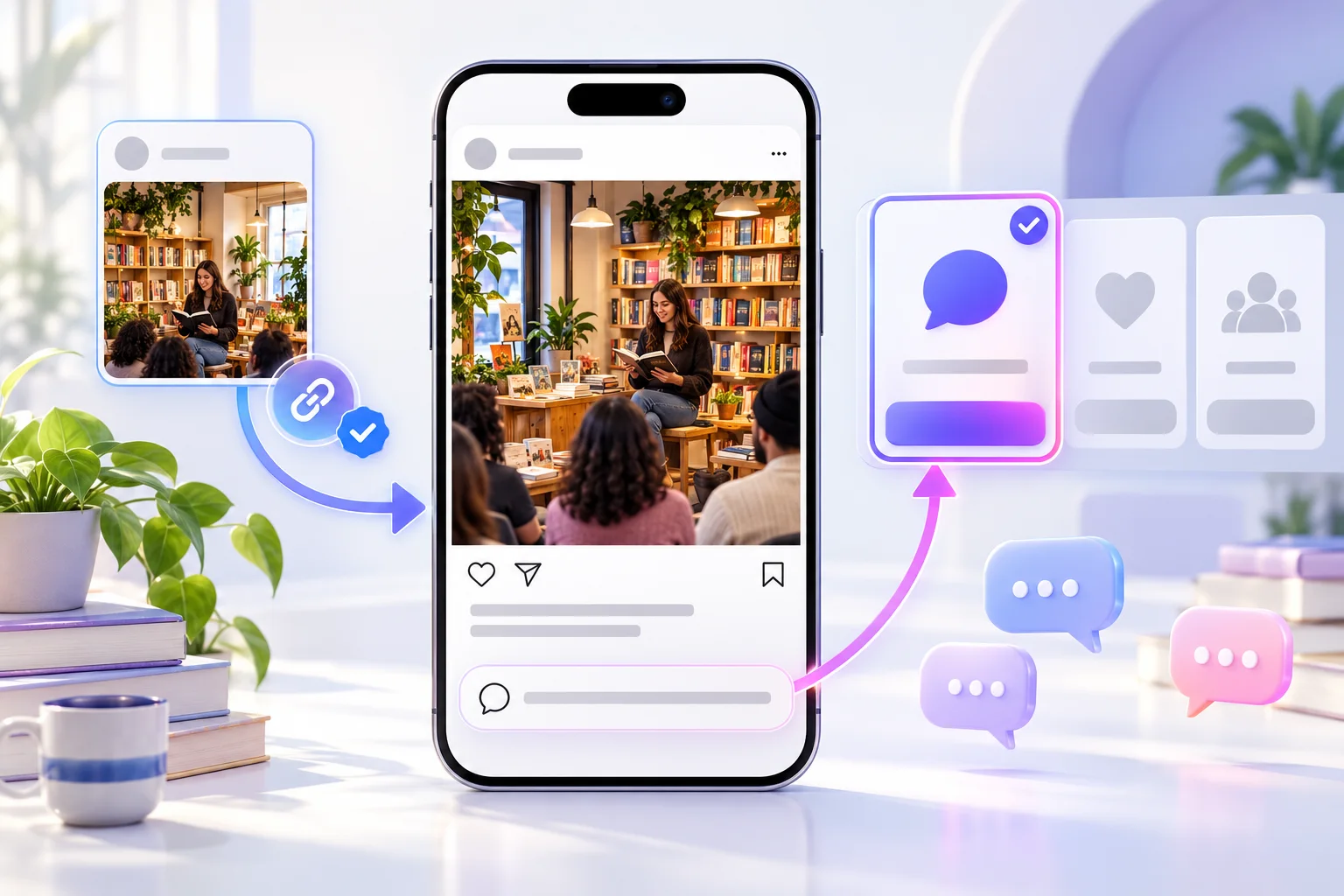
Available Standard and Mixed comment tiers, quantities and prices come from the live catalogue. Read the selected tier's conditions; its label alone does not establish the wording, identity or relevance of any comment. Confirm that the public destination accepts comments.
Pick an available tier and then the quantity for the eligible destination.
Review the final total, tier, quantity and exact content URL at checkout. Comment availability and package prices can change with the live catalogue.
Check the destination, package and final total before submitting an order.
Choose one public post or Reel with a clear subject and a comment section that is open.
Open the direct link while signed out. Confirm the account, content and visible comment control.
Check the available comment tier, quantity, total and package conditions before payment.
Keep the order reference, monitor the post and respond to useful questions in your own voice.
These checks help you choose a package, protect the account and judge the result on its own terms.
A bookshop announcing a local event, a maker showing a new design and a trainer explaining an exercise each give readers something different to say. Pick a post that already makes its subject and next step clear. More comments cannot repair an unclear caption or a missing product detail.
Read the caption from a visitor's perspective. Is there a real question to answer, a choice to explain or a useful piece of context to add? If the post asks people only to leave a generic reaction, a larger visible count may still leave the discussion thin.
For a client campaign, confirm the final published link with the owner. A draft, a similar Reel or a profile URL is not the exact target. Keep each order tied to one content item so later reporting has a clear destination.
The guide to useful Instagram comment conversations offers prompts and response ideas beyond a visible count.
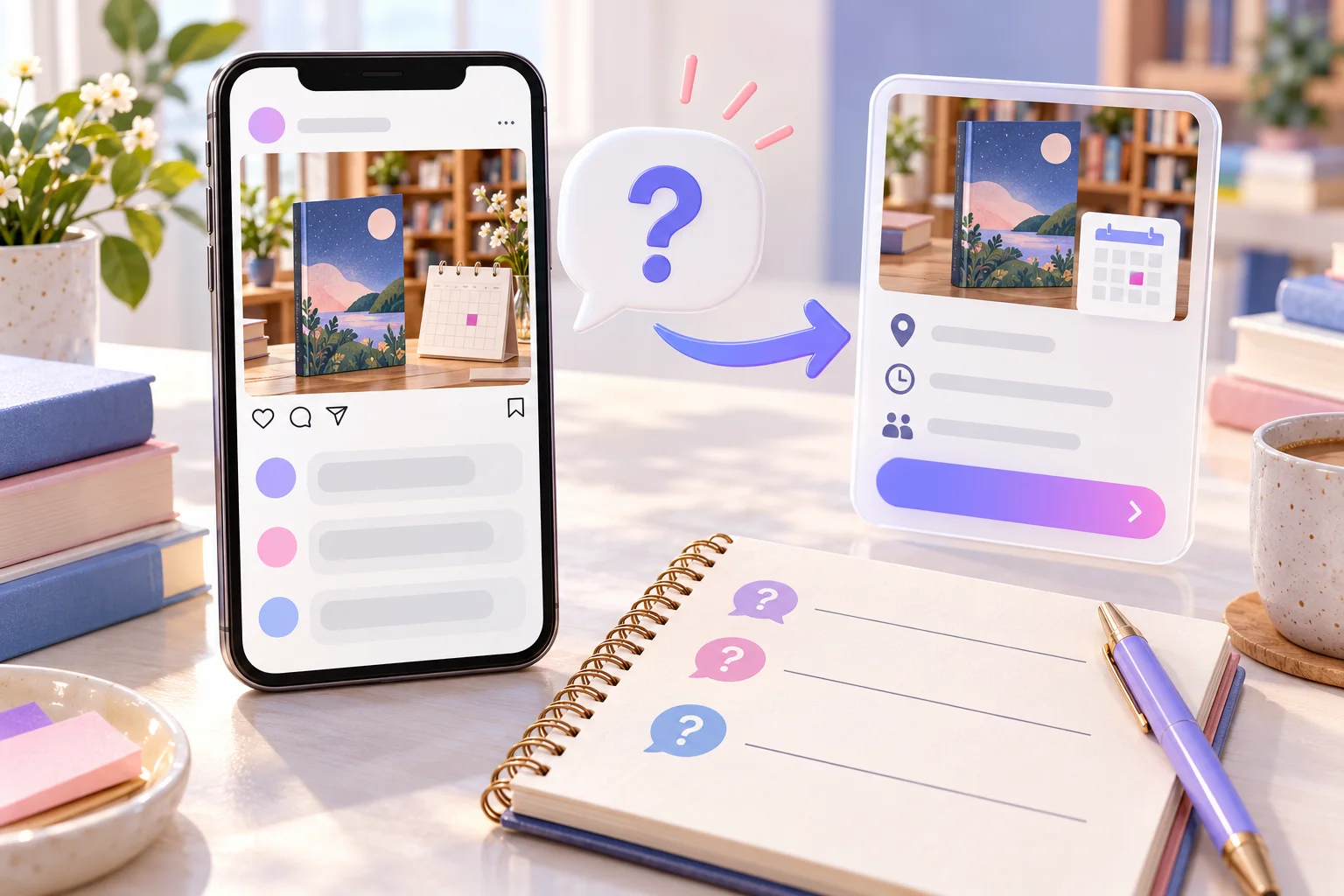
Open the link in a signed-out browser or ask someone outside the account team to test it. Check that the post is public and the comment control is available. A private account, restricted post or switched-off comments can prevent a straightforward order even when the owner can see the item inside the app.
Instagram offers controls for filtering, restricting and deleting comments. Those controls matter to the ongoing thread. If you plan to use filters or turn comments off during a sensitive launch, review the order conditions before paying and keep the content accessible while it is processed.
Do not send your password, two-factor code or access to the account inbox. Checkout should need the public content destination relevant to the selected service. If a message asks for credentials in the name of faster delivery, treat it as a warning sign.

The live cards show available quantities, tiers and prices. Compare the total, not simply the smallest per-comment figure. A modest package on a well-defined post may be easier to review than a large count on an old item with little audience interest.
Standard and Mixed are catalogue labels, not a promise about sentiment, authenticity or future replies. Read the exact service conditions and ask support if you need a specific language or moderation constraint. A UK checkout does not itself mean every account or comment is British.
If you are also planning likes or video views, keep them as separate line items. Their quantities answer different questions and should not be bundled in a report as though one package creates all forms of engagement.
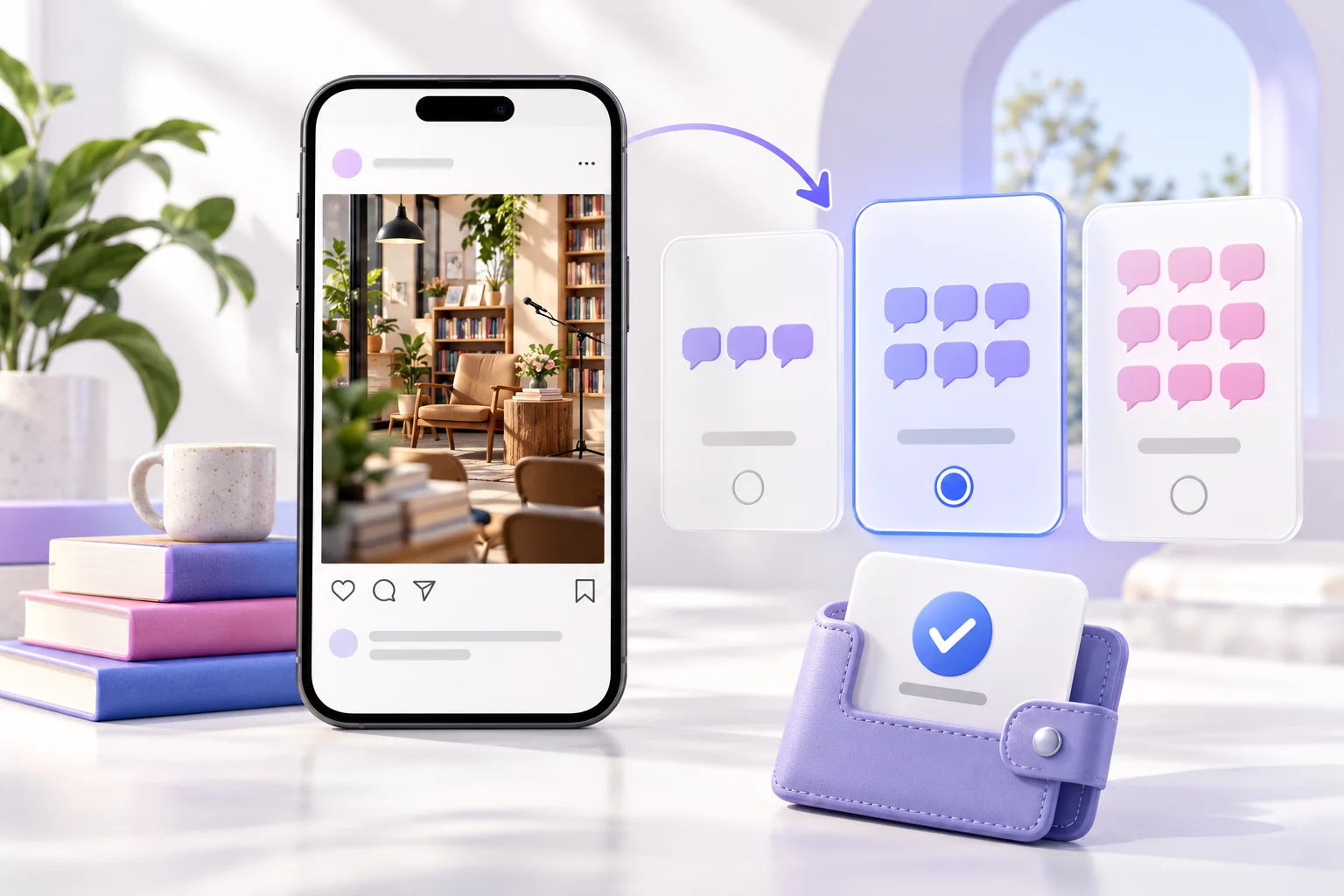
A visible comment count is not the same as a helpful exchange. Assign someone to monitor the post, answer genuine product questions and remove abuse under your published policy. Do not ask support staff to impersonate the brand in replies.
For a local business, useful replies might include opening times, delivery coverage or how to book. For a creator, a clarification or behind-the-scenes answer can make the post more valuable. These responses come from the business or creator, not from a purchased count.
Keep promotional claims accurate. If a post concerns health, money, contests or customer testimonials, review the applicable rules before using comments as a trust signal. Avoid presenting paid activity as independent customer endorsement.
If comments are hidden or disappear, work through the Instagram comment troubleshooting guide before assuming an order issue.
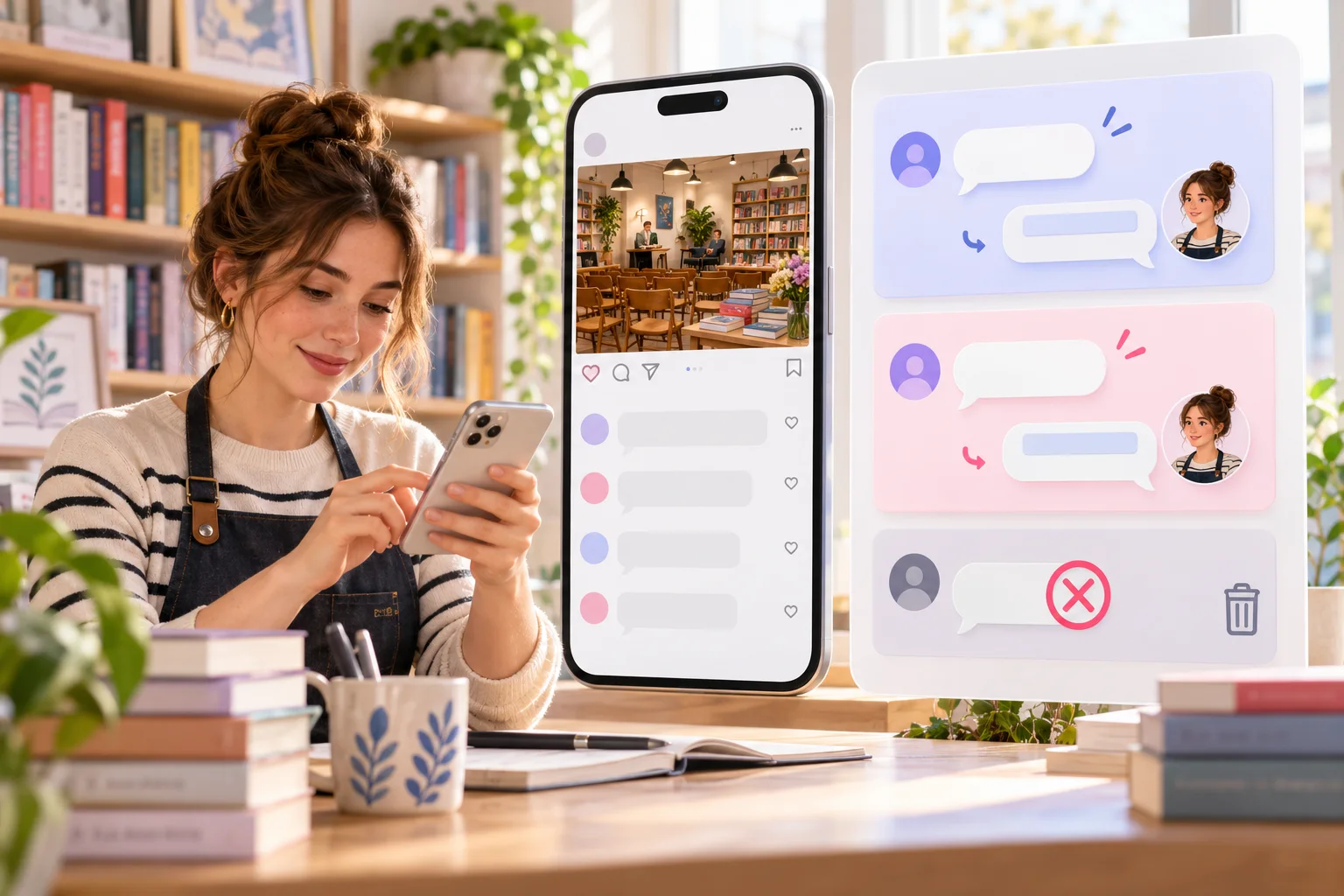
Save the order ID, direct URL, selected tier, quantity and purchase time. If the post becomes private, comments are disabled or the wrong link was submitted, contact support promptly with that reference. Available corrections depend on the order's state.
Record the visible comment count, but also look at the questions and replies that matter to your audience. A discussion on a how-to post may reveal confusion worth fixing; a launch post may show questions about stock or pricing. Those observations are useful even if no commercial result follows.
Instagram controls distribution and moderation. A comment package does not guarantee higher recommendations, unique viewers, enquiries or sales. If ads, creator partnerships or email promotions run at the same time, note them separately in the campaign report.

The package concerns an eligible post's comment count. Your team remains responsible for content, replies and honest reporting.
| Check | This Instagram comments package | What to keep separate |
|---|---|---|
| Destination | One public post or Reel with comments on | A profile URL does not identify the content. |
| Package | Selected tier and comment quantity | Read live terms for the chosen option. |
| Conversation | Visible comments on that content | Useful questions and replies need active moderation. |
| Other metrics | Not part of this order | Likes, views, followers and saves are separate. |
| Business result | No guaranteed outcome | Enquiries and sales need independent evidence. |
Review the package, public destination and limits of the service. For individual orders, use your confirmation reference when contacting support.
Open 24/7 support chat ↗Check that the post or Reel is public, comments are enabled and the selected tier fits your needs. Review the direct link and total at checkout.
Use the direct URL of one eligible public post or Reel with comments enabled, not just the account profile.
A private or restricted post may be ineligible. Check public access while signed out before selecting a package.
Turn commenting on before ordering if appropriate for the post, or choose another eligible item. Read the package conditions first.
They are separate live catalogue tiers. Read each available package's exact terms; the label alone is not a promise about wording or sentiment.
No. A UK service page does not establish account location. Ask support about any specific requirement before payment.
No. A comment package does not guarantee reach, recommendations, future replies or sales.
No. Likes and views are separate measures and services.
Only rely on wording controls that the selected live package explicitly offers. Do not assume custom copy from a tier name.
No. Never share passwords, authentication codes or recovery details for a comment order.
Yes, with the client's approval for the exact post and package. Keep that approval and the order reference with the brief.
Contact HitsBoost support promptly with the order ID. Whether it can be corrected depends on processing state.
These references help with account security and platform features. They do not endorse a purchase from HitsBoost.
Read our Terms of Service and Refund Policy before payment. Track an order with your confirmation reference or open 24/7 support chat for help.
Choose the correct public destination, tier and quantity. Confirm the final details before payment.
We use Google Analytics and Ahrefs to understand visits and improve HitsBoost. The site and checkout links work if you decline. You can change this choice later in the footer. Cookie details.