Facebook Page readiness scorecard
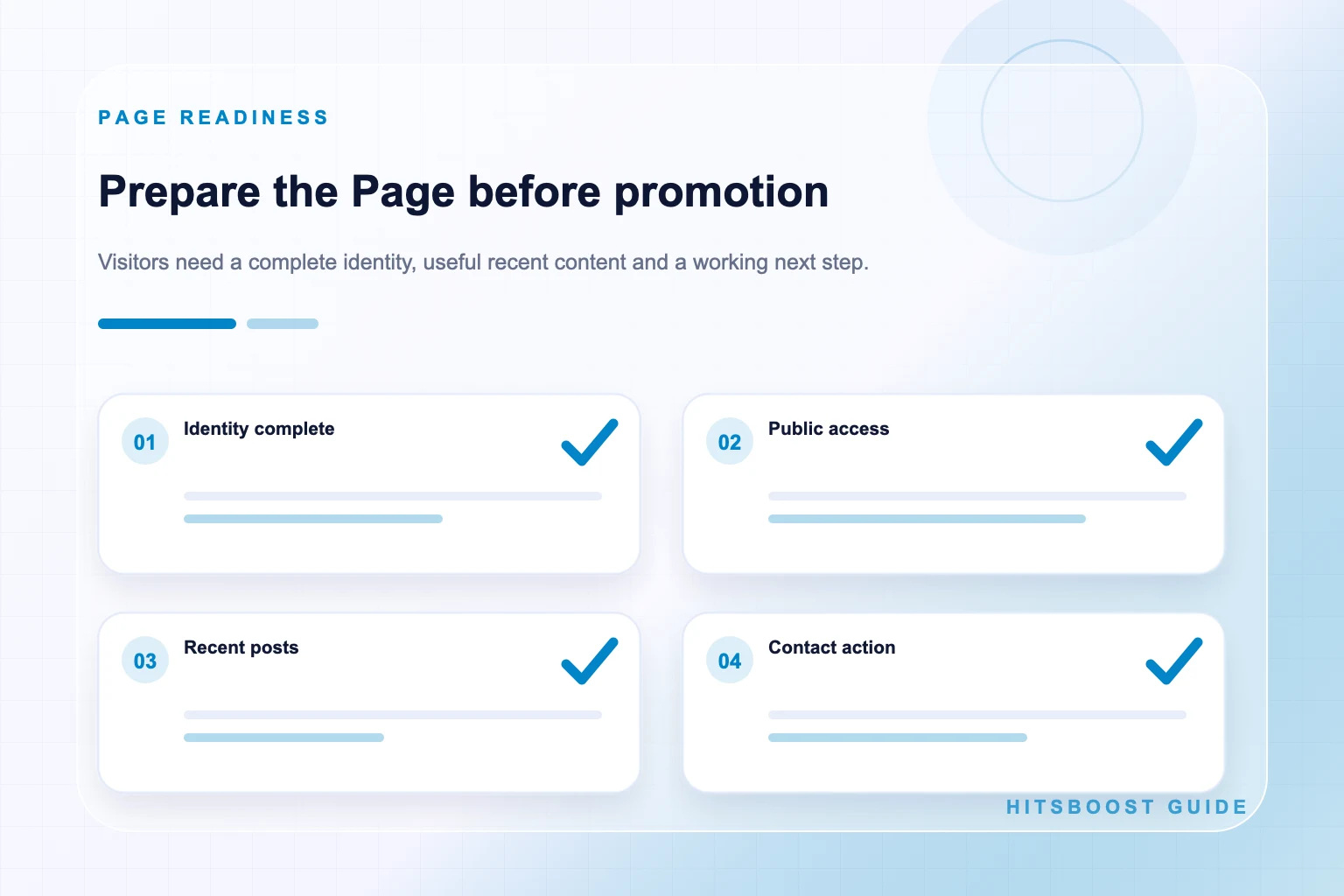
| Area | Ready when | Pause and fix when |
|---|---|---|
| Identity | Name, images, introduction, and category describe one current organization or project | Branding conflicts or the Page could be mistaken for another entity |
| Public access | The Page home opens and shows the intended public identity | The link is private, broken, redirected, or points to content instead |
| Contact path | Website, button, email, location, and hours are accurate where relevant | A visitor reaches an expired, unsafe, or unrelated destination |
| Content trail | Recent posts explain what the Page publishes and why it matters | The Page is empty, stale, duplicated, or dominated by unsupported claims |
| Permissions | Current team members have only the access needed for their work | Former staff retain access or credentials are being shared |
| Baseline | Metric label, count, source, URL, date, and timezone are recorded | The team mixes followers, Page likes, post reactions, or Pages |
Confirm the Page identity is current and unmistakable
Review the Page name, category, profile image, cover image, introduction, and username as one identity system. A first-time visitor should understand which business, creator, organization, location, or project the Page represents. If several Pages share a similar name, add the distinguishing location, project description, or current brand cues that a visitor needs without imitating another entity.
Remove information that belongs to an earlier business model, campaign, owner, or address. Check spelling and capitalization across the Page, website, directory listings, email signature, and campaign creative. Consistency does not require every description to be identical, but the public identity should not make a visitor wonder whether the links refer to different organizations.
Review rights and representation. Use images and names the Page is entitled to display, and make fan, parody, partner, or unofficial status clear where applicable. A follower total cannot repair misleading identity signals. Resolve ownership, impersonation, or trademark concerns before promotion increases attention to the Page.
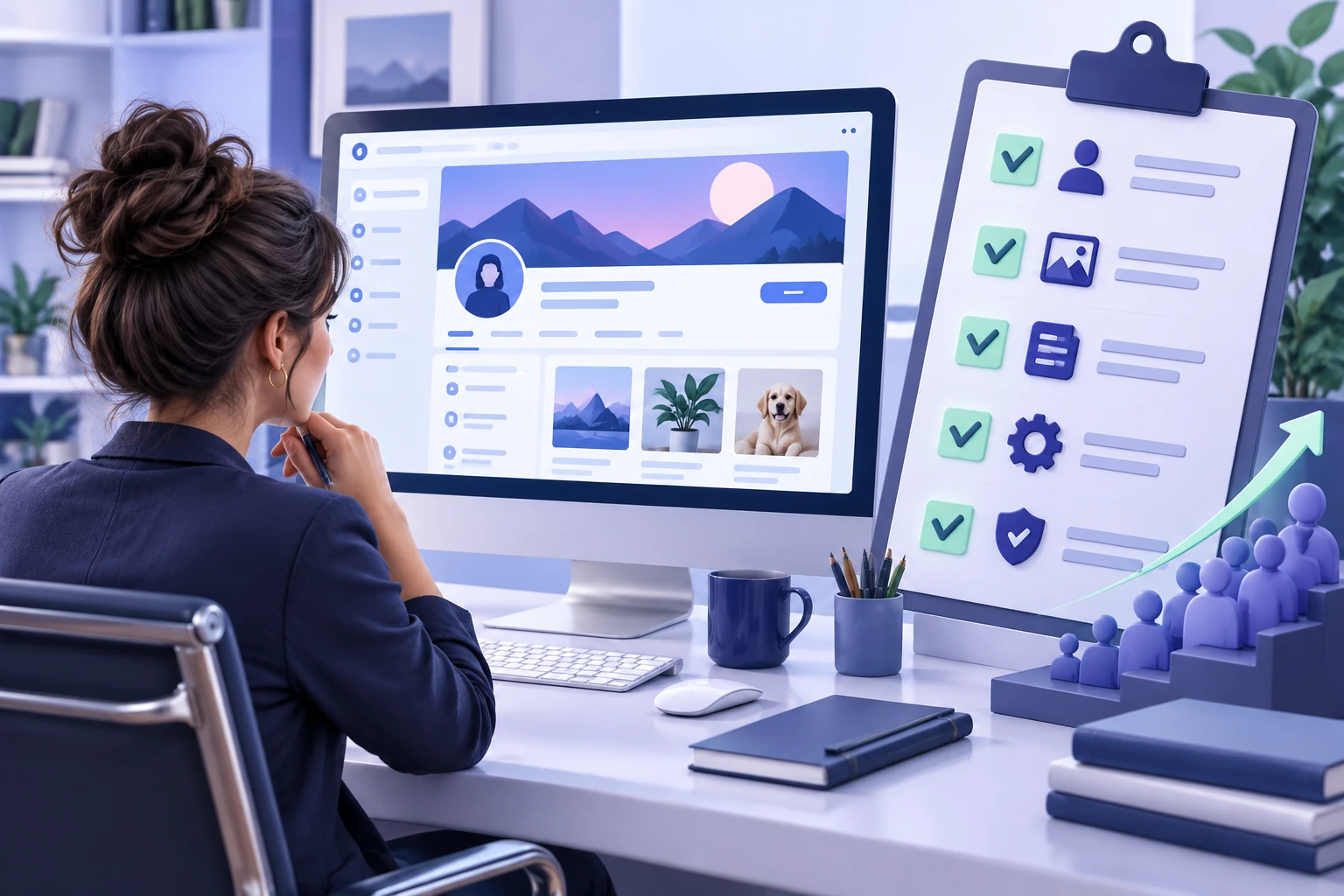
- Current Page name, category, profile image, cover image, and introduction.
- Accurate website, email, phone, location, hours, and action button where relevant.
- Consistent public username and Page address across owned channels.
- Clear disclosure when the Page represents a fan project, partner, campaign, or temporary event.
Verify the public Page URL
Copy the Page home URL and open it in a private browser window or while signed out where practical. Confirm the visible name, image, introduction, and recent content. Do not rely only on a management shortcut, notification URL, or saved browser session. The campaign destination should be the public Page itself rather than an individual post, photo, video, Story, search result, or administrative interface.
Check the Page username and public web address. Facebook explains that usernames form part of profile and Page web addresses. If the Page recently changed its username or brand name, update owned links and campaign documents. Test redirects rather than assuming old URLs will continue to behave as expected in every context.
If more than one Page exists, write the chosen URL next to its public name and image description. Mark old or location-specific Pages so team members do not submit the wrong destination. A simple public-link record protects checkout, paid promotion, QR codes, email campaigns, partner shares, and later measurement from the same avoidable error.
Check visibility and visitor access
Look at what an ordinary visitor can actually see. Confirm that the Page is published and accessible to the audience the campaign intends to reach, subject to Facebook's current controls. Review any age, country, privacy, moderation, or content restrictions that could affect access. Do not change protections merely to increase a count; document them and decide whether the campaign is appropriate for the eligible audience.
Test the Page on mobile and desktop if those experiences matter to the campaign. Check that the introduction is not cut off in a way that hides the main promise, the action button is visible, and important links open correctly. A technically public Page can still be difficult to understand if its essential information is buried or formatted only for one screen.
Never ask a provider to bypass access controls or use credentials to reach a restricted Page. A public-destination follower package should use a public Page or eligible profile link and should not require a password, authentication code, recovery key, session cookie, or administrator role. If the destination is not eligible under the stated offer, pause rather than weakening account security.
Complete the profile, cover, introduction, and action path
Use a profile image that remains recognizable at small size and a cover that adds context without repeating illegible text. Check crops on common screens and provide accurate alternative text where the platform supports it. Visual polish should support recognition, not hide the Page's identity behind stock imagery or unsupported badges.
Write a concise introduction that says what the Page provides and who it helps or informs. Add the current website, contact information, location, opening hours, and service area where relevant. Remove a phone number or email address that nobody monitors. If an action button is available, test the complete path from the Page to the intended booking, message, call, shop, or website destination.
Match the Page promise to the landing experience. If the introduction promotes a current offer, the linked page should explain that offer accurately. If the Page serves a local audience, location and eligibility details should be clear. A growth campaign can increase visits to the Page; readiness means those visitors can understand the next step without guessing.
Review Page access and account security
List everyone with Facebook access or task access and confirm that each person still needs the assigned role. Meta explains that access can cover different abilities, including content, messages, comments, linked accounts, ads, and insights. Use the platform's current access controls rather than sharing one person's login. Remove former employees, agencies, or contractors when their approved work has ended.
Confirm that the business knows who can recover and secure the Page. Use unique passwords and the authentication protections available through the authorized accounts. Keep backup and recovery information in an approved secure system. Do not send passwords or codes through a campaign brief, spreadsheet, support message, or third-party checkout.
Assign operational ownership before launch. One person should own Page edits, one should monitor public questions, and one should keep the campaign and baseline record, even if the same person fills several roles. Clear responsibility prevents contradictory edits and unanswered issues when more people begin visiting the Page.
Create a useful recent content trail
Publish enough current material for a visitor to understand what following will provide. A practical starting set includes an introduction, an evergreen answer, a current update, and a demonstration or example. This is not a fixed Facebook requirement. It is a readiness standard that keeps the Page from presenting only a title, a follower count, and a stream of old promotions.
Check claims, dates, links, permissions, captions, and visual crops before publishing. Remove duplicated or misleading content and update posts that direct people to expired offers. Meta's current originality guidance says directly created work and meaningful transformation are favored over duplicative or minimally edited material. Build the Page around work that adds genuine information, analysis, creativity, or service.
Plan what comes after launch. A new follower should see another relevant update within the Page's normal rhythm, not a long silence. Prepare two or three realistic follow-ups and decide who will answer comments or messages. Audience growth has more value when the Page can continue the relationship with useful material.
- An introduction or pinned orientation explaining who the Page serves.
- One useful evergreen answer related to the Page's main subject.
- One current update showing that the Page is maintained.
- One proof or demonstration that supports the Page's value without an exaggerated claim.
Check the visitor journey beyond Facebook
Click every important destination from the public Page: website, shop, booking page, newsletter, map, email, phone number, and action button. Confirm HTTPS, mobile usability, current branding, working forms, and accurate policy or contact information where appropriate. A visitor should not leave a polished Page and land on an expired campaign or unsafe browser warning.
Make the next action proportionate to the content. An informational Page may send people to a guide; a local service may offer a booking or message route; a creator may link to a portfolio or newsletter. Avoid crowding the introduction with several competing requests. One clear primary path and a sensible secondary path are easier to understand and measure.
Prepare tracking only where it is lawful, transparent, and useful. Test tagged links and conversion events before launch. Respect consent and privacy requirements that apply to the audience and owned destination. If tracking is incomplete, document the limitation rather than promising that every Page visit or sale can be attributed precisely.
Choose the correct audience metric and baseline
Inspect the Page for followers, Page likes, or both. These are distinct Page-level actions. A Like reaction on one post is another metric entirely. Decide which audience label the campaign will review and record it exactly. If a provider offers followers, the starting value should be the follower count on the selected destination, not the Page-like count or reactions on a recent post.
Write down the public Page URL, metric label, visible value, date, time, timezone, and source. Note whether the public count is rounded. If authorized insights supply a more precise value, label it separately. Take a screenshot for internal evidence, but retain a written row so another person can reproduce the check without searching through images.
Record related measures without blending them: recent publishing, reach, reactions, comments, shares, video views, link actions, enquiries, and sales. These create context for later review. They do not become deliverables of a follower package, and a change in one does not prove that another caused it.
Fix issues and run a second public review
Turn every readiness problem into an owner, action, and due date. Update the old address, replace the unclear cover, repair the website link, publish the missing introduction, remove access for a former partner, or confirm the correct Page with the client. Avoid a vague status such as ‘almost ready.’ A visible checklist makes the launch decision accountable.
After fixes, repeat the public review from the beginning. Open the saved URL, inspect the identity, test contact and action paths, scan recent posts, and confirm the metric baseline. A change in one field can expose another problem: a renamed Page may have an outdated cover or a new website may have a broken mobile form.
Ask someone who did not make the edits to complete a five-minute visitor test. They should explain who the Page represents, what it publishes, how to take the intended action, and whether any detail creates doubt. Their confusion is useful evidence. Fix the experience rather than explaining privately what a visitor was supposed to understand.
Make a go, fix, or pause decision before checkout
Choose go when the Page is public, accurate, useful, secure, measurable, and matched to a clear campaign objective. Choose fix when a limited issue can be corrected before the planned start. Choose pause when destination ownership, policy, access, identity, eligibility, security, or misleading claims remain unresolved. A delay is preferable to sending more attention toward a Page the team cannot responsibly support.
For a go decision, compare the current follower packages only after confirming the exact Page URL and baseline. Read the tier description, quantity, price, currency, delivery wording, and written support or refill terms. Keep the receipt and order reference. Do not provide a Facebook password or assume the package includes Page likes, post reactions, reach, views, comments, enquiries, or sales unless an offer explicitly and legitimately states a separate deliverable.
Schedule the first review before launch. Keep the destination stable, continue the planned content rhythm, record campaign events, and check at sensible intervals. Report the displayed follower movement as an observation and the selected order status as provider information. At the end, decide what the Page learned and what it will improve next, not merely whether the total became larger.
- Go: the Page is public, accurate, useful, secure, measurable, and supported by a clear campaign brief.
- Fix: limited issues have owners and can be corrected before the planned start.
- Pause: destination, ownership, policy, access, contact, or claim problems could mislead visitors or block delivery.
Frequently asked questions
How many posts should a Facebook Page have before a follower campaign?+
There is no universal platform minimum. Publish enough current, useful material for a visitor to understand the Page promise and see what will come next. An introduction, evergreen answer, current update, and demonstration are a practical starting set.
How do I know whether I copied the Facebook Page link?+
Open the URL in a private browser window. It should show the intended Page home, name, image, introduction, and recent content. A post, photo, video, Story, search result, or management address is a different destination.
Should a Page show followers or Page likes?+
Facebook experiences can display these labels differently. Record whichever current metric matches the campaign and package, and keep followers, Page likes, and post reactions in separate rows. Do not switch labels between the baseline and review.
Does a follower provider need Facebook Page access?+
A public-link follower package should identify the destination from its public URL and should not require a password, authentication code, recovery key, session cookie, or administrator access. Use Meta's role controls only for authorized people who genuinely manage the Page.
What should I fix first on an incomplete Facebook Page?+
Fix identity and public access first, then contact and action paths, permissions, recent content, and measurement. Pause promotion if the Page could mislead visitors, expose security, or send them to an expired or unsafe destination.
What baseline should I record before growing followers?+
Record the Page URL, exact follower label, visible count, date, time, timezone, and source. Note rounding. Keep Page likes, post reactions, reach, views, and business outcomes as separate contextual measures.
Can Page readiness guarantee campaign results?+
No. Readiness removes avoidable confusion and creates a better visitor experience and measurement record. It does not guarantee reach, engagement, followers, enquiries, or sales. Report each observed result within its actual scope.
Compare Facebook Followers packages.
Prepare the public destination, then review the quantity and terms that fit your goal.
Compare follower packages after the Page review