

Four-week small business Facebook Page plan
| Week | Page and content work | Evidence to save |
|---|---|---|
| Week 1: prepare | Confirm the primary Page, public details, action button, access, and measurement baseline | Page URL, follower and Page-like counts, public-view screenshots |
| Week 2: establish | Publish an introduction, a useful answer, and a proof-of-work post | Direct post URLs, reach, responses, and customer questions |
| Week 3: distribute | Connect owned channels and complete one relevant local or partner promotion | Placement list, referral notes, messages, and website activity |
| Week 4: review | Compare Page, content, and business-action layers; select one next test | Monthly scorecard, observations, owner, and next review date |
Begin with the customer decision the Page should support
A local shop, consultant, tradesperson, restaurant, clinic, and online retailer need different things from Facebook. Define the main customer decision before planning follower growth. A visitor may need to confirm the service area, inspect examples, compare opening hours, understand how appointments work, or find the correct website. Write that decision in one sentence so the Page can be evaluated against a practical job rather than a vague wish to look active.
Open the Page as a first-time visitor. Within a short review, can someone identify the business, what it offers, who it serves, and the next step? If the answer requires searching through months of old posts, improve the Page before increasing promotion. Followers add context to a credible destination, but the number cannot repair conflicting contact details, an expired offer, or a Page whose purpose is unclear.
Choose one primary action for the current campaign. It might be sending a message, calling, booking, visiting a location, opening a menu, requesting a quote, or reading a service page. Not every Page needs the same button or content plan. The important part is that the action matches the business's real capacity and leads to information that is current on both mobile and desktop.
Choose one primary Page and verify its public URL
Small businesses often accumulate duplicate Pages: an old location, a Page created by a former employee, a newer brand Page, or separate Pages for branches. Decide which destination represents the campaign before publishing links or selecting a package. Compare the visible name, profile image, introduction, recent posts, address, and management access. Do not direct customers to one Page while measuring the follower count on another.
Copy the Page address from the public Page itself and open it in a private or signed-out browser window. Confirm that the link reaches the expected Page instead of a post, photo, login prompt, or similarly named business. Save the verified URL in the campaign record. If the Page uses a readable username, avoid changing it casually because websites, directories, QR codes, emails, and customer bookmarks may rely on the existing address.
Use the same destination across channels where appropriate. Update the website, email footer, Google Business Profile or other legitimate directory listings, printed materials, and partner references when they point to an outdated Page. Consistent links help customers recognize the destination and make reporting easier. The free Facebook link checker can help classify common URLs, but a human should still open the Page and confirm its identity.
- Choose the Page that represents the current business, location, or service area.
- Open the public URL in a private or signed-out browser view.
- Confirm the visible name, image, introduction, recent content, and contact route.
- Replace old website, email, directory, and printed links with the same verified address.
Complete the Page information customers use
Use the trading name customers recognize, a clear profile image, and a cover that remains readable on smaller screens. Write an introduction that explains the offer without slogans a new visitor cannot interpret. Add the location or service area when it matters, current opening or response hours, contact details, and the correct website. If availability changes seasonally, create a routine for checking these fields before each campaign.
Review the Page's action button and choose the option that matches the customer journey available to the business. Meta provides Page managers with controls for an action button, but the button is useful only when its destination works. Test the call, message, booking, or website route as a visitor. A button that opens an abandoned inbox or unavailable appointment page creates more friction than having a simpler contact path.
Decide whether Recommendations or reviews belong in the Page experience and manage them according to the business's support process. Meta notes that Recommendations can help customers learn about a business and may support discovery in Facebook search. Do not invent, purchase, or pressure people for praise. When genuine feedback is available, reply professionally, protect customer information, and use recurring questions to improve Page content and service information.
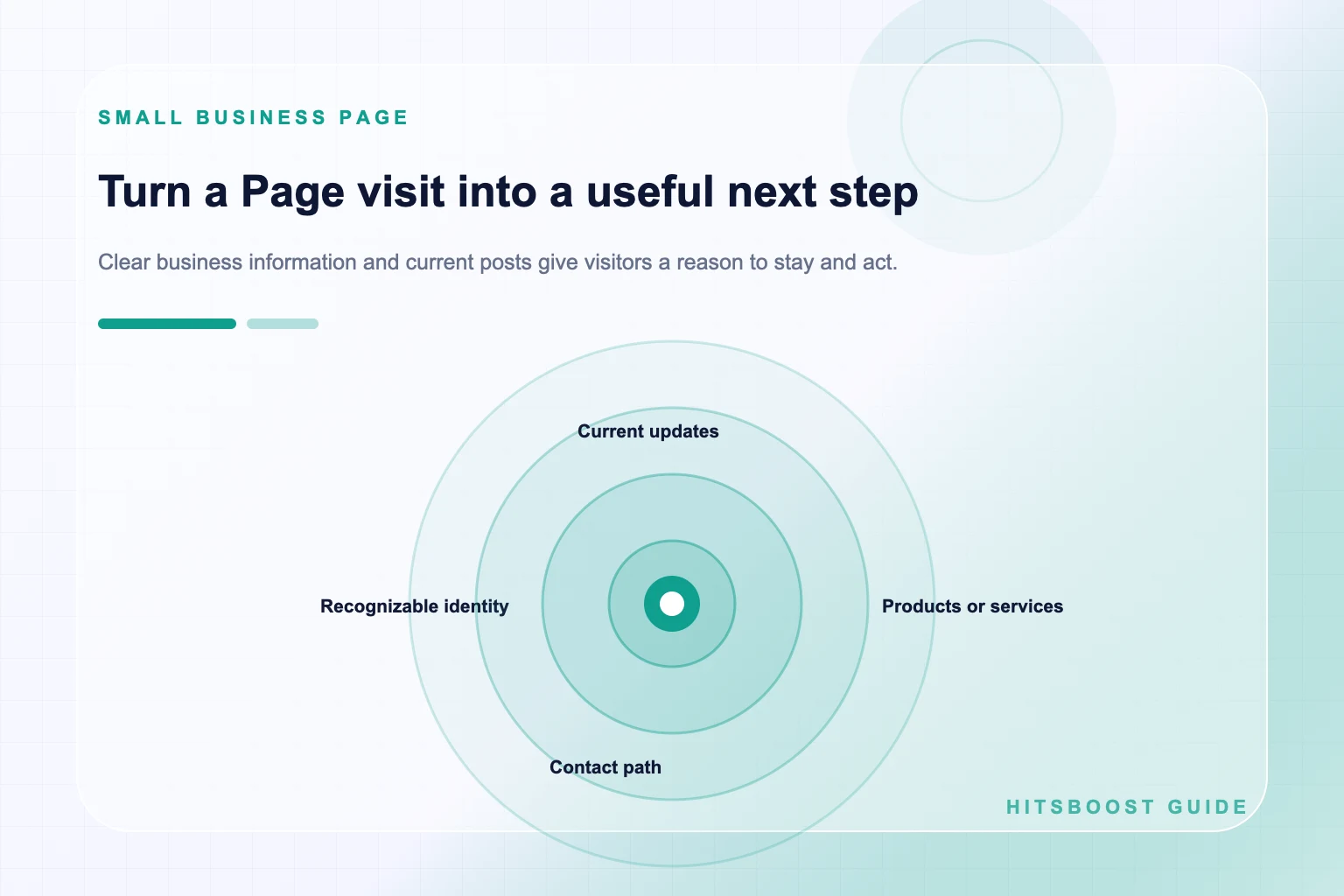
Map the path from first visit to useful action
Draw the simplest journey a customer may take: encounter a post, open the Page, confirm that the business is relevant, inspect an example or answer, and choose the next action. At each step, write the question that could stop them. A restaurant visitor may need a current menu and hours; a home-service customer may need coverage area and a quotation route; an online store visitor may need product details and delivery information.
Match Page elements to those questions. Pin or feature a clear introduction where the current Page experience allows it. Keep a recent proof-of-work post easy to find, link to the most relevant owned page, and explain response expectations. Avoid sending every visitor to a generic homepage when a service, menu, booking, or product page answers the campaign question more directly.
Add measurement points without making the journey difficult. Use consistent campaign links when the website analytics system supports them, distinguish Facebook messages from other enquiries, and ask staff to record qualified calls or bookings using a simple source field. Attribution will still have limits: a customer may see a post and return later through another channel. Report documented actions and acknowledge what cannot be assigned with certainty.
Build content around repeatable customer needs
Choose three or four content pillars from real customer questions. A service business might use preparation tips, process explanations, completed-work examples, and local availability. A retailer might use product demonstrations, selection advice, customer use cases, and stock updates. A consultant might use common mistakes, short frameworks, anonymized examples, and event notes. These pillars give the Page a recognizable promise without forcing every post into the same format.
For each pillar, list five questions the team already answers in calls, messages, or the shop. Turn one answer into a concise post, short video, carousel, photo explanation, or live session according to the information it needs. Show enough detail to be useful. A before-and-after image needs context and permission; a tip needs a reason; a promotion needs the exact terms, availability, and next action.
Create posts for people, then make them easy to understand in search and feeds. Use the natural words customers use for the service, product, location, or problem in the opening and title where appropriate. Avoid repeating the same phrase to chase a keyword density. Clear headings, descriptive captions, accurate image text alternatives where supported, and links to relevant owned information improve usefulness without turning the post into a list of search phrases.
- Answer one question customers ask before they buy.
- Show one product, service, process, or result with useful context.
- Introduce one person, value, or local detail that makes the business recognizable.
- Publish one clear offer or next step only when the details are current.
Choose a publishing rhythm the team can keep
Consistency means a reliable system, not a universal number of posts. A small team may produce two useful updates each week and a monthly video; another may publish more frequently during events or product launches. Start with the amount the business can create, review, publish, and answer properly. A crowded calendar that leaves comments unanswered and details unchecked is less useful than a smaller rhythm supported by the team.
Use a simple workflow: collect questions, choose the next topics, assign an owner, prepare assets, verify facts and links, approve, publish, then review response. Batch photography or demonstrations when the work naturally occurs. Reuse a strong idea across formats only when each version is adapted; a video transcript pasted unchanged into every channel rarely serves readers as well as a concise, platform-appropriate explanation.
Leave room for timely updates. Weather closures, stock changes, event details, and service interruptions may need priority over scheduled evergreen content. Mark promotions with start and end dates and remove or update stale pinned material. The 30-day Facebook Page plan can provide a structure, but the business should adjust it around real operations rather than publishing simply to fill a calendar square.
Promote the Page through trusted local and owned channels
Connect the Page from channels the business controls: website, email, receipts, appointment messages, packaging, signs, event materials, and relevant staff profiles where appropriate. Give people a reason to visit instead of adding a bare icon. A short promise such as weekly availability updates, practical maintenance tips, or new menu announcements is more informative than a generic instruction to follow us.
Look for real relationships rather than mass placements. A neighboring business, supplier, local association, venue, event organizer, creator, or community group may have a legitimate reason to mention a useful resource or collaboration. Follow each community's rules and contribute information before promoting. Avoid buying unrelated links, posting the same invitation across groups, or presenting advertising as an independent recommendation.
Measure each distribution effort according to its job. A partner post may produce referral visits and relevant messages even if the public follower count changes only slightly. A QR code at a location may help current customers find updates but be difficult to attribute precisely. Keep a placement list and compare patterns over time. Continue the channels that bring appropriate visitors, not simply the ones that create the largest impression total.
Separate followers, Page likes, post response, and business results
Followers and Page likes are Page-level audience actions, and Facebook may display them differently across Page experiences. Record each visible label separately. Reactions, comments, and shares belong to individual posts. Reach describes exposure during a reporting period. Video views and watch time describe different aspects of viewing. Combining all of these into one growth number hides which part of the Page actually changed.
Build a small scorecard with four layers. The Page layer includes followers, Page likes, public information, and action-button status. The content layer includes posts, reach, reactions, comments, shares, clicks, views, and watch time. The conversation layer includes relevant messages and enquiries. The business layer includes qualified leads, bookings, visits, or sales where the business has a reliable record. Do not claim platform attribution when the path is unknown.
Use the same time window and definitions each month. When calculating an engagement rate, write down the interactions and denominator included. A rate based on reach cannot be compared directly with one based on followers. Look at several similar posts rather than choosing only the best example. A useful report explains what happened, what else the business did, and which result deserves a follow-up test.
Plan replies, handoffs, and Page access
A Page creates work after publishing. Decide who monitors messages and comments, how quickly the business normally responds, and which questions require a specialist. Prepare approved answers for hours, location, booking, returns, and other frequent requests, but leave space for a human response. Move conversations involving personal details into an appropriate private support channel and follow the business's privacy procedures.
Give Page access according to each person's responsibilities. Meta distinguishes Facebook access and task access, including permissions for content, messages, ads, and insights. Review current access when staff, agencies, or contractors change roles. Do not share one personal password across a team. Keep ownership and recovery information with authorized people, and remove access that is no longer required.
Create an escalation path for difficult comments, complaints, safety concerns, and account issues. The person publishing should know when to pause, hide personal information, consult a manager, or use Facebook's reporting options. Do not delete ordinary criticism merely to improve the visible conversation. A calm answer and a clear route to resolve the issue can be more useful to future visitors than a Page that appears to have no customer questions.
Use optional follower packages with clear boundaries
If the business considers a Facebook followers package, verify the exact public Page or eligible profile, selected quantity, price, timing language, and support terms. The order should not require a Facebook password, login code, or administrative role for a public destination. Save the baseline, package, receipt, and order reference. For a first provider, a smaller option may be easier to assess operationally than committing the whole budget at once.
Keep the service unit separate from expected business performance. A followers package concerns its stated follower count. It does not guarantee that people will see every post, react, send messages, visit a shop, book, purchase, or remain forever. A Page likes package addresses the Page-like metric, and a post likes package points to one post. Choose the service whose visible unit matches the written objective.
Do not use an audience package as a substitute for Page preparation, customer support, content, or official advertising. If the business needs targeted distribution, compare Meta's advertising options as a separate activity with its own budget and measurement. If it chooses a third-party package, report that activity transparently within the internal campaign record and avoid claiming outcomes the package does not control.
Run a monthly review and choose one next improvement
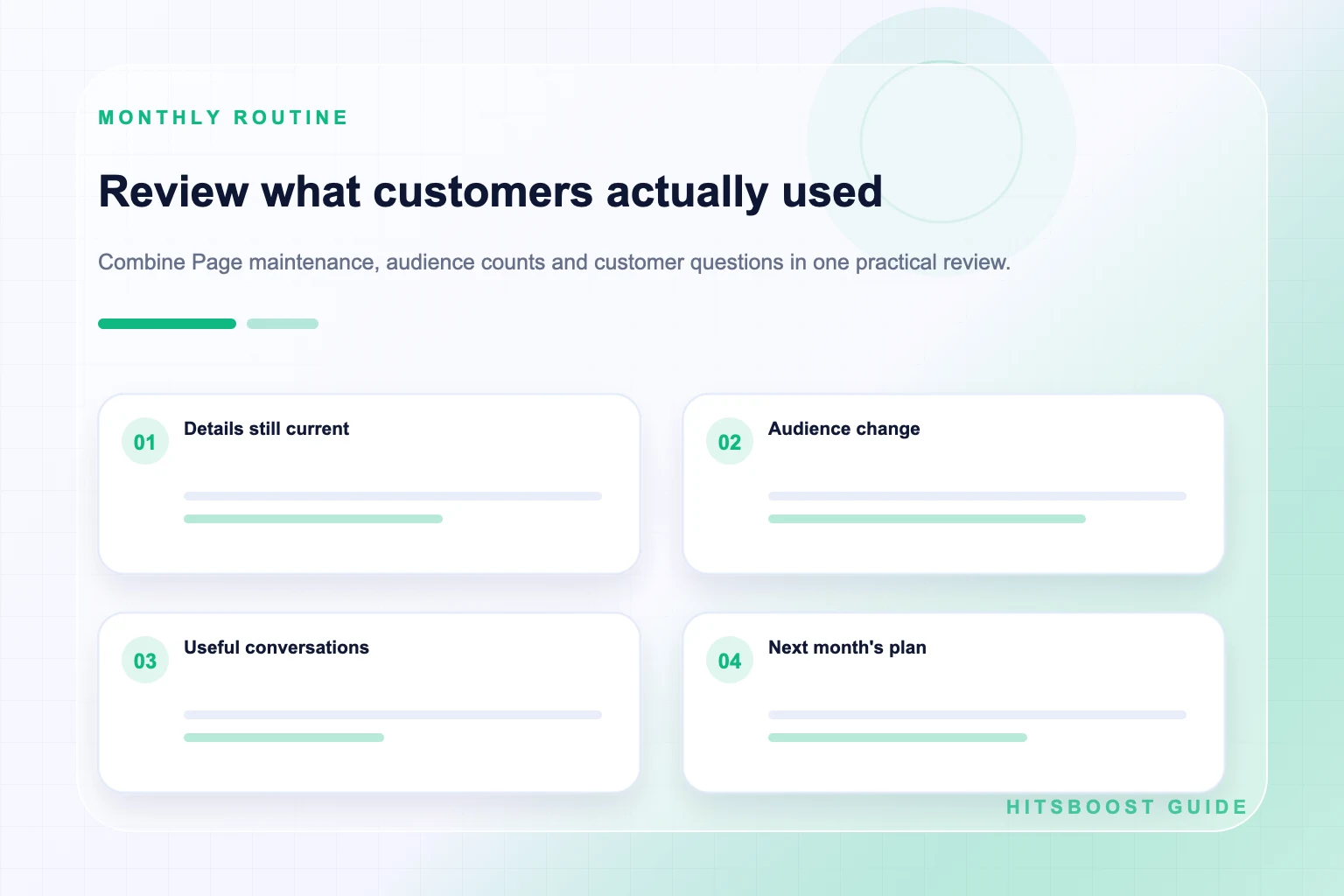
At the end of the month, verify the same public Page and record the audience labels visible there. List the content published and review reach, response, video attention, clicks, and meaningful conversations using consistent definitions. Add the business actions the team can document. Then place promotions, advertising, collaborations, email campaigns, Page edits, and optional packages on the same timeline as context rather than claiming that one item caused every change.
Ask four questions. Did the Page make the business easier to understand? Which content answered a real customer need? Which channel brought appropriate visitors or conversations? Where did people stop before the intended action? Read actual comments and messages as well as totals. A small number of relevant enquiries can matter more to a local business than a broad interaction count with no connection to its service area.
Select one improvement for the next month: clarify the Page introduction, repair the action path, continue a useful series, test a stronger video opening, improve response handling, or expand one relevant partnership. Assign an owner and review date. A disciplined small-business plan grows through repeated useful decisions, not through a promise that any single follower total will deliver automatic reach or revenue.
- Record the follower and Page-like totals using their exact labels.
- List published posts, reach, reactions, comments, shares, clicks, and video attention separately.
- Count qualified messages, calls, bookings, visits, leads, or purchases only where records support them.
- Write one conclusion, one next test, one owner, and one review date.
Frequently asked questions
Does a small business need a Facebook Page?+
A Page can be useful when customers use Facebook to confirm business details, see current work, ask questions, or follow updates. Its value depends on the audience and the team's ability to keep information, content, and replies current.
What should a small business put on its Facebook Page first?+
Start with the recognizable business name and image, a plain description, location or service area, current hours, contact details, working website, appropriate action button, and several posts that answer common customer questions.
How often should a small business post on Facebook?+
Choose a rhythm the team can sustain with accurate content and timely replies. Two useful weekly posts may outperform an ambitious daily calendar that produces rushed information. Review results and adjust the rhythm around real operations.
Are Facebook followers and Page likes the same?+
No. They are separate Page-level actions and their counts may differ. Record the labels shown on the Page and choose the service or reporting field that matches the intended metric. Post reactions are separate again.
How should a local business measure Facebook results?+
Track Page metrics, content exposure and response, meaningful conversations, and documented business actions in separate layers. Add campaign context and avoid assigning every call, booking, or sale to Facebook when the customer path is unknown.
Can buying Facebook followers bring customers?+
A follower package addresses the eligible follower count described by the live offer. It does not guarantee reach, enquiries, bookings, or sales. Prepare the Page, choose the correct public destination, and measure business outcomes separately.
Should employees share one Facebook login to manage the Page?+
No. Use Facebook's available Page access and task access controls so authorized people have appropriate permissions. Review access when roles change and keep personal passwords, login codes, and recovery information private.
Compare Facebook Followers packages.
Prepare the public destination, then review the quantity and terms that fit your goal.
Compare Facebook follower packages