A one-event publishing and verification sheet
| When | Reader question | Possible item | Check before it goes out |
|---|---|---|---|
| Two weeks before | What is this and who is it for? | Short shop introduction and a detailed event page | The venue, suitability, date, time, price and booking route are confirmed |
| One week before | What will I actually do or see? | Original demonstration Reel or Page post | The demonstration matches the event and any partner has approved their part |
| Two days before | Can I still attend and how do I get there? | Current Story or Page update pointing to the event details | Availability, directions, accessibility information and opening hours are current |
| Event day | Is anything different today? | Brief factual update, or no post if there is no change | A staff member can answer enquiries and correct a changed public detail |
| Afterwards | Where can I learn more? | Thank-you or useful follow-up for the next relevant action | Consent for any identifiable customer image and accuracy of future dates |
Start with one event and one useful visitor action
A campaign becomes easier to check when it concerns one real event. Write the name, host, intended audience, place, date and the action a reader can actually take. A person considering a ceramics workshop may need to see the skill level, length, available places and a way to ask about access. A post that says only 'coming soon' can build awareness, but it cannot answer those practical questions. Give the event an owner who can confirm facts rather than asking a content writer to infer them from a draft poster.
Imagine a small ceramics shop in York preparing an introductory workshop. The example is invented to show a workflow; it is not a HitsBoost customer result. The shop first decides whether visitors must book, can simply arrive, or should enquire because places need staff confirmation. Those are different promises. If a form only requests a place, the post must not call it an instant confirmed ticket. The team also decides what it can support on the event day, including replies from people who cannot find the entrance or need to know whether there is room.
Keep the business outcome separate from a platform number. The useful goal might be accurate enquiries from nearby people and a smooth arrival for those who book. Instagram likes, Facebook reactions, follower totals and views describe different activity on those services; they are not bookings or people through the door. Write the real goal beside the event facts so a later review does not turn the largest visible social count into a claim of success.
Check the right UK calendar and the venue's real timetable
UK event planning needs an actual place, not a generic 'British' date. GOV.UK lists bank holidays separately for England and Wales, Scotland and Northern Ireland. Check the list for the nation where your event will happen, then confirm the venue's own opening hours, suppliers and staff availability. A bank holiday does not by itself prove a shop will be open, a delivery will arrive or a town centre will be busy. It is a prompt to verify the practical plan with the people running it.
Put the event's local date and time in one approved record. If someone schedules posts from another country, they should compare the intended local time with the publishing screen before saving a draft. Review the time again if the campaign crosses a seasonal clock change or the venue alters its hours. Keep the address and entrance wording consistent across the event page, social profiles and printed material. A postcode can help a visitor search for the place, but add a plain-language entrance clue when the public door is not obvious.
- Record the event's UK nation, town, venue address, local start and finish time.
- Check that nation's current bank-holiday list and the venue's actual opening or staffing plan.
- Ask the event owner to approve changes before publishing a correction.
Give every post one accurate public destination
Create or confirm a page that answers the invitation before distributing its link. The destination can be an event details page, a booking page or another public page that genuinely contains the current facts. It should state the venue, full address, date, start and finish time, price or free-entry status, capacity or availability, accessibility information, and whether the next step is a booking, enquiry or walk-in. If places are limited, decide who updates that information when the final place is taken. A generic shop homepage is useful only when it genuinely answers the event question.
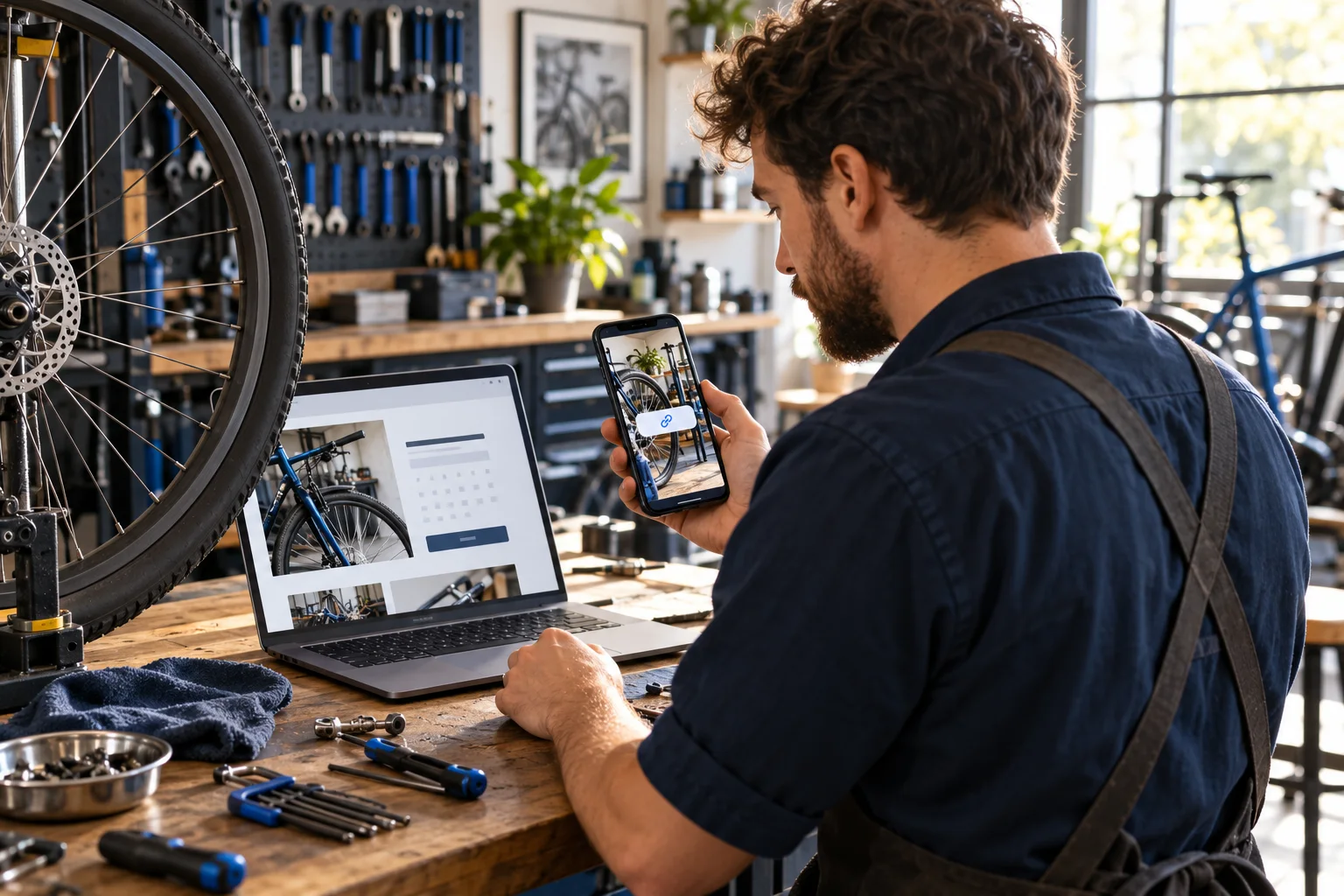
Open the page on a phone and follow the complete route yourself. If the post says 'book', can a visitor complete a booking and recognise a confirmation? If it says 'ask us', can they reach a staffed contact route? Test from a logged-out view where possible so the content does not depend on the organiser's account permissions. Check that the event page is not an old version with a different time. A link that returns a successful page can still be a poor destination when its promise does not match the invitation.
Instagram and Facebook do not require identical calls to action. A Story can use an available Link sticker to point to the event detail, while a Facebook Page post can identify the same destination in its own text or controls. Follow the current features on the account you manage; placement and availability can change. The specific Story-link guide explains that control, and the Facebook Page-link guide helps a team confirm the public Page it is posting from. Whatever the format, test the actual published path rather than assuming a link copied from a draft works everywhere.
- Open the event destination on a phone without relying on a saved login.
- Check the title, date, address, price, availability, accessibility and next action.
- Test the link from each drafted post or sticker, not only from the campaign sheet.
Assign Instagram and Facebook different jobs
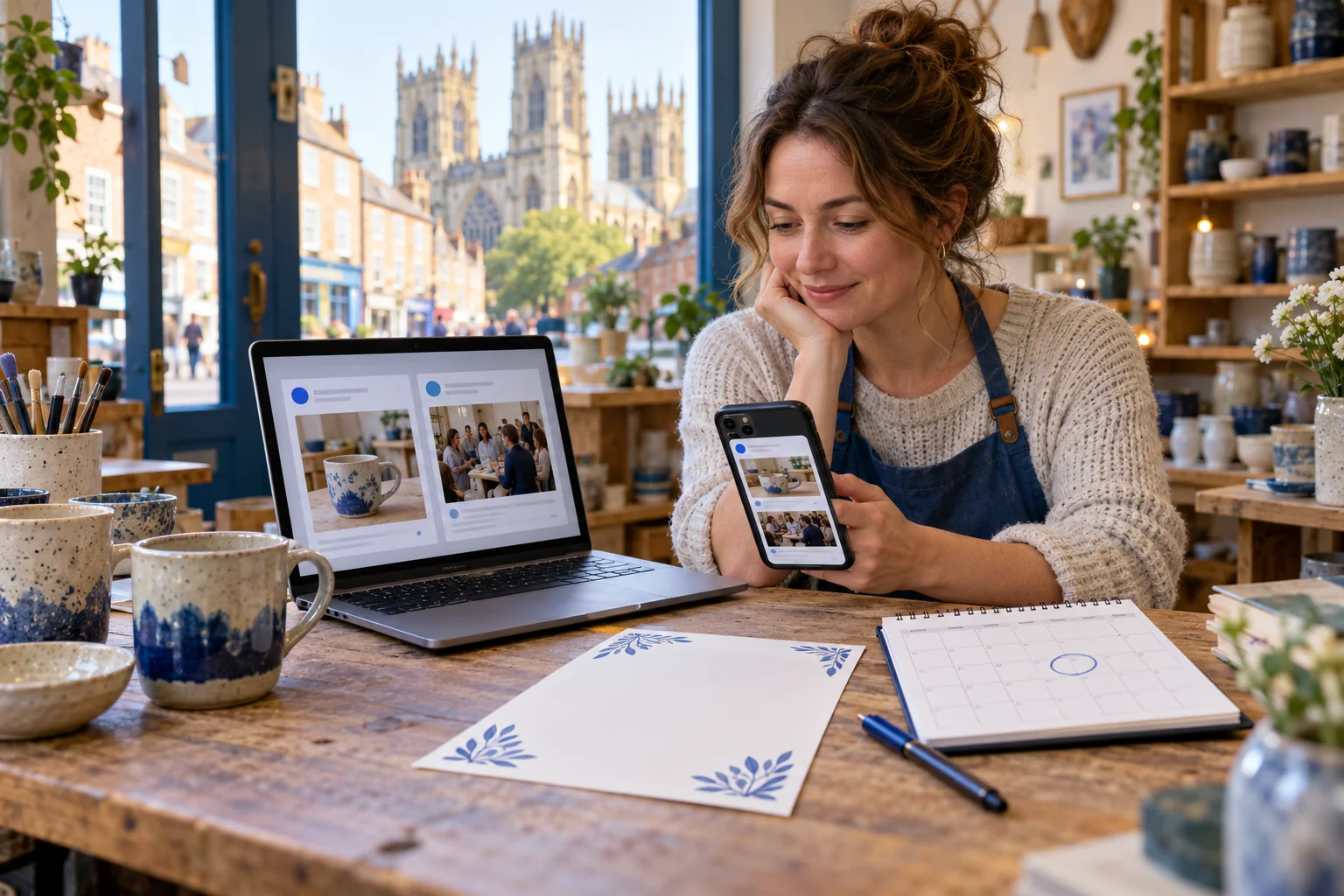
Start with reader questions instead of a demand to use every format. An Instagram Reel might show the workshop task and the person teaching it. A photograph can show the finished object, while a Story can carry a current reminder and the event link. A Facebook Page post can give the event facts in a form people can share with someone who prefers that Page. These are choices, not claims that one format has a guaranteed algorithm advantage. Use the platforms where the shop already has people it can answer and a format it can produce accurately.
Meta has described Business Suite as a way for businesses to manage Facebook and Instagram publishing and insights together. That historical announcement explains the intended cross-platform workflow, but current options can differ by account and format. A shared sheet or notebook can still be the source of truth for event facts and approvals. Do not let a cross-posting button decide whether the same crop, caption, link and call to action make sense on both services. Preview each item in its intended destination before it goes live.
If the shop has a Facebook Page and an Instagram business profile, note which account owns each item and who checks it after publication. A Page post about a changed start time needs correction where its readers can see it. An expired Story may not require the same action as a persistent feed post, and a saved Highlight can keep an old invitation visible longer. The aim is clear, current information across the places people actually visit, with no need to fill every channel just because the account exists.
Make the creative useful before making it polished
Show what someone will do, see or learn. For the fictional ceramics workshop, an original short video of the instructor shaping a simple piece could answer more than a glossy background with the event name alone. A still image can show the shop entrance or a completed beginner project. Use assets the business owns or is permitted to publish. Ask identifiable participants before filming or sharing them, and avoid assuming that attendance gives permission for promotional reuse.
Keep essential information readable without relying on sound. If a Reel speaks the date or venue, review its captions against the actual words. If a photograph carries meaningful details, give it an accurate description where the service offers alt-text controls and repeat essential date and booking information in accessible text. Do not hide the only usable details in tiny text across a complicated poster. A person deciding whether to attend should not need to guess the price or location from imagery.
Agree on partners and check UK ad disclosure when relevant
A local instructor, neighbouring shop or creator may help present the event. Agree on what each person will say, where their name will appear, who owns the footage, what link will be shared and who can approve a correction. Instagram Collabs lets an invited account review and accept a shared post or Reel; an invitation is not acceptance. Meta's announcement describes the shared publication after acceptance, while the account's current controls determine exactly how the invitation is sent. The Collabs guide covers those controls in detail, so this plan can stay focused on the arrangement between people.
A shop's own post promoting its event can be advertising too; disclosure is not only a question for outside creators. CAP says a post on a clearly identified brand-owned Page will often be obviously advertising without an extra label, but less obvious ownership or commercial intent needs a clearer check. If a partner is paid, receives a free place, a gift, affiliate commission or another incentive, assess that specific post separately and decide how clearly to identify the relationship. The October 2026 influencer guide addresses creators, brands and agencies and includes examples. Do not assume that a collaborator label, buried hashtag or private agreement is sufficient disclosure.
Have the partner see the final asset and destination before publication. Confirm the event facts and the disclosure decision in the brief, then check the published item on a phone. If the arrangement changes, review the disclosure again instead of copying a label from an older post. This is a practical checkpoint rather than a substitute for the regulator's current guidance on a particular commercial relationship. It also keeps an audience from mistaking a paid recommendation for an independent personal experience.
- Identify who owns each photograph, video, caption and published account.
- Ask a partner to approve the final words and destination before sending a Collab invitation.
- Check disclosure on the shop's own promotional posts as well as paid, gifted, affiliate or other incentivised partner posts.
Use a short campaign sheet for one event
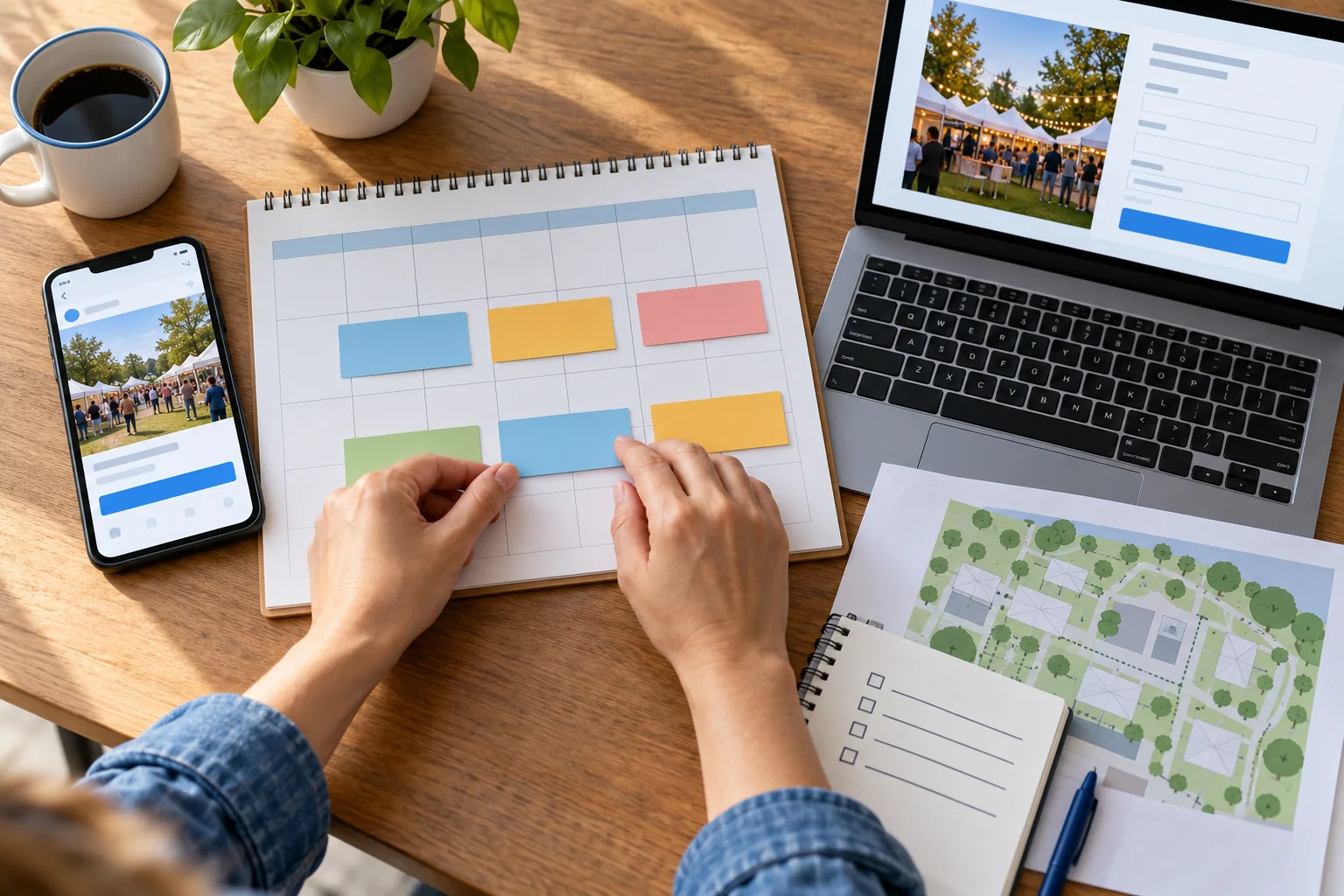
The table above uses relative stages rather than a compulsory number of posts. Two weeks before is a useful point to make the event page complete and give an early explanation; it is not a platform rule or a claim about the best conversion window. One week before can show the activity. Closer to the event, a reminder answers current questions about places and directions. A staff update on the day matters only if there is accurate information to share and someone available to handle replies. Afterwards, replace a dated invitation with a relevant next action.
Give each row an owner and a verification status: draft, facts checked, partner approved if relevant, scheduled, published, corrected or withdrawn. Save the exact public link for each published item. For the York example, the shop owner confirms the workshop page and entrance, while the instructor checks the video and teaching details. A colleague can check the published Instagram and Facebook items from a phone. If the instructor becomes unavailable, the event owner changes the public page first and then reviews every still-active invitation against it.
Staff the day, correct changes and keep links useful
On event day, assign someone to check the venue details and answer practical questions. People may ask whether a place is still available, if there is step-free access, where the entrance is or whether a late arrival can join. A response should come from the event owner or a person who can verify the answer. Do not invent a reassurance because a comment needs a quick reply. A visible reply can help other readers, but private booking details should remain in the appropriate channel.
Open the actual Instagram and Facebook publications and follow their links. If a session is full, do not keep advertising an open booking route. If the start time changes, update the event page and active social invitation as the platform allows; when editing is not possible, publish a clear correction and consider removing misleading material. Keep a record of the change and who approved it. An unchanged link can still carry changed information, so the page and post need to agree after every correction.
There is no need to post continuously during a busy event. A brief useful update is enough when something changes; it is also reasonable to spend the time welcoming people. If photographs or video are taken on the day, review permissions and avoid exposing a customer's personal booking details. Save approved footage for a later recap rather than rushing an unreviewed post while staff are serving attendees.
- Have one owner check the published destination and public details.
- Keep a reply route staffed while the invitation is current.
- Update or withdraw a changed or full event invitation promptly.
Treat paid follower and view packages as separate decisions
A local event can be promoted with the shop's own content, partners, existing audience and accurate invitations. If the business separately considers a HitsBoost package, first decide which public profile or content item and which defined count the service addresses. A follower package concerns a profile count; Story views concern an eligible active Story; post likes concern a specific eligible post. None of these is a booking, a local attendee, a sale or a promise of distribution to people near the venue. Do not buy a count to replace missing event information or a working booking route.
For a longer-term Instagram profile plan, review the current UK follower packages and available tiers on the service page. Confirm the public handle, selected quantity, checkout total and terms, and keep the account password private. If a short-lived event Story is the focus, compare that distinct service only while the Story can still be eligible; an ended Story is not the same destination. On Facebook, a Page follower count and a reaction to one post are separate metrics. Choose the exact service page, or ask 24/7 chat support before ordering if the public destination is unclear.
Record any package separately when reviewing the event. A visible count change cannot tell you whether an individual later saw the invitation or attended. Meta has described enforcement against artificial engagement and ad scams; review the platform's current rules as well as the seller's conditions. A password-free ordering flow avoids handing a supplier your login, but it does not establish platform approval or remove all risk. The campaign still depends on truthful event details, useful content, an accessible next step and the customer's own decision.
Review enquiries and attendance without claiming a cause
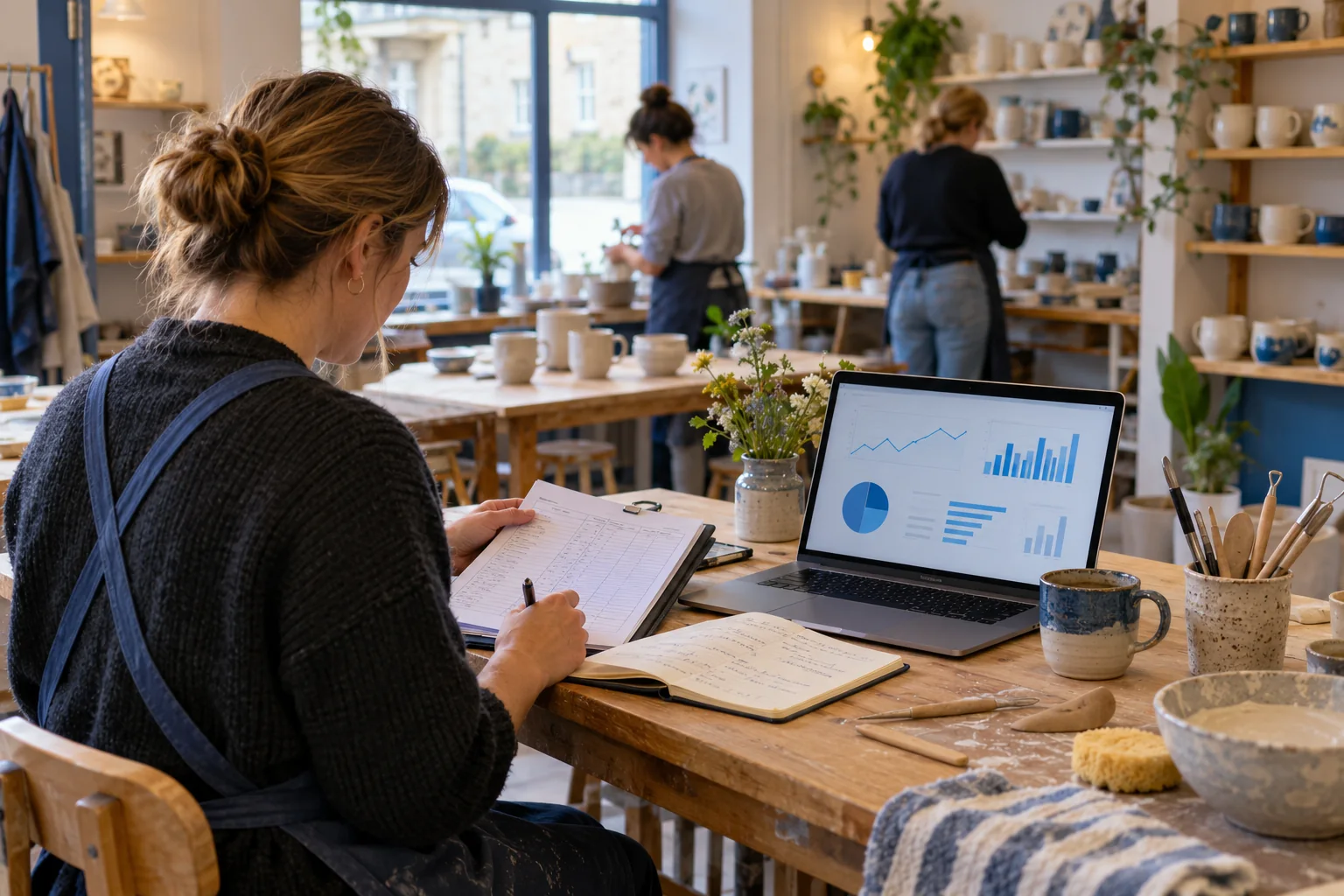
Set an observation window before you publish. For the York workshop, the business could record enquiries asking about this specific session, confirmed places and the attendance register. These are business records, not metrics Instagram or Facebook can infer for the shop. Alongside them, note the date and format of each post, the platform's own displayed counts and any changes to the event page. Keep records at the level needed to make a decision and protect a customer's personal details.
Compare like with like. An Instagram Story view is not necessarily a unique local person; a Facebook Page reaction is not a confirmed booking. A link click may show interest, but a person might leave before completing the form or might hear about the event from a friend. If the shop also used email, posters, a neighbouring business or paid advertising, record those activities. Without a reliable way to identify a source, say that the source is unknown. Do not allocate every booking to the most visible post by guesswork.
A useful review asks what was clear and what caused work. Were people repeatedly asking for the postcode, suitability or cancellation terms? Did a broken link need repair? Were staff able to answer at the time promised? Count actual enquiries and confirmed places, then examine the questions. Even if a social metric rose, it cannot prove the event succeeded or that a purchased count produced attendance. The next plan can keep a useful explanation, simplify a weak one and improve the destination before adding more content.
- Record the source and date of each platform metric rather than merging different counts.
- Count event enquiries, confirmed bookings and attendance in the business's own records.
- Note email, posters, partners or paid ads before interpreting a change.
Close the event honestly and prepare the next one
Once the event ends, check every persistent invitation. A Page post or Instagram Highlight can still point to a page that appears bookable after places have closed. Update the destination to say the session is finished, remove an outdated call to action where the controls allow it and provide a real next step if one exists. Do not quietly redirect an old workshop link to an unrelated offer and treat the old wording as still accurate. If a second date is not confirmed, say so instead of implying that tickets are already available.
A recap should be about what the shop can verify. Thank participants, share approved photographs or a short explanation of what they made, and invite questions about a future session only when the team can answer them. Do not invent a sold-out claim, attendance total or customer quotation for a stronger ending. A participant's permission to attend is not automatic permission to use their face or feedback in a promotional post; check what was agreed before publishing.
Write down one improvement for the next event: a clearer map, a better capacity update, a shorter partner approval route or a post that answered a recurring question. There is no required repeat cadence. If the first campaign took more staff time than expected, reduce the next content plan while keeping the checks that protected customers. Useful local marketing is a series of accurate invitations and supported experiences, not a fixed number of daily posts.
Frequently asked questions
How early should a UK shop start promoting one event?+
Begin when the date, venue, booking route and staff are confirmed. The two-week row in this example is a planning illustration, not a platform recommendation or guarantee. Use the actual preparation time and event type to choose the sequence.
Are bank holidays the same throughout the UK?+
No. GOV.UK publishes separate calendars for England and Wales, Scotland and Northern Ireland. Check the nation where the event takes place, then confirm the particular venue's hours and staffing.
Should Instagram and Facebook get identical posts?+
They can carry the same accurate event facts, but preview the crop, wording, link and next action separately. Use each format where it helps its readers, and do not assume cross-posting makes the two publications equally clear.
Can an Instagram Story link take someone to a booking page?+
Use the Link sticker if it is available for the account and the destination accurately explains the event. Test the page on a phone and make clear whether tapping it is a booking, an enquiry or only more information.
Do our own event posts or a local partner's posts need an ad label?+
A shop's own event promotion can be advertising, and a paid, gifted or affiliate partner post may need clear disclosure too. Check each post's context against current ASA/CAP guidance, including whether its commercial nature is obvious to viewers. A Collab invitation or partner tag alone does not answer the question.
What if the event sells out or the time changes?+
Update the event page and review each active invitation immediately. Correct or withdraw misleading copy in the controls available, publish a clear update where needed, and give support staff the approved answer.
Can follower or view packages guarantee local attendance?+
No. Those packages address a defined social count for an eligible public destination. They do not confirm a booking, put a visitor near the venue or guarantee reach, recommendations, enquiries, sales or attendance.
What should we measure after the event?+
Record event-specific enquiries, confirmed places, attendance and recurring customer questions in the business's own records. Keep Instagram and Facebook metrics separately with their dates, and note email, posters, partners or advertising before interpreting changes.
Compare Instagram Followers packages.
Prepare the public destination, then review the quantity and terms that fit your goal.
Compare UK Instagram follower packages