This English guide is shared with our global site. Follow related UK service links for current packages. Other service links open the global catalog in its stated currency.
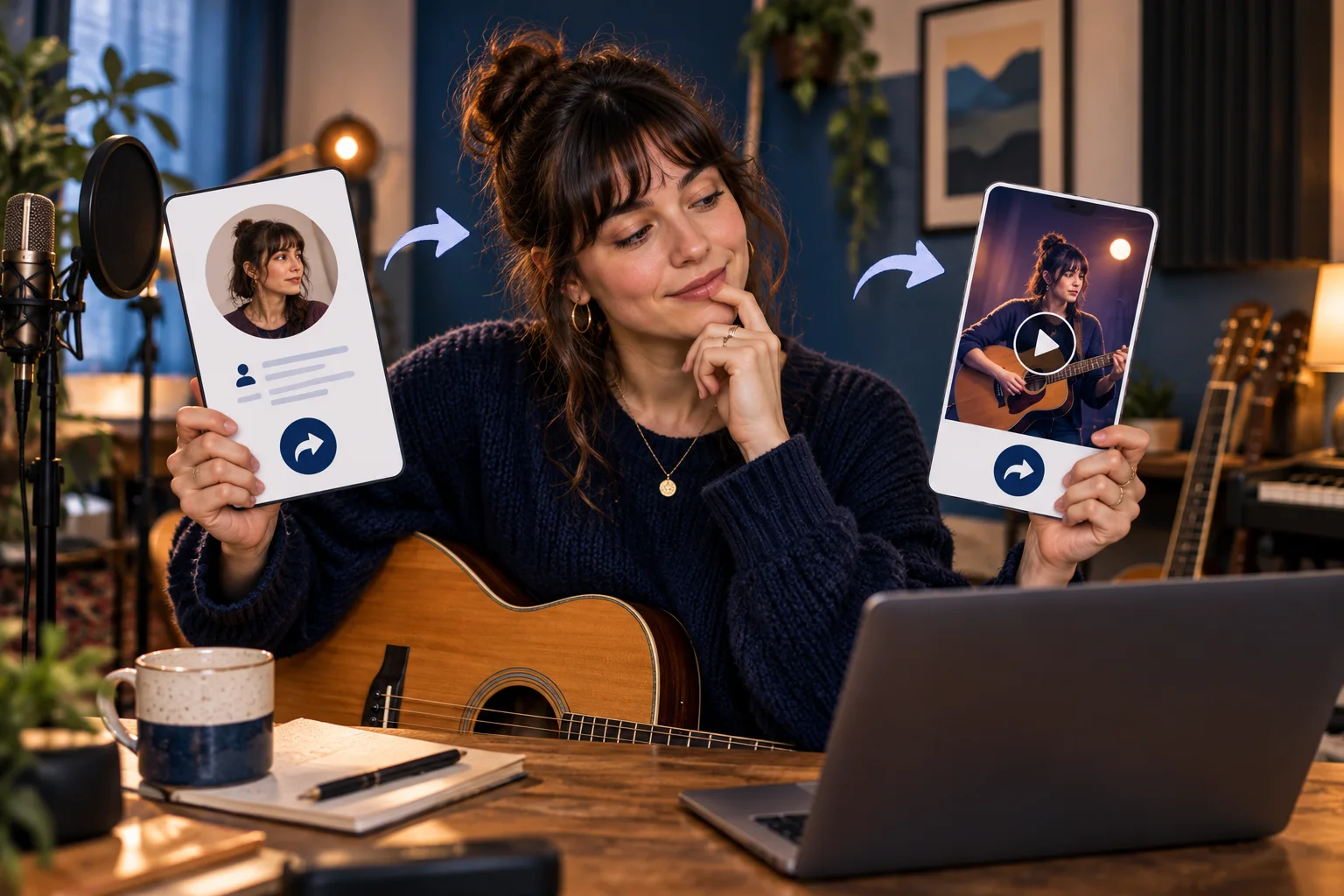
Which Instagram destination does the reader actually need?
| Reader's task | Choose this destination | Check before sending |
|---|---|---|
| Find the musician's account | The Instagram profile | The current username, photo and bio identify the right artist. |
| View one rehearsal photograph | That published feed post | The intended photograph and caption open, not only the account grid. |
| Watch one performance clip | That individual Reel | The correct performance opens, not the audio page or Reels tab. |
| Visit the artist's ticket website | The relevant website link in the bio | This is a different destination from the Instagram profile address. |
| Review a followers package | The eligible profile requested by the service | The profile belongs to the intended account and meets the stated requirements. |
| Review likes or views for one item | The eligible post or Reel requested by the service | The service and the exact published content match. |
Choose a profile, post or Reel before you copy
Start with the reader's next action. Someone who wants to follow an artist needs the artist's account. A venue reviewing an audition may need one performance. A colleague checking a rehearsal announcement needs the particular post with the date. Sending the profile for all three tasks leaves two people searching for material you could have identified directly.
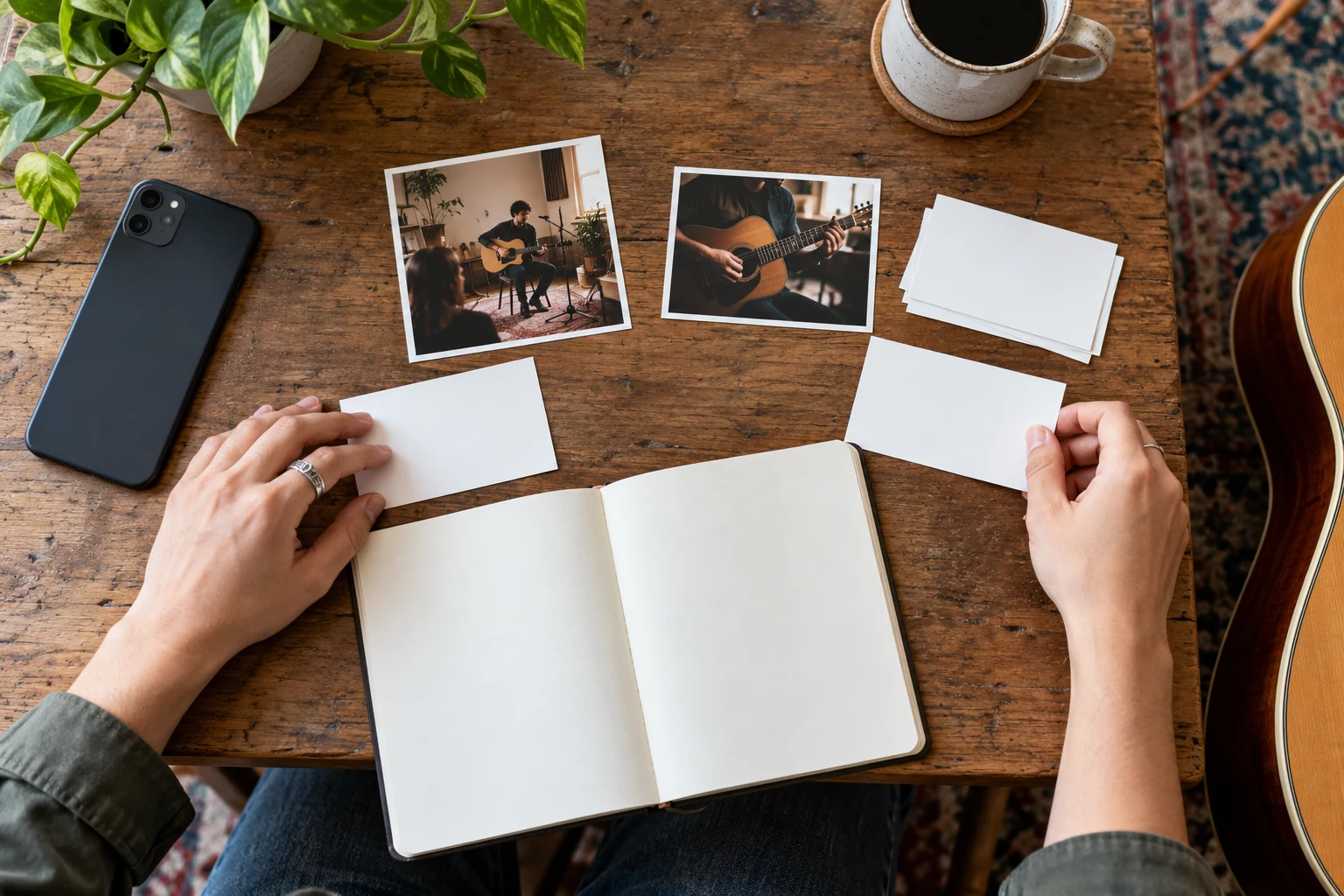
Picture a musician preparing an imaginary venue enquiry. Their account contains rehearsal photos, a short acoustic performance and an announcement for an older event. A profile link introduces the artist, while the performance link supports the enquiry. Those addresses have different jobs even though the same person owns both. Label them Artist profile and Acoustic performance in the message rather than repeating Instagram twice.
Use the destination table to make that first choice. A link to a website listed in the bio is another separate destination: it might open tickets, lessons or a shop outside Instagram. Do not select that address when a form asks for the Instagram account itself. Likewise, a screenshot can illustrate what you meant, but it does not replace a clickable link to the actual publication.
Copy your own profile link in the Instagram app
Instagram's profile-card Help page describes the route on iPhone and Android: open your profile, use Share profile, then choose Copy link. The card has other sharing options too, including downloading a card or sharing it through another app. Choose the link option when the recipient needs an address they can open or paste into a website field.
Check which account is active first if you manage several. A musician's personal account and band account can have similar photos, especially during a tour. Compare the username shown above the profile with the intended account. After copying, paste the result and open it. The visible account should match your original choice before you add it to a public website or send it to a venue.
Profile cards are only available in Instagram's iPhone and Android apps, and Instagram says the feature is not available to everyone. A missing card is therefore not proof that your account is broken. If you do not have the described controls, use the computer route in the next section. Avoid installing an unfamiliar link-finding app for a task you can complete with Instagram and a browser.
- Open your own profile in the Instagram iPhone or Android app.
- Choose Share profile, then Copy link beneath the profile card where the option is available.
- Paste the result into your intended message or document and reopen it to check the account.
Find a profile on a computer and check its address
Open Instagram in a browser and navigate to the account you intend to share. Select the browser's address field, copy the complete address and paste it into the message or document. This is a general browser method: you are copying the address of the page you opened. Reopen the copied result instead of assuming a typed account name will send the reader to the right place.
Check the username as well as the display name. A musician's display name may contain spaces or a stage name, while the account username may include punctuation. Similar names can also belong to different accounts. Use what Instagram actually shows for the selected profile. Do not invent an address from the display name, and do not copy a browser search page whose results merely mention the artist.
A profile address should take the reader to that account, rather than its settings, inbox or one post you happened to open. If you are unsure what you copied, return to the account's main profile and copy again. When an owner changes a username, revisit links already placed in your materials. Verify the current destination; do not promise that an old address will keep working or redirect for a particular period.
Copy a feed post link from the app or website
For an Instagram feed post, the current official app instructions use Send beneath the post followed by Copy Link at the bottom. On a computer, the Help page uses the post's Options control followed by Copy link. Menu arrangements can differ across devices, so first open the actual publication. A menu on the profile, browser or another app is not necessarily the post's sharing menu.
When working from a grid, open the photograph or video you want before copying. For the imaginary rehearsal announcement, check the photograph and read enough of the caption to confirm the venue or date. Two posts can use the same cover image. The intended subject, publishing account and relevant wording together give a better check than recognising a thumbnail alone.
If you select Share instead of Copy Link, your phone may offer a list of apps or contacts. Return to the link-copy option when you need text to paste elsewhere. Do not send a test message to an unintended contact. Once the address is pasted, open it from the draft and confirm that it identifies the same publication you just checked inside Instagram.
- App feed post: open the publication, tap Send beneath it and choose Copy Link.
- Computer post: open the publication, choose its Options control and select Copy link.
- Check the opened result against the photograph or video and the account that published it.
Get the individual Reel rather than its tab or audio
For a reliable documented computer route, Instagram's video and Reel URL instructions say to open the profile's video or Reels area, select the individual video and copy its browser address. Those instructions appear in an advertising Help article, but locating the individual content address does not require creating an advertisement. Stop once you have opened and copied the intended Reel.
The distinction matters because a profile's Reels tab, an individual performance and the audio used in that performance are different pages. Opening the audio title can take you to an audio destination. Staying on the profile's Reels tab leaves the reader choosing between several videos. Open the performance itself and check the account and clip before copying its address.
In an app version that offers Copy link within a Reel's sharing controls, use that control and check the result. This guide does not assume the feed-post menu is identical on every Reel screen. If the option is missing or unclear, use the documented computer route. A copied video link identifies content; it does not tell you whether its views represent unique people, repeat plays or another metric shown in reporting.
Keep the profile address separate from links in the bio
A request for your Instagram link normally needs clarification if the surrounding task is unclear. A festival may want the account to tag in an announcement. A customer asking where to book a lesson may want the booking website from the bio. Reply with a short label and the destination that answers the question, or provide both clearly labelled when both are useful.
For our fictional musician, Artist profile introduces the performer, Watch the acoustic clip opens one Reel, and Lesson information opens a separate website. These labels explain the journey without requiring the recipient to understand URL shapes. A card with those three purposes can also help a teammate prepare consistent website buttons. Do not present the example as three links every musician must publish.
Check external destinations independently. An Instagram profile can be correct while its lesson website has an outdated timetable. Equally, a working ticket website does not prove you supplied the right Instagram account to a collaborator. Test each button against its promise. Keep the bio's wording, button label and destination in agreement when a performance, collection or booking route changes.
Check public access without overriding privacy choices
Instagram states that a shared link to a private-account post can only be viewed by that account's followers. Copying an address does not change that restriction. If you follow a private account, your own successful view may therefore tell you little about what the recipient can see. A public profile name or photograph is also insufficient evidence that the account's posts are public.
Use Instagram's public/private comparison to understand the distinction. Profile information and access to published photos or videos are separate questions. Ask an intended recipient who is not relying on approved-follower access to check the exact publication through their normal account. You can also try a signed-out browser window, but a login prompt alone is not a dependable test of account privacy or content availability.
Keep the owner's chosen audience intact. A private rehearsal clip may contain material the band does not want to release publicly. Ask which approved route the owner wants to use, such as sharing an authorised file directly with the venue. Do not change account privacy, request passwords or rely on a website claiming to unlock private posts merely to make a copied address appear to work.
Diagnose an unavailable or unexpected destination
If the link opens the wrong item, return to the intended account and publication, then copy it again. You may have selected a similarly named profile, copied a previous clipboard item or stayed on a grid instead of opening the post. Check the result after pasting into the final destination too: a correct draft can still be attached to the wrong button or replaced with an older saved link.
If the intended content does not open, ask the owner whether it is still published and available to the recipient. Archiving, deleting or changing access can affect what someone sees; the precise reason cannot be diagnosed from one unavailable screen alone. Compare the owner's current view with the recipient's result. If it is your own archived post, review it through Instagram's archive controls rather than uploading a duplicate as the first response.
When Instagram asks someone to sign in, let them use Instagram's own normal sign-in process if they choose. Never ask them to send you their password, recovery code or session information. Note the displayed message and the destination you meant to share, then use Instagram Help if the problem continues. Repeatedly editing random parts of the address is less useful than recopying the original publication and checking its audience.
Run a short check before sending or publishing
Use the checklist below for a website button, email footer, venue enquiry or client handover. It follows the journey a reader will take rather than judging the appearance of a long address. Keep the full copied result intact unless you understand and have checked a change. You do not need a shortened address or a special link service simply to share an ordinary Instagram destination.
For a public webpage, open the saved button on a phone as well as in the editor. Confirm that the label still describes what appears. A link named Watch our latest performance can become inaccurate when a new performance is published. Choose a more durable description of the specific clip, or assign someone to update that button when the featured item changes.
Do not put private notes or account credentials into a public button or caption. Share only the destination the owner has agreed to share. If the task involves several accounts, keep their names beside their links during review. That small habit catches the common situation where an agency copies the correct publication from the wrong client's account and recognises the content without noticing the username.
- Name the destination: account, feed post or individual Reel.
- Copy from Instagram after opening that destination, not from a search preview or old message.
- Paste and reopen the full result; check the account and the actual photograph or clip.
- Confirm the intended recipient can access it without relying on your approved-follower access.
- Keep the owner and recipient's privacy choices intact; use a different agreed sharing route if needed.
Make a clear handover for a colleague or service
A useful handover can be one short message: This is the band profile for the event tag; this separate link is the acoustic performance for your review. Ask the recipient to confirm the intended destination opens, rather than asking only whether the link works. A profile can load perfectly while still failing a request for one specific audition clip.
For any service, read what the form actually requests. A follower service concerns an eligible profile. A likes or views service may require an eligible post or video instead. Do not substitute a profile link merely because it is easier to find. Review the selected destination before payment and ask support if the input or content requirements are unclear. Keep the confirmation relevant to the task rather than sending access credentials.
If an order already contains the wrong destination, contact the service through its published support route with the order reference and explain the mistake. Do not assume a new link in a later message automatically changes a paid order. Wait for confirmation of what can be corrected under the applicable conditions. A correct address helps identify the requested destination; it does not establish a service's quality, policy compliance or likely outcome.
Keep the link accurate when your account changes
Recheck important links after a username change, a content review or a change in who manages the account. Start with the locations people actually use: the business website, email footer, booking materials and current partner messages. Open the saved link and compare it with the intended destination. Correct an outdated reference instead of assuming that every old recipient will find the new account themselves.
If you separately consider HitsBoost's Instagram followers packages, use the eligible current profile and review the requirements, price and terms on that page. Copying an account address is free and does not require purchasing anything. Our follower safety checklist addresses that separate decision. A public address and password-free input do not establish Instagram approval, nor does a purchased quantity guarantee reach, engagement or sales.
Finish the task with a simple result you can verify: the address opens the intended account or publication, the recipient understands its label and access matches the owner's choices. Save the agreed destination where your team can find it, and revisit it when something relevant changes. There is no need to recopy working links every day or invent a new address for a post that still opens correctly.
Frequently asked questions
How do I copy my own Instagram profile link?+
In the iPhone or Android app, open your profile, choose Share profile and use Copy link where available. Profile cards are not available to everyone. On a computer, open the correct profile and copy its browser address, then check the result.
How do I copy an Instagram post link?+
Instagram's app instructions use Send beneath the post, then Copy Link. On a computer, open the post and use Options, then Copy link. Reopen what you paste to confirm the publication.
How can I get a link to one specific Reel?+
On a computer, open the account's Reels area, select the individual Reel and copy the browser address. Check that you copied the performance itself rather than the profile's Reels tab or the audio page.
Is my Instagram profile link the same as my link in bio?+
No. Your profile address opens your Instagram account. A website link added to the bio may open a shop, booking page or another external destination. Label them according to what the reader needs.
Can anyone open a link to a private Instagram post?+
No. Instagram says a shared private-account post link can only be seen by that account's followers. Sharing the address does not make the publication public.
Why can I see the profile but not its posts?+
Instagram distinguishes publicly visible profile information from access to photos and videos. Private-account posts require the appropriate follower access. Other availability problems also need checking with the owner; one screen does not establish the cause.
Does a sign-in prompt prove an Instagram link is broken?+
No. A sign-in prompt by itself does not prove a wrong address or private account. Check the destination in Instagram and ask the intended recipient to test it through their normal account without sharing credentials.
Should I send a username, profile link or post link to a service?+
Follow the selected service's stated input requirements. Followers concern a profile; likes or views concern eligible content where specified. Check the actual destination and ask support before payment if anything is unclear.
Compare Instagram Followers packages.
Prepare the public destination, then review the quantity and terms that fit your goal.
Review Instagram followers packages for your profile