Match the Instagram surface to the question you are trying to answer
| Surface or action | What it helps with | What it does not prove |
|---|---|---|
| Reels Friends tab | Notice public Reels and other public content friends created or interacted with, plus described Blend recommendations. | A full list of a friend's viewing history or a guaranteed audience for your Reel. |
| Ordinary Reels view | Browse the usual Reels experience after selecting Reels at the top. | That the content came from someone you follow or a friend. |
| Home Favorites or Following | Catch up with selected or followed accounts through Home feed choices documented by Meta. | The same activity-based Friends tab inside Reels. |
| DM Blend | Explore a separately started shared recommendation feed with its invited chat members. | That every item is a friend's public like, comment, creation, or repost. |
| Native Repost | Share an eligible public post or Reel with original creator credit. | A private save, a new upload of the file, or permission for another use. |
What the Reels Friends tab actually shows
Meta announced the Friends tab inside Reels in August 2025 after an earlier rollout and said it was launching globally. The company describes a view of public content friends have created or interacted with, including liked, commented-on and reposted material. It can also include recommendations from Blends you have started. In that description, Friends is a discovery surface inside Reels. It is not a private directory of every video a person watched, nor does it turn the full Instagram account into a group chat.
A friend-related cue may make a Reel worth opening because it connects to a conversation you already care about. It does not tell you whether a friend watched the whole video, endorsed every claim in it, or wants to discuss the topic publicly. A person may comment to correct a mistake or ask a question. A repost has its own deliberate sharing action. Treat each cue as context for checking the original content, not as a verdict about the friend or the creator.
For privacy, Meta describes controls over showing your Reel likes and comments in Friends. Its announcement does not give a complete rulebook for private accounts, past interactions or other surfaces. Inspect your account's current setting and test a low-stakes example. Limit your conclusion to the action tested.
Find Friends and return to ordinary Reels
Meta's published path is short: open Reels, tap Friends at the top, and tap Reels at the top to return to the usual Reels view. That is the navigation to try first in the current mobile app. Check the profile you are signed into before diagnosing a missing tab. Teams that manage several accounts sometimes inspect the right feature on the wrong profile and then conclude that one account has a privacy problem.
Once there, check the creator and cue before reacting. The item is still someone else's public content. If a friend liked a local artist's video, open the original profile and decide whether it is useful. You need not echo the friend's action, and the item does not mean they sent it to you personally.
Do not use an old screenshot as a map if your screen differs. Instagram changes placements and tests navigation in some markets. Meta's August 2025 description establishes the top-of-Reels Friends and Reels labels, while its later India announcement describes a separately tested Friends choice within a Following experience. If you see several places called Friends, identify which surface you opened before applying privacy advice meant for the Reels tab.
- Open the current Instagram app on the account you intend to check, then open Reels.
- Look for Friends at the top of the Reels view and tap it; use Reels at the top to return to the usual view.
- Check the creator and original Reel before reacting; do not assume the friend bubble describes the whole story.
Separate Friends from Following, Favorites, Blend and Repost
Several Instagram features use familiar relationship language, but they solve different jobs. In the Reels Friends tab, social activity helps you find public content. In the Home feed, Favorites is a selected list of accounts whose posts you want to catch up with, while Following is about accounts you follow. Meta's 2022 announcement describes those Home choices as chronological views at launch. Neither is the same as the activity-based Reels Friends view, and an old Home screenshot should not be used to explain a Reels privacy control.
Blend is another distinct surface. Meta's Friends announcement says the Reels Friends view can include recommendations from Blends you have started. That does not make every Friends item a Blend item or make every Blend recommendation proof of a particular friend's like. A Blend is a separately started shared recommendation experience in DMs. Name the place you are actually using rather than calling all shared Reel discovery 'Friends.'
A native Repost intentionally shares eligible public content with creator credit. Meta says it can be recommended to the reposter's friends and followers and appear in a separate profile tab. A friend bubble is not a command to repost; a Repost is not a downloaded copy you own. Use the comparison table before changing a setting.
Read an activity bubble without over-reading it
An activity bubble can point to a person you follow and an item of public content, but the exact graphic and placement may change. Meta says you can mute activity bubbles from specific people you follow. That is a clue that the bubble belongs to the viewing experience; it should not be treated as a verified report of a friend's complete viewing behavior. A bubble does not tell you how many times someone watched, how long they stayed, whether they saved it, or why they reacted.
Consider a simple example. A friend comments beneath a public Reel about a local market. You see the Reel while browsing Friends. The comment might ask for opening times, flag an outdated address or thank the creator. Only the original comment and the creator's content can provide that context. Repeating 'my friend recommends this market' without opening them would turn a thin activity cue into an unsupported endorsement. If the subject is sensitive, avoid drawing conclusions about the person's interests at all.
A quiet Friends view does not prove that friends stopped using Instagram. Meta does not fully enumerate its selection rules; settings, public status and app choices may affect what appears. You can conclude only that this account received no visible item then. Ask a person directly instead of inferring their behavior from bubbles.
Choose whether your likes and comments appear
Meta says it is rolling out controls for what appears in the Reels Friends tab, including the ability to hide your own likes and comments on Reels. Treat that as a specific setting for a specific social surface. It does not state that a Like disappears from the original Reel, that the creator cannot see a comment, or that every other Instagram surface is changed. If you need to remove a public comment, review that comment itself and use the current Instagram control for it. A Friends-tab visibility choice is not an erase button for the interaction.
On your own account, open the relevant Friends activity or privacy control shown in the current app and read its exact wording before saving. Choose the audience or hiding option that matches what you want, if the control is available. Meta's English launch note does not give a permanent menu path or promise identical options on every account, so do not follow a guessed series of Settings taps from an unrelated tutorial. Reopen the saved control and check what is actually selected.
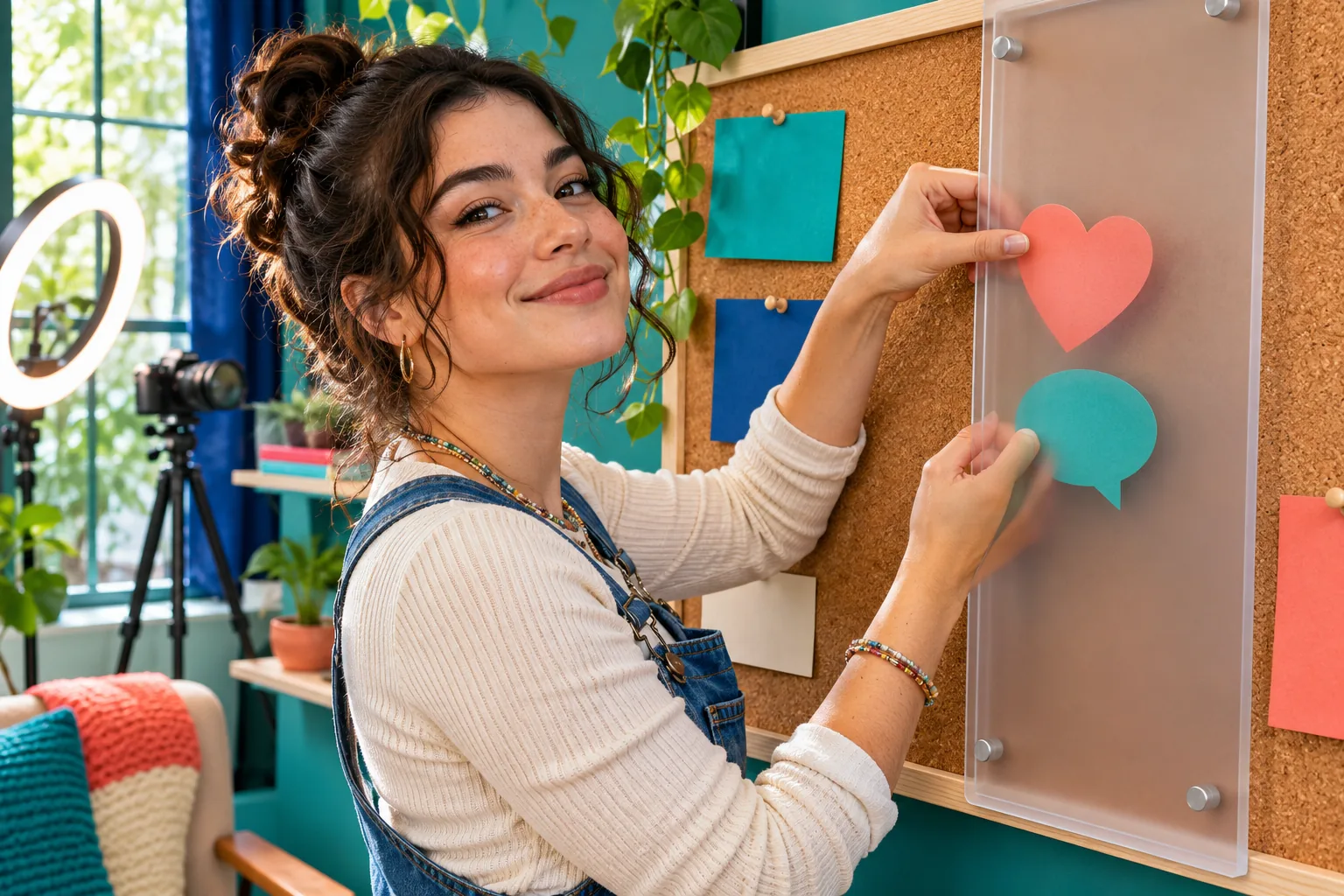
The corkboard illustration places a heart and speech bubble behind a translucent panel; it does not depict Instagram's interface. Before reacting to sensitive public content, consider whether the action is necessary and whether you would be comfortable if it were noticed on the original Reel. No Friends setting promises complete invisibility. Use the available control as an extra boundary.
Mute a person's activity bubbles without changing your follow
The other control Meta explicitly mentions is muting activity bubbles from specific people you follow. That addresses what appears in your Friends viewing experience. It is not the same as telling that person to stop interacting, removing their original content from Instagram, blocking their account or necessarily changing your follow relationship. Use it when a particular bubble distracts you or when you want a quieter view without making a broader relationship decision.
First check that you are looking at a Friends activity bubble and the correct account. Follow the current in-app option that names activity bubbles or the relevant person, then confirm the saved state. Because Meta's announcement does not specify a fixed button sequence, do not invent a universal long-press or three-dot route. If you cannot find it, leave the situation as an app-control question rather than changing the person's general Mute, Restrict or Block status by guesswork.
To see those cues again, inspect the same Friends control and reverse your choice if available. Muting a bubble is a viewing preference; it will not suppress a customer's public comment or hide your response. Handle moderation and inbox decisions separately.
Run a small privacy audit with a trusted account
A settings label is useful, but a low-stakes test can reveal what your own version of Instagram actually shows. Choose the account whose activity you want to review, note the current Friends-related setting, and save only the deliberate change. Ask a trusted person who already has a suitable account to help with one harmless public Reel. Agree in advance which account may like or comment and which account will inspect the Friends view. Do not create a fake customer or use someone's personal account without their knowledge.
Perform one action at a time. For example, like an ordinary public craft Reel, then let the second account browse its Friends view. Compare what appears with the control's wording; if nothing appears, do not treat one absence as proof of a universal hide rule. The app chooses what to surface, and the public Meta note does not promise that every eligible action is displayed immediately. If the test is inconclusive, record that fact rather than repeatedly interacting with content to force a result.
Record the account, setting text, test action and result. Keep the record private and remove an unnecessary test comment. Recheck after an app update or team handoff. Your test does not establish what all friends, markets or older interactions can see. A comment's public visibility still depends on the original Reel's controls.
- Record which account you changed, the exact Friends-related control shown, and the choice you saved.
- With a trusted person using a suitable second account, test a harmless public Reel and compare the view each account actually shows.
- Keep the result limited to the tested account, app version and moment; do not claim a universal privacy guarantee.
Troubleshoot a missing or quiet Friends tab
Start with the simplest distinction: are you in Reels, and is the account and app version the one you intended to check? Meta's August 2025 announcement says the Friends tab launched globally, yet global launch does not guarantee that every device will show an identical layout forever. Update the official app through its ordinary store, reopen Reels and inspect the labels at the top. Avoid installing a third-party viewer or giving it your login to recover a missing control.
If the tab opens but looks quiet, check that you have not muted the very activity bubbles you expected to see. Notice whether you are looking for public content and whether you started a Blend; Meta describes Blend recommendations as one possible part of Friends, not a required item on every visit. Do not call a quiet view a shadowban or infer that your friends have all hidden their activity. The public launch note does not provide a diagnostic threshold for how many friend items should appear.
If navigation differs, check the exact label and location. Meta's India Reels-first test describes a Friends option inside Following, drawing from mutual follows. That differs from the globally launched Friends tab atop Reels. Capture the screen and use Instagram's official support route for an account-specific issue.
Use the discovery as a business without treating it as reach
A small business can use Friends for observation, not surveillance. If a public Reel about an everyday problem appears through a real connection, open the original, check what the creator actually said and ask whether the topic also matters to your customers. An owner might notice that friends discuss how a bakery's dough is shaped. That is a prompt to make an original explanation using the bakery's own process, not permission to download the creator's footage or to name a friend's interaction in marketing copy.
Separate the research input from the publishing decision. Write down the customer question in neutral language, verify the answer with the person who does the work, film your own demonstration and review the final caption for accuracy. The bakery image shows a team filming real dough work with a blank storyboard; it is not a screenshot of Friends or a performance forecast. If a customer or colleague appears in the footage, use the permission and disclosure practices appropriate to that production.
Meta describes discovery through Repost but does not guarantee a business Reel will appear in anyone's Friends tab or produce orders. Avoid fake likes, misleading staff activity and claims that purchased followers create Friends placement. Measure your Reel through account reporting and real customer questions. Treat a follower package as a separate decision.

Try a small bakery planning exercise
Imagine a bakery owner sees a public Reel explaining why a loaf is scored before baking. The Friends view showed a connection to the Reel, but the owner does not know whether the friend loved the advice or challenged it. She opens the original, reads the context and decides that customers at her shop often ask a related question. Rather than quoting the friend or mimicking the clip, the team chooses its own short answer about its own process. The owner checks the baker's explanation before anyone films.
The team writes a three-shot plan: first show the unscored loaf, then show the baker's actual scoring step, then show the baked result. The storyboard in the inline image has blank panels so it does not invent an Instagram interface or claim a result. A short caption explains the specific technique used in this bakery and avoids a sweeping claim about all bread. The Reel links to the bakery's real product or contact route only if that information is current. A colleague checks that no customer's face or private order details appear in the footage.
After publishing, the team reads comments and available insights. It answers ingredient questions with verified facts or asks knowledgeable staff. A friend bubble is not a performance measurement, and another person's Reel does not guarantee views. The team has turned a discovery cue into an original, reviewable answer while respecting privacy and creator credit.
- Note a recurring public customer question without collecting a named friend's private activity.
- Film an original short answer using your own people, workspace and permitted material.
- Publish with accurate context, then judge the Reel from your own reporting and real customer responses.
Keep browsing choices separate from your publishing plan
Review the boundaries before you finish a session. The Friends view helps you notice public content with a social connection. Hiding your own likes and comments changes the described Friends activity display; muting a person's bubbles changes what you choose to see. Repost is a deliberate share with original attribution. Favorites and Following are separate Home feed choices. None of these alone schedules your next Reel, verifies a claim, tells you who watched it all the way through or guarantees that your work will be recommended.
For personal privacy, inspect current controls and run the low-stakes audit. For calmer browsing, mute a bubble where available. For a business idea, take a public question into content planning and make your own answer. Respect the original creator's rights and the people's privacy; do not publish inferences about a friend's interests from an activity cue.
A follower service is a separate commercial decision and cannot change these app mechanics. Compare what a package says it supplies, the account's real goals and the limits of a purchased count before spending. When evaluating any outcome, use your own content evidence and customer response rather than a friend's bubble, a Like alone or a follower total. That protects a useful distinction: the Friends tab can help you discover a topic, while the quality and accuracy of what you publish remain your responsibility.
Frequently asked questions
What is the Friends tab in Instagram Reels?+
Meta describes it as a Reels view with public content friends created or interacted with, including likes, comments and reposts, plus recommendations from Blends you started. It is not a complete record of everything a friend watched.
Where do I find Friends in Reels?+
In Meta's published layout, open Reels and tap Friends at the top. Tap Reels there to return to the usual Reels view. Check your current app because labels and navigation can vary.
Can I hide my Reel likes and comments from the Friends tab?+
Meta says it is rolling out controls to hide your own likes and comments on Reels from that Friends view. Check the exact Friends-related option available on your account. This does not erase the original Like or public comment from every other place.
Can I mute one person's Friends activity bubbles?+
Meta says you can mute activity bubbles from specific people you follow. That changes your viewing experience; it is not the same as blocking the person or deleting their activity.
Does Friends show every Reel someone watched?+
No such complete watch-history feature is described in Meta's Friends announcement. A visible item relates to selected public content or a Blend recommendation, so do not infer a full viewing record.
Is the Reels Friends tab the same as Favorites or Following?+
No. Favorites and Following are Home feed choices documented separately by Meta. The Reels Friends tab is about social activity around public content and is reached from Reels in Meta's published layout.
Is Friends the same as an Instagram Blend?+
No. Blend is a separately started shared recommendation experience in DMs. Meta says recommendations from Blends you started may also appear in Reels Friends, but the two surfaces are not interchangeable.
Why can't I see Friends at the top of Reels?+
Verify the signed-in account, the official app version and that you are in Reels. Meta described a global launch, but navigation can change or be tested differently. Do not assume a missing label proves an account penalty; use official in-app support if it persists.
Will my Reel appear in Friends if someone likes or reposts it?+
Meta describes liked and reposted public content as possible Friends material and a separate Repost recommendation path. It does not guarantee placement, timing, views or sales for a particular Reel.
Compare Instagram Followers packages.
Prepare the public destination, then review the quantity and terms that fit your goal.
Review Instagram follower packages separately