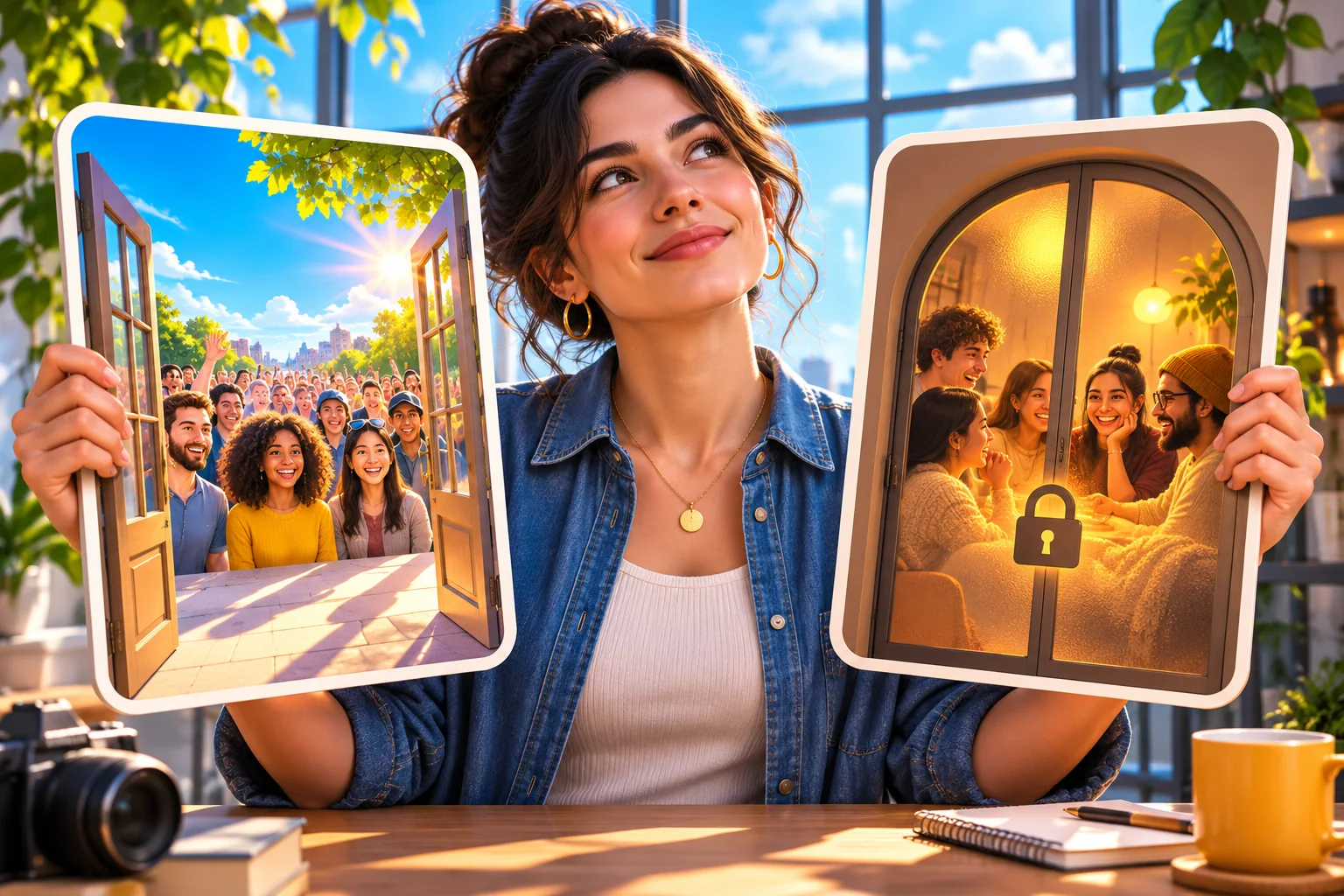
The practical difference between private and public Instagram accounts
| Reader question | Private account | Public account |
|---|---|---|
| Who sees ordinary posts, Stories and Reels? | Approved followers, subject to any narrower sharing choice | People beyond followers may see eligible public publications |
| What happens when a new person follows? | A request needs approval | Following does not require the same approval step |
| Can a copied private-post link open for a stranger? | The link does not remove the follower restriction | The intended public item may open, subject to availability and other controls |
| Can the content appear in wider discovery? | Private content is not shown to strangers in Explore or hashtag discovery | Eligible content may be discovered, with no placement guarantee |
| Can a public-link service verify the destination? | Check the offer; a private destination may not meet its requirement | Check the exact account or item and the written service terms |
Start with audience access, not an account label
The private/public control answers a basic question: who may view the publications on this account? On a private account, a person generally needs to become an approved follower to see ordinary feed posts, Stories and Reels. On a public account, the same ordinary publications may be visible beyond the follower list, depending on the particular item's availability and any narrower audience choice. That is the decision to make before considering algorithms, tools or packages.
Imagine a ceramics maker who posts family photographs and studio work from one account. Making the account public to display a new collection would also change the audience for older ordinary publications that remain on the profile. Keeping it private protects the selected audience but limits how a new customer can inspect the work before following. Neither choice is universally correct; the maker needs to decide which material belongs on which account and who should see it.
Use the comparison table as a starting point, then check the live setting inside the account. Instagram changes interface wording and feature availability over time. Some items have separate sharing controls, and an old screenshot cannot tell you what your current audience is. Treat this as an access audit, not a promise that every public post will travel widely or that every private action stays hidden from every person.
Separate account privacy from Personal, Creator and Business
Personal, Creator and Business describe account types and their tools. Private and public describe an audience setting. Combining them in one label causes avoidable mistakes: someone may say 'I have a creator account, so my posts are private' when the profile is actually open, or 'I switched to personal, so I am private' without checking the privacy toggle. Verify the type and the audience independently before drawing a conclusion.
Instagram's current guidance says professional accounts are public. A person who wants to use private-account access may need to change from a professional type to Personal first, and that can affect connected business tools or workflows. Do not make the switch only to test a theory about views. List the tools you use, such as business management, ads or reporting, and inspect Instagram's current confirmation before changing the type.
Our separate account-type guide compares those tools in detail. Here the practical question is narrower: does the chosen audience allow the people you intend to reach to see your content? A public Personal account can still publish to a wide audience, while a private Personal account requires approval. The word Personal by itself does not answer who sees today's Reel or whether a prospective customer can open a post link.
Know what remains visible when an account is private
Private does not mean that the account disappears. A person may still find the username and some basic profile information, then request to follow. The published photographs, ordinary Stories and Reels are the material the follower gate is designed to restrict. Meta's own public/private comparison is the best reference for the current distinction. Before posting personal details in a bio, do not assume the privacy switch will conceal every piece of profile information.
A copied link is an address, not a permission slip. Instagram says a shared link to a private-account post can be viewed by that account's followers; passing the link to a stranger does not convert the post to public. If a client, venue or collaborator needs to inspect a private example, agree on an authorised sharing route instead of asking the owner to change the whole account or send credentials merely for that one review.
Approved followers are real people who can remember or capture what they see. The setting does not stop an approved person taking a screenshot, forwarding a description or speaking about a post. Review the follower list when the account's purpose changes, and avoid putting sensitive customer, family or work information in a publication merely because it sits behind a gate. Privacy settings reduce audience access; they are not a confidentiality agreement with every follower.
Understand discovery without promising reach
Meta explains that private-account content is not shown to strangers through places such as Explore or hashtags. That is a clear mechanical difference from a public account: a person outside the approved audience cannot discover the private publication in those broader content surfaces. Public content can be eligible for discovery beyond current followers, but eligibility is not the same thing as a placement, view count or audience response.
A public account may still receive little distribution. Meta has separate Recommendation Guidelines, and content can be allowed on the platform without being recommended as widely. Search wording, Reel quality, viewer interests, account status and the actual publication all raise separate questions. Switching to public removes a privacy gate; it does not repair a policy issue, make a weak topic interesting or tell Instagram to show the next post to a particular number of people.
For a shop, public status is useful when a non-follower needs to inspect product examples, location details or a demonstration before deciding whether to follow. Put clear descriptions on those posts and keep the lasting details on a reliable site or profile link. Then measure what happened using the account's available tools, not a claim that becoming public generated the outcome. Avoid comparing a private family account with a public shop as if the audiences and goals were interchangeable.
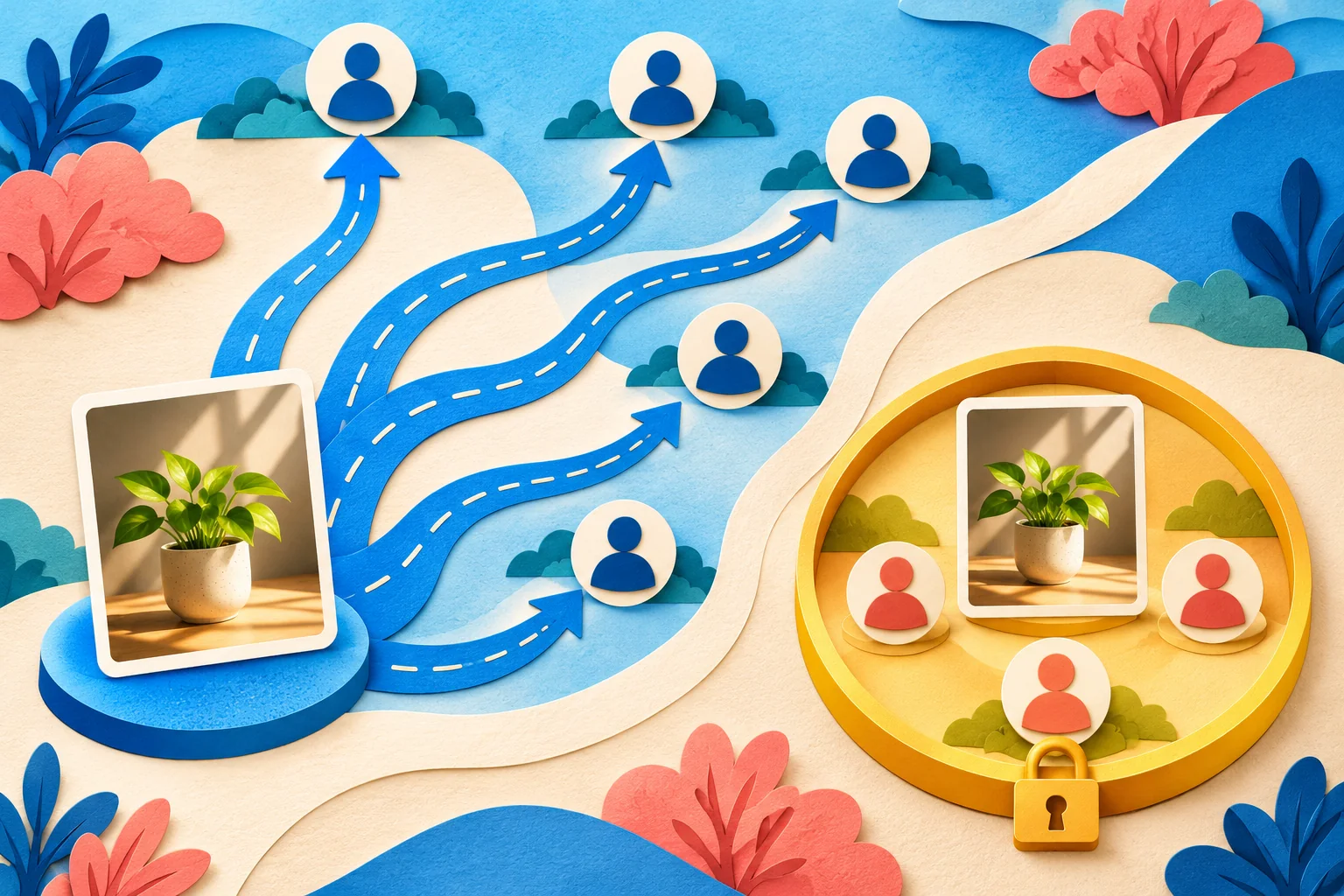
Check Reels, collaboration and sharing separately
Meta's Reels explanation says a private account's Reels follow the account's privacy setting, while a public account may make Reels available to the wider Instagram community. That distinction matters when someone sends a Reel to a colleague or embeds it in a campaign brief. A private creator can play their own Reel successfully; the recipient outside the approved circle may still be unable to watch it. Test the recipient's access before a deadline.
Collaboration is a separate control. Meta says both private and public accounts can be added as collaborators, with additional conditions for a private account initiating a collaboration. Do not infer that an accepted collaboration has made all of the private account's older posts public. Check the specific publication, the collaborator relationship and the audience shown after acceptance. A cross-account publication can have rules different from an ordinary solo post.
Original audio, resharing and linked content may also behave differently. Avoid using an old tutorial's interface as a universal rule for a current Reel. If a campaign depends on strangers reusing a sound or opening a shared item, check the current publication from an account that lacks approved-follower access. Keep a copy of the approved creative through your own authorised workflow; changing an entire account to fix one inaccessible media link can expose material you did not intend to release.
Run a visibility check that answers the real question
Start with the exact decision. Is a prospective customer supposed to see a profile? Is a venue supposed to see one Reel? Does a shop assistant need to send the current Story to someone who has not followed? Those are different tests. Write down the account username, chosen publication and intended reader. Then confirm the privacy setting in Instagram rather than relying on a small lock symbol in an old screenshot.
Ask a trusted person outside the approved-follower circle what they can open in their normal Instagram experience. Do not create fake accounts, solicit passwords or use a third-party 'private profile viewer'. A signed-out browser can provide useful context, but Instagram may prompt visitors to log in for reasons unrelated to your account's privacy. Treat an actual viewer's access to the specific content as stronger evidence than an isolated sign-in screen.
If the item fails, separate possible causes: the account is private, the person was not approved, the Story expired, the post was removed or archived, or the copied address points somewhere else. Test the account and the item separately. Save only a small record of what happened and when; do not retain another person's private session or profile data to prove a marketing point. Fix the identified issue rather than toggling settings repeatedly until something appears to work.
- Confirm the exact account and current privacy setting in Instagram, rather than relying on a remembered label.
- Choose one ordinary published post and one active Story or Reel that you own and are willing to use for a visibility check.
- Ask a trusted person who is not an approved follower what they can actually open; do not give them a login or ask them to bypass a restriction.
- Record what was visible, the date and the account used; a sign-in screen by itself is not a complete privacy diagnosis.
Move from public to private with a clear handover
Before making an account private, tell people who use its public links what will change. A public portfolio, press page, website embed or collaborator brief may contain links to posts that outside viewers will no longer be able to open. Identify the few examples that must stay publicly accessible. You may need a separate public account or an authorised copy on your own site rather than trying to make a private account serve two incompatible audiences.
Review pending follow requests and the current follower list in the account. The switch controls future access from non-approved viewers; it does not remove the people you have already approved. If an existing follower should not see future work, handle that relationship using Instagram's current follower, restrict or block controls as appropriate. Do not announce that an old post has become confidential merely because the audience setting changed today.
If the account is professional, inspect the type change first and note any work that depends on its tools. Instagram's confirmation should guide what remains available for that account. Save the important public destination used by clients or colleagues, update a website link that no longer serves them, and test one ordinary post from outside the approved circle after the change. The point is to know which access changed, not simply to see a private label in settings.
Move from private to public without surprising your audience
The reverse move deserves at least as much care. Review the profile bio, contact details, older feed posts, Reels, visible Highlights, tags and location clues before changing the audience. Something shared for a small approved circle may read differently when a stranger or future customer can find it. Archive or otherwise handle material that does not belong in the wider presentation using Instagram's documented controls; do not assume you can switch back later and erase copies already made.
Consider a ceramics studio that wants its new product process visible to buyers. A public studio account with selected work and clear product information may serve that purpose better than opening a mixed family-and-business profile. The decision is about the material and people, not a general belief that every creator must be public. If colleagues manage the account, agree who approves public captions, images and replies before the audience changes.
After switching, check the profile and one chosen publication from outside the prior follower group. Confirm that the intended account and item open, that the bio's contact route is accurate and that no private information appeared accidentally. Record the date and the reason for the change. Broader access can support discovery and sharing, but no official setting guarantees that people will see, follow or buy because of the switch.
- Write down why a broader audience is needed and which publications should remain restricted.
- Review the profile, old posts, Highlights, tags, location clues and any public contact information before changing the setting.
- Check connected professional or publishing tools and explain the change to any teammate who manages the account.
- After switching, test the profile and a chosen publication from a viewer outside the follower list.
Check follower-service eligibility before any purchase
A follower package is a separate commercial choice. Many profile-level services use a public username or URL so the destination can be identified and checked; HitsBoost's follower-safety guide likewise tells readers to verify a public profile. If the account is private, do not assume that a typed username makes it eligible. Read the current product's requirement and ask support what happens if the account remains private or changes privacy during an order.
Start with the actual deliverable: the follower quantity on one eligible account, not an expectation about post reach or sales. Check the tier, current price, final checkout total, timing, any written retention or refill condition, and the support route. Save the exact username or profile URL and the order reference if you proceed. If a vendor promises that a private account can receive a public-link service without explaining how eligibility works, pause rather than changing account security or access to satisfy a vague claim.
No ordinary profile-level order needs your Instagram password, two-factor code, recovery key, session cookie or remote device access. Password-free checkout reduces credential exposure, but it does not mean Instagram endorses an outside service or remove platform-policy risk. Read Instagram's current Community Guidelines, which address artificial collection of likes, followers and shares, and make an independent choice. A purchased count cannot guarantee recommendations, genuine interest, engagement, enquiries or revenue.
- Open the exact profile or item requested in the written offer and confirm it belongs to the intended account.
- Check whether the destination must remain public during delivery and what happens if privacy changes.
- Compare the current quantity, price, timing, retention or refill terms and support route before paying.
- Never provide an Instagram password, two-factor code, recovery key, session cookie or remote access.
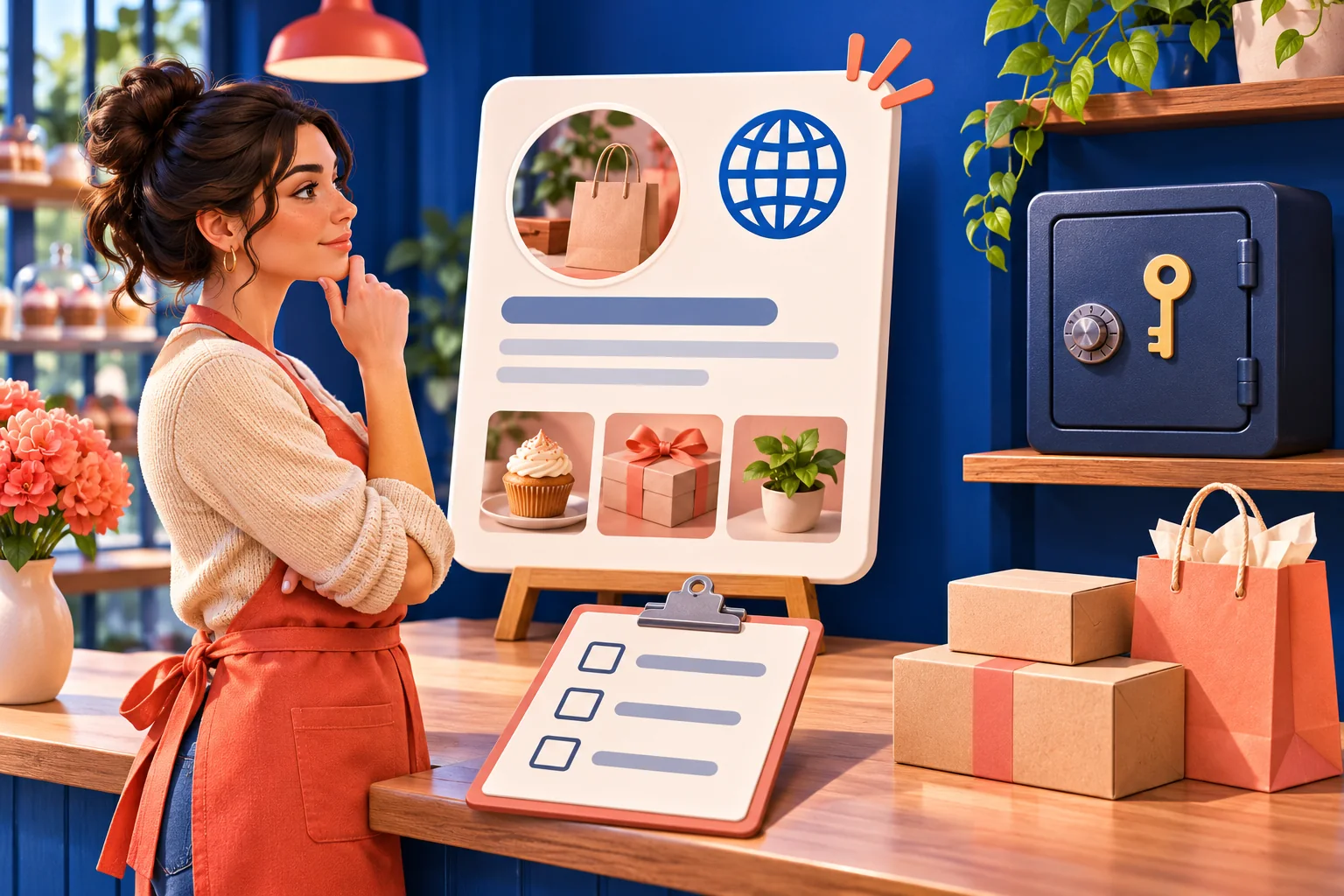
Diagnose a visibility problem without blaming the privacy switch
If a public post is not reaching strangers, first ask whether it is actually public and available. Then check the particular item, account notices and Instagram's relevant recommendation guidance. A public setting creates a possible path to wider viewers; it does not mean every post will appear in Explore, Search, Reels recommendations or a hashtag page. Meta distinguishes content that is allowed from content that meets its recommendation standards.
If one person cannot open a link, check that the address points to the intended item and that the item still exists. A deleted, archived, expired or restricted item can fail for reasons separate from account privacy. Our link-copying guide handles those destination errors; the Account Status guide handles notices about account or content eligibility. Changing privacy repeatedly will not repair a wrong URL or explain a notice that needs its own review.
Keep your next action narrow. A private account blocking an intended outside viewer calls for an audience or sharing decision. A public account with an inaccurate product description calls for content work. An account warning calls for reviewing that warning. A buyer whose package cannot identify the destination calls for support with the documented order requirement. One symptom can have several causes; a short written diagnosis prevents a setting change from creating a second problem.
Choose the setting for the people and work you actually have
A private account suits work intended for a selected group when the owner is willing to approve followers and accept that new people cannot freely inspect ordinary posts. A public account suits a portfolio, local shop or creator publication intended for people who have not followed yet. If the same person needs both, separate accounts can be clearer than making one mixed profile carry family, client and promotional material under a single audience choice.
Write a one-sentence decision rule for your team: who should see the next ordinary publication, and what will they do with it? Then check one account, one post and one recipient. If the answer is a limited circle, keep the material in a private setting and handle outside requests through an approved route. If the answer includes new customers or partners, prepare a public presentation that you are comfortable having inspected beyond current followers.
Review the choice when the purpose changes, not on a promise of instant growth. Keep your public facts current, make the audience setting deliberate and check current official guidance before a major switch. If you separately consider HitsBoost follower packages, read the live requirements and terms after confirming that the destination is eligible. The durable outcome is a profile that serves its intended readers without exposing material accidentally or making unsupported claims about what Instagram will do next.
Frequently asked questions
What is the main difference between a private and public Instagram account?+
A private account requires approval before a new follower can see ordinary posts, Stories and Reels. Public-account publications can be available beyond current followers, subject to the item's controls and Instagram's rules. The setting changes audience access, not the quality of a publication.
Can strangers see anything on a private Instagram account?+
A private account is still an account people may find and request to follow. Basic profile information can remain visible, while ordinary posts, Stories and Reels are gated to approved followers. Do not put sensitive details in a bio on the assumption that private means invisible.
Will a link make my private Instagram post public?+
No. Instagram says sharing a private-account post link does not remove the follower restriction. A recipient who is not approved may be unable to see the post even though the owner and approved followers can open the same address.
Can private Instagram posts appear in Explore or hashtags?+
Meta explains that private-account content is not shown to strangers in discovery places such as Explore or hashtags. Making an account public creates possible eligibility for wider discovery, but does not guarantee placement or reach.
Can I make a Business or Creator Instagram account private?+
Instagram's professional-account guidance treats those accounts as public. Check your current account type and Instagram's confirmation before switching to Personal for private-account access, because connected professional tools and workflows may change. A Personal label alone does not set privacy for you.
What happens to existing followers when I make my account private?+
The privacy setting does not automatically remove people who already follow you. Review the current follower list and use Instagram's controls for a particular relationship if needed. Avoid assuming previously viewed or captured content has become confidential.
Can I buy Instagram followers for a private account?+
Check the exact package's current eligibility requirement before paying. A service that identifies one public profile by username or URL may not be able to validate a private destination. Ask support about the private-account case; do not provide a password or change privacy without understanding the audience effect.
Does making my account public increase reach automatically?+
No. Public status removes a viewing restriction for eligible content; recommendations depend on separate rules and viewer interest. Test whether intended outsiders can open the account and review actual performance, rather than expecting a guaranteed view or follower increase.
Compare Instagram Followers packages.
Prepare the public destination, then review the quantity and terms that fit your goal.
Review follower packages for an eligible public account