

Pick the Instagram view that matches the job
| What you want right now | Best starting view | What to check |
|---|---|---|
| Catch up on a few people or sources that matter most | Favorites | Are those accounts in your current Favorites list? |
| See recent posts from the wider set of accounts you follow | Following or Latest, where offered | Does this version say chronological or Latest? |
| Browse a mix of followed accounts and possible discoveries | Home | Recommendations and ranking are part of this view |
| Find a specific topic or unfamiliar creator | Search or Explore | A feed list is not a topic search |
| Stop seeing an account you no longer want in your feed | Review follow or mute controls | A Favorites edit alone leaves the follow relationship intact |
| Change recommendations across several surfaces | Review content controls | A dedicated catch-up view is not a recommendation reset |
Start with the question you want your feed to answer
Meta introduced Favorites and Following as two ways to choose what appears when you catch up with Instagram posts. Favorites is a deliberately smaller set that you select from the accounts you follow. Following is the wider set of accounts you already follow. Meta described both dedicated views as chronological, with newer eligible posts first. That makes them different routes through the same set of relationships, not two labels for the same feed or two types of account.
Imagine a ceramics maker who follows studio friends, suppliers, museums, customers and local venues. Before opening Instagram, she can ask whether she wants updates from a few essential studios or the wider followed community. If the first task matters, Favorites is the natural starting point. If she has time to catch up across everyone she follows, Following is more suitable. Neither list finds an unfamiliar ceramics account just because it is interesting; Search or the main recommended experience is a different job.
Compare Favorites, Following and the ordinary Home feed
The distinction becomes clearer when Home is in the comparison. Meta says the ordinary Instagram feed combines posts from followed accounts with suggested posts and uses ranking to decide the order. The two dedicated catch-up views were introduced to let people see recent posts from selected or followed accounts in time order. In Home, a post from a favorite may appear higher, but Meta does not say that every favorite's post will be first or that a particular person will see it.
Use the table to avoid changing a setting for the wrong job. If you want to find one new recipe account, following a time-ordered list of existing contacts may not help; use topic discovery. If you want to see what an existing collaborator published this morning, a ranked Home feed may bury it among suggestions; Favorites or Following can be a faster check. If you are trying to stop seeing one account, changing the Favorites list alone leaves the follow relationship in place.
Understand what Favorites changes—and what it does not
Favorites has two effects in Meta's original description. It provides a dedicated feed of recent posts from the chosen accounts, and it makes posts from those accounts appear higher in the ordinary Home feed. The first effect answers 'show me these sources now.' The second can help a selected source stay visible during mixed browsing. These are viewer-side controls. Adding someone to Favorites does not invite them to collaborate, send a message, buy a service or alter their own follower list.
Meta's launch guidance says a person can add up to 50 accounts and edit the list at any time. That was the announced limit in 2022; the live app is the authority for a limit or control shown to your account today. Most people do not need to fill every place. A short list is easier to recognise and review. Consider why each account belongs: an active project partner, a trusted source of an important update, a close friend or a creator whose work you really intend to see.
Do not infer a notification or public label on the other account from the star you see in your own experience. Meta says people are not notified when added or removed. Also do not promise that Favorites forces an item to reach you or that every account posts every day. A list can be technically correct yet feel quiet because the selected accounts have not published recently. Check the specific account if you expect a particular post, rather than treating an empty-looking catch-up view as proof that the feature failed.
Build a Favorites list that earns its place
Start with a purpose, not a number. A shop owner might use Favorites to keep up with local partners and industry sources; a family account might choose close relationships; a creator might prioritize peers whose work informs a project. Open Instagram on the account you actually use for that purpose and look for the current Favorites selector or list-management control. Meta's 2022 walkthrough placed the feed choice behind the Instagram label at the top of Home. Navigation changes, so treat that location as historical guidance and follow the labels currently shown on your version.
Choose from accounts you already follow. For each candidate ask whether their recent work is something you would check even without a reminder. A supplier who publishes actual availability, a venue with a relevant event, and a collaborator with an agreed project may pass that test. A dormant account or a famous account you rarely need may not. The curator illustration beside this section shows the idea: a few selected cards on a rail, not every card on the wall. It is illustrative artwork, not an Instagram screen.
After adding a few, open the dedicated Favorites feed and verify it shows the kinds of posts you meant to see. If the list is unexpectedly broad, remove weak choices. If it is too narrow, add an account with a specific reason. Use the same account for the check; a different personal or business profile has its own follows and preferences. If you manage multiple profiles, do not assume a list edited on one has silently changed the others.
- Open the current Instagram home view on the account whose feed you want to manage.
- Look for Favorites in the feed selector or relevant account controls; labels and placement can differ by version.
- Choose accounts you already follow that you genuinely want to catch up with, then verify the list and its dedicated view.
- Review after normal use. Remove an account when it no longer serves this priority, rather than filling every available place.

Edit the list without turning it into a ranking of people
A good Favorites list changes when the reader's task changes. A local event partner might matter during planning and less after the event; a source that posts accurate supply updates might remain relevant all year. Review the list occasionally, especially if the dedicated feed has become noisy or no longer contains the people you expected. Meta says you can edit the list and that added or removed accounts are not notified, which makes routine maintenance practical.
Removing someone from Favorites is not the same as unfollowing them. They can still appear in Following because that view draws on the broader follow relationship. If you want to stop seeing a particular account in your feed, inspect the account's current follow or mute controls separately. If the issue is an objectionable recommendation from an account you never followed, Favorites management is the wrong repair; use the relevant recommendation controls. One precise action is easier to reverse and understand than several broad changes made at once.
Do not treat the list as a popularity score or demand that colleagues include the same accounts. The shop owner's work feed and a colleague's personal feed can reasonably be different. A business team can keep a short planning note of which official partners or reliable sources should be checked, but each person should use the account and permissions appropriate to the work. Never ask a teammate for their password merely to set a Favorites list, and do not confuse a personal browsing preference with a company content-approval process.
Use Following for a wider time-ordered catch-up
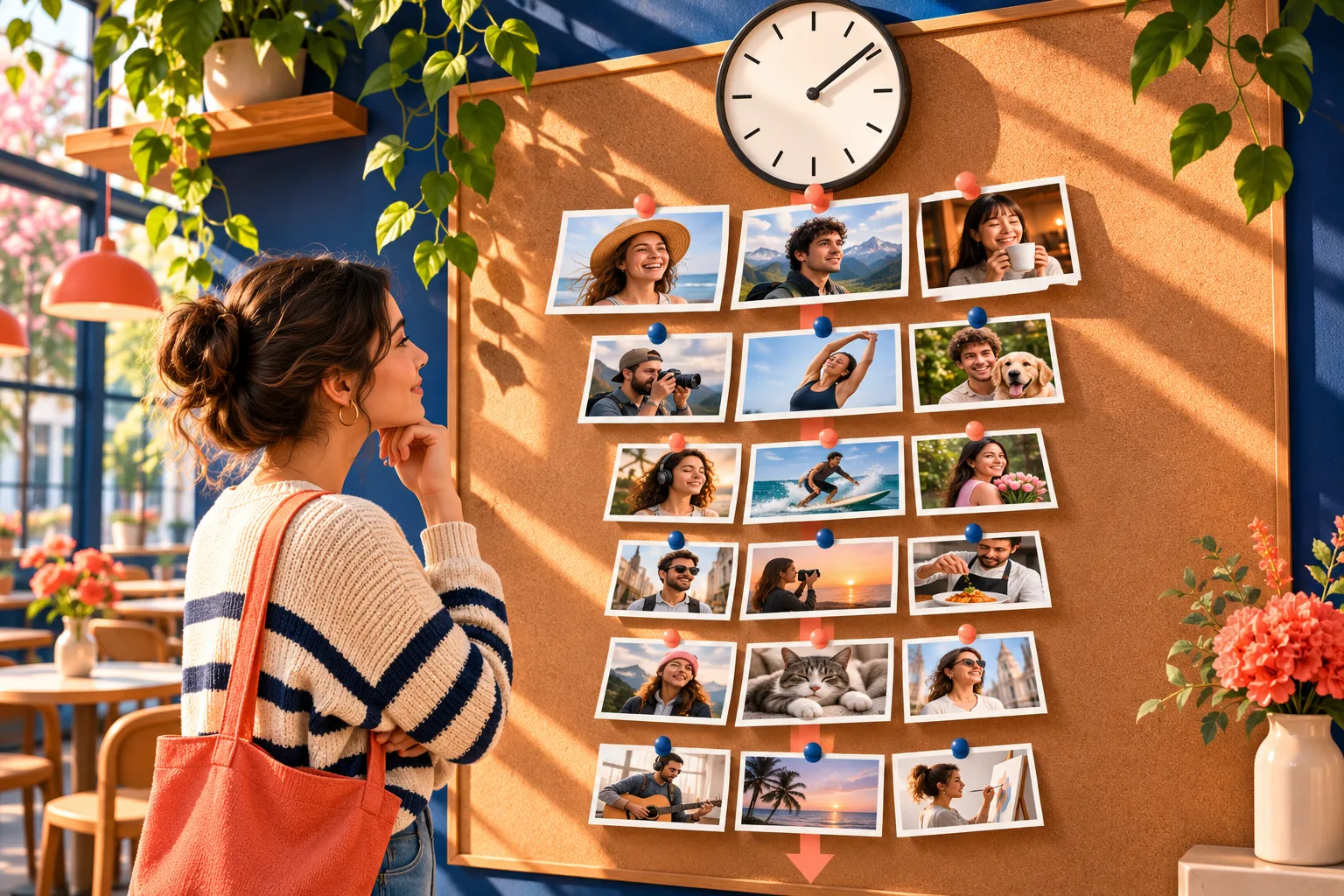
Meta describes Following as posts from the accounts you follow in chronological order. It is useful when the question is 'what have the accounts I chose posted recently?' and your Favorites group is too narrow. A shop could scan followed neighbourhood venues, customers who publish public work, creators and suppliers without asking Home to choose which relationship is most relevant. The clock-and-photo illustration beside this section represents that ordered catch-up, not a real Instagram interface or a guarantee that every item appears.
A chronological view is not a complete archive. An account may not have posted, a particular item may be unavailable to you, and you may have followed many accounts that posted more than you can review in one session. Meta's 2022 control article mentioned a recent-post window at the time; avoid treating an old window or infinite scroll as a promise today. If you need one exact announcement, open the source account or its verified link. Following is a convenient browsing route, not a record-keeping system for a deadline or transaction.
The relationship also matters: Following does not mean your own followers. It is the set of accounts your currently signed-in profile follows. Switching to this view does not change who can see your posts, who follows you, or how another person's feed is arranged. For a creator worried that a post performed poorly, the view can help them inspect what they themselves see, but it cannot diagnose distribution to other people's accounts. Use their actual Insights and content context for that separate question.
Choose the view for one session, then assess it
A short decision rule keeps the three options useful. Ask whether you are catching up with a small chosen group, all followed accounts, or a wider mix that may include discovery. Choose Favorites, Following or Home accordingly. Then spend one ordinary browsing session there. If the question was 'did our collaborator publish the event image?', verify the actual post or profile. If it was 'what have the venues we follow announced?', a Following scan may be enough to identify links to check.
For a fictional weekend ceramics workshop, the owner adds the host venue and instructor to Favorites while planning. On Monday she checks that compact feed for an approved announcement. Later she opens Following to see what all her followed community published over the weekend. She uses Home when she has time for a broader mix. None of these actions proves attendance, changes an ad campaign or makes the workshop post reach a particular number of people. They help her choose what she sees while she works.
- Name the task: catch up with a few, catch up with all follows, or discover something new.
- Choose Favorites, Following or Home for that task, then check the label shown on your account.
- Spend one normal session in that view; note whether it actually answered the task.
- Change the list, follow relationship or content controls only if the specific problem remains.
Keep your browsing controls separate from account growth
Favorites and Following are decisions made by a viewer. They do not make the viewer's own account more public, update a profile bio, improve a Reel, or tell Instagram to show a post to a particular audience. Meta's explanation of ranking describes many systems, signals and controls. A creator cannot infer that a customer's use of Following proves the creator's next post will be seen, nor that a place on someone's Favorites list promises a purchase. The app can change, and people use it in different ways.
A recommendations reset is another viewer-side choice, but it addresses a different symptom: the topics Instagram suggests across surfaces may no longer fit. Switching to Following for a catch-up session does not erase recommendation history. Adding a partner to Favorites does not clean a Reel tab. If your own post seems hard to find, check the account, the post's availability and your actual reporting before making a claim about feed ranking. Keep source observation separate from a marketing theory.
If the feed labels or controls look different
Meta's 2022 article shows a particular tap path: choose a view from the Instagram label at the upper left of Home. That historical image is useful for understanding the feature, but not a guarantee about your 2026 screen. App versions, devices, experiments and regions can display different navigation. First check that you are on the intended account, update through the ordinary app store and inspect the current feed selector. Do not assume a missing label means your account was penalised.
A concrete example of variation is Meta's 2025 India test of a Reels-first experience. That announcement described a Following tab with All, Friends and Latest choices; only Latest was described as chronological in that test. It was explicitly a limited test in India, not proof that every Instagram user has those controls. If your version offers similar labels, read what each says before calling the whole Following tab time ordered. If your version still has the classic Favorites and Following selector, use the meaning shown there.
If the option remains missing, record the device, current version, account and screen where you looked. Compare with Instagram's current in-app help or official release information before asking for support. A third-party app that promises to unlock a feed view by taking your login is not an appropriate troubleshooting step. Nor should you rapidly unfollow everyone just to see whether the selector reappears; that would change relationships without explaining the interface problem.
- Check that you are on the intended Instagram account and that the app is current.
- Inspect the current feed selector and any Following suboptions; choose Latest if the interface distinguishes ranked from chronological views.
- Compare with official current Help and release notes for your region before copying an older tap path.
- If the control still is absent, record the version, device and exact screen for Instagram's problem-reporting route; do not enter credentials into a third-party helper.
Use feed checks in a small business without over-reading them
A feed view can help a small business keep up with sources that matter to its work. A studio manager can select an actual venue partner and two suppliers in Favorites, then scan Following for broader customer and peer activity. That is a research routine, not an automated market study. An account's absence from one quick scan does not prove it stopped publishing. Follow up with the original profile, current product page or direct confirmation before repeating a claim to customers.
Give the team a small handoff rule: if a post mentions a date, price, stock claim or collaboration, open the original and verify it at the source before sharing. A Favorites list is curated by the viewer; it does not certify the truth of those accounts' posts. Keep customer enquiries in the business's staffed channel rather than assuming a feed visit will surface them. Meta's professional best-practices hub covers creation and engagement work separately from the consumer's feed choices.
Make one deliberate choice and keep the rest simple
If you have a few sources you would be sorry to miss, place those followed accounts in Favorites and review the list after using it. If you want a wider chronological catch-up, choose Following or the current equivalent labelled Latest. If you want a mixed browsing session, use Home and recognise that its ranking and recommendations have a different purpose. You can move between views as the task changes; no single option must carry every reason you open Instagram.
Before changing several controls, use the table and checklist above. Identify the actual symptom, select the narrowest relevant action and verify what the screen shows. A missing feed control needs a version and region check; one unwanted account needs a relationship or mute decision; unwanted suggestions need content controls. This keeps your follow list and personal preferences understandable. If the choice still feels confusing, check Meta's present help rather than relying on an old screenshot or an unverified shortcut.
HitsBoost's Instagram follower packages are a separate, optional purchase. Review the live quantity, tier, price, public-profile eligibility, checkout total and terms if that is what you need; a feed preference does not change the order or guarantee reach, recommendation placement, engagement or customers. Keep browsing decisions and purchasing decisions distinct. A clear account, useful content and accurate expectations will serve you better than imagining that one star or one chronological view controls other people's feeds.
Frequently asked questions
What is the difference between Instagram Favorites and Following?+
Favorites is a selected subset of accounts you follow; Following covers the wider set of accounts you follow. Meta introduced both dedicated views as chronological ways to catch up with recent posts. The ordinary Home feed is ranked separately and can include suggestions.
Are Favorites and Following both chronological?+
Meta's original Favorites and Following views were described as chronological. Instagram has tested other navigation, including an India-specific Following tab with a separate Latest choice. Check the meaning of the option on your own current screen before assuming every label has identical behaviour.
Does someone know when I add them to Instagram Favorites?+
Meta says people are not notified when you add or remove them from your Favorites list. It is a private browsing preference, not a public collaboration or an instruction sent to the other account.
How many accounts can I add to Instagram Favorites?+
Meta's launch guidance said up to 50 accounts. Check the current limit shown in your version of Instagram before planning around that historical maximum. A small list with a clear purpose is easier to maintain than a full one.
Does removing someone from Favorites unfollow them?+
No. Editing Favorites is different from changing the follow relationship. An account you still follow can remain in Following and may appear in other relevant views. Use the current follow or mute controls if you want a different relationship or visibility choice.
Will Favorites guarantee that I see every post?+
No. Meta says selected accounts' posts can appear higher in Home and that their recent posts have a dedicated view. It does not promise that an individual post is always seen. Open the original account if a specific announcement matters.
Why can I not find Favorites or a chronological Following feed?+
Check the signed-in account, app version and present feed controls. Meta has tested region-specific layouts, so a 2022 screenshot may not match your screen. If Following has suboptions, look for one explicitly labelled Latest or chronological; record the exact screen for official support if needed.
Do Favorites or Following help my own Instagram posts reach more people?+
They control what a viewer chooses to see; they do not promise distribution for the viewer's own posts. A creator cannot tell which followers use those views or infer reach from one screen. Review actual account reporting and content separately.
Should I reset recommendations to use Favorites or Following?+
No. The dedicated views can be used without a recommendations reset. Resetting suggested content addresses a separate problem with what Instagram recommends; it is not required to curate Favorites or catch up with followed accounts.
Compare Instagram Followers packages.
Prepare the public destination, then review the quantity and terms that fit your goal.
Review Instagram follower packages separately