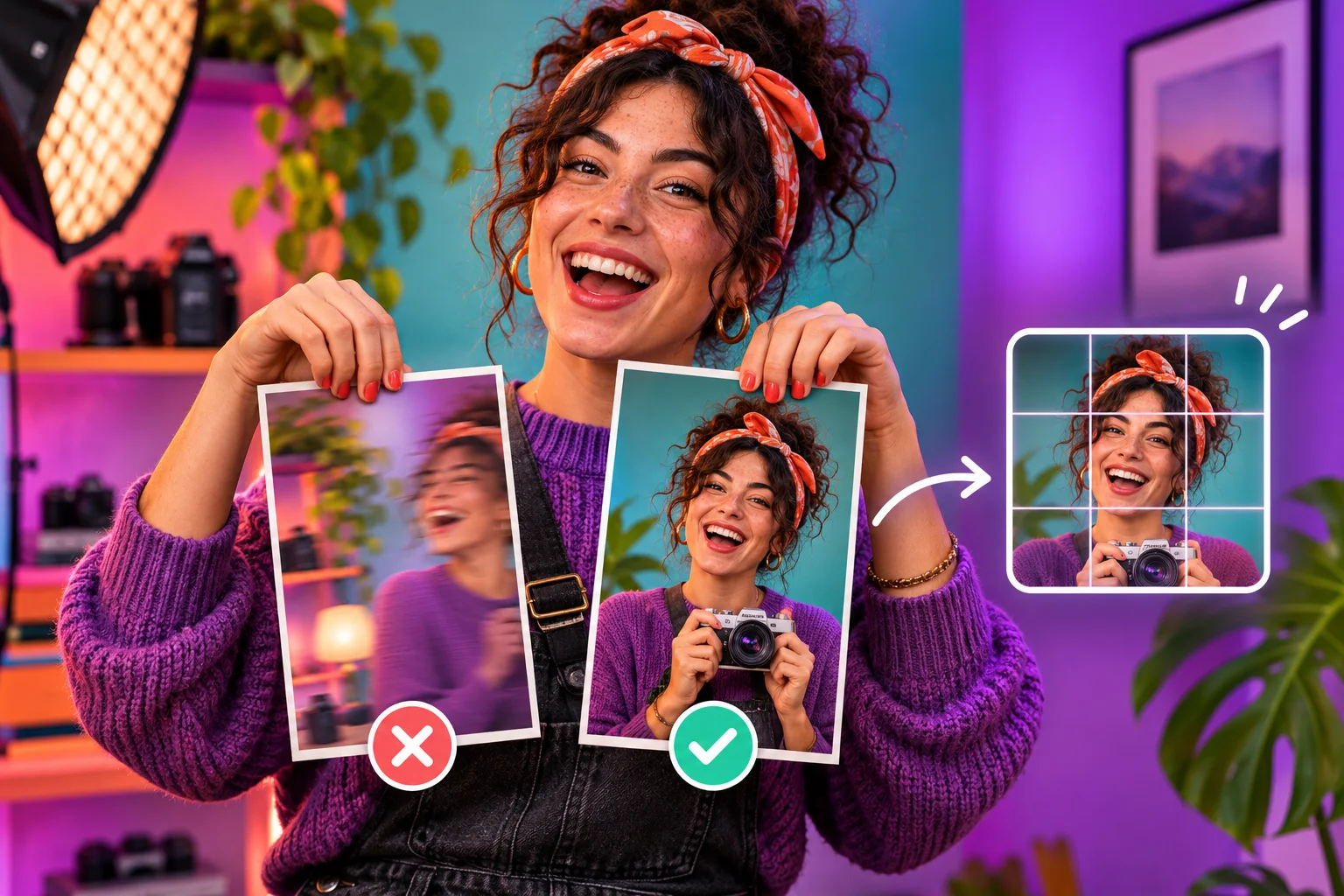
Choose the sharing route before making a new Reel
| Your aim | Starting route | Question to resolve |
|---|---|---|
| Explain or challenge one eligible public Reel with your own footage | Remix | What new information will your response add? |
| Recommend the original without adding a video response | Native Repost | Will the original source and context be clear? |
| Publish one jointly owned post with both accounts involved | Collab invitation | Have both creators agreed to the shared post? |
| Show a source to one person or a small conversation | Direct message or original link | Does the recipient need context before opening it? |
| Use another creator's clip in an ad or exported campaign | Separate permission and production review | Do you have the necessary rights for that use? |
Understand what a Reel Remix actually adds
A Remix is a new Reel built in relation to an existing eligible piece of content. Meta's 2022 feature description calls out video commentary alongside an existing Reel and a way to place your clip after the source. This is useful when the source creates a specific question and your footage supplies a new answer. A pottery maker may show how a cup is thrown; a second maker could demonstrate how a different handle changes the grip. The response has a reason to exist even for viewers who never planned to buy anything.
The original remains someone else's work. Your clip is your contribution; the source should remain identifiable. A silent nod, duplicate upload or decorative border gives viewers little additional information. Aim for a clear point of view, a demonstration or a genuine comparison. Do not treat the layout itself as a content idea. A split screen showing two people doing the same action without context can be less useful than a concise sequential answer that explains what changed.
Choose Remix, Repost or Collab for the actual job
Before touching an editor, decide whether you want to create a response, recommend the source, or publish together. Instagram's native Repost feature, which Meta announced in 2025, shares an eligible public original with credit and can place it in a separate profile tab. It does not ask you to record a response. Our separate Repost guide covers that path. A Collab invitation, by contrast, is an arrangement where another account accepts a role in a shared post. It needs both parties' participation; it is not the same as reacting to a creator's already published Reel.
The table above is a useful first pass. A nutrition educator who wants to add a careful explanation to an eligible recipe clip has a Remix idea. A café that simply wants followers to watch the recipe should consider Repost or a link. Two artists launching one joint product may prefer a Collab they have planned together. Downloading a creator's file and uploading it as your own new Reel is none of these native actions, and it can strip source context or exceed what the creator intended.
Sometimes a completely original Reel is the better route. If the source is unrelated, the creator has disabled reuse, or your response cannot add much, film your own demonstration and cite inspiration in ordinary language where relevant. A format should fit the viewer's need rather than supply a shortcut to somebody else's audience. This also helps a small team avoid spending an afternoon editing a reaction that adds no credible value.
Check that the source and your response are eligible
Start with the actual Reel, not a screenshot of it. Meta describes Remix as a way to build on eligible public content, and its 2022 announcement included public photos and several video layouts. That historical announcement explains the feature's purpose, not a promise that every public item has the same menu in 2026. A creator can limit reuse or remove content, and the current app may offer different controls. The dependable test is whether the original Reel offers a Remix action to your logged-in account now.
Check the source creator and the setting that matters to your audience. Is the account public? Is the post still available? Is the video a true original you can attribute, or a clip that already contains another person's footage, music or customer? A source can be visible while Remix is unavailable. If a creator has chosen not to allow it, respect that boundary. Do not infer permission from a screenshot, a public follower count or the ability to copy a link.
Then check your own contribution. A real response should be recorded, narrated or edited by you, with enough context for a viewer to understand which point from the source you are answering. If you run a business account, be especially cautious with unverified product claims, customer appearances and music. Write your intended point before filming. For example: 'I will show a safer way to lift the hot cup from the wheel,' rather than 'I will use a popular pottery video.' The first is a concrete viewer benefit; the second is only a distribution hope.
- Open the original Reel in the Instagram account that should publish the response.
- Check that the source is public and the current Reel offers a Remix action through its visible controls.
- Before recording, write one sentence describing your new contribution and choose a format that can show it.
- If the action is absent, respect the source setting and use the troubleshooting checks below instead of downloading around it.
Pick a layout that makes the response intelligible
Meta's 2022 Remix update described horizontal or vertical split screens, picture-in-picture, green screen, and an option to play your clip after the original. Those examples show why a creator might choose different spatial or sequential relationships. They do not guarantee that every layout remains visible to every account. Open the current editor, compare what it actually offers and pick the arrangement that makes your point easiest to follow. Avoid building a script around a control you have not confirmed on your device.
A simultaneous split can work for a side-by-side demonstration. Imagine the source potter shaping a cup while you show the alternative hand position. A picture-in-picture view can keep the source action large while your face briefly explains it. A sequential format can let the original make a claim, then let you present a considered response without competing voices. Green-screen style background can help when you need to point to a detail, but only if your body or graphics do not obscure the evidence.
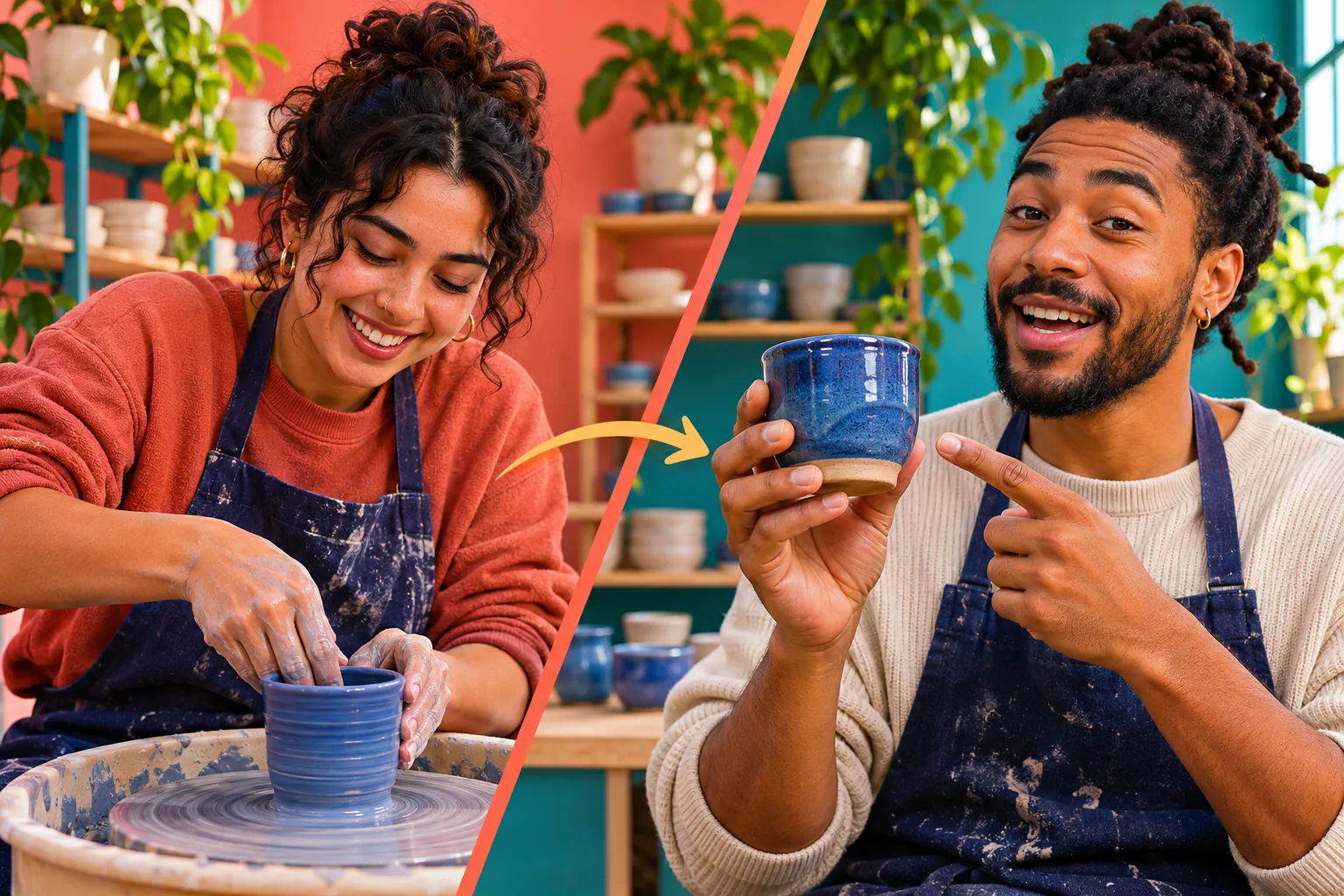
The adjacent image compares two broad mechanisms, not exact Instagram screen controls: source and response together, or source followed by response. At phone size, check whether each action remains legible. Split screens shrink both clips, so a tiny tool, label or product detail may disappear. Sequential edits give each clip more space but demand a clear transition so the viewer understands whose voice is speaking. Choose for comprehension first; an elaborate composition cannot rescue a vague response.

Record a distinct contribution and preview the whole Reel
Watch the original in full before recording. Pull out one exact observation to answer and avoid reacting to a headline without its context. Make a short shot list: the source point, your demonstration, the final takeaway. If the original is a cooking technique, show the step your audience can repeat; if it is a product comparison, explain what differs and what does not. Speak in your own words and film your own material. A borrowed clip with a few overlaid words is a weak substitute for a real explanation.
When the editor opens, use only the controls you can verify in your app. Record or add your clip where the current workflow allows it, then inspect the two contributions together. Audio deserves its own pass: if both people speak at once, the important sentence may be lost. Where volume controls exist, make the relevant speaker intelligible without turning the source into a silent, misleading prop. Add accurate captions for spoken information and check their timing after any trim or layout change.
Preview from the first frame through the last. Is the original credited? Can someone tell which person made which claim? Does the cover describe the combined Reel rather than only the source? Does the caption fairly identify what you added? If the source includes a statement you disagree with, show enough context to avoid a straw man. If an edit makes the original look as though it endorses your response, rework the transition or wording. Save a draft and check it in the current app if you need a second review.
- Watch the original from beginning to end and note the exact point your response will address.
- Record a distinct answer, demonstration, comparison or correction that can stand up to scrutiny.
- Balance the two audio tracks where the current editor allows it; make speech and captions understandable.
- Preview the entire combined Reel, its source credit, cover and caption before sharing.
Keep Instagram Remix and the Edits app separate
Meta's later Edits announcement describes a separate video creation app with a public Reel library. In that product, Meta says a creator can choose a public Reel to remix, react to or use for inspiration, and that the original creator receives credit in the remixed video. That announcement does not mean the same buttons, export behaviour, audio controls or source library exist inside Instagram's in-app Remix editor. Start in the product you intend to use and follow its current screens.
Edits may be useful for a larger production workflow, such as planning a response with a storyboard and reviewing the edit before sharing. Instagram's native Remix may be enough for a simple direct reaction. Either way, inspect the finished video and source credit. If you export a file for use elsewhere, check the source material and its permissions for that destination. The fact that an app offers a creative tool is not evidence that every underlying work is cleared for advertising or off-platform reuse.
Check source credit, permission and commercial context
A native credit link is important because a viewer should know whose original Reel prompted your response. Meta explicitly describes original-creator credit for Edits remixes, and Instagram's in-app creative tools also aim to keep the source attached. Still, check the finished preview rather than assuming every export or repost preserves the same presentation. Add a clear mention in your caption when it helps the audience understand what you are responding to. Do not make a creator appear to endorse your business, product or opinion unless that relationship is real and agreed.
Credit and permission answer different questions. An attribution tag identifies a person; it does not by itself grant a licence for advertising, a website hero, a paid campaign or an exported edit on another platform. For a brand, ask whether the specific content and use are allowed, especially if the source has people, customer material, music, artwork or a trademark. If you need permission, ask the relevant rights holder and retain the approval. The adjacent image is a reminder to review these questions; its check marks are illustrative, not evidence of anyone's actual consent.
Be careful with claims in a response. A skincare shop could correct a common misconception without inventing a medical result or using a customer's face without agreement. A café could demonstrate an alternative recipe while naming the source fairly. If you are paid to feature a product, use the disclosure tools and wording that apply to the arrangement. If the original creator asks you to remove an inaccurate association, address the substance promptly instead of citing the mere existence of a Remix button as a defence.
- Identify the original creator and confirm the in-app attribution remains visible.
- Check whether you have permission for the specific brand, ad or off-platform use you plan.
- Review music, faces, customer material and claims separately from the Remix control.
- Keep a record of any explicit approval and the final caption or campaign brief.

Troubleshoot when the Remix option is missing
First isolate the exact content and account. Are you viewing the original public Reel in Instagram, or a Story, saved video, downloaded copy, embedded preview or a post opened in a browser? Is the creator's content still live? Has the creator limited reuse? A missing control on one Reel often tells you more about that source than about your account. Test another clearly eligible public Reel only to compare availability; do not use the test as a reason to take footage around someone's setting.
Next check the app environment. Update Instagram through its official store, reopen the Reel and look through the current options rather than following a 2022 screenshot tap for tap. Confirm you are logged into the profile that will publish. Some creation options differ by account, region, device or rollout; a menu name may move. If your app shows an explanation of ineligibility, read it. If the source is yours, inspect its reuse controls before assuming your audience can remix it. Avoid third-party tools that ask for your password to 'unlock' a feature.
If the control is still missing, choose an honest alternative. Send the creator a question, share a link, make an independent Reel with a reference to their idea, or arrange a Collab if both of you actually want one joint post. Do not download and re-upload a creator's video to simulate Remix. That can break attribution, exceed the creator's preference and introduce rights problems. Keep a short note of the app version, account and source URL if you contact Instagram support; that is more useful than a claim that the entire platform is broken.
- Confirm you opened the original eligible Reel, not a downloaded copy, Story preview or unrelated post.
- Check whether the account is public and the creator currently allows reuse of this content.
- Update Instagram through its official app store and look for the current creation controls.
- Try a different clearly eligible public Reel to isolate whether the issue belongs to one source or your app.
Publish, review and learn without chasing a guarantee
After previewing, publish only when the original context, your new point and source credit all make sense together. Read the caption once from a viewer's position. Does it tell them what they will learn, or merely ask for views? For a small workshop, 'I tried a wider handle for easier grip; watch the side-by-side' gives a reason to watch. 'Remixing a viral maker so our page grows' tells the viewer little and puts the source creator in a promotional frame they may not have agreed to.
Check the post on your profile after it appears. Open it as a normal viewer, watch with sound and without sound, and make sure the credit and caption survive. When people ask what differs from the original, respond with useful clarification. Review several posts over time for patterns in comprehension and engagement, not just a single view number. Some views may come from different surfaces or repeats; our view-definition guide explains why a count is not a pure measure of audience understanding.
Use a repeatable business decision before the next Remix
A useful team rule is to approve a Remix only if someone can state both the source's role and the new video's value in one sentence. For example, a ceramics studio sees a public maker Reel demonstrating a narrow cup handle. Its own instructor records a side-by-side grip comparison and explains when the narrower handle may suit a different hand size. The source is inspiration and evidence; the shop's value is the new demonstration. A viewer can understand why these clips belong together.
The team then checks the source account and current reuse availability, selects a readable layout, records its own footage, reviews captions and audio, checks attribution and any necessary permission, and previews the finished piece. It may decide that the response would be too small on a split screen and switch to a sequential clip. It may also decide not to Remix at all if the source creator has disabled reuse. That is a sound editorial decision, not a missed growth hack.
If the business separately considers HitsBoost's Instagram views service, review the current package, price, eligibility and terms on its own merits. A purchased count cannot supply original commentary, rights clearance, a legible layout, trust or meaningful engagement, and it cannot guarantee recommendations, customers or sales. Complete the creative and permission checks first; keep a service purchase separate from any claim about the Remix's organic performance. The best next action may simply be to make a clearer independent Reel for a question your customers already ask.
Frequently asked questions
How do I Remix a Reel on Instagram?+
Open an eligible original Reel in the account that will publish your response and inspect its current options for Remix. If available, choose a layout that supports your point, record or add your own useful footage, preview source credit, audio, captions and cover, then share. Current labels can vary by app version and source.
Why can't I see Remix on a public Reel?+
Public visibility does not guarantee reuse is enabled for that item. Check the original source, creator setting, your active account and current app version. Compare another eligible public Reel to isolate the issue, and respect the creator's choice if the control remains unavailable.
Is a Remix the same as a Repost or Collab?+
No. A Remix creates your own video response linked to a source. Native Repost recommends an eligible original with its creator attached. A Collab is a shared post that another account must accept. Choose according to whether you are adding a response, sharing a source or publishing together.
Which Remix layout should I choose?+
Use a simultaneous arrangement for a direct comparison and an original-then-response arrangement when the source must be heard before your answer. Meta has described split screens, picture-in-picture, green screen and sequential options; use only the layouts shown by your current app and preview at phone size.
Does Remix automatically credit the original creator?+
Meta describes creator credit for remixes made in its separate Edits app. In any workflow, inspect the actual finished preview and add clear context if needed. Attribution identifies the source; it does not automatically grant rights for ads, exports or other commercial reuse.
Can a business Remix someone else's Reel without asking?+
An available native control indicates the creator allows that in-app feature for the content, but it is not a blanket answer for paid advertising, exported files, music or people appearing in the clip. Check the specific intended use and obtain permission where needed.
Will Remixing a popular Reel give my account more views?+
There is no guaranteed result. A good response may help viewers understand a topic, but the source's popularity does not transfer predictable distribution to your Reel. Evaluate usefulness, clarity, attribution and audience response rather than treating Remix as a view shortcut.
Can I use Edits instead of Instagram's Remix editor?+
Meta's Edits is a separate creation app that includes a public Reel library and remix or reaction options. Its controls and export workflow are not identical to Instagram's in-app Remix. Pick the product that fits your work, then review source credit and permissions on the actual output.
Compare Instagram Views packages.
Prepare the public destination, then review the quantity and terms that fit your goal.
Review Instagram views packages and conditions