Choose the next check from what you can verify
| What happened | Best next check | What not to assume |
|---|---|---|
| You changed phones | Inspect Profile → Reels → Drafts on the original phone, if it still has Instagram. | The new phone synchronises local Reel drafts. |
| The original phone still has the app | Check the correct account and the Reels Drafts view; record any error before changing settings. | An empty or failed tile proves the exact cause. |
| You uninstalled Instagram on the original phone | Look for independently saved footage, exports and notes; plan a rebuild if available. | Logging in can restore the lost local draft. |
| A colleague says it was scheduled | Check Scheduled content and the approved publishing plan separately. | A calendar entry is a saved Reel draft. |
| A Reel appears on the profile | Open and review the actual published item before re-creating anything. | A low view count means the draft disappeared. |
| The draft opens but work may be lost soon | Save a camera-roll copy, verify it plays, then preserve source clips and editing notes. | The download includes Instagram-library music or editable layers. |
Identify the missing thing before changing anything
The first useful question is not why did Instagram delete my work? It is what state did the work reach? You may have a Reel draft that you deliberately saved, a video still in an open editing session, a calendar note, a scheduled publication, an uploaded Reel, or a separate project in an editing app. These can look similar in a conversation about a campaign, but they are stored and checked differently. Write down the account, device, approximate creation time and last action you remember.
Look for observable evidence rather than reconstructing a story from memory. Did you tap Save draft on Instagram's share flow? Did you see the draft appear in the Reels tab later? Did a teammate schedule it? Do you have a link to a published Reel? An empty draft view is concerning, but it does not by itself show which step was missed or what changed. Avoid deleting other drafts to make the screen simpler; that would remove evidence and useful work.
Instagram's Reel-draft Help page supplies the central limit: drafts are saved on the device used to create them. You cannot access one from a different device merely by signing into the same account, and uninstalling the app loses the drafts. Use those boundaries to choose the checks below. An account-data request or an upload retry does not solve a missing local edit; each addresses a different need.
Use the original device and the Reels Drafts view
Pick up the phone or tablet that held the edit. Confirm which Instagram account is open, particularly if you manage a personal and business account on the same device. From that account's profile, open the Reels tab beneath the profile information and tap Drafts. This is Instagram's published route for finding and editing saved Reel drafts. Menu labels and visual placement can shift, so follow the current app screen and the official Help article if your version looks different.
Inspect the available thumbnails without assuming a familiar cover is the correct video. Open a likely item and compare its actual footage, caption and editing state with your plan. If the draft is there, stop the missing-draft investigation and secure a separate copy before doing maintenance. Instagram says a saved Reel draft is kept until it is shared or deleted, but that does not turn it into a cross-device or uninstall-proof backup.
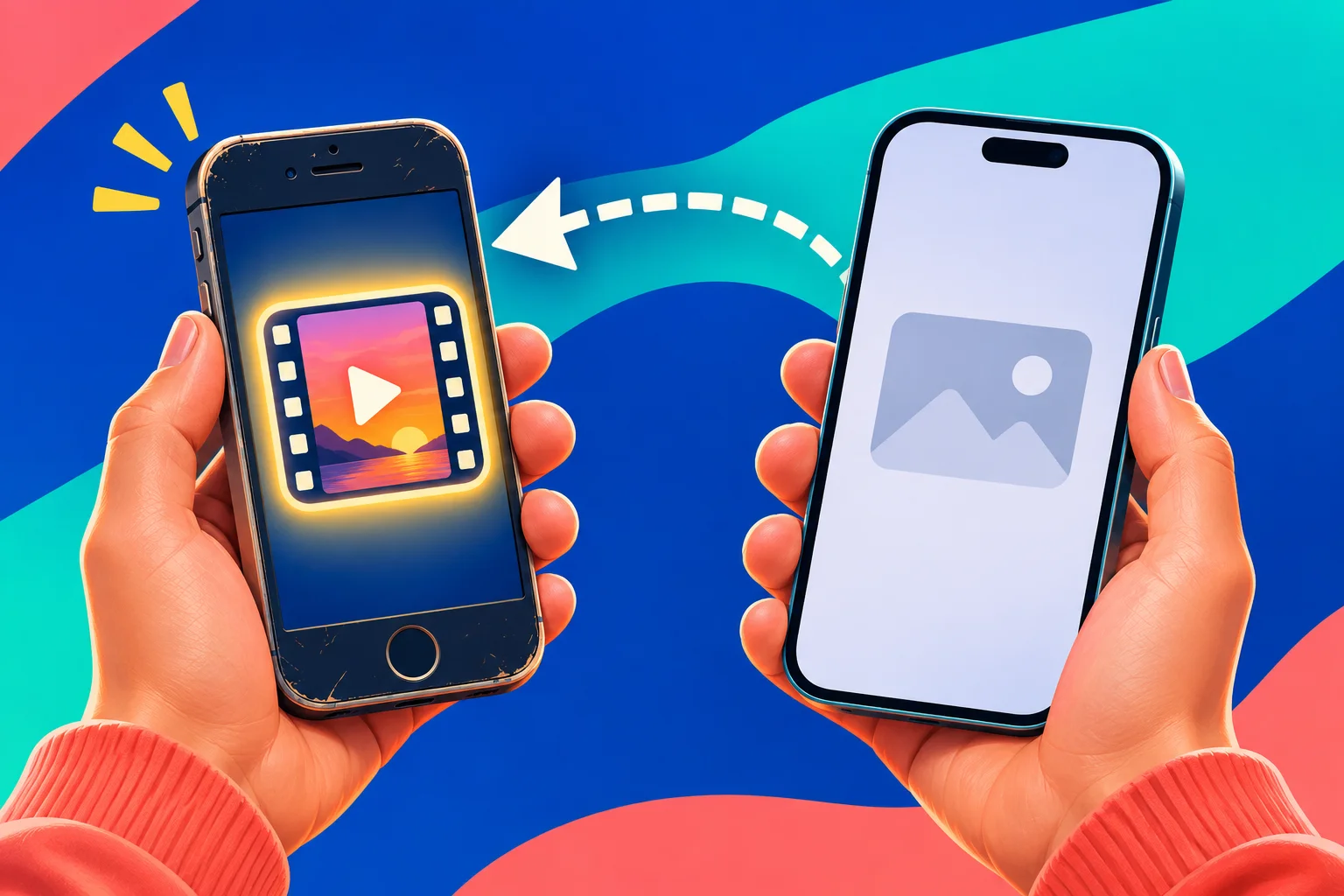
If you moved to a new phone, the empty Drafts view there is expected under Instagram's device-local rule. Check the older phone before you erase, trade in or uninstall anything. If that phone is gone or Instagram was already removed from it, do not describe a login on the new phone as a recovery path. The practical goal may become rebuilding from saved footage rather than restoring the original in-app edit.
- Use the device on which the edit was created and check the intended Instagram account.
- Open the profile, choose the Reels tab below the profile information, then open Drafts.
- Compare the thumbnail and clip content before selecting or deleting anything.
- If the item opens, protect the footage and notes before trying a reset or device change.
Separate a draft from scheduled and published content
A scheduled Reel has passed a different final action from a saved draft. If someone says they set a publication time, inspect Instagram's Scheduled content view and your team's publishing brief. A date in a calendar or a note saying post on Friday is only a plan. Our scheduling guide explains how to verify a queue entry; this article stays focused on finding and preserving the in-progress edit. Do not reschedule anything until you know whether another item is already queued.
Also check the profile for a published Reel that matches the footage. Open it and confirm the account, opening frames, caption and playback. A public video with unexpectedly few views has not become a missing draft because its counter is quiet. Instagram has also described Trial Reels as a published sharing route that can appear alongside drafts in the profile interface. Its label and distribution need their own review; do not assume that every thumbnail near Drafts is unfinished work.
Where several people publish for a business, ask for the exact last completed action, not a general assurance that the video is in Instagram. A colleague might have exported a file, shared an approval preview or put a slot on a calendar while thinking someone else would save the Reel. Agree on one clear status such as source clip saved, Instagram draft verified, queued item verified or live Reel checked. This avoids duplicate publication and tells you what actually needs finding.
Check whether you saved a Reel or a different kind of draft
Instagram's Reel Help says the Reel save action is on the share flow: go forward from the editor and choose Save draft. If your last action was simply leaving an editing screen, do not assume it completed that save. If you can still see the editing session, preserve it rather than experimenting with the back button to test a theory. Make notes of the current content and use the save option presented by your app when it is available.
Feed post drafts have their own instructions and view. A still photograph or multi-photo post you started is not necessarily under the Reels tab. Likewise, a Story in preparation and a Reel are not interchangeable even if they use the same vertical source video. Confirm the intended publishing format from your original brief, then use the matching official Help route. Searching every menu repeatedly can feel active without telling you where a file was actually saved.
A useful low-risk comparison for future work is to create a disposable, clearly different test clip and deliberately save it as a Reel draft, then reopen it from Profile, Reels, Drafts on the same device. Do that only after you have protected the important edit and confirmed you have room to manage a test item. The test checks your current navigation; it neither proves an older draft was saved nor diagnoses why a particular item is absent.
Preserve evidence before updates, resets or repeated attempts
If the original device still shows the draft, capture what you need while it is accessible. Copy the caption into your own notes, record the intended cover and any important on-screen text, and locate the original clips. Do not rely on a screenshot of a thumbnail as the only record of the video. A playable independent export is more useful than an image of the edit screen when a project must be rebuilt.
If the tile is missing or will not open, record the actual behaviour without adding private information to shared screenshots. Note device type, account, app version, approximate time, whether the Reels Drafts view opens and any message shown. These observations can make a technical report useful. They do not prove a server fault, storage problem or account restriction. Avoid changing network, device, account and app storage at once; that would make a later comparison hard to interpret.
Do not start with uninstalling the app. Instagram explicitly says Reel drafts are lost if the app is uninstalled. A generic troubleshooting article may mention reinstalling for app problems, but that step has a different consequence when the missing item is local unfinished work. Pause any phone wipe, trade-in or storage reset until independent copies are checked. If the draft is already inaccessible, preserve remaining source files and notes before choosing any other app action.
Know the limit after an uninstall or device switch
Instagram's answer is unusually direct: a saved Reel draft does not transfer to another device, and uninstalling Instagram loses drafts. Therefore a new device showing your published videos but no drafts is consistent with the documented design. It is not evidence that the account was hacked, that Instagram secretly removed your content or that a paid restoration service can retrieve it. Check the original device first if it is still available and still has the app.
If the app was uninstalled from the only device holding the draft, do not promise a way to restore the editable Instagram project. Check independently saved camera-roll exports, raw clips, an outside editing project and your own caption notes. Those may let you reconstruct a publication, but the reconstructed file is a new edit, not the original Instagram draft returned. Make this distinction clear to a client or teammate before discussing how much creative work remains.
Avoid installing third-party draft recovery apps or handing over a login code to someone claiming to restore local data. Instagram's documented workflow provides no cross-device draft retrieval. An account-data download has other uses, but it is not an official promise to recover an unshared local Reel draft. If the loss is business critical, keep an honest inventory of what survives and plan a rebuild from verified source material rather than spending the deadline on speculative recovery claims.
Report a draft that fails to open on its original phone
A different case is a draft that should be on the original device, while Instagram remains installed, yet the Drafts view is blank or the item fails to open. First verify the intended account and Reels tab again. Note whether other drafts open, whether the tile appears and whether an error is displayed. An app update through the device's official store and a normal device restart may be reasonable basic checks after preserving accessible work; neither is a guaranteed fix.
Instagram's technical-problem Help explains how to send a report from within the app. Describe exactly what you did, what appeared, the device and app version and when the issue began. A relevant screenshot can help, provided it does not expose customer messages, codes or unrelated personal details. State whether Instagram was ever uninstalled on that device. That fact changes the situation materially, and omitting it can make the report misleading.
A report is a record of the problem, not a promise that support can reconstruct locally lost files. Do not create several identical reports in quick succession or allow a person who offers private recovery to take control of the account. If your deadline is close, make a parallel publishing plan from the source clips you still own. You can report the technical issue and produce a replacement video without claiming that either action restored the missing draft.
Make a backup you can actually reopen
Instagram's Reel Help describes a way to save a draft to the camera roll from the editing flow. Use the control shown in your app, then open the downloaded video outside Instagram and play it from beginning to end. Inspect the first and last frames, orientation, speech and any visible text. A file listed in Photos is not a successful backup until it opens and contains the material you need. Keep the original source clips as well if they are still available.
Instagram specifically warns that music added from its music library will not be saved when you download the Reel. Check the saved copy's audio rather than assuming silence means the download failed. Record the music choice and any permission or licensing requirements separately. Other in-app creative elements may not remain editable in a flat video file, so keep notes about the cover, timing, captions and effects you would need to reproduce.
A reliable second copy lives somewhere independent of that one phone: for example, storage you control with a confirmed upload or a secure team asset library. Check that the second copy opens from the destination, not merely that an upload progress bar disappeared. Protect access to unpublished client material and follow your own consent and storage rules. The simple standard is two independently verified playable files, plus source clips and written decisions when the edit matters.
- Open the draft and save its video to the camera roll using the available control.
- Play the saved video outside Instagram from beginning to end; check sound and the final frame.
- Keep the original clips or external editing project, plus a separate caption and cover note.
- Store a second independent copy in a storage location you control and verify that copy opens.
Use an approval handoff that records the actual state
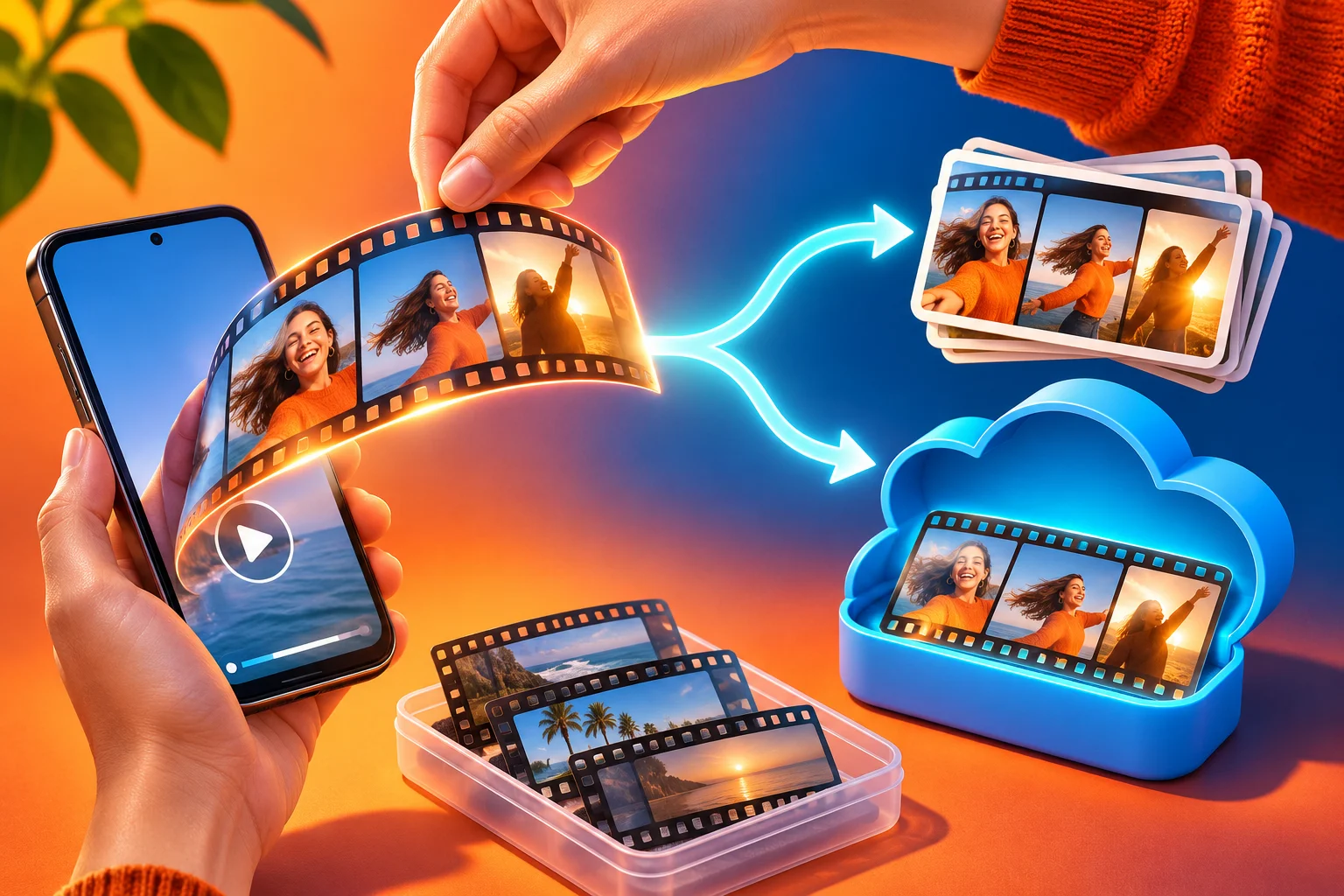
Consider a small team preparing an illustrative weekend workshop Reel. One person cuts the video, another approves the caption and a third is responsible for publication. If the editor only says done, the group does not know whether a source file, a local Instagram draft, a scheduled item or a public Reel exists. This is a fictional workflow example, not a claim about a real customer or measured outcome.
The editor can hand over the independently saved video, source location, draft status, caption, chosen cover and the device/account holding any local Reel draft. The reviewer can check names, dates, music permissions and what the video actually shows. The publisher can then confirm whether the item moved from approved material to a verified queue entry or a live Reel. A brief status note prevents someone on another phone from searching for a local draft that was never going to synchronise.
Before the original phone is replaced, the team should open its remaining drafts and account for each needed item. Export the useful videos, verify copies and rebuild any approval notes that live only in a chat. Do not make public posts solely to create a backup unless that is genuinely the approved publishing decision. A repeatable handoff reduces uncertainty, although no checklist can guarantee that an app never has an error or that every creative layer survives export.
Rebuild carefully when only the footage survives
If the local draft is gone but your raw footage remains, begin with a clean inventory. Which clips are original and complete? Is there a saved edit or only camera files? Do you have the caption, cover choice, music notes and approval? Play each candidate file before editing. Name the new project so it is not mistaken for the missing one. Where customer material appears, confirm you still have permission for the intended use.
Rebuild the Reel in the current Instagram editor or in an editing tool you already use. Instagram's Help describes selecting a camera-roll video when creating a new Reel and then adding clips, music, effects, stickers or text as needed. That is a creation path, not a restoration button. Review timing, audio and captions from the beginning because a re-created edit may differ from the version someone approved. Ask for fresh approval when those differences matter.
After saving the new draft, reopen it from the same device's Reels Drafts view to confirm the save happened. Then make and verify an independent video copy. If you subsequently publish, inspect the actual public item and its intended audience before sharing its link. A low view counter or slow upload is a separate question; our view-definition and upload guides cover those cases without pretending that they diagnose local draft loss.
Keep the next Reel easy to recover without its draft
Treat the Instagram draft as a convenient editing stage, not the sole home for a campaign. Keep the original recorded clips, a current exported video and caption/cover notes where the relevant team can find them. Choose a simple filename that identifies the project and version, and note whether the Instagram draft on a named device is still needed. A separate content calendar can record ownership and deadlines; it does not itself store a restorable in-app Reel.
At review time, check the facts visible in the clip, speech captions, intended audience and any rights attached to music or customer footage. Export again after a material edit, verify the new file and retire an obsolete copy deliberately. If another editor is taking over, hand them the source files and current decisions rather than a promise that signing into Instagram on their phone will reveal your local draft. This routine protects creative work even when a device changes.
If the Reel later publishes successfully and you separately consider HitsBoost Instagram views, check that the destination is an eligible public video and review the package terms and current price. Buying views cannot retrieve a draft, repair an app or guarantee wider recommendation, engagement or sales. Finish the preservation and publication checks first. The useful outcome here is a verified piece of work you can continue to edit or rebuild, regardless of what happens to one draft tile.
Frequently asked questions
Where are my Instagram Reel drafts?+
On the device where you created them, open the intended Instagram account, Profile, the Reels tab below the profile information, then Drafts. Instagram says a saved Reel draft cannot be accessed from a different device.
Can I see a Reel draft after changing phones?+
Not merely by signing into the same account. Instagram says drafts are device-local. Check the original phone if it still has the app and you have access to it; preserve the video there before replacing or wiping that device.
Does uninstalling Instagram delete Reel drafts?+
Instagram's Reel Help says drafts will be lost if you uninstall the app. If you already did so, look for independently saved exports, source clips and notes to rebuild; do not assume a fresh login restores the editable draft.
How long does Instagram keep Reel drafts?+
Instagram says Reel drafts remain until you share or delete them and does not state a numerical draft limit in its Reel-draft Help. That does not make them safe from app uninstall or accessible on another device.
Why is a Reel not in Drafts when my teammate scheduled it?+
A scheduled item and a saved draft are different states. Check Instagram's Scheduled content view and the team's approved publishing plan. A date written in a calendar is not confirmation that either action happened.
Can I save an Instagram Reel draft to my camera roll?+
Instagram describes a save-to-camera-roll control in the Reel editing flow. Open the saved video outside Instagram and check it. Music added from Instagram's music library will not be included in the downloaded copy.
Will downloading my Instagram account data restore a missing draft?+
Instagram's Reel-draft Help describes the draft as stored on the original device and lost after uninstall. Do not treat an account-data download as a promised recovery route for an unshared local edit. Preserve or rebuild from independently saved material.
What if the Drafts view is blank on the original phone?+
Check the intended account and Reels tab, record the exact screen or error, preserve any accessible source files, then use Instagram's technical-problem reporting route. Do not uninstall the app as a first experiment while needed drafts may remain local.
Should I reinstall Instagram to find a missing Reel draft?+
No. Instagram says Reel drafts are lost when you uninstall the app. Check the intended account and original device first, preserve any accessible work, and report a persistent technical problem before considering changes that could remove local material.
Compare Instagram Views packages.
Prepare the public destination, then review the quantity and terms that fit your goal.
Review views packages for an eligible published Reel