
Which Instagram location choice are you actually making?
| What you see or want to do | Feature to inspect | Privacy question |
|---|---|---|
| Let chosen friends see your last active place | Optional Instagram Map location sharing | Is sharing on, and exactly which friends can see it? |
| Show the café or public venue in a post | Post, Reel or Story location tag | Does the content reveal a place you meant to publish? |
| Find a friend at a crowded event | Private DM live-location sharing, where offered | Who is in this chat, and when does the share expire? |
| Browse tagged content on the Map | Map content view | Am I viewing content without sharing my own location? |
| Show customers where a public shop is | Accurate venue tag and verified business details | Is this the public customer entrance rather than a private address? |
Identify the location feature before changing a setting
The word location can describe three different Instagram actions, and a privacy fix for one will not necessarily change the others. Instagram Map can display a person's last active place to an audience they selected after opting in. A location tag attaches a named place to an individual piece of content. A DM can carry live location to members of that specific chat for a limited time where the feature is available. Before you tap a control, identify which of those happened on your screen.
For example, a friend posts a café Reel with a place tag. You may see the Reel in a Map content view, yet that does not tell you whether the friend turned on personal Map location sharing. Conversely, a friend who chooses to share their last active place with you may have no recent tagged Reel. A chat location shared during a concert is yet another route; it is not the same as giving all mutual followers Map access.
Know what Instagram Map actually shares
Meta introduced Instagram Map as an optional way to share your last active location with friends you choose. The company's August 2025 explanation says sharing is off unless you opt in, and you can turn it off at any time. It also says you may open the Map to browse content from friends and creators at places without choosing to share your own location. Opening a viewer surface and opting into personal sharing are different actions.
The phrase last active location is useful precision. Meta says that if sharing is on, the location updates whenever you open Instagram or return to it after the app has been running in the background. The Map therefore should not be described as a constant, second-by-second GPS tracker on the basis of Meta's published explanation. It can nevertheless expose a recent place to the selected audience, so treat it as meaningful personal information rather than a harmless decorative pin.
Map availability and presentation have varied by region and product version. Meta's original announcement and its later India rollout describe specific launches and interface changes. A guide cannot verify that every reader in every country sees the same button or reminder today. Read the status displayed on your own account. If a screen offers Map content but no location-sharing control, do not invent a hidden setting or assume that looking at a map silently enabled a share.
Choose the people who may see a Map location
If the benefit of sharing is real, choose the narrowest audience that serves it. Meta's launch description names friends—followers you follow back—Close Friends, only selected friends, and no one as audience choices. It also describes controls to avoid sharing in particular places or with particular people. Inspect the exact names and members shown on your current app before accepting a default or assuming a list has stayed the same since you last reviewed it.
A person who follows you is not automatically a trusted travel companion. A mutual-follow relationship may include colleagues, casual acquaintances or accounts you followed for a project. Close Friends may be a better starting point for a social plan, but even that list is only as careful as its current members. Only selected friends makes the decision explicit for a one-off meet-up. No one is a valid choice when browsing the Map without publishing your own place serves your purpose.
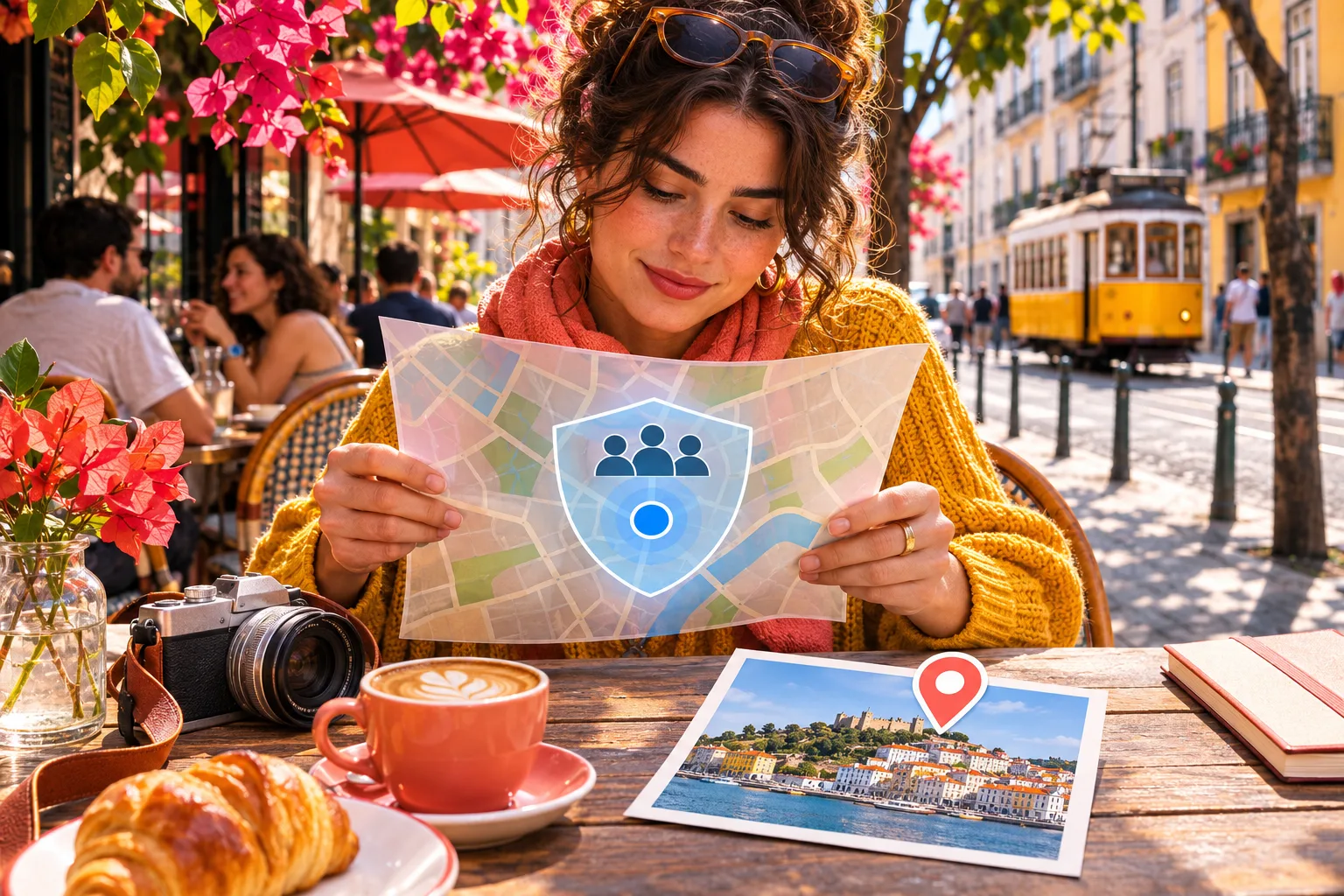
Imagine three friends planning a museum visit. The person coordinating could choose those three rather than the wider set of mutual followers, verify the selected names and later switch sharing off. The selected-friends artwork beside this section illustrates the decision; it is not an Instagram interface or a promise that a specific person will see an update at a precise time. Even when a place exclusion is available, still examine the overall audience and the type of place being shared.

Use a short privacy decision before opting in
The quickest safe decision is to ask who needs to know where you last used Instagram, for what purpose, and for how long. If the answer is nobody, keep Map sharing off and use the Map as a viewer if you want. If the answer is a few known friends coordinating a meet-up, compare the selected-friends option with sharing a one-hour location in a private DM. The latter is a different feature and may be available only in certain countries.
Next ask whether the location could reveal a home, workplace, school or other place you do not normally publish. The fact that a person is a friend in the app does not remove the need to think about a private address. Meta's person and place exclusions can help where offered, but an exclusion that you have not inspected cannot be assumed to cover a sensitive location. Consider whether a named public meeting point would do the job instead of a personal last-active place.
Finally, make the ending explicit. For a temporary arrangement, decide when you will revisit the setting and check the app's status reminder afterward. Meta says Map sharing can be turned off at any time. Avoid treating that promise as evidence that an old viewer never saw a previous shared place or saved a screenshot. Changing a setting controls future app behaviour; it cannot revoke what another person already observed.
- Name the purpose: private meet-up, public venue context or simply browsing nearby content.
- Decide whether another person truly needs your last active location; if not, leave Map sharing off.
- If sharing is useful, inspect the exact audience and any person or place exclusions before confirming.
- Check the visible status indicator after the choice and review it again when the outing or project ends.
Check or turn off your current Map sharing status
On the Instagram account you actually use, look for the Map entry near the inbox or the current privacy controls if the feature appears in your region. Open it and read the sharing indicator and audience presented there before making a change. Meta's October 2025 India update describes a more persistent indicator at the top of the Map and another cue near the profile photo in the Notes tray. That update documents an improvement in a rollout; it is not a universal promise that your screen has the same placement or wording.
If the status says you are sharing, open the available audience or location-sharing choice and examine exactly who can see your place. If you did not intend to share, choose the current off or no-one option and confirm the status afterward. If you intend to keep sharing for a short period, narrow the audience and check any people or places excluded. If the app shows device location turned off, understand that device permission is another layer; do not infer that every content tag or DM location was deleted by changing one device switch.
If you cannot find the feature, update Instagram through the normal app store, confirm which account is signed in, and inspect current official Help for your region. Do not install an unfamiliar location-control tool or hand over your login to someone promising to hide you on the Map. Record the device, app version and exact screen if you need to report a mismatch. The important outcome is the status the current app shows, not whether you reproduced a third-party article's exact tap path.
- Use the account and current Instagram app version you actually intend to manage.
- Open the Map or its linked privacy control, where available, and read the current sharing status.
- Review the chosen audience and excluded people or places; choose no one or turn sharing off if uncertain.
- Return to the Map and verify the current status indicator instead of relying on a remembered tap path.
Separate a location tag from your personal Map position
A post, Reel or Story can carry a location tag that names a café, city, shop or event venue. Meta clarified in October 2025 that location-tagged content may populate the Map and added a preview to show how content would look there. The clarification addressed a specific confusion: people had mistaken a photo appearing on the Map for a sign that its author had turned on personal location sharing. The two should be checked separately.
Before publishing a tag, ask whether the named place is truthful, appropriate for the content, and safe to reveal to its audience. A shop may want customers to find its public entrance; a person may not want a home address connected with a daily routine. A post about a past trip can show a place even when the person is elsewhere now. The tag tells readers something about the content and may make it discoverable in a place-based view; it does not prove present whereabouts.
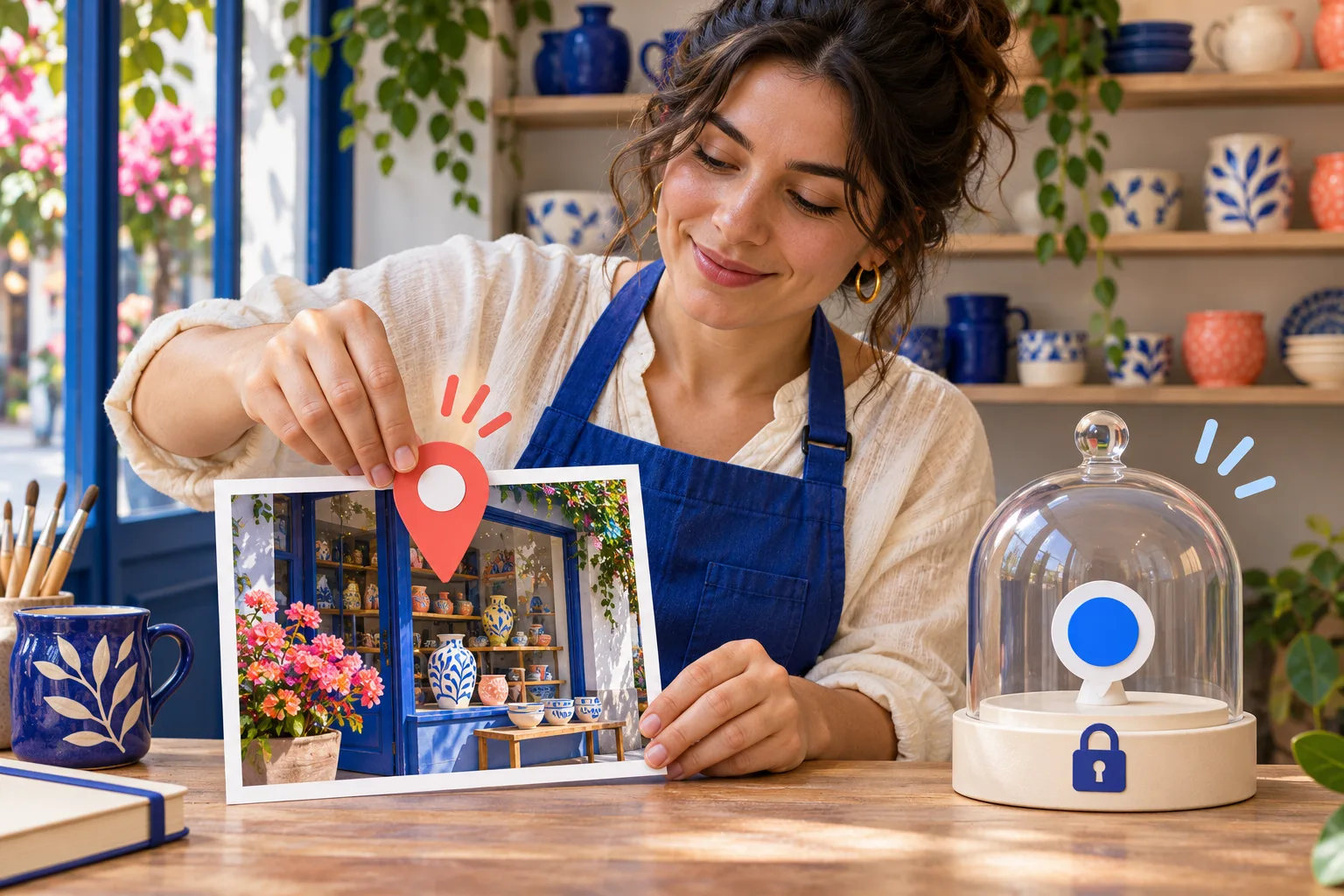
The illustration beside this section places a pin on a ceramics-shop photograph while keeping the owner's personal dot locked apart. Use that same mental separation when reviewing an older item: inspect the published content and its audience, then inspect Map sharing status independently. Removing a tag from one post, if editing is available, does not by itself switch off a separate opt-in share. Turning off Map sharing does not promise to erase place names already published in content.
Keep DM live location in its own lane
Meta described another location feature in November 2024: sharing live location inside a one-to-one or group Instagram DM for up to one hour. It said the feature is off by default, appears only in the selected chat, cannot be forwarded to another chat, has an in-chat reminder and can be stopped early. Meta also said it was available only in select countries at that time. Check the current chat control and availability rather than assuming every account has it in 2026.
This is a better fit for a short meeting than a broad Map audience when only the people in one conversation need to coordinate. Yet it still exposes a place while active. Confirm all participants in a group chat before starting and inspect the indicator while the share runs. If the purpose ends early, stop it in the chat rather than waiting for the maximum duration. A pinned meeting spot is different again: it can name a destination without continuously sharing your device's location.
Do not tell someone that Map sharing expires after one hour; that time limit belongs to the separately announced DM live-location feature. Conversely, a private DM share does not establish that all your selected Map friends can see you. When troubleshooting, record which surface contained the location: a Map audience control, a tagged public item or a particular conversation. This prevents a privacy response aimed at the wrong feature.
Use public place context without exposing staff
A business can have a legitimate reason to name a public customer venue in a post. A ceramics shop might tag its physical shop rather than a nearby landmark, verify opening details and link to a maintained directions page. That does not require the owner or an employee to opt into sharing their personal last active location. A business profile, place tag, profile contact detail and an individual's Map status answer different questions.
For a home-based maker, an exact residence is often the wrong public tag even if collection happens by arrangement. Use a truthful broader area or a controlled booking route when that is appropriate, and state whether visits are appointment-only. For a temporary market, verify the event's public venue and date before tagging it. Do not tag a more famous nearby place to appear in more feeds. A misleading location creates a customer problem even if a map surface happens to display the post.
A simple team handoff protects both customers and staff. One person checks the public venue information on the post and destination; another confirms who may change the account's location settings. Each staff member decides separately whether to share their own place with friends. Do not ask an employee to use a personal Map setting as a substitute for business hours or directions. After publication, check the post's visibility and actual place label, then correct a wrong tag through the available editing route where possible.
- Confirm whether the location is a public customer venue, a temporary event site or a private address.
- If adding a content tag, choose the truthful place and check the published item's audience.
- Keep staff members' personal location-sharing decisions separate from the business account's public venue information.
- Verify directions, opening hours and the next customer action on the destination you actually control.
Treat sensitive places and teen sharing with extra care
A last-active place can reveal more than a single outing if it repeatedly points to a home, school, workplace or routine. Choose a narrow audience, or none, when the cost of disclosure outweighs the convenience of meeting up. Consider what a photo itself reveals too: a visible street sign or identifiable interior may convey location without any formal tag. An app setting does not make a published image impossible to interpret or save.
Meta says that a parent using Instagram supervision can be notified when a teen starts sharing location on the Map, may decide whether the teen can access Map sharing, and may see who the teen shares with. This describes a product control, not a complete safety guarantee. Families should check the current supervision state and talk about why a location is being shared. A teen's public post tag and private Map audience still deserve separate attention.
If someone is pressuring you to prove your whereabouts, a narrower audience or off setting may be only one part of the response. Review the account's security and interaction controls, and seek trusted help when the concern is harassment or threats. Do not promise that turning off a Map toggle will erase an old screenshot, a chat recipient's memory or location clues in older posts. The realistic goal is to reduce what the app shares next and to handle already-public material deliberately.
When the Map or indicator does not match a guide
Meta's August 2025 announcement described the initial Map and its opt-in audience choices. Its October India announcement described later interface changes, including persistent sharing reminders and a preview for tagged content. Those are useful official descriptions, but region, account and app-version differences can make a screenshot misleading. Search for the current Map and location settings on your own screen; do not assume the feature has been removed or enabled just because a control moved.
If a friend's tagged Reel appears in the Map but you see no friend location dot, that can be normal: content and personal sharing have different rules. If you see a friend's position, do not infer that all of their followers can see it; they may have selected a narrower audience. If your own content appears under a place, first inspect that item's tag and audience, then inspect your separate Map sharing indicator. One observation on a map is not enough to diagnose every setting.
Choose a useful boundary and verify it
The practical plan is short: identify the location feature, decide whether anyone needs the place, choose the smallest appropriate audience, and verify the current status. For a public shop, use a truthful public venue tag and useful customer directions. For a private meet-up, compare a selected Map audience with a short DM share where available. For casual browsing, leave personal sharing off and explore content without treating a place-tagged post as a person's live position.
Review the choice when circumstances change. A selected-friends group may be appropriate for one event and too wide after the event ends. A tagged venue can be accurate for a shop opening and misleading after a move. A group DM may gain another participant before a later live share. Build a habit of checking the actual audience, item and time whenever you share location, rather than trusting a remembered setting or assuming every map pin has the same meaning.
HitsBoost's Instagram follower packages are a separate optional service for a visible profile-count goal. If you are considering one, review the current quantity, tier, eligibility, checkout total and terms on the live service page. A purchased count does not identify nearby customers, turn on or off a location control, make a tagged post appear on Map, guarantee engagement or produce visits and sales. Keep location privacy and business performance evidence separate from the purchase decision.
Frequently asked questions
Does opening Instagram Map share my location?+
No. Meta says personal Map location sharing is off unless you opt in. You can open the Map to browse location-tagged content without sharing your own last active place. Verify the status shown on your own current app.
Is Instagram Map showing my live location?+
Meta describes Map sharing as your last active location, updated when you open or return to Instagram. Do not confuse it with the separate live-location share in a private DM, which Meta described as lasting up to one hour where available.
Who can see my location if I turn on Instagram Map sharing?+
Meta's launch choices included mutual-follow friends, Close Friends, only selected friends or no one, plus controls to exclude people or places. Read the precise audience and status displayed on your current account before confirming.
Can a location tag on my Reel put it on Instagram Map?+
Meta says location-tagged posts, Reels and Stories may populate the Map. A tagged item appearing there does not by itself mean the author opted into sharing their personal last active location.
How do I turn off Instagram Map location sharing?+
Open the Map or the linked location control on your current app, inspect the sharing status and choose the offered off or no-one option. Confirm the status afterward. Menu placement varies by rollout and app version.
Does turning off device location remove a post's place tag?+
Do not assume so. Device permission, a personal Map-sharing choice and an already published content tag are different layers. Inspect the post and its audience separately, and edit or remove its tag through the current content controls where available.
Does Instagram DM live-location sharing use my Map audience?+
No. Meta describes DM live location as a separate, private share to a particular one-to-one or group chat for up to one hour where available. Check the chat participants and in-chat indicator before starting or stopping it.
Why can I not find the same Map controls shown in a guide?+
Instagram has rolled out and refined Map in different regions and versions. Check the current account, update the app normally and inspect its own status and official Help. Do not assume an older screenshot shows every account's 2026 layout.
Will a shop location tag or follower package bring nearby customers?+
No specific placement, local reach or customer outcome is guaranteed by a tag or follower count. Use an accurate public venue tag and clear directions for visitor context, and judge business results through actual enquiries and visits.
Compare Instagram Followers packages.
Prepare the public destination, then review the quantity and terms that fit your goal.
Review Instagram follower packages and conditions