This English guide is shared with our global site. Follow related UK service links for current packages. Other service links open the global catalog in its stated currency.

What the common Facebook measures describe
| Label | What it concerns | What it does not prove |
|---|---|---|
| Followers | Audience connections to a Page or eligible profile | That every follower received or read a post |
| Page likes | A Page-level affinity action where displayed | That the follower count is identical |
| Post reactions | Actions on one content item | That the people reacting all follow the Page |
| Reach | People who saw content under the reporting definition | That every viewer followed, engaged, or purchased |
| Video measures | Viewing activity and duration for video content | That a follower package supplied watch time |
What it means to follow on Facebook
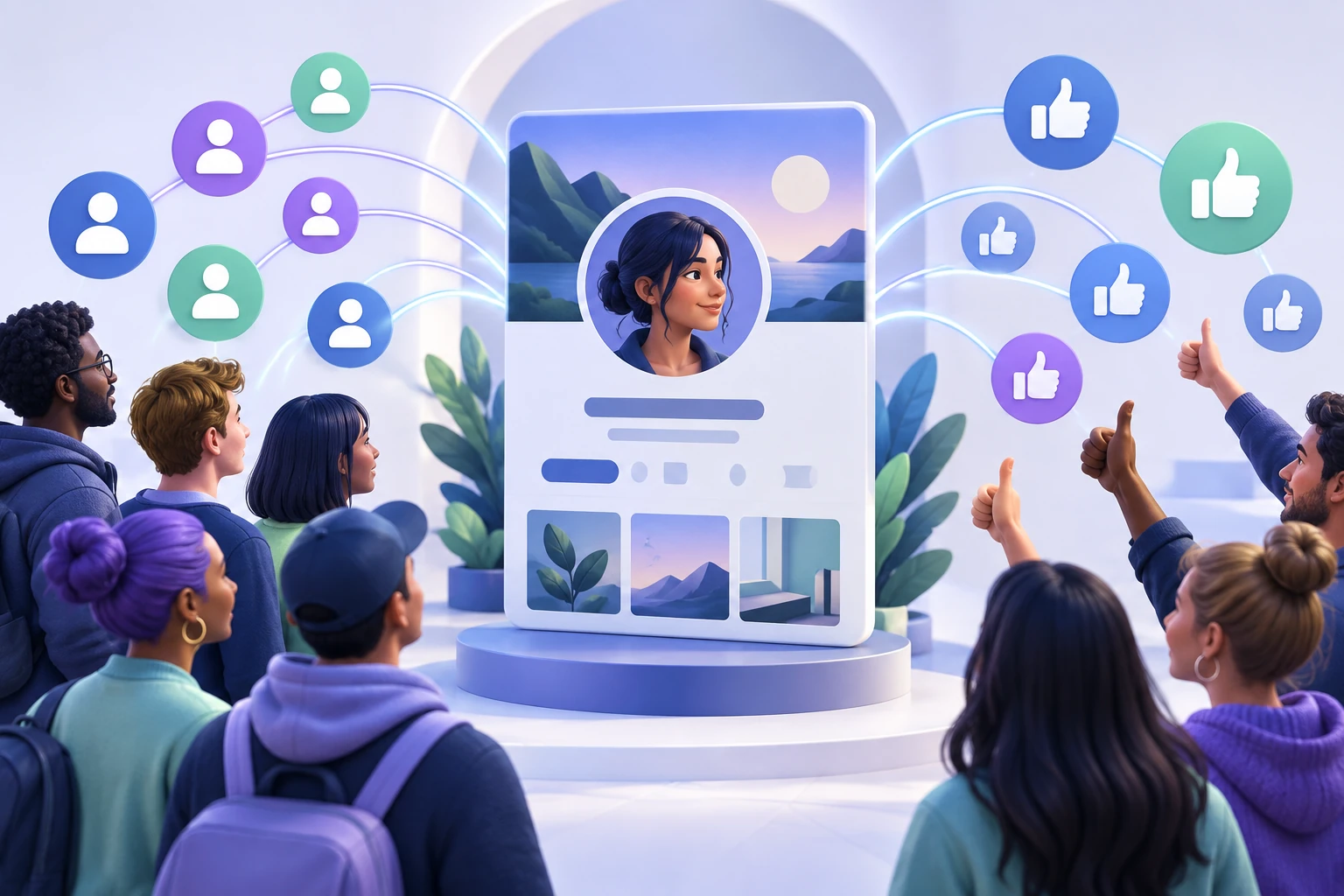
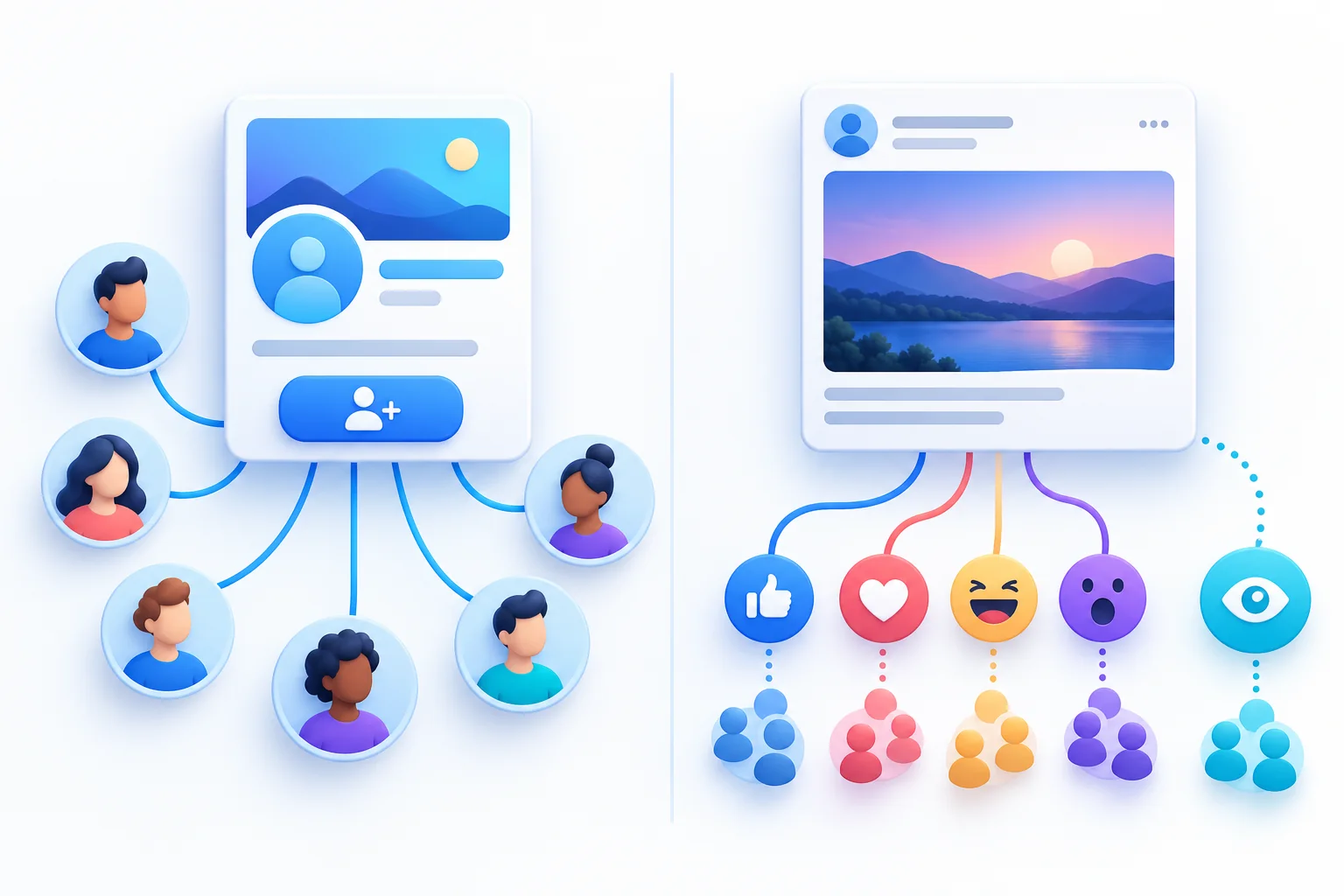
Following is a connection to a Facebook destination whose updates a person wants to see. Facebook's Follow help area describes it as a way to receive public updates from people and Pages that interest you. The visible follower number summarizes audience connections to that destination. It does not list everyone who has ever seen the content, and it is not the same as the number of viewers for the latest post.
Think of the follow action as an ongoing interest rather than a promise of attention. A follower may return regularly, look occasionally, or stop interacting. Their Feed preferences and Facebook's content ranking affect what appears when they use the app. A manager therefore cannot treat the follower total as a mailing list where every new update necessarily reaches each person at the same time.
The destination matters. Following a business Page connects to that Page, while following an eligible personal profile connects to that individual profile's available updates. A video, photograph, Story, or post may receive its own interactions without becoming the audience destination itself. Identifying which level you are looking at makes both navigation and reporting easier, particularly when the same person manages several Pages and profiles.
How following works on a Facebook Page
A Page can represent a business, organization, public figure, creator project, or community. Managers publish and respond through the Page's available controls, while people connect with its updates through the public-facing Page experience. Check the exact labels and buttons visible on your Page because Facebook interfaces can change and the information shown may differ by account, device, or the type of Page.
The Page's public address is the audience-level destination. A post URL within that Page identifies one item; it does not identify the complete audience destination in the same way. If someone asks where to follow the business, share the Page itself and explain what it publishes. If someone asks for one tutorial or product announcement, the relevant post link may be the clearer answer.
Page access is also different from following. A follower is not a manager and does not receive permission to edit information or publish as the Page simply by following it. Businesses should handle management permissions through Facebook's own controls and agreed team roles. Keep the public audience connection separate from private account access, especially when discussing a service or campaign that uses a public Page link.
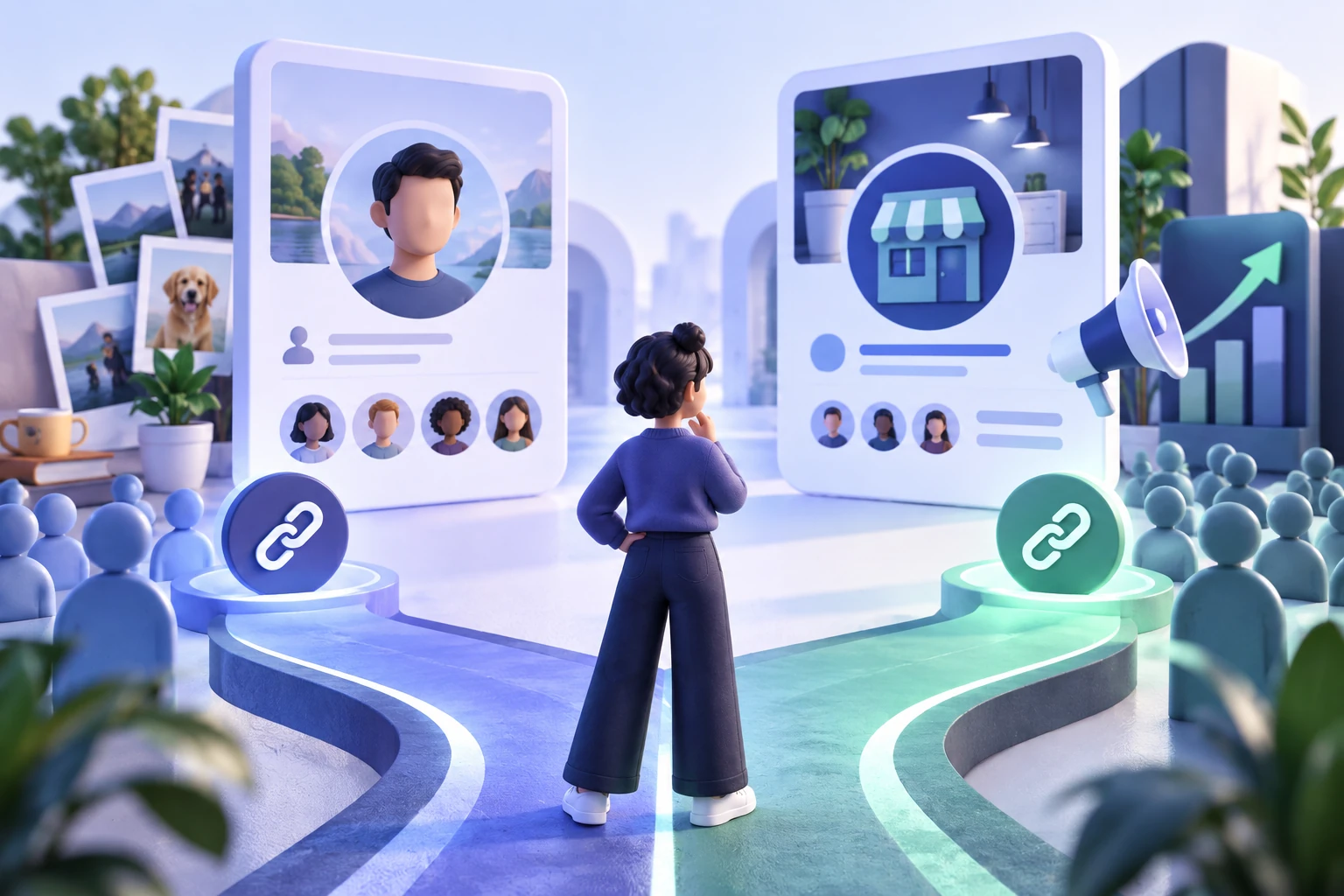
Profiles, friends, and public followers are different
A personal profile represents an individual. Friendship and following are related parts of the experience but should not be treated as identical labels in a report. Public following depends on the profile's current settings and available features. Do not assume that every personal profile supports the same visible follow controls or exposes the same audience information as a business Page.
People can encounter public profile content without becoming friends with its owner. That does not mean a public follower receives unrestricted access to the person's life. The audience selected for an individual post and other privacy settings still matter. Review those controls directly in the account if you plan to publish for a broader audience, rather than relying on what a follower number seems to imply.
For a business or team, choose the public identity deliberately. A staff member's profile may not be the most appropriate long-term destination for the organization, especially when ownership or responsibilities change. A creator publishing under their own name may have a different need. The Page-versus-profile guide explores that choice in more detail; the basic rule here is to identify the destination before interpreting its follower count.
What professional mode changes and what it does not
Meta describes professional mode as a setting that helps a person build a public presence from an existing profile. It can provide creator tools and audience or content insights where available. It does not turn that personal profile into a separate business Page. Check the features and account information shown to you now, because access and eligibility can differ and historical launch articles may describe tools that have changed.
Review privacy and audience settings when using a profile publicly. Decide which posts are meant for a public audience and which belong to a narrower group. A creator can publish public work without treating every personal update as part of the content plan. Professional features do not remove the need to inspect the audience selector, contact details, and information an ordinary visitor can actually see.
A follower total by itself does not establish access to monetization or another feature. Current eligibility may involve account status, location, age, content rules, program availability, and other conditions. Use the requirements shown in the professional dashboard and official help for the feature you want. Avoid changing the purpose of the account around a supposed follower threshold without checking the current rules that apply to it.
Separate followers from Page likes and post activity
Page likes and following are different actions, even when older explanations or screens place them close together. Their counts may differ, and newer Page experiences may display information differently. Read the exact metric label rather than assuming the largest number describes both actions. A Page-level affinity action, an audience connection, and a reaction on one post should each remain identifiable in a campaign brief.
Content activity belongs to the item being viewed. A person may react to a post shared by someone else without following the original Page. A follower may read an update without reacting. A video may be viewed by people who are not part of the follower audience. These ordinary differences explain why ratios between followers, likes, and views cannot be treated as fixed rules for every account.
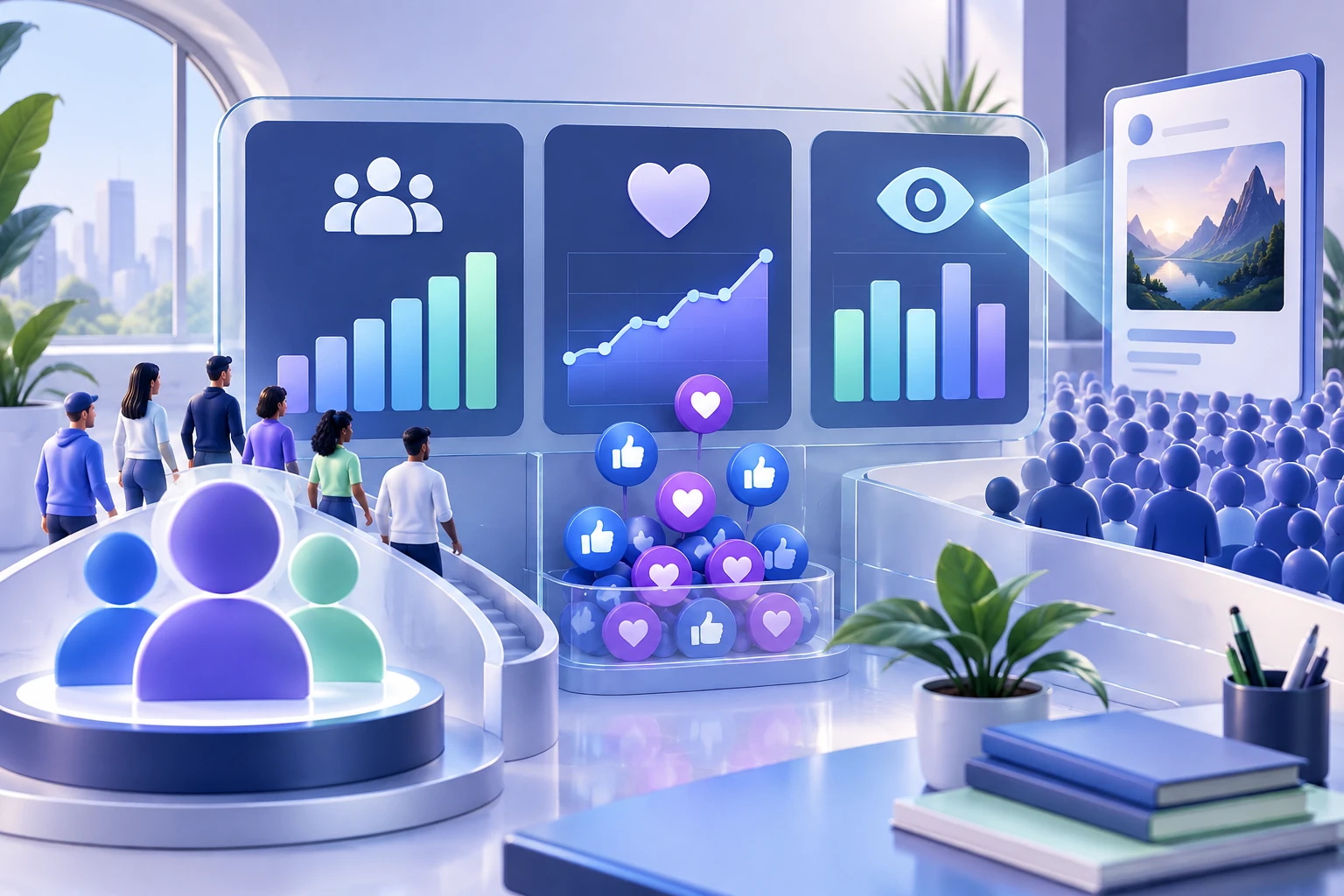
Use the table near the start of this guide to label each number. If a report says 2,000 followers, 120 reactions, and 900 people reached, record where each figure came from and which period it covers. Do not add the numbers together as though they were unique people. The same person can be represented in multiple measures, and each metric's own definition determines what it can tell you.
Why every follower does not see every post
Facebook's Feed is personalized rather than a simple delivery list for Page owners. Meta explains that its systems use multiple predictions and signals when ranking content. Following is relevant to the connection, but it is not a guarantee that each update appears in every follower's session. People also follow many destinations and use the app at different times, so a single post does not have the whole audience's uninterrupted attention.
Keep the definitions of audience and reach separate. Followers describe a connection to the Page or profile. Reach, where available in reporting, describes people who saw content under the metric's definition and period. The content may also reach people who do not follow you. This is why a post's reach can be lower than, or in some circumstances extend beyond, the visible follower total.
When a post receives a weak response, examine the post itself and several comparable items. Was the topic relevant, the explanation clear, the format suitable, and the next action easy to understand? Were different promotion activities running? These observations help build a content plan, but they do not reveal a hidden formula that guarantees distribution. Avoid diagnosing an account-wide problem from one post or one ratio.
Followers can manage their own Feed experience
People have controls over what they see on Facebook. The official Feed help explains options such as unfollowing a person or Page, hiding a post, and adjusting preferences. Those controls are part of the relationship, not something the Page owner can override. A follower count therefore does not describe a level of attention that a business owns or can demand from everyone connected to it.
Notification choices are also separate from the visible audience total. Do not imply that following the Page means a person enabled every alert or expects every update to interrupt them. Describe how to find useful content in straightforward language and let people use their own account controls. Requests to enable notifications should be relevant and optional rather than presented as a prerequisite for being a valued follower.
Make the Page worth returning to without relying on constant reminders. Clear recurring topics, useful explanations, accurate information, and genuine replies give interested people reasons to visit. If the Page changes subject or publishes repetitively, some people may reduce attention or unfollow. That does not mean every decrease has the same cause; it simply reminds managers that audience connections involve choices that can change over time.
Find and verify the correct public destination
Open the Page or profile and check the visible name, image, description, and follower label. Copy its public address rather than a post, photo, admin screen, or account settings link. Teams managing several similarly named locations should check the identity twice. Save the destination beside the campaign name so another person can return to the same place without guessing which address was intended.
Test the link from an ordinary visitor view when possible. Some Facebook pages may ask a signed-out visitor to log in, so a login prompt alone does not prove the destination has disappeared. Check the identity and visibility using the views available to you, and use official settings or support if restrictions are unclear. A URL-format check cannot verify all of Facebook's access conditions.
The Facebook link checker can help classify an address as a likely Page, profile, post, or other content type. Treat that as navigation assistance rather than proof of ownership or eligibility. If an optional service is involved, confirm that its description supports the destination you checked. A public Page link and a post link answer different questions, and submitting the wrong one is avoidable when the metric has been named first.

Understand why a follower count can change
The number can move when people follow or unfollow, accounts become unavailable, or Facebook acts on inauthentic activity. Displays and reports may also use different periods, update timing, or abbreviated figures. A short-term difference between two screens is an observation rather than a complete explanation. Check that both screens refer to the same destination and metric before concluding that a group of followers was lost.
Record the date, destination, visible label, count, and any relevant content, promotion, or setting changes. Recheck the same view later and compare reporting over a consistent period. If several activities occurred, leave the cause uncertain unless evidence identifies it. An increase during an ad campaign does not prove every additional follower came from the ad, just as a decline after a service order does not establish one specific cause.
Meta's guidance on spam includes action against coordinated fake engagement and scripted follows, so authenticity and delivery method matter when evaluating audience activity. A seller cannot promise that a paid count remains exempt from platform enforcement. For a detailed diagnosis, use the follower-count changes guide. Here the main lesson is to document the movement carefully and keep a count-based observation separate from unsupported explanations.
Read the audience and content together in a simple report
Start with the Page or profile address, the follower count at the beginning and end, and a consistent review period. Add content measures separately, using the available definitions for reach, reactions, comments, shares, and video activity. Add business measures such as appropriate enquiries only when you have a way to record them. This keeps the report useful without claiming that every metric was caused by follower growth.
Consider an illustrative Page that moves from 600 to 660 followers over a month. The net increase is 60, and 60 divided by 600 multiplied by 100 is 10 percent. That calculation describes the audience change from the recorded baseline. It does not establish how many new people followed in total if others unfollowed, and it does not show which promotion activity caused the change.
Now imagine one post reached 300 people and received 15 recorded interactions under your chosen definition. A reach-based calculation would be 15 divided by 300 multiplied by 100, or 5 percent. It answers a different question from the follower growth calculation and should be labeled accordingly. Both examples are invented for arithmetic only. Use the real figures and consistent definitions from your own reporting before drawing conclusions.
Match any follower service to the definition and destination
If you consider a follower package, check that the selected service concerns the audience-level follower count on your supported Page or eligible public profile. A Page likes, post likes, video views, or watch-hours package concerns a different measure. Read the description and choose the right destination before comparing quantity and price. The public number you intend to review should have the same label as the service you select.
Review the service method, final amount, delivery wording, support and refund terms, and current platform guidance. A public-link follower service should not require your Facebook password, verification code, recovery key, or administrator access. Keeping credentials private is necessary, but it does not by itself prove that the service method is approved by Facebook. Ask about unclear claims rather than treating a tier label as evidence.
Continue managing the Page as a place for useful content and real customer interaction. A follower package does not promise that everyone will read the next post, react, purchase, or qualify the account for monetization. Understanding the definition makes a purchase easier to evaluate and a report easier to interpret. It also helps you decide when content improvements or relevant promotion better address the objective than an optional count-based service.
Frequently asked questions
What does it mean to have followers on Facebook?+
It means people are connected to updates from your Page or eligible profile. The count describes those audience connections. It does not mean every follower sees every post, interacts with it, or becomes a customer.
Are Facebook followers the same as friends?+
No. A personal profile's friendship and public-following features have different roles and controls. Check the settings and labels on the actual account. Pages also have their own public audience experience and should not be treated as personal friend lists.
Can followers see my private posts?+
A follow relationship does not override a post's audience or your privacy settings. Review the audience chosen for each post and the information visible on the public profile. Use Facebook's current privacy controls when deciding what to share publicly.
Does professional mode create a new Page?+
Professional mode provides a way to build a public creator presence from your existing profile. It does not make that profile a separate business Page. Review the available features, audience controls, and eligibility information in your account.
Why do my Page likes and followers differ?+
They are different actions and may be displayed differently across Page experiences. Read the exact metric label and avoid assuming the two counts must match. Post reactions are another measure attached to an individual item.
Why don't all followers see my posts?+
Facebook personalizes content using multiple signals and predictions, and people can manage their Feed preferences. Following creates a connection, not guaranteed delivery of every update. Check reach on the content itself using consistent reporting periods.
Does a follower milestone guarantee monetization?+
No. A follower total alone does not establish current eligibility. Check the official requirements and account status for the specific program or feature in your professional dashboard, including any other conditions that apply.
Which link should a follower package use?+
Use the supported Page or eligible public profile address, not one post, video, photo, or admin screen. Confirm the public identity, visible follower label, and package destination requirements before ordering.
Compare Facebook Followers packages.
Prepare the public destination, then review the quantity and terms that fit your goal.
Compare supported Facebook follower options