
A practical decision map for one Reel in Edits
| Stage | Question to answer | Evidence before moving on |
|---|---|---|
| Idea | What does the viewer need to see or understand? | A single sentence and a relevant example, not a trend alone. |
| Storyboard | Which shots make the answer intelligible? | A beginning, demonstration and closing frame that fit the actual footage. |
| Edit | Does every clip add information? | A full preview with pauses, text and transitions checked at phone size. |
| Review | Can someone follow it with sound off and on? | Accurate captions, understandable audio, rights and a legible cover. |
| Share or export | Where is the approved version going? | Correct account, destination, caption, file and post settings. |
| Learn | What did people understand or ask afterward? | Actual comments, messages and defined in-app measures over a sensible period. |
Understand where Edits fits in the Reel workflow
Meta launched Edits in April 2025 as a video creation app for phones. Its launch description includes longer camera capture, project management, a frame-accurate timeline with clip-level editing, sharing directly to Instagram and Facebook, and export without an added watermark. Later updates added storyboards, templates, title cards and more text and caption options. That is enough to treat Edits as a creation workspace. It is not evidence that every announced feature, effect or screen is present in every region, account or app version today.
Keep three stages separate. Edits is where you can develop and review a video. Instagram's Reel composer is where the final Instagram post is presented to viewers. A saved or exported video file is a third object that you may use elsewhere if its content and rights permit. A draft in one product should not be assumed to appear automatically in the other. This distinction matters when someone asks where a missing draft went or whether an exported copy contains the latest caption. Verify the exact version and destination before relying on it.
For the bakery in this guide, the job is to show a customer how a decorative icing swirl is made. Edits can help arrange the process into a concise demonstration. It cannot decide which question customers ask, guarantee that a viewer will watch, or turn unclear footage into an accurate explanation by applying a template. The useful outcome is a Reel that a person can understand and a creator can verify before posting.
Start with a viewer question, not a template
A useful video begins with an answer. The bakery hears a common question: how is the icing pattern made without the swirl collapsing? The creator writes a plain working brief: show the piping angle, the steady motion and the finished result. That brief gives each shot a purpose. It also helps the team decline a trendy transition if it hides the hand movement that the audience needs to see. A polished effect cannot replace the missing close-up.
Meta's 2026 update says Edits has an Ideas tab that brings saved Instagram Reels and audio beside sticky notes. That can be a practical place to collect references and rough thoughts. The same update describes a teleprompter with adjustable text size and speed. These are optional aids, not a requirement to copy a saved Reel or read a script word for word. If you save another creator's work as inspiration, record what idea it raised and what original material you will make. Saving something does not grant rights to reuse its footage, sound or words.
Before filming, write the promised point in the language your audience uses. A description such as 'Watch the piping angle that holds the frosting' tells a new viewer more than 'You won't believe this cake hack.' If the technique has a condition, such as a particular icing consistency, include it rather than implying that the same move always works. Build the edit around honest instruction, not a reach claim. The table above lets you check each stage against evidence before moving on.
Storyboard the answer in three useful beats
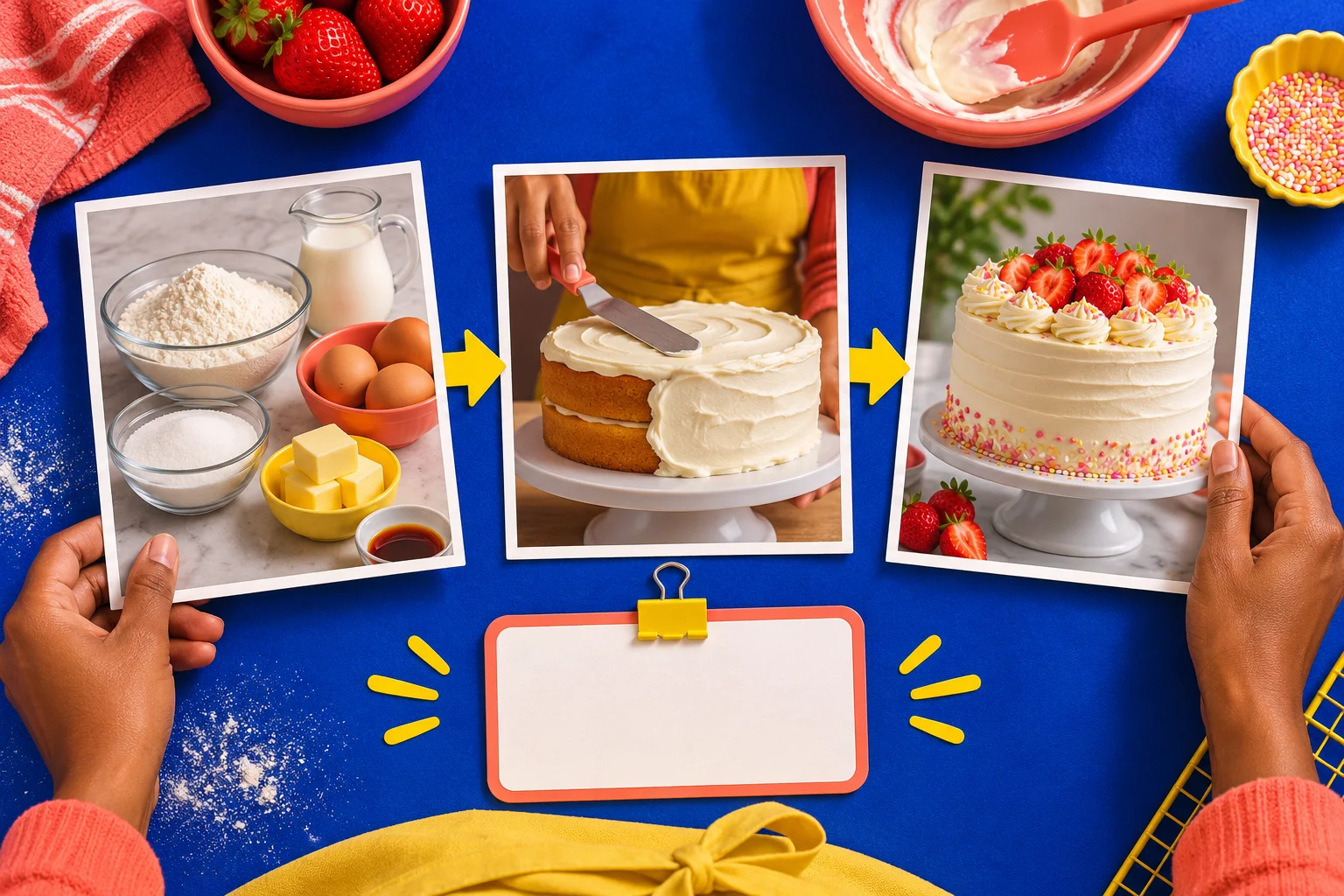
Meta's December 2025 update says Edits storyboards can map scripts, teleprompter cues, clips and notes. Use that space, or a paper equivalent, to decide what viewers see first. For the bakery, the three beats are the cake before icing, a close view of the piping hand and the finished swirl. The first establishes the task, the second carries the actual explanation and the third shows what the technique produced. If the second beat is too distant, no amount of cutting can reveal the angle clearly later.
Place the shot that answers the question early enough that a viewer does not have to wait through a long introduction. This is an editorial choice, not a claim about a universal algorithm rule. Add a note beside each beat: who is in frame, whether customer material or background music is captured, and whether the clip needs a spoken explanation. A team can review the storyboard without seeing a dense production plan. The adjacent image illustrates the three-shot method with physical cards; it is not a screen from Edits.
A storyboard also exposes weak transitions before the camera rolls. If the first shot is a full cake and the next jumps to a finished close-up, the viewer never sees how the swirl was made. Add the missing hand movement. If a voiceover can explain the angle but the video never shows it, film the detail rather than adding more text. If the final result includes decorations not shown in the process, say so or choose a closer matching ending. Continuity helps the viewer trust the demonstration.
- Write the viewer's question and the one sentence the finished Reel should answer.
- Choose the smallest set of shots that makes the process understandable without relying on a caption to repair missing footage.
- Use a storyboard card for each shot's purpose, source and permission status; reorder before filming if the answer appears too late.
Capture material you can actually use
Meta described longer camera capture in Edits at launch, up to ten minutes at that time, and a project workspace for managing video creation. Do not make a ten-minute capture the plan just because the app supports it. Record only what the explanation needs, with enough lead-in and ending room for later trims. A steady close view of the piping bag may be more useful than several dramatic angles. Check light, focus and the cake's visible position before doing the action that cannot be repeated easily.
If you import footage filmed elsewhere, confirm that the file you selected is the intended take and that any soundtrack, customer face or other material is cleared for the planned use. An app's import option is a technical capability, not permission to publish. For a small business, one named person should choose the approved source clips and keep the original files until the post is checked. If a helper sends a different version by message, label it before placing it in a project; otherwise a team may edit an obsolete or unapproved cut.
Edit for comprehension before adding effects
Meta describes a frame-accurate timeline and clip-level editing in Edits. Those tools let you shape a sequence, but the purpose is to remove confusion. Put the three essential shots in order. Trim long setup time, dead pauses and duplicated movements while leaving enough context to show what happened. If the piping angle matters, do not cut precisely at the moment the bag meets the cake. A fast montage may look energetic yet fail to answer the question that justified the Reel.
Watch a rough version without the title or caption. Can a viewer tell what the hands are doing? If not, choose a closer shot or retain a brief explanation. Use transitions only when they mark a real change in time, step or view. Do not imply that a cut changed the cake instantly if the process took longer. A bakery can compress an ordinary preparation process honestly by showing representative steps, but it should not present an edited result as a live uninterrupted demonstration when that distinction matters.
Use templates, titles and borrowed material with judgment
Meta's December 2025 Edits update describes templates, ready-made title cards and ways to include a public Reel for a remix or reaction. Its 2026 update says a template can reveal how a project was assembled. These are creative starting points. A template's timing may suit a dance or montage but be wrong for a careful hand technique. If the key piping motion lasts longer than one beat, adapt the timing to the instruction rather than compressing the demonstration to fit the music.
The public Reel option deserves a separate rights check. Meta says an original creator receives credit in a remixed Edits video, but in-app credit does not automatically authorise exporting someone else's material for advertising, a website or another platform. A business should check the source, the current reuse setting and the intended destination. The same principle applies to music, photographs, customer clips and templates with included assets. If there is uncertainty, make your own footage and sound or obtain the necessary permission. Our separate Remix guide addresses responses to other creators in more detail.
Keep title text short enough to read at thumbnail and phone size. 'Piping a stable swirl' could frame the cake example; a longer recipe or ingredient list belongs in the caption or article, where it can be read without obscuring the hand. Title cards can improve orientation, but they should not promise an outcome the video does not demonstrate. A before-and-after framing is only fair when the before and after are the same cake, technique and context. Do not decorate the video with invented numbers or testimonials.
Make speech, text and captions work together
Meta's 2026 account of Edits describes a teleprompter for on-camera speech or voiceover, with adjustable text size and speed. The December 2025 update describes more text and caption styles. Write for speech: short sentences, one idea at a time and a pause where a viewer needs to watch the hands. A baker who says 'hold the bag upright' while the video shows a tilted bag creates confusion. Record a more accurate line or show the correct action. A teleprompter can support a steady explanation; it cannot make a misleading script true.
Text on screen should add clarity that the picture or sound alone does not supply. A brief ingredient or step label may help, but tiny decorative paragraphs will be unreadable on a phone. If you add captions, inspect the actual words, timing and placement after every substantial trim. Automated text can mishear a product name, a measurement or a person's name. Correct errors manually where the current editor permits, or revise the file before publishing. Our captions guide covers that check in more detail.
Sound deserves the same care. Listen through a phone speaker and headphones if practical. Can someone hear the instruction over music or background machinery? Does the soundtrack have appropriate rights for this business use and destination? A track available inside one product is not automatically cleared for every export, advertisement or repost. If the business cannot verify the planned use, choose an approved alternative or publish with clean original audio. Do not equate a trending song with a better or safer instructional video.
Preview the exact version a viewer will see
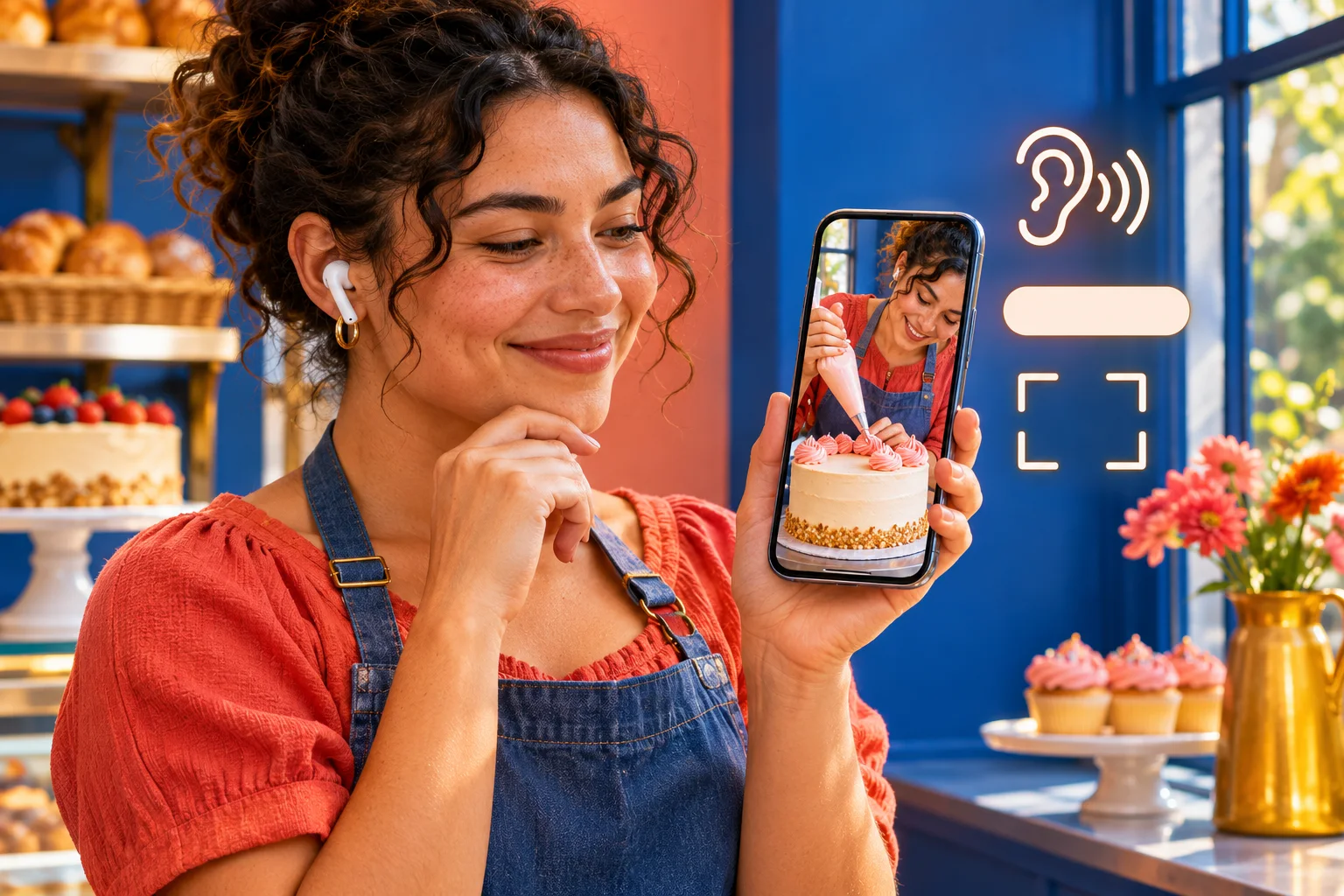
Before sharing, play the whole edit from first frame to last on a normal phone. The adjacent illustration shows a baker checking a mobile preview, sound and crop; the symbols are conceptual, not Edits controls. Watch once with sound and once muted. With sound, look for competing voice and music, abrupt volume changes, missing words and unclear transitions. Muted, check whether the action and captions still communicate the main point. A sound-off review can reveal that a video depends entirely on a spoken instruction never shown visually.
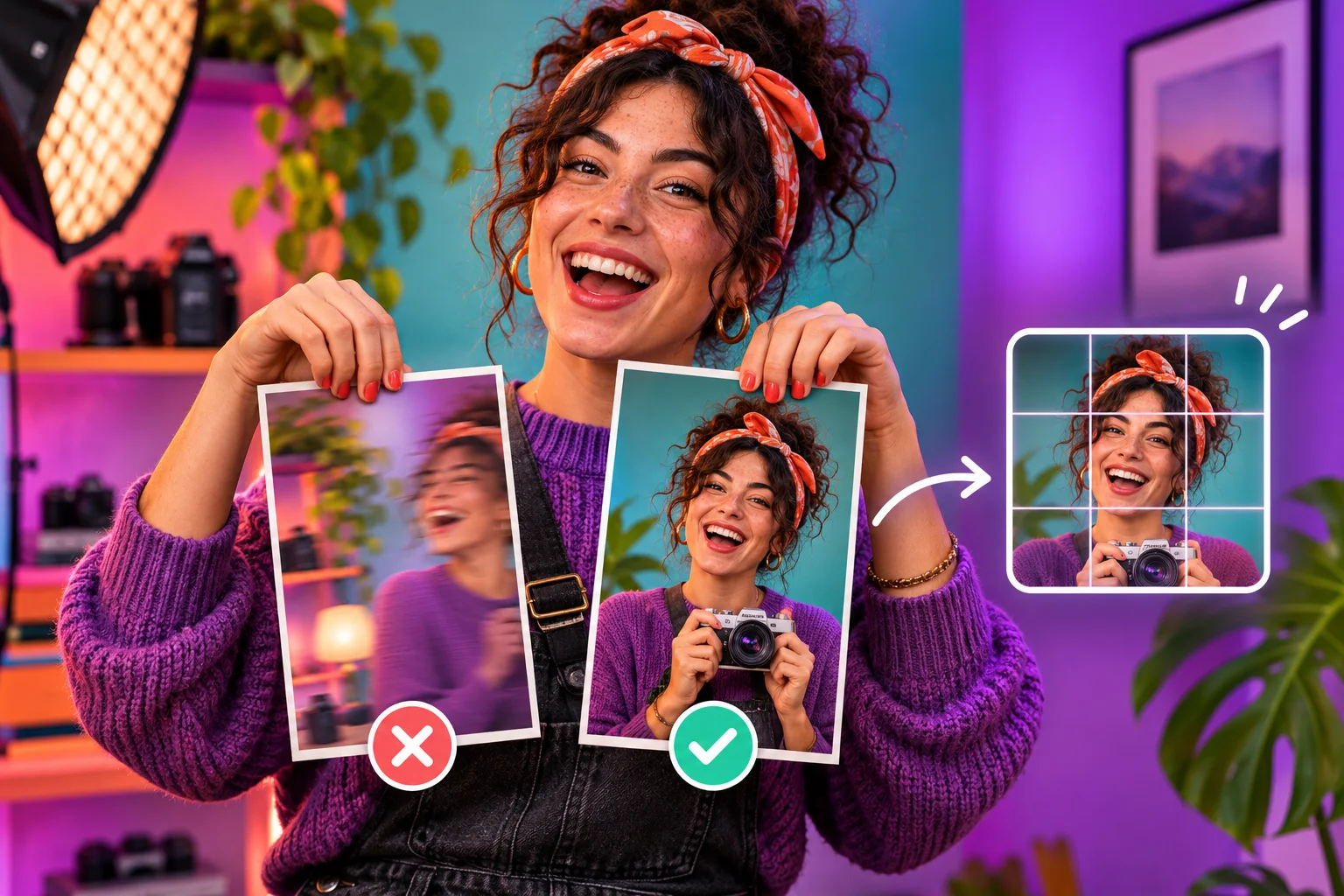
Then pause on the first frame, the crucial close-up and the last frame. Is the cake visible at vertical crop size? Are captions outside the areas a platform may cover with controls? Does the final cake match the process shown? Check the cover in Instagram's posting context too; the selected cover may not be the same thing as the first video frame or title card. This is why the Reel cover guide is separate. The file can be polished in Edits and still have a confusing thumbnail after publication.
Ask one teammate who was not present at filming to state what the Reel teaches. If they cannot identify the piping angle or mistake the final decoration for a different cake, revise the edit. Review the caption for any essential condition, such as the icing type, and for an accurate next step. If the Reel includes a customer, verify their permission for the particular appearance. Finally, note which version was approved; a team can otherwise upload an earlier export while assuming the latest Edits project is already live.
- Watch once with sound to catch competing voices, abrupt cuts and music that obscures speech.
- Watch once muted to check whether visual action and captions still communicate the point.
- Inspect vertical framing and the first and last frames on a normal phone, then verify rights and account details.
Choose direct sharing or a checked export
Meta says Edits can share directly to Instagram and Facebook and export without an added watermark. That describes available paths, not a promise that every export is suitable for every channel or that publishing settings are identical. If sharing from the app, verify the active account, destination and current post options before the final tap. A bakery managing a personal profile and a business profile should not assume the selected destination is the business one. Check the caption, cover, privacy and any collaboration or promotion setting in the final publisher.
Exporting gives you a file to check before uploading elsewhere. Open that file outside Edits; play it with sound and without sound; inspect the vertical crop, captions and first frame. A watermark-free file can still contain an unlicensed soundtrack, inaccurate text or customer footage not cleared for another platform. Keep the export name distinct from the editable project and record when it was approved. If you later correct a caption, replace the old file in the publishing queue rather than assuming the exported copy updates itself.
Scheduling is a different action. Edits' share/export controls should not be treated as proof that a post is scheduled. If you need a later publication time, use an Instagram or Meta scheduling path available to that account and verify the queued item there. Our scheduling guide explains the separate decision. Whether posting now or later, open the live Reel afterward to confirm the right account, video, cover, caption and sound. A successful share confirmation is useful, but the actual published page is the final visitor experience.
- Choose direct sharing only after confirming the active Instagram or Facebook account and final post settings.
- If exporting, open the saved file outside Edits and check playback, sound, captions and aspect ratio before uploading elsewhere.
- Keep a copy of the approved version and its source/permission notes so later edits are traceable.
Use feedback to improve the next edit
Meta says Edits offers data-driven feedback, including skip rate, and its 2026 account describes Ideas and comment summaries. These can point to questions for future work; they do not prove why a particular person stopped watching. If the bakery's opening loses attention, inspect the first seconds for a slow setup or unclear subject. If comments ask how thick the frosting was, the next Reel could show that condition. Treat these as hypotheses based on visible evidence, not secret rules extracted from one chart.
Compare several relevant posts over a consistent period where possible. Note the topic, opening, length, publish context and audience question. A strong view count without useful understanding may not meet the bakery's purpose. Conversely, a modest post that helps customers ask better questions may be valuable. Reel view definitions and counting methods need their own care; a view is not a unique interested customer. Our view-definition guide explains those limits. Do not present an invented test result for the hypothetical bakery.
Troubleshoot access and keep a realistic production routine
If a feature described in Meta's announcements is missing, start with the product and account. Are you in Edits rather than Instagram's Reel composer? Are you signed into the intended Instagram account and using a current app version? Is the feature available on your device and in your region? Meta's 2025 article contains both launched features and a future-work list; its 2026 article also distinguishes existing tools from features it plans to build. Do not treat a roadmap item, such as expanded caption capabilities or more complex templates, as a button that must already exist for everyone.
If the project itself looks wrong, check the source files and version before rebuilding. A missing clip may be an unimported file or the wrong project rather than lost media. If audio or captions changed after a trim, inspect the current timeline and final preview. For a share problem, save an export and verify the file only if that path is available and you have rights for the planned use. Avoid third-party tools promising to unlock Edits features in exchange for an Instagram password. Use official app support for an account-specific error you cannot isolate.
A manageable routine is one idea, a small shot list, an assembly pass, a review pass and a final destination check. The bakery can make a clear process Reel without using every effect. If it separately considers HitsBoost's Instagram views service, review the current package and terms on their own merits. A purchased count cannot repair an unclear demonstration, clear music rights, guarantee recommendations or produce sales. Complete the creative and permission checks first, then evaluate any commercial service as a separate purchase decision.
Frequently asked questions
What is the Edits app for Instagram?+
Edits is Meta's separate mobile video creation app. Meta describes planning, camera capture, project management, a timeline, editing, sharing to Instagram or Facebook, and export. Available controls can vary, so check the current app.
Do I need Edits to make an Instagram Reel?+
No. Instagram has its own Reel creation path. Edits is an optional workspace when its planning, clip editing or export tools help your specific video. Choose the tool that lets you make and verify a clear Reel.
How do I start a Reel in Edits?+
Download the official Edits app, sign in with the intended Instagram account, then inspect its current Ideas, project and camera or import controls. Write one viewer question, collect the permitted source footage and make a short shot plan before editing.
Can Edits export a video without a watermark?+
Meta says Edits can export video without an added watermark. Check the actual saved file before reusing it, including its audio, captions, framing and rights for the new destination.
Can Edits post directly to Instagram and Facebook?+
Meta describes direct sharing to both. Before the final action, verify the active account, destination, caption, cover, privacy and any other current publishing setting. Open the live post after sharing to confirm the result.
Are Edits storyboards and templates the same thing?+
No. A storyboard maps your script, clips and notes before or during production. A template offers a reusable editing structure. Use either only when it makes the viewer's task clearer; do not force a demonstration to fit a beat.
Why is a feature from an Edits announcement missing in my app?+
Meta's announcements span different dates and include both launched features and future plans. Check that you are in Edits, signed into the right account and using a current version. Device, location, eligibility or rollout can affect what appears; follow the controls actually shown.
Does using Edits give Reels more views?+
Meta does not guarantee distribution from using Edits. Its feedback can help you ask whether the video is clear, but views depend on many factors. Make the content useful, check its rights and review real audience response without inventing a causal result.
Compare Instagram Views packages.
Prepare the public destination, then review the quantity and terms that fit your goal.
Review Instagram views packages separately