
Choose a profile QR placement by the visitor's next question
| Offline moment | Reason to scan | Check before printing |
|---|---|---|
| Market stall | See current products or the next market date | Profile shows the real stall and current details |
| Workshop poster | Explore examples and ask about a place | Dates, contact route and booking method are current |
| Package insert | Find care tips or share a product question | Profile content helps the buyer after delivery |
| Service counter | See work samples before making an enquiry | Staff can explain what the account is for |
| Event name badge | Find the host or speaker later | Code belongs to the intended person or organisation |
Understand what a profile QR card actually does
Instagram introduced account QR codes so someone could display a code for their own account and another person could scan it to reach that account. Meta specifically described physical settings such as shops, restaurants, tourist spots and events, and mentioned putting the code on printed materials. That is the narrow promise: a route to a profile. The code is not a follow button, a purchase link, or a guarantee that anyone will look at the posts after the profile opens.
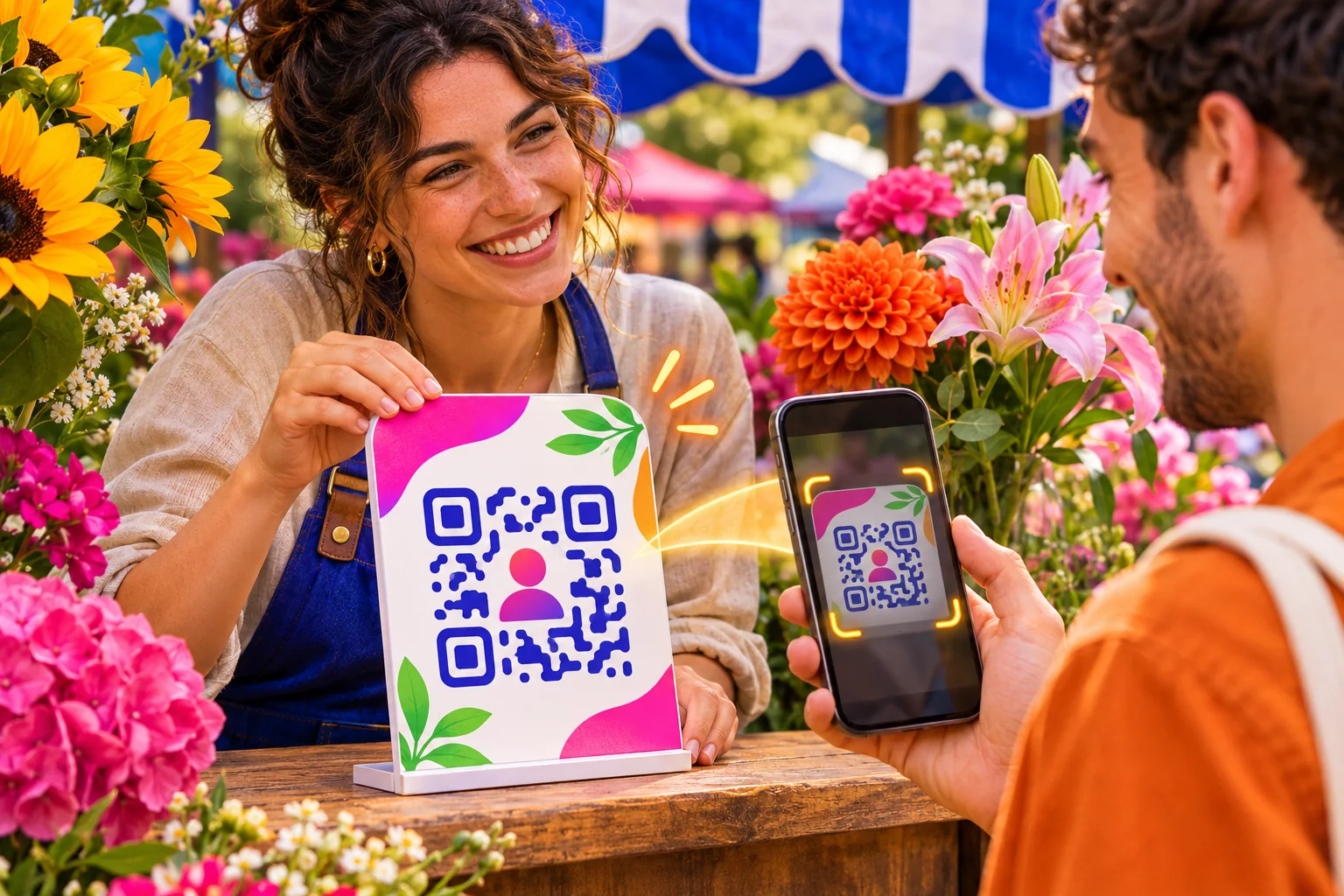
Think of the code as a doorway with a sign beside it. A stranger at a florist's table may appreciate seeing examples of recent bouquets, opening hours or a way to ask about an order. If the profile is empty, outdated or unclear, the smoothest scan still leaves the person without an answer. A business should therefore prepare the destination before buying a large batch of print materials. Scanning convenience cannot compensate for an unhelpful account.
Decide whether a QR code belongs in this moment
A QR code is most useful when a person is physically looking at something and has a camera in hand: a counter sign, event badge, workshop display, package insert or printed leaflet. It removes the typing step from that moment. It is less useful inside a clickable email or web page, where an ordinary profile link may be easier to open. Do not force a person to scan a code displayed on the same phone they are already using.
Ask what someone would want to do immediately after arriving. A café might say, in ordinary words outside the code, 'See this week's menu photos.' A service provider might invite people to view examples of completed work. A conference speaker might let attendees find the correct professional account after a session. The visible invitation should match content that is genuinely available on the profile. A vague 'Scan me' label creates curiosity but gives little reason to continue.
A short printed handle still matters. Some cameras will not scan a glossy or distant code, some visitors prefer to search manually, and some may not want to open Instagram on the spot. Put the account's readable @handle beside the actual exported code and test both routes. For a digital brochure, supply a clickable profile URL as well. These are alternatives for access, not extra steps that every visitor must complete.
Prepare the profile before inviting offline visitors
Open the account as a person who has never met the business. Does the profile photo resemble the sign, name badge or packaging? Can the bio explain what the business offers and where it operates without making unsupported claims? Is the current contact or booking route obvious? If an event date is printed, does the profile show the same date? A useful first screen helps a visitor decide whether they have reached the right place and what to do next.
The table above starts with a visitor question rather than a follower target. A market visitor might want to see available colours and upcoming dates; a recent buyer might need care instructions. Make the recent posts, relevant pinned material or highlighted information answer those needs. If the destination is a personal account, check that sharing it on permanent public print is intentional. A private account may still be found, but a person who is not approved cannot browse its private posts; Meta explains that private accounts limit who can see their content.
Review ownership and consent before choosing a profile. A team should not put an employee's personal QR code on company packaging unless that is genuinely the intended long-term destination and the person agrees. Choose the business account where customers expect continuity. Record which account supplied the export and where each physical version will appear. This small inventory becomes valuable when staff changes, a username changes or a display is replaced.
Find and save the built-in profile code
Start in Instagram while signed in to the intended account and open its profile. Look for the current Share profile action, a profile card or an available QR option. Apps change labels and menu positions by version, region and account type; Meta's 2019 article established the feature but its exact tap sequence is now historical. Let the current screen tell you which control exists. If you are switching among several accounts, verify the username at the top before exporting anything.
Use the app's share or save option to obtain the actual profile code if it offers one. Keep the native export as a clean master, not a screenshot stretched from a chat or a QR picture copied from another brand's website. A designer can arrange the export inside a sign, but should not redraw, compress beyond legibility or crop its code pattern. Avoid substituting an AI-generated QR illustration for a real code; artwork in this guide is explicitly illustrative and cannot be used as a working code.
Before placing the export in a design file, scan it from a second device. Confirm the exact account photo, username and bio, not just that Instagram opens. If a colleague sent the file, compare it with a fresh export from the business account. For a print shop, send the approved file and a brief instruction not to alter the code's shape. This simple chain of custody prevents a polished campaign from sending visitors to an old staff account or an unrelated group chat.
- Open the exact Instagram account that the printed material should represent.
- Look on its current profile for Share profile, a profile card or a QR option; names and placement can vary.
- Use the built-in save or share control for the profile code, if offered, and keep the original export.
- Before design work, scan that export with another phone and verify the account name, photo and username.
Design a sign that people can understand and scan
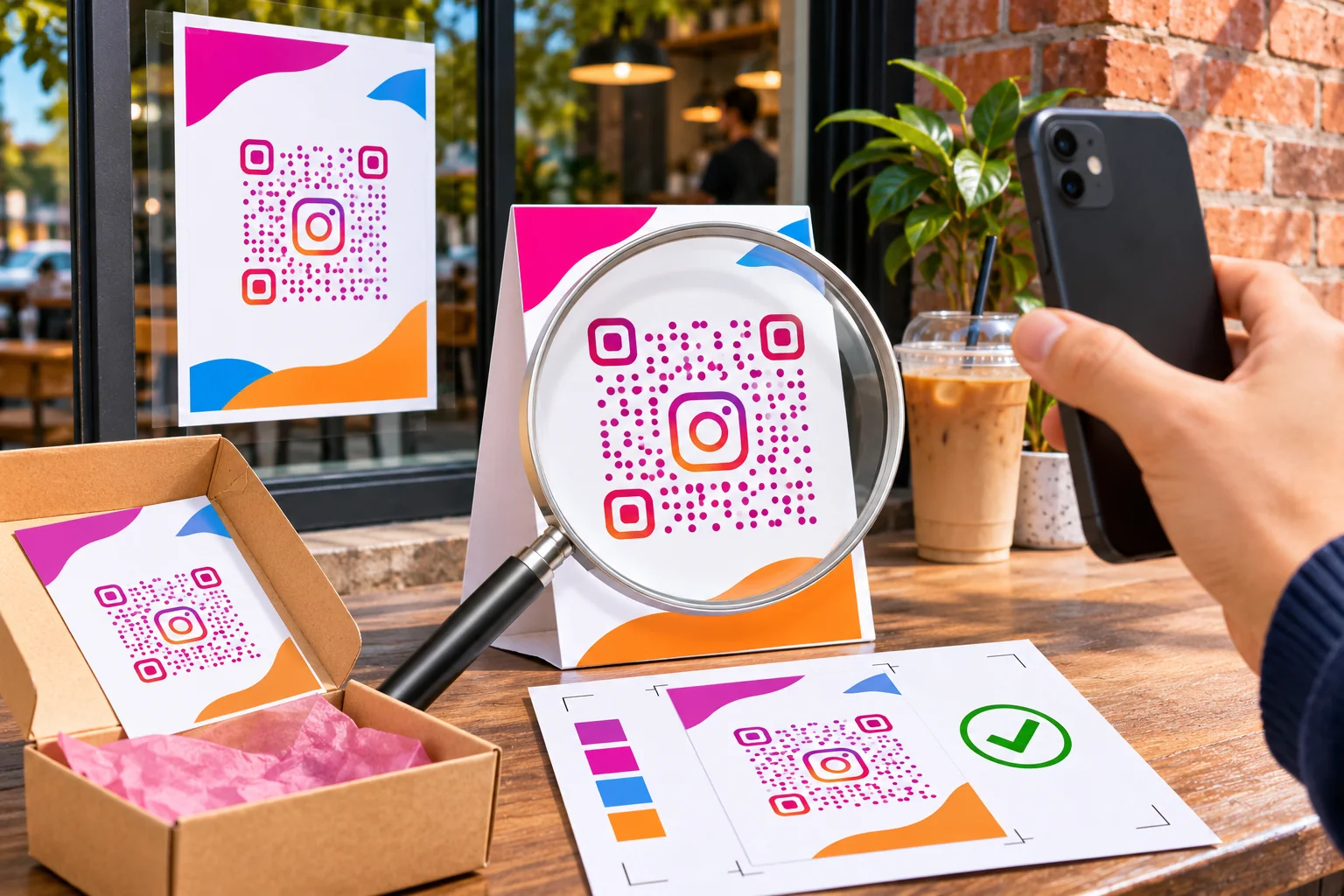
Put the real code on a clean, flat area with room around all sides. Avoid busy photographs touching the code, decorative stickers over its corners, or a gradient so faint that the square modules disappear in print. A small mockup on a large monitor can hide trouble that appears on a real card. Ask the printer for a physical proof and let successful scans at the intended size decide whether a design is workable; do not rely on one universal dimension copied from an unrelated QR tutorial.
Keep the message outside the code short and concrete. 'See workshop photos' explains a reason to scan; 'Follow for life-changing growth' makes a promise the profile may not support. The account name and @handle should be readable from the distance at which someone will stand. Place the card where a person can hold a phone steady without blocking a queue, reaching across food or standing in a doorway. Practical access matters as much as the visual style.
Material and lighting can make a perfectly good file hard to scan. A glossy window sign can reflect daylight; a curved coffee cup can distort the square; a low-contrast fabric print may merge dark and light marks. If the sign will live outside, consider fading, rain and the angle of the sun. Keep a plain-text handle as a fallback. The purpose of the printed layout is to help a visitor reach the intended profile, not merely to look attractive in a design review.
Run a print and scan quality check
Start with the actual exported Instagram code in a full-size proof, then test the physical proof rather than only the design file. Use at least two ordinary phones if available and include one that is not signed in to the business account. Test the location where the sign will stand: daylight at a window, evening light at a stall, or a hallway with overhead glare. A code that scans at arm's length on a bright office screen may not scan when a guest stands behind a queue.
Watch the entire path after the camera recognises the code. Does the phone offer a link, open the browser, switch into Instagram or ask for an app? The exact handoff can vary by phone and app state. Does the visitor finally see the intended username, profile photo and useful recent content? If the phone lands on a different account or a login barrier that a visitor does not expect, record that result before printing a large run. Do not enter someone else's credentials to test; use your own outside device.
For example, a pottery studio wants 200 package inserts. It prints one sample at the intended size, asks one staff member with an Android phone and another with an iPhone to scan it, and checks the resulting profile against the studio's approved account. The first proof has a glossy coating and fails under the shop light; a matte proof works in that setting. That is a hypothetical QA scenario, not an Instagram performance claim. Only the tested matte file goes to the printer.
- Print one proof on the intended paper or surface at the intended size.
- Scan with two ordinary phones, including one not signed in to the business account.
- Test from a comfortable distance in the light and angle where people will actually stand.
- Check that the destination is the intended profile and that any browser-to-app handoff is understandable.
- Repeat after final printing; a working design-file preview does not prove that the physical copy works.
Place the code where it answers a real question
At a market stall, the sign can sit near products when the owner is busy and a visitor wants to see other colours or future dates. At a workshop, it can appear near the exit so attendees can find the instructor's account after the session without interrupting a demonstration. On a package insert, it can point buyers toward care examples. These are different reader needs; one identical call to action does not suit all three.
Avoid treating every piece of inventory as billboard space. A small label on a fragile product may be better used for required care or safety information, while an insert offers room for a legible code and a useful explanation. At an event, ask the venue or organiser before covering shared walls or signs. If a customer photo appears on the display or destination, obtain the appropriate permission. A code should support the experience around it rather than intrude on it.
Give staff one simple line to explain the card: 'That opens our Instagram profile with today's examples and contact details.' If it does not honestly describe the destination, improve the profile or change the sign. The staff should also be able to state the @handle for someone who cannot scan. For a web page, ticket email or digital flyer, prefer a clickable link in addition to any visual code. Meet people in the format they are already using.
Respect account privacy and visitor choice
A profile QR card makes the account easier to find; it does not override Instagram privacy settings. Meta explains that people with private accounts approve new followers and that non-followers cannot view private posts, Stories and Reels. A small business choosing a private account should expect this difference when a newcomer scans its card. There may be good privacy reasons for a private profile, so choose deliberately rather than making the account public solely to maximise an assumed number of follows.
Do not pressure visitors to scan, follow or show proof of a follow at the counter. A code may help someone find the account later; it should not be framed as a required step to receive ordinary service. If an event has its own entry process, do not disguise it as an Instagram profile QR. Keep the printed invitation truthful about its destination. This matters especially when staff, creators and customers may have different expectations of a personal versus a company account.
If you use a third-party QR shortener, that adds another service and possible tracking or expiration rules. The guide's default route is the Instagram-generated profile code; any alternate short link deserves a separate privacy, reliability and destination review before print. Do not claim the built-in card provides scan analytics unless the current app explicitly offers such a report for that account and code. Treat the physical code as a navigation aid, not a hidden measurement device.
Audit every printed copy after an account change
A username, account ownership, profile photo or business name can change while thousands of pieces of packaging remain in circulation. Do not assume an old QR code will continue to point to the same destination after a rename. The safe action is to scan a physical sample from each print version with a device outside the account, then compare the destination to the intended current profile. Meta's old announcement does not settle how every later app version handles a changed username or exported card.
Keep a simple register: code export date, account username at export, print locations, estimated lifespan and a person responsible for checking. If a card belongs to a former team member, reaches an unexpected account or no longer resolves, remove or cover it where possible. For packaging already with customers, update your owned digital channels with the current handle and answer enquiries plainly. Do not tell people that a broken code is a temporary Instagram glitch without evidence.
Before reprinting, export a new built-in card from the current account and run the same scan proof as the first version. Print 'Instagram: @yourhandle' beside it as a useful fallback, but check the text too after a rename. If the account itself is compromised, secure access first rather than advertising a QR that leads visitors to a potentially unsafe profile. The aim is a reliable identity handoff, not a permanent guarantee from one old file.
- List every permanent or semi-permanent printed placement and who owns it.
- After a username or account change, scan the existing code from an outside device rather than assuming it still resolves correctly.
- If a scan fails, redirects unexpectedly or reaches the wrong profile, remove or cover that material and issue a tested replacement.
- Keep a plain text handle nearby so a visitor has a fallback when a camera cannot scan.
Troubleshoot a code that will not reach the right profile
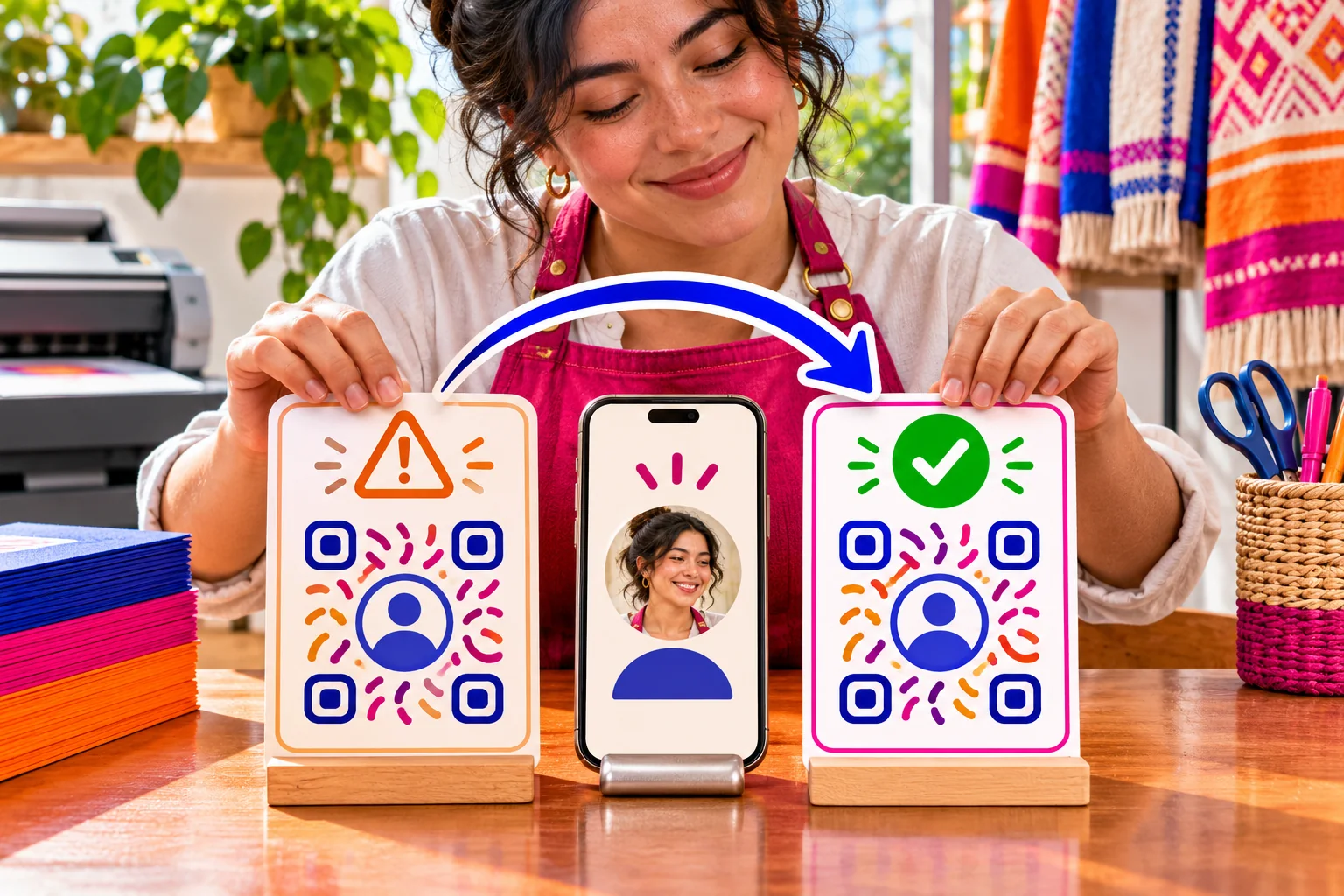
If a camera never recognises the square, compare the final print with the original export. Was it cropped, blurred, stretched, shrunk, placed on a curved surface or printed with weak contrast? Try the original file on a screen with the same phone. If that works but the physical sign does not, solve the material or placement problem before changing account settings. A second device can help distinguish a print issue from one phone's camera, browser or app behaviour.
If the phone recognises a link but the profile is wrong, stop distributing the piece. Verify which account was signed in when the file was exported; check whether a colleague used a group-chat invite, another creator's card or an old file from a previous username. Generate a fresh card from the intended account, scan it independently and replace affected material. Do not mask the problem by drawing a new QR motif in a graphics editor or using an unverified code generator.
Judge the outcome by the visitor's task, not a scan claim
The first success measure is operational: visitors can reach the correct profile without confusion. A shop can ask staff whether people find its examples or contact route; a workshop organiser can note whether attendees are able to identify the instructor later. These observations are useful even without a scan count. Follower growth, enquiries and sales depend on many other things, including the content, the offline interaction and the person's own choice. Do not attribute all later activity to the code.
When reviewing a campaign, record the placements and dates, check for broken destinations and collect ordinary visitor feedback. If the code feels hidden or the sign promises information absent from the profile, fix those concrete problems first. If people reach the account but still ask basic questions, improve the bio, pinned material or contact route. Do not invent a scan-to-follow rate from follower totals; neither the number of scans nor the reasons for each follow are established by that arithmetic.
HitsBoost's Instagram followers packages are a separate commercial choice for someone already evaluating that service. Check current terms, price, delivery description and account suitability on the service page. A purchased follower count cannot make a printed QR work, improve the profile's usefulness or guarantee people who scan will follow, engage, enquire or buy. For this offline task, start with a correct code, a relevant reason to open the profile and a tested visitor path; judge any paid service on its own merits.
Frequently asked questions
Where do I find my Instagram profile QR code?+
Open the intended account's profile and inspect the current Share profile, profile card or QR options. Instagram changes labels and layouts, so use the controls present in your app. Save the account's actual export and scan it from another phone before print.
Can a normal phone camera scan an Instagram profile QR card?+
Meta described profile QR codes opening an Instagram account from a phone camera. The handoff can vary by device, installed apps and account state. Test your actual exported code with ordinary phones before producing signs.
Can I print a QR image generated by AI for my profile?+
No. A generated picture can look like a QR code without encoding a working destination. Export the real profile card or code from Instagram, preserve its pattern and test the finished physical print. Images in this guide are illustrative only.
Will an Instagram QR scan automatically add a follower?+
No. The code helps someone reach a profile. The person decides whether to view, follow, message or leave. Do not treat a scan as proof of a follow or promise a follower result from a sign.
Will my printed code still work after I change my username?+
Do not assume either outcome. Scan the existing physical version from an outside device after the change and confirm the account name, photo and username. If it fails or reaches an unexpected destination, replace the affected material with a newly exported and tested code.
Why does my printed Instagram QR code not scan?+
Check whether it was cropped, stretched, printed too faintly, made glossy, placed on a curved surface or displayed in poor light. Compare the original export with the final print and test with a second phone. If the original works, correct the physical design or placement.
Is a profile QR code the same as a group-chat invite QR?+
No. A profile code is for discovering an account. Meta separately describes group-chat QR invites as a way to join a conversation, with controls for chat admins. Confirm the destination before sending a file to the printer.
Can I see how many people scanned my Instagram profile code?+
Do not assume a built-in scan report exists. Check what the current app actually provides for your account. Without a verified scan metric, use print QA, destination checks and voluntary visitor feedback rather than inventing a scan-to-follow number.
Compare Instagram Followers packages.
Prepare the public destination, then review the quantity and terms that fit your goal.
Review Instagram followers packages separately